Trumpet Fingerings 電腦版
Notely Apps
用GameLoop模拟器在電腦上玩Trumpet Fingerings
Trumpet Fingerings 電腦版
來自發行商 Notely Apps 的 Trumpet Fingerings 能夠在安卓系統上運行。
現在,您可以在電腦上使用 GameLoop 模擬器流暢地玩 Trumpet Fingerings。
在 GameLoop 遊戲庫或搜索結果中下載。 不需要再暢玩遊戲時盯著電池電量或被令人懊惱的來電打斷。
只需在電腦大屏幕上免費下載暢玩Trumpet Fingerings 電腦版!
Trumpet Fingerings 簡介
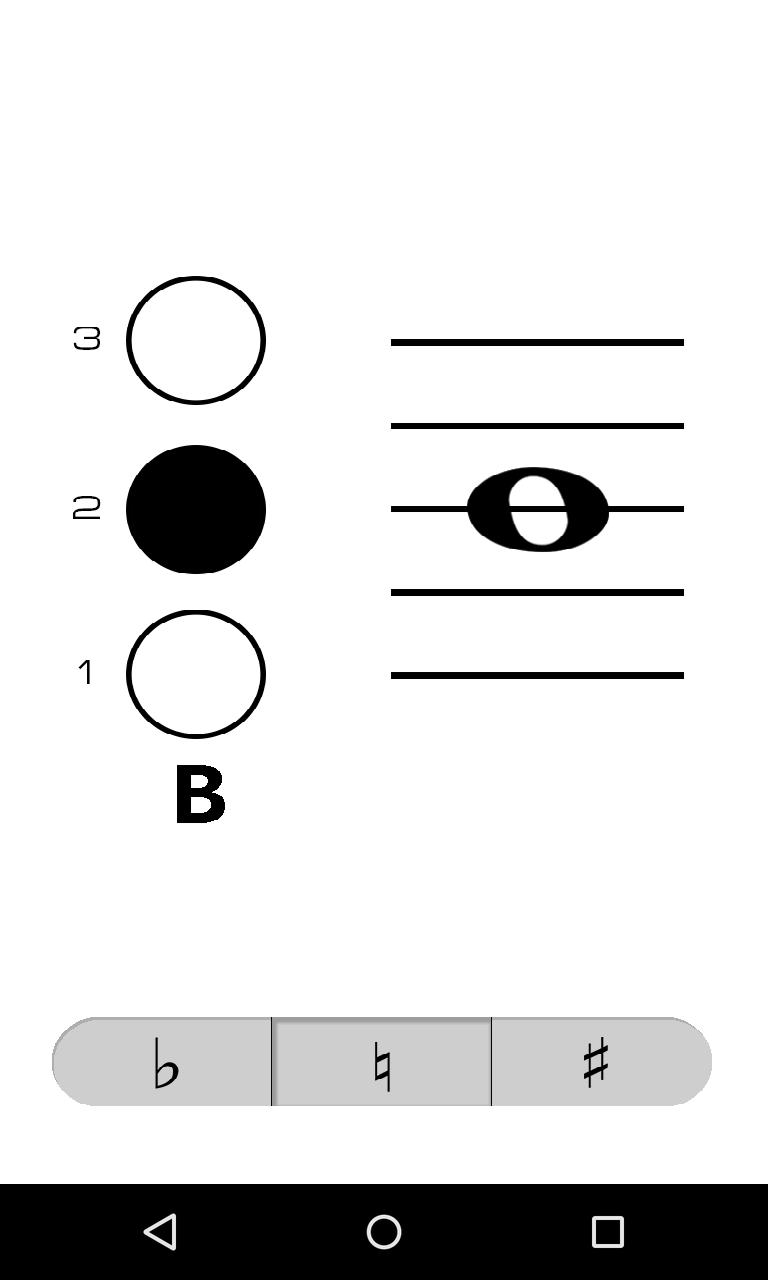
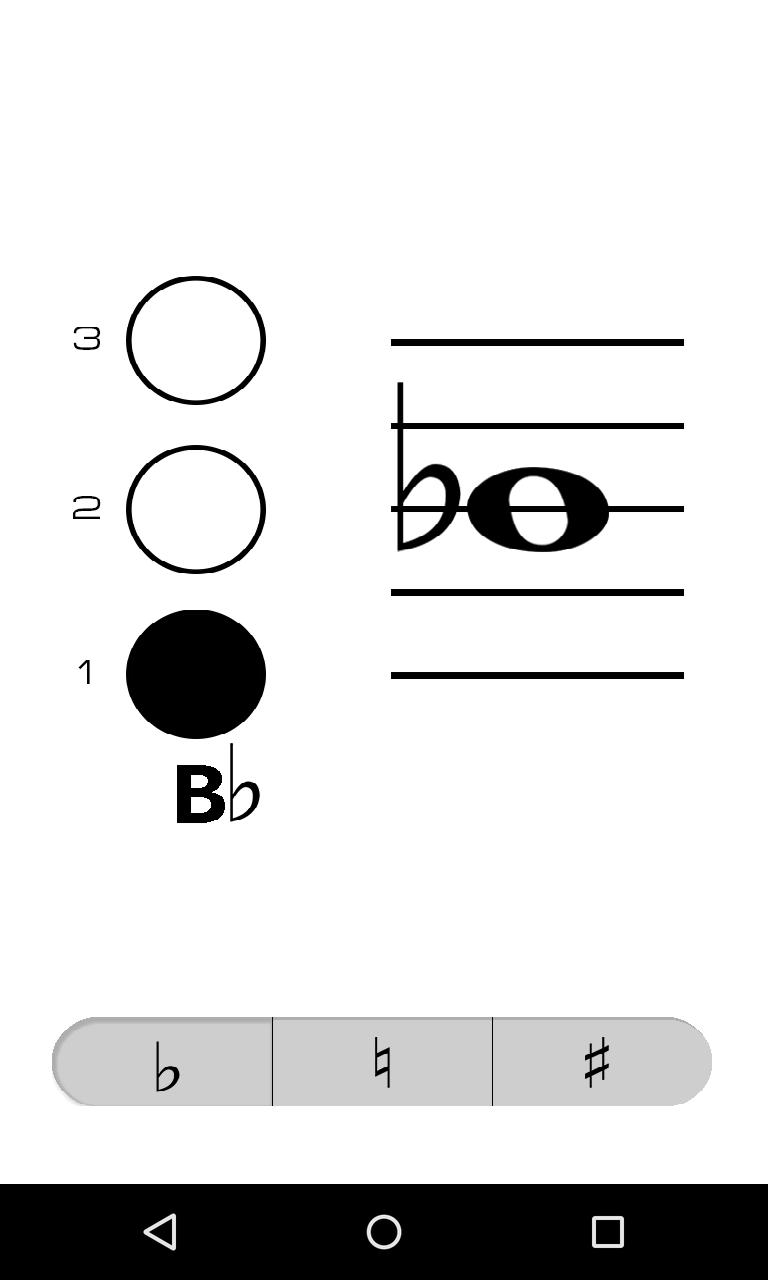
Trumpet Fingerings is a clean and simple virtual fingering chart that makes it fast and easy to look up the fingering and name of a note. No more flipping through clumsy paper fingering charts.
To use Trumpet Fingerings, simply tap the location on the staff of the note you wish to check or drag your finger up or down to the location of the note on the staff. Select whether the pitch of the note is flat, natural, or sharp by tapping the corresponding button on the bottom of the screen, notes are natural by default. The "1" next to the button on the left side of the screen represents the first valve on your trumpet (the one closest to your face when you play).
預覽
標籤
Music-&訊息
開發商
Notely Apps
最新版本
1.2
更新時間
2015-05-02
類別
Music-audio
同時可用
Google Play
更多
如何在電腦上用 GameLoop 玩 Trumpet Fingerings
1. 從官網下載GameLoop,然後運行exe文件安裝GameLoop
2. 打開GameLoop,搜索“Trumpet Fingerings”,在搜索結果中找到Trumpet Fingerings,點擊“安裝”
3. 享受在 GameLoop 上玩 Trumpet Fingerings 的樂趣
Minimum requirements
OS
Windows 8.1 64-bit or Windows 10 64-bit
GPU
GTX 1050
CPU
i3-8300
Memory
8GB RAM
Storage
1GB available space
Recommended requirements
OS
Windows 8.1 64-bit or Windows 10 64-bit
GPU
GTX 1050
CPU
i3-9320
Memory
16GB RAM
Storage
1GB available space