Mackie MixerConnect 電腦版
LOUD Audio, LLC
用GameLoop模拟器在電腦上玩Mackie MixerConnect
Mackie MixerConnect 電腦版
來自發行商 LOUD Audio, LLC 的 Mackie MixerConnect 能夠在安卓系統上運行。
現在,您可以在電腦上使用 GameLoop 模擬器流暢地玩 Mackie MixerConnect。
在 GameLoop 遊戲庫或搜索結果中下載。 不需要再暢玩遊戲時盯著電池電量或被令人懊惱的來電打斷。
只需在電腦大屏幕上免費下載暢玩Mackie MixerConnect 電腦版!
Mackie MixerConnect 簡介
MixerConnect™ provides complete Bluetooth® control over your Mackie ProDX4™ or ProDX8™ Wireless Digital Mixer – allowing for adjustments of levels, EQ, FX and more – all right from your mic stand, podium or pocket.
MixerConnect also allows you to demo the software before deciding to buy a Mackie ProDX Series mixer!
Features:
* Intuitive multi-touch control over every mix function
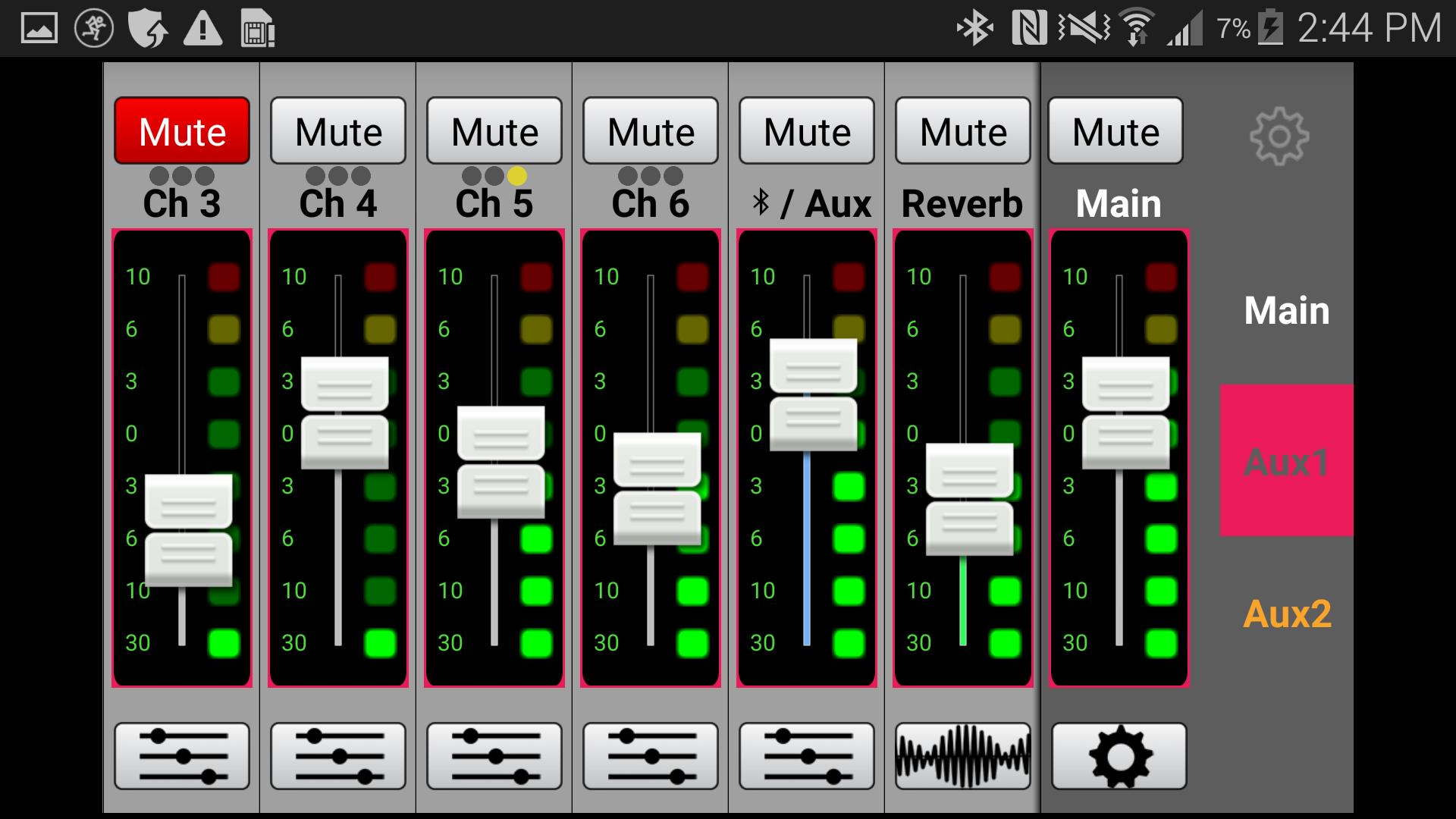
* Grow and Glow™ clearly shows controls being adjusted
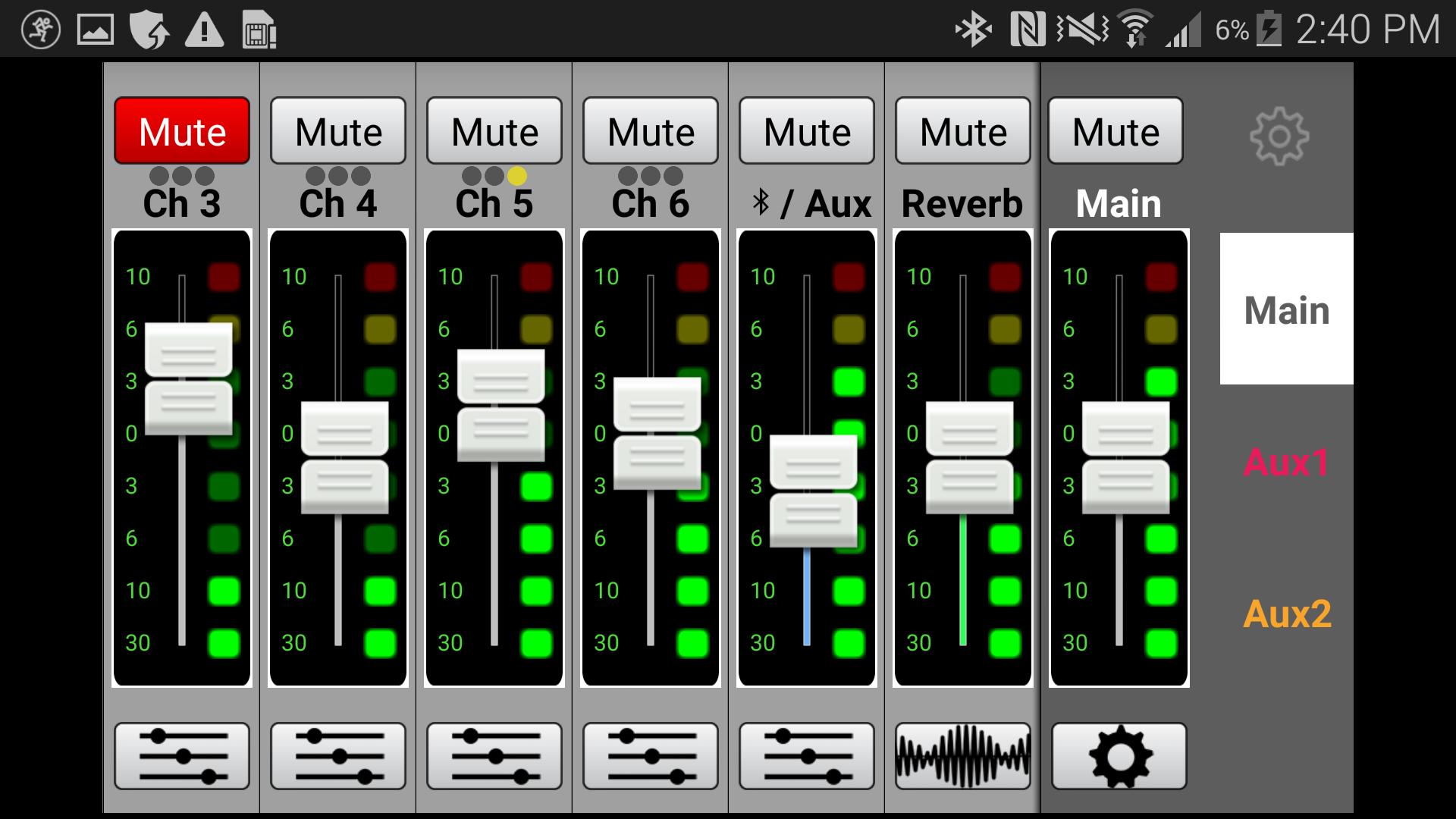
* Mixer view allows fast adjustment of channel controls including level and mute, while also providing full input/output metering
* Channel view gives control over 3-band EQ, low cut, compression and FX send level
* System view provides control over additional features, like three memory recall locations and phones level
* Control over GEQ on main and aux mixes
Requirements:
* Officially supports Android versions 4.1-4.4, or 5.0 and greater
* Mackie Connect does not mix audio on its own; it requires a Mackie ProDX Series mixer to fully function
預覽
標籤
Music-&訊息
開發商
LOUD Audio, LLC
最新版本
1.0.0
更新時間
2016-05-12
類別
Music-audio
同時可用
Google Play
更多
如何在電腦上用 GameLoop 玩 Mackie MixerConnect
1. 從官網下載GameLoop,然後運行exe文件安裝GameLoop
2. 打開GameLoop,搜索“Mackie MixerConnect”,在搜索結果中找到Mackie MixerConnect,點擊“安裝”
3. 享受在 GameLoop 上玩 Mackie MixerConnect 的樂趣
Minimum requirements
OS
Windows 8.1 64-bit or Windows 10 64-bit
GPU
GTX 1050
CPU
i3-8300
Memory
8GB RAM
Storage
1GB available space
Recommended requirements
OS
Windows 8.1 64-bit or Windows 10 64-bit
GPU
GTX 1050
CPU
i3-9320
Memory
16GB RAM
Storage
1GB available space