
Hi-Res Music Player (FREE) 電腦版
ELECOM CO.,LTD.
用GameLoop模拟器在電腦上玩Hi-Res Music Player (FREE)
Hi-Res Music Player (FREE) 電腦版
來自發行商 ELECOM CO.,LTD. 的 Hi-Res Music Player (FREE) 能夠在安卓系統上運行。
現在,您可以在電腦上使用 GameLoop 模擬器流暢地玩 Hi-Res Music Player (FREE)。
在 GameLoop 遊戲庫或搜索結果中下載。 不需要再暢玩遊戲時盯著電池電量或被令人懊惱的來電打斷。
只需在電腦大屏幕上免費下載暢玩Hi-Res Music Player (FREE) 電腦版!
Hi-Res Music Player (FREE) 簡介
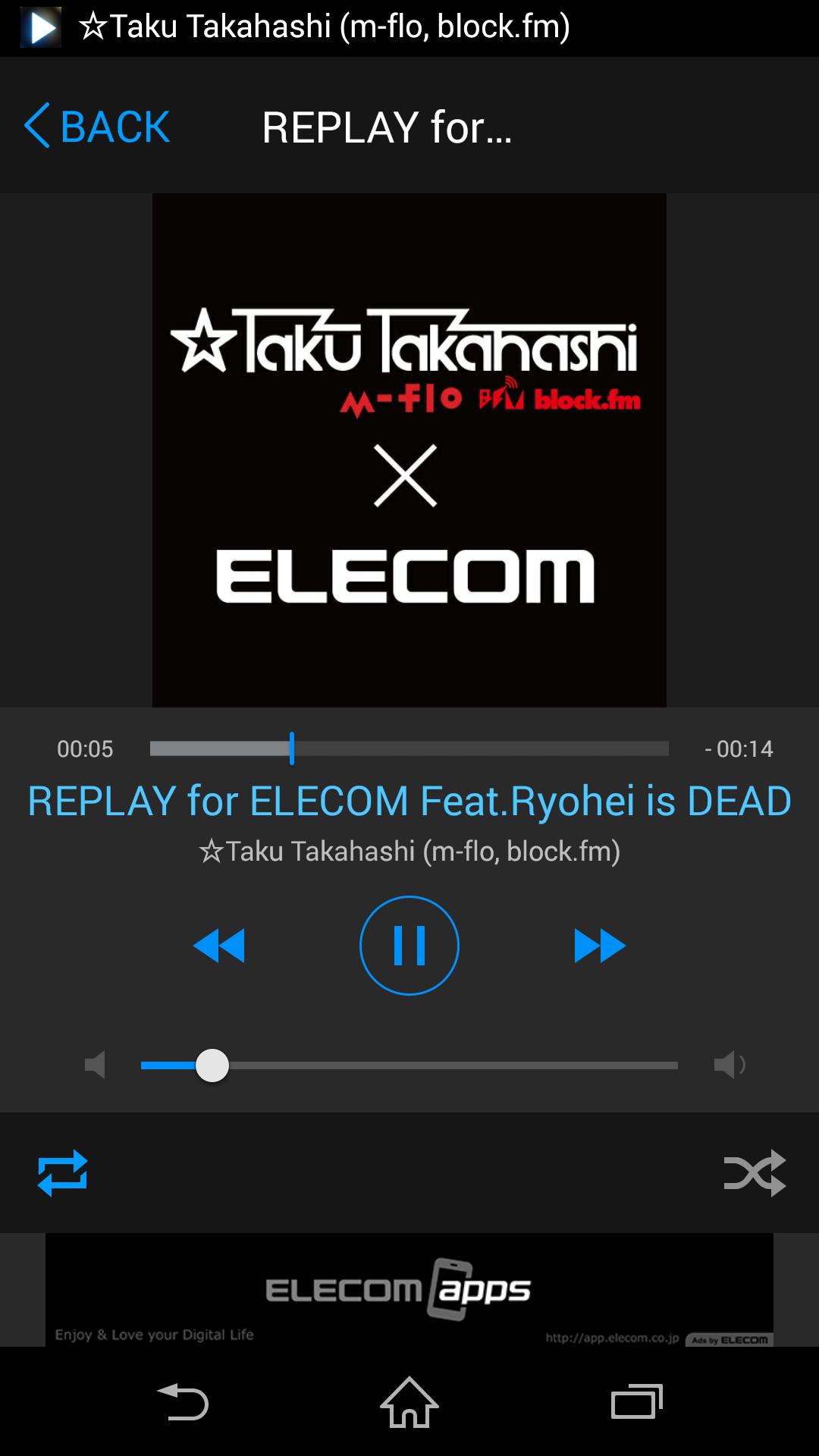
ELECOM Hi-Res Music Player is the application which can play high-quality Hi-Res audio.
To play Hi-Res Music, ELECOM's Hi-Res USB Portable Amp is required.
[Feature]
- Playback Hi-Res audio file (WAV/FLAC)
- Repeat playback for each file or all files
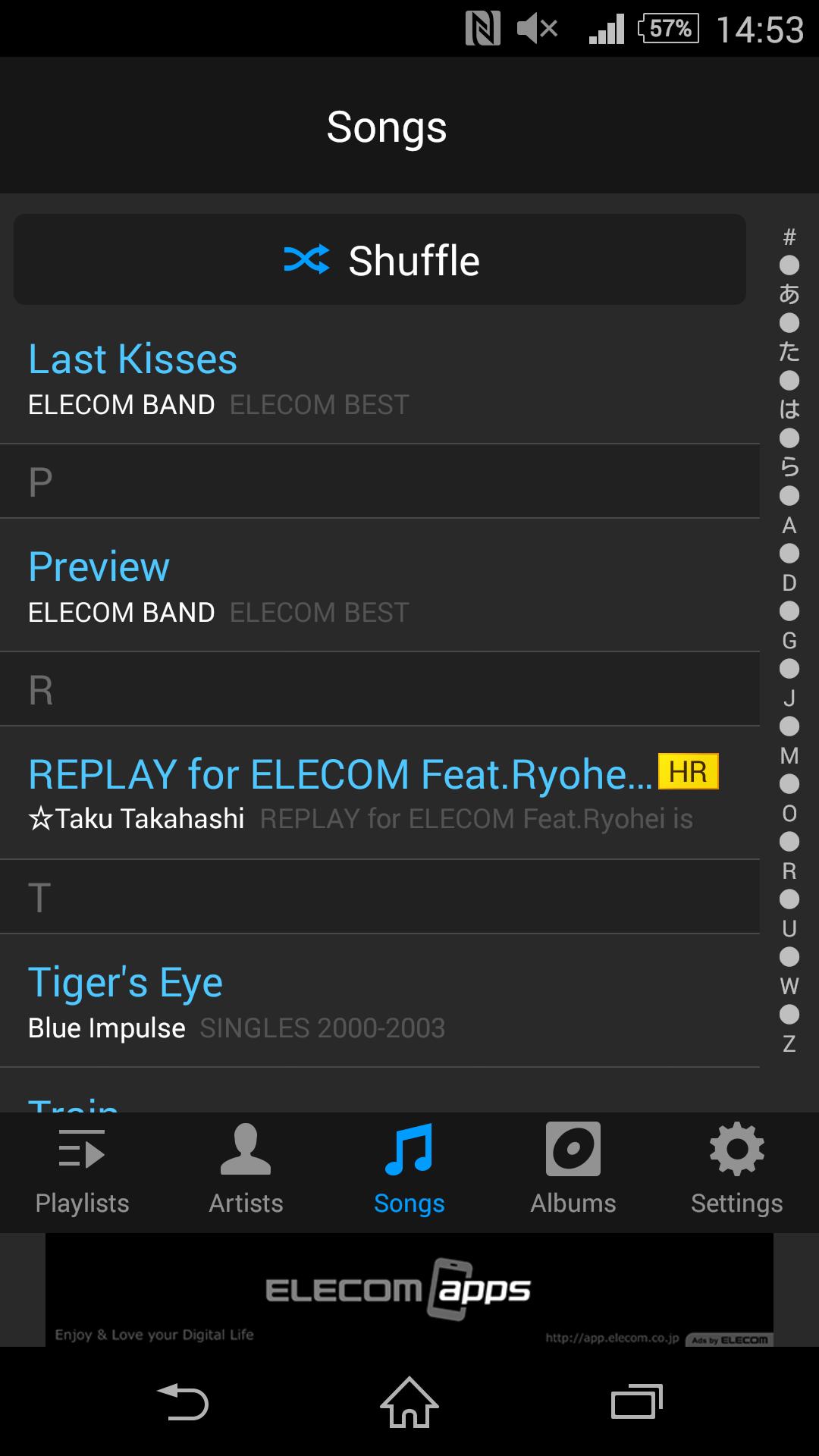
- Shuffle Playback
- Manages playlist which includes both normal and Hi-Res audio.
- Playback control on lock screen
[Supported Format]
- Hi-Res: WAV/FLAC, up to 192kHz/24bit
- Non Hi-Res: depends on the supported format for device.
** DSD is not supported
Ads is displayed on some screen due to free version.
[Support OS]
Android 4.3~6.0
[Online Manual]
http://app.elecom.co.jp/en/musicplayer/android/manual.html
預覽
訊息
開發商
ELECOM CO.,LTD.
最新版本
1.0.1
更新時間
2016-06-14
類別
Music-audio
同時可用
Google Play
更多
如何在電腦上用 GameLoop 玩 Hi-Res Music Player (FREE)
1. 從官網下載GameLoop,然後運行exe文件安裝GameLoop
2. 打開GameLoop,搜索“Hi-Res Music Player (FREE)”,在搜索結果中找到Hi-Res Music Player (FREE),點擊“安裝”
3. 享受在 GameLoop 上玩 Hi-Res Music Player (FREE) 的樂趣
Minimum requirements
OS
Windows 8.1 64-bit or Windows 10 64-bit
GPU
GTX 1050
CPU
i3-8300
Memory
8GB RAM
Storage
1GB available space
Recommended requirements
OS
Windows 8.1 64-bit or Windows 10 64-bit
GPU
GTX 1050
CPU
i3-9320
Memory
16GB RAM
Storage
1GB available space