
Music Player 電腦版
iamtrk
用GameLoop模拟器在電腦上玩Music Player
Music Player 電腦版
來自發行商 iamtrk 的 Music Player 能夠在安卓系統上運行。
現在,您可以在電腦上使用 GameLoop 模擬器流暢地玩 Music Player。
在 GameLoop 遊戲庫或搜索結果中下載。 不需要再暢玩遊戲時盯著電池電量或被令人懊惱的來電打斷。
只需在電腦大屏幕上免費下載暢玩Music Player 電腦版!
Music Player 簡介
Just install & It's ready to go !!
Our app supports bluetooth controls. So, you can use the app to play songs on your car stereo, bluetooth speakers or android watch.
Headset: press once to play/pause song. press twice to go to next song. press thrice to go to previous song.
Offline music player: Play songs in your phone. Music player is also called as: song player, audio player, MP3 player.
Features:
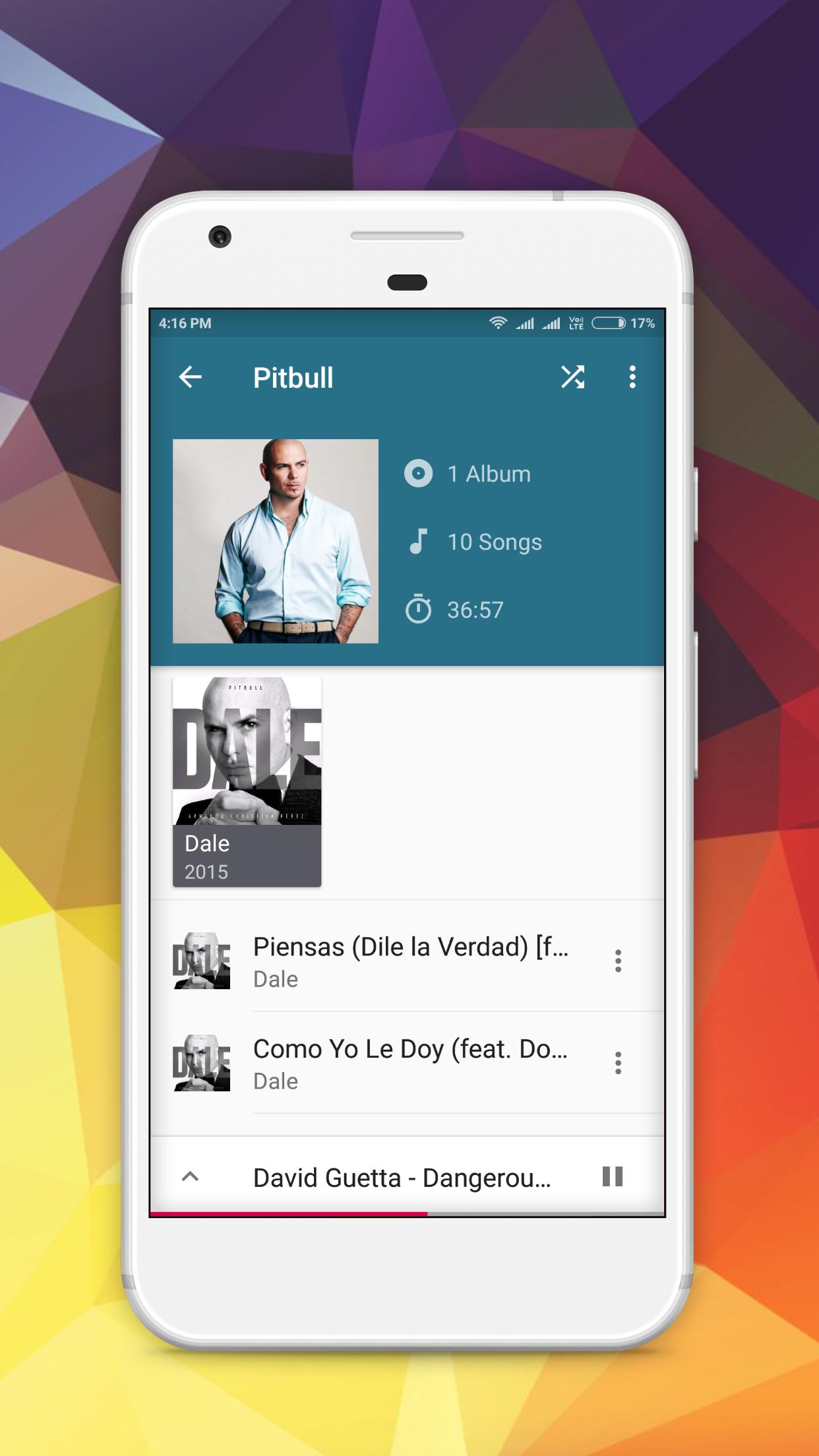
-- Organise your songs by Artist, Album, Genre and Playlists.
-- Auto download Album-Art.
-- Supports all the most popular music file formats.
-- Use any image from your device as album image.
-- Support to delete album image.
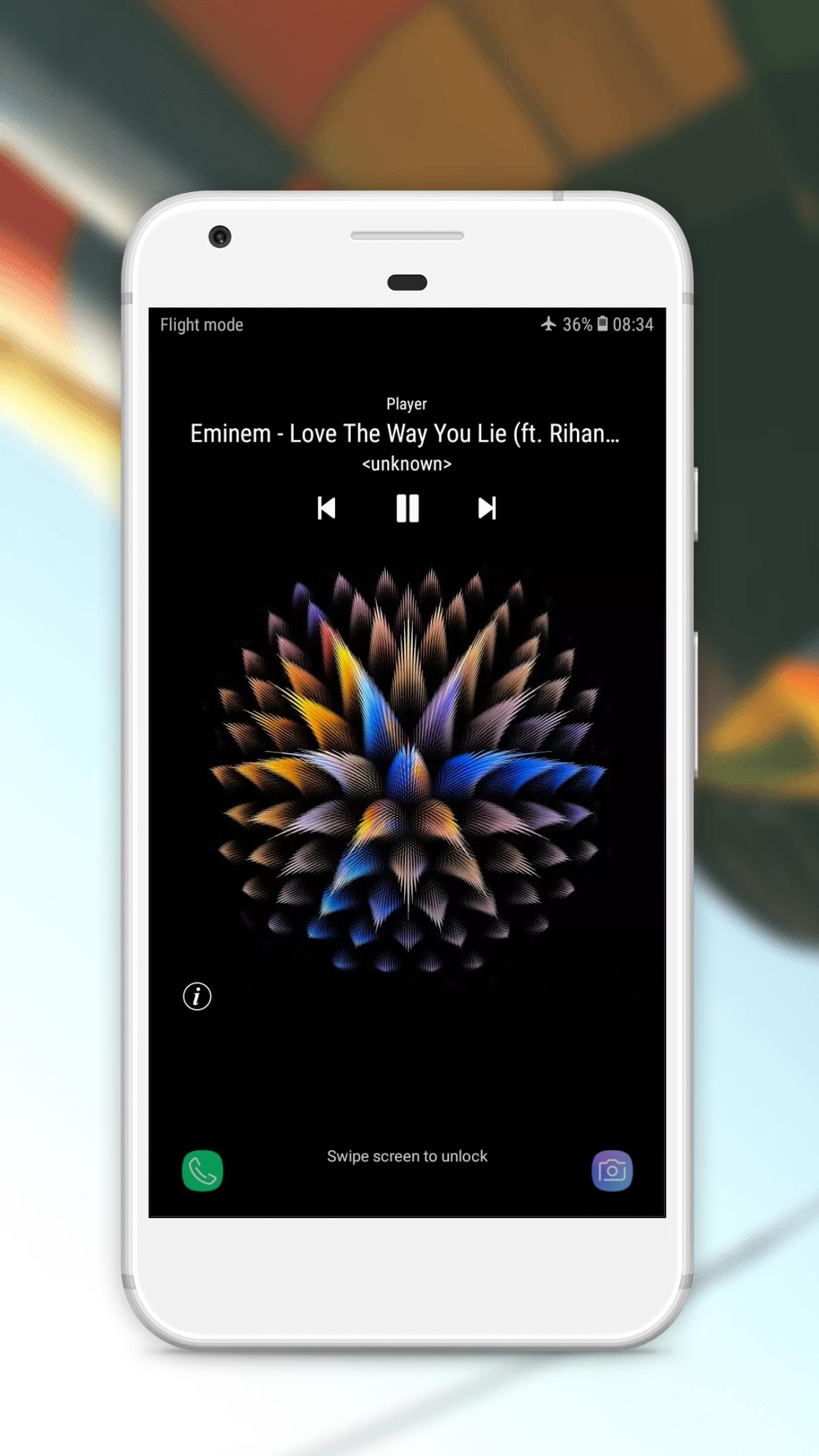
-- Lock screen controls.
-- View song Details.
-- Go to Album from currently playing screen.
-- Go to Artist from currently playing screen.
-- Support notification status: show album artwork, play/pause, skip forward in notification status.
-- Headset controls.
-- See all songs in playlist.
-- Drag up to access now playing song.
-- Blacklist by folder.
-- Setting for "Recently played" Playlist Interval.
-- Equaliser support.
-- Color theme select option.
-- Shuffle All Option.
-- Configurable grid size.
-- Sort order option.
-- Sort by Artist, Album & Year.
-- Music player has 4 default playlists. These are "Last added", "Recently played", "Not recently played" & "my top tracks".
-- Multi select songs, albums & artists.
-- Support for Favourites songs.
-- Set any song as your call ringtone.
-- Delete unwanted files directly from the app.
-- Edit Name, Album, Artist, Genre & Year of any song.
-- Sequence the songs in a playing queue in the order you want & save it as a playlist.
-- You can add the same song multiple times within a playlist.
-- Share your favourite songs to anyone.
-- Sleep timer.
-- Queue with play list reorder.
-- Attractive widgets.
-- Auto suggestions during search.
-- Bluetooth controls.
-- MP3 player or audio player also is the name of this app.
-- Edit Name, Artist, Genre, Year of any Album.
Permissions Explained:
WRITE_EXTERNAL_STORAGE: We need this permission to show you all your audio content.
Please contact us at feedbackmp3player@gmail.com if you have any feedback.
預覽
標籤
Music-&訊息
開發商
iamtrk
最新版本
MRS20
更新時間
2020-01-30
類別
Music-audio
同時可用
Google Play
更多
如何在電腦上用 GameLoop 玩 Music Player
1. 從官網下載GameLoop,然後運行exe文件安裝GameLoop
2. 打開GameLoop,搜索“Music Player”,在搜索結果中找到Music Player,點擊“安裝”
3. 享受在 GameLoop 上玩 Music Player 的樂趣
Minimum requirements
OS
Windows 8.1 64-bit or Windows 10 64-bit
GPU
GTX 1050
CPU
i3-8300
Memory
8GB RAM
Storage
1GB available space
Recommended requirements
OS
Windows 8.1 64-bit or Windows 10 64-bit
GPU
GTX 1050
CPU
i3-9320
Memory
16GB RAM
Storage
1GB available space