
AudioFetch 電腦版
AudioFetch - Audio to WiFi-connected smartphones
用GameLoop模拟器在電腦上玩AudioFetch
AudioFetch 電腦版
來自發行商 AudioFetch - Audio to WiFi-connected smartphones 的 AudioFetch 能夠在安卓系統上運行。
現在,您可以在電腦上使用 GameLoop 模擬器流暢地玩 AudioFetch。
在 GameLoop 遊戲庫或搜索結果中下載。 不需要再暢玩遊戲時盯著電池電量或被令人懊惱的來電打斷。
只需在電腦大屏幕上免費下載暢玩AudioFetch 電腦版!
AudioFetch 簡介
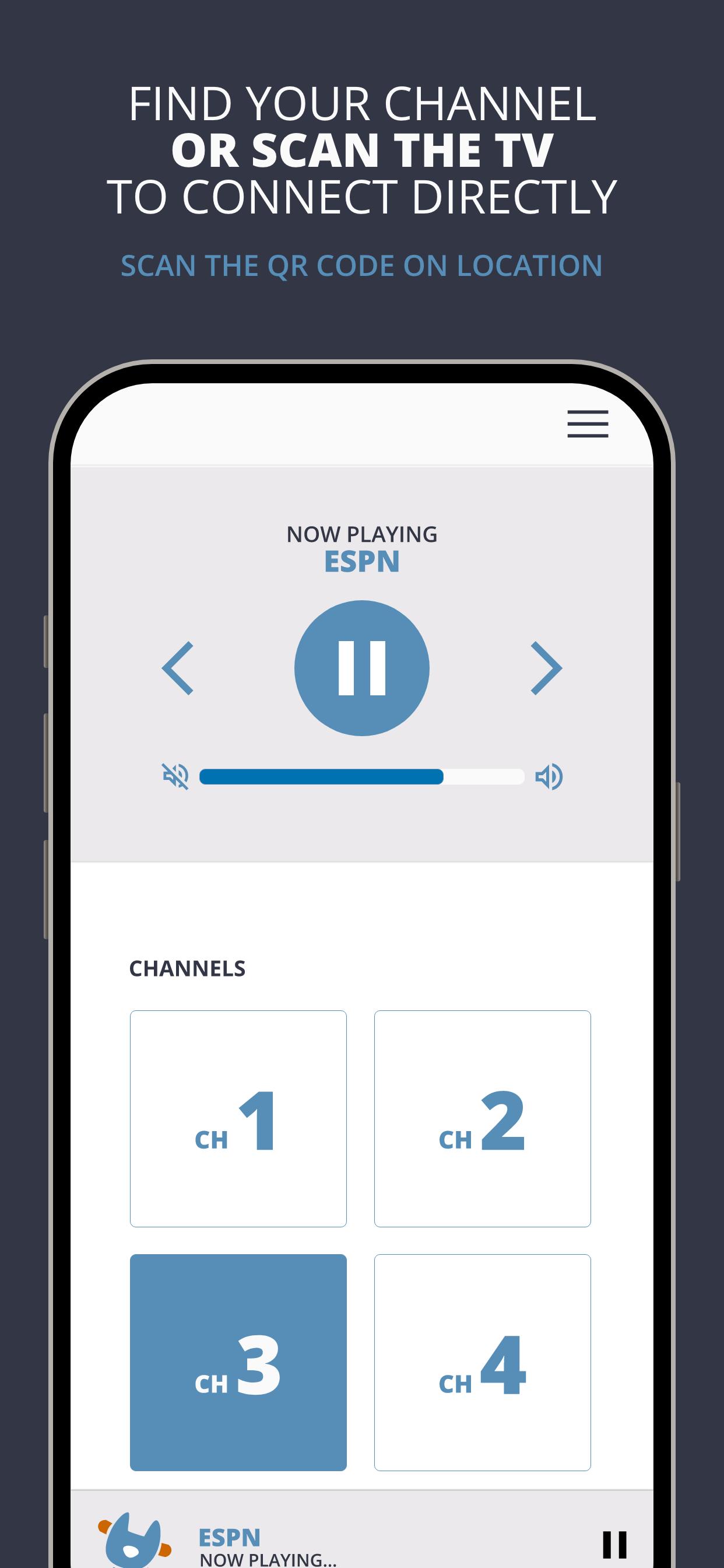
AudioFetch is the premium solution for local audio to smartphones and tablets over WiFi for unlimited uses including:
Fitness Centers: Delight your customers by enabling them to hear TV audio throughout the facility without being tethered to cardio equipment. Great for GroupEx classes as well.
Sports Bars: Sports fans will choose your pub, stay longer, and order more items when they can hear their game.
Church: Enhance your church services with assistive listening and/or real-time translation for those who need it. Works great with popular Bluetooth-enabled headphones.
Tourism: Replace outdated, expensive and unhygienic tour guide receivers with your guests’ smartphones, and allow your guests to maintain a safe social distance while still hearing the program.
預覽
標籤
Music-&訊息
開發商
AudioFetch - Audio to WiFi-connected smartphones
最新版本
5.1.30
更新時間
2025-06-16
類別
Music-audio
同時可用
Google Play
更多
如何在電腦上用 GameLoop 玩 AudioFetch
1. 從官網下載GameLoop,然後運行exe文件安裝GameLoop
2. 打開GameLoop,搜索“AudioFetch”,在搜索結果中找到AudioFetch,點擊“安裝”
3. 享受在 GameLoop 上玩 AudioFetch 的樂趣
Minimum requirements
OS
Windows 8.1 64-bit or Windows 10 64-bit
GPU
GTX 1050
CPU
i3-8300
Memory
8GB RAM
Storage
1GB available space
Recommended requirements
OS
Windows 8.1 64-bit or Windows 10 64-bit
GPU
GTX 1050
CPU
i3-9320
Memory
16GB RAM
Storage
1GB available space