Voice recorder 電腦版
Recorder & Music Apps
用GameLoop模拟器在電腦上玩Voice recorder
Voice recorder 電腦版
來自發行商 Recorder & Music Apps 的 Voice recorder 能夠在安卓系統上運行。
現在,您可以在電腦上使用 GameLoop 模擬器流暢地玩 Voice recorder。
在 GameLoop 遊戲庫或搜索結果中下載。 不需要再暢玩遊戲時盯著電池電量或被令人懊惱的來電打斷。
只需在電腦大屏幕上免費下載暢玩Voice recorder 電腦版!
Voice recorder 簡介
Voice recorder - Audio recorder
Smart recorder - High quality recordings.
Voice recorder application is best recorder application. You can reliably record your meetings, personal notes, speeches, lectures, songs. There is no time limits.
This application can record most of your sound and voice. You can record a business meeting, a lecture, an interview, song practices. This app is a best choice.
This voice recorder app works well on smartphones and tablets, with and without external storage. Easy way to record your meetings, personal notes, classes, songs, and more, with no time limits.
Voice recorder supports two popular file formats: Mp3, Wav. The quality of recording very high.
Voice recorder let you store recording files on internal memory or external memory. That means you can choose to store your recording files on SD card.
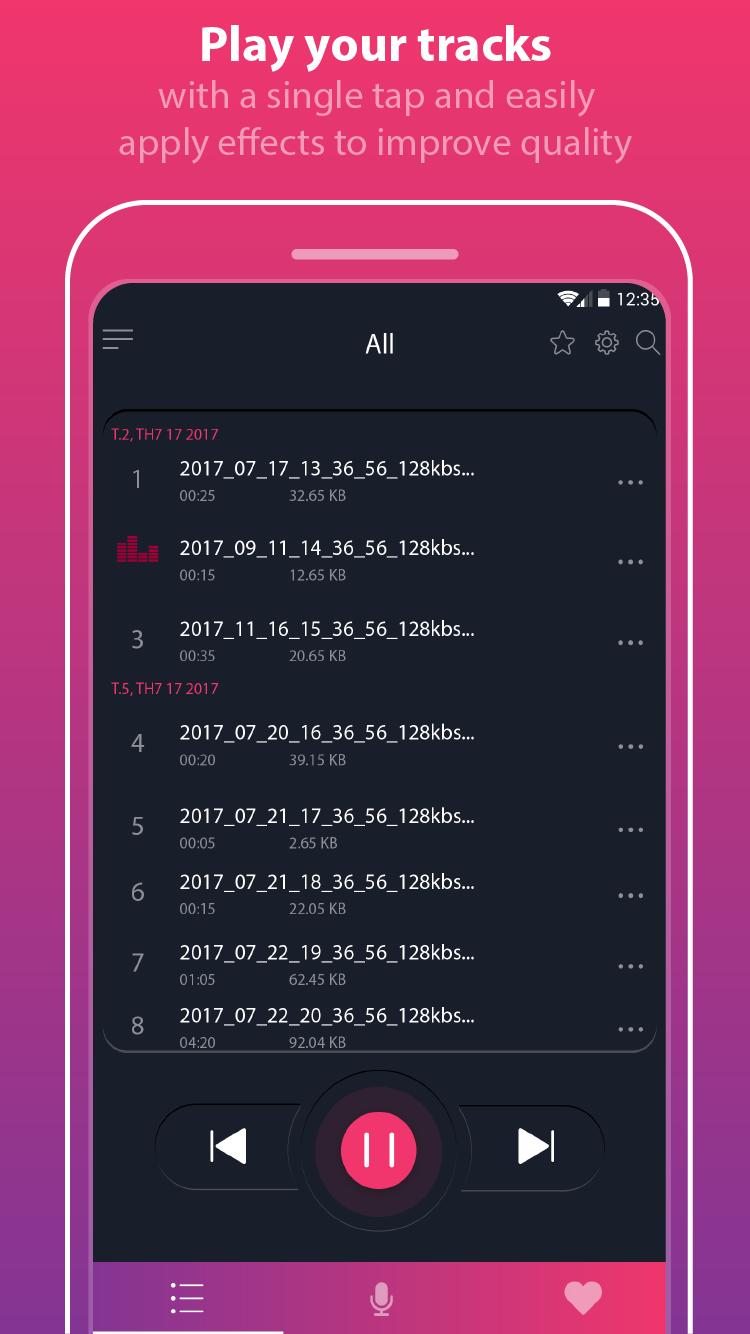
Voice recorder app helps you manage your recording files on a list screen with many options: sort by name/date, edit name, playback, cut, delete, share.
Features:
- Record voice with high quality
- Support save file on SD cards
- Support headphone mic, Bluetooth mic
- Simple user interface, easy to use.
- Recording with high quality.
- Format file: mp3, Wav
- Play, pause, stop audio file.
- Can change speed of playback
- Send/Share your recording.
- Edit/Delete your recordingfrom the app.
- Save the recording file.
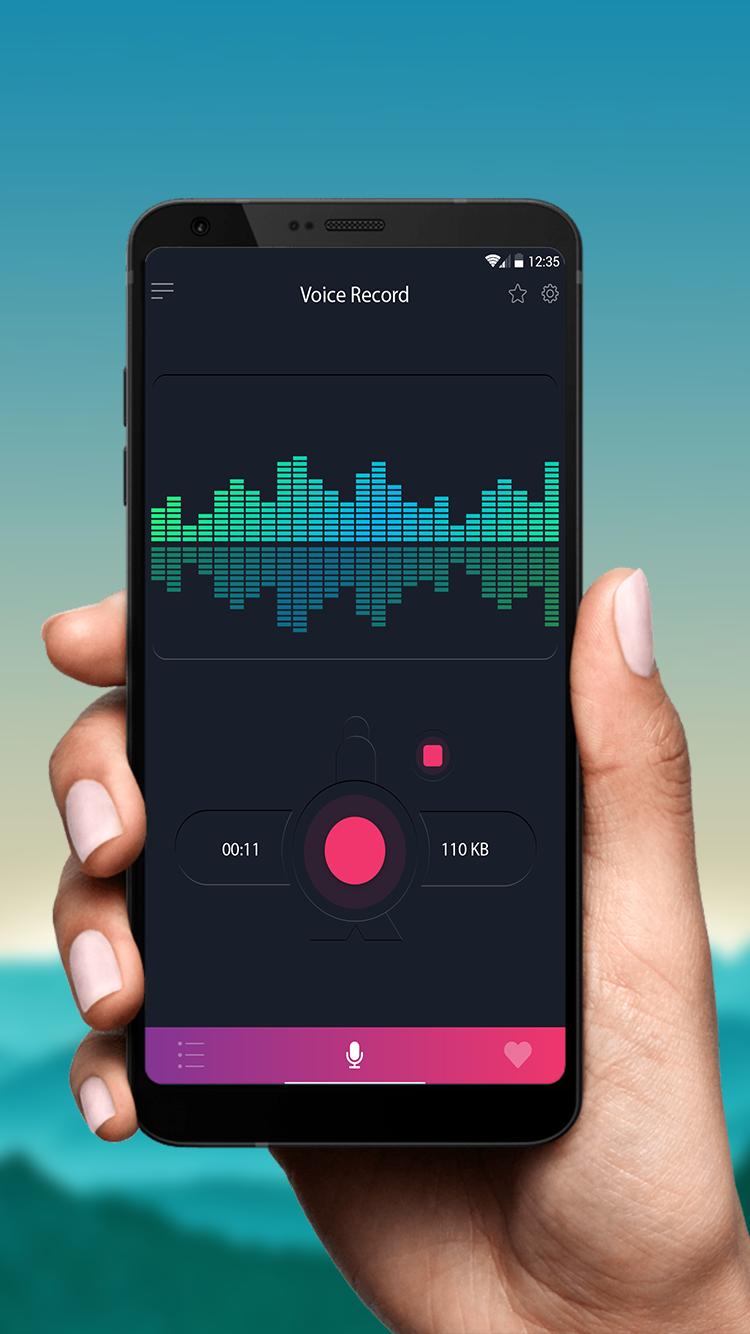
- live audio spectrum analyzer
- mp3 encoding with adjustable sample rate (8-44 kHz)
- recording in background (even when display is off)
- microphone gain calibration tool
- save/pause/resume/cancel recording process control
- easy to use recordings list
- send/share a recording via email, sms, mms, facebook, whatsapp, dropbox, etc.
- the app is voice record, it's not support call recorder
- Automatic stop when out of memory
- Stop recording or playing when active call
- Auto start recording
Install the voice recorder app!
Also, share your feedback on Google Play Store if you like the Voice Recorder App.
If you want to comment, give feedback or suggestions about our voice recorder (audio recorder), feel free to drop a mail to: recorder.appteam@gmail.com
預覽
標籤
Music-&訊息
開發商
Recorder & Music Apps
最新版本
3.2
更新時間
2020-11-24
類別
Music-audio
同時可用
Google Play
更多
如何在電腦上用 GameLoop 玩 Voice recorder
1. 從官網下載GameLoop,然後運行exe文件安裝GameLoop
2. 打開GameLoop,搜索“Voice recorder”,在搜索結果中找到Voice recorder,點擊“安裝”
3. 享受在 GameLoop 上玩 Voice recorder 的樂趣
Minimum requirements
OS
Windows 8.1 64-bit or Windows 10 64-bit
GPU
GTX 1050
CPU
i3-8300
Memory
8GB RAM
Storage
1GB available space
Recommended requirements
OS
Windows 8.1 64-bit or Windows 10 64-bit
GPU
GTX 1050
CPU
i3-9320
Memory
16GB RAM
Storage
1GB available space