
Ohio State MyHealth 電腦版
The Ohio State University
用GameLoop模拟器在電腦上玩Ohio State MyHealth
Ohio State MyHealth 電腦版
來自發行商 The Ohio State University 的 Ohio State MyHealth 能夠在安卓系統上運行。
現在,您可以在電腦上使用 GameLoop 模擬器流暢地玩 Ohio State MyHealth。
在 GameLoop 遊戲庫或搜索結果中下載。 不需要再暢玩遊戲時盯著電池電量或被令人懊惱的來電打斷。
只需在電腦大屏幕上免費下載暢玩Ohio State MyHealth 電腦版!
Ohio State MyHealth 簡介
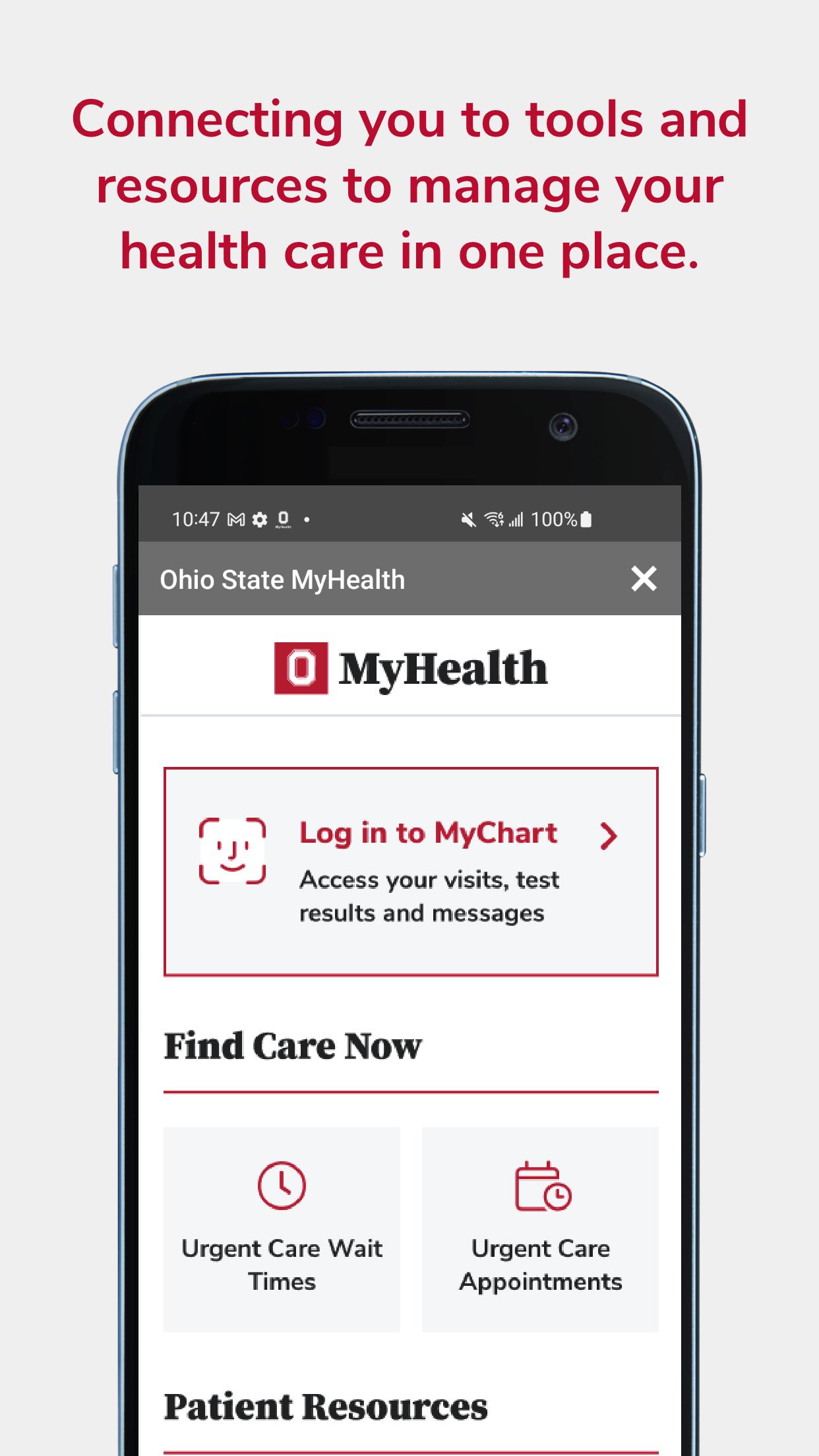
The Ohio State MyHealth app gives you the tools and resources to manage your healthcare at The Ohio State University Wexner Medical Center anywhere, anytime.
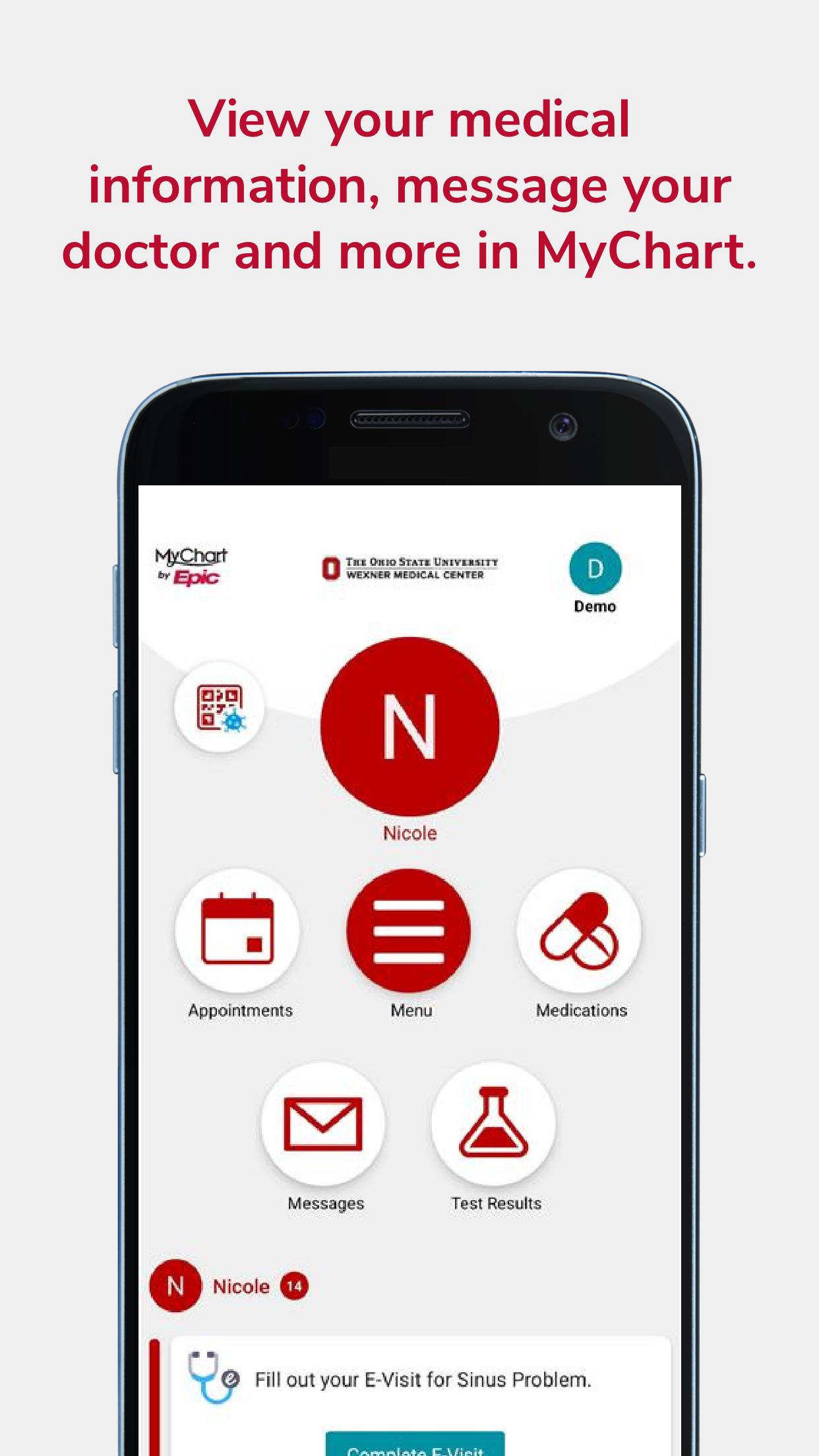
MYCHART
Sign up or log in to your MyChart patient portal account to access:
• Schedule and manage in-person appointments and video visits
• Preregister for your visit, fill out paperwork online and save time at registration
• View visit preparation and follow-up care instructions
• Get test result notifications and standard ranges for lab results
• Send secure messages to your care team
• Reminders for routine care; annual physical, flu shot, and other preventive care
• Share access to health information with children, family members, and caregivers
• Get a price estimate, pay your bill, manage your payment plan or schedule financial assistance counseling
• View your COVID-19 vaccination history, status, and test results
• Integrates with Apple Health and Apple Watch
• Set up your Communication Preferences
For help with your MyChart account visit go.osu.edu/mychartfaq or contact MyChartTechSupport@osumc.edu.
WEXNER MEDICAL CENTER LOCATIONS
• Find a healthcare location near you
• Search locations by name or specialty
• Get directions, see construction updates and find parking
• Look up hospital visitation hours and policies
• View healthcare services and providers by location
FIND A DOCTOR
• View provider ratings and reviews from real patients
• Choose the right healthcare provider for you
• Search for healthcare services by specialty, condition, location or name
• Filter results by providers accepting new patients
• Schedule online with select providers
PATIENT RESOURCES
• View Urgent Care wait times
• Schedule as a new patient without a MyChart account
• Get a price estimate or pay your bill as a guest
• Recover your MyChart username or password
• Share feedback on your experience as a patient
WELLNESS RESOURCES
• Advice and news from medical experts
• Recipes and wellness tips from nutritionists and providers
• Learn about breakthrough research, innovations, and clinical trials
預覽
標籤
醫療訊息
開發商
The Ohio State University
最新版本
11.4.2
更新時間
2025-07-21
類別
醫療
同時可用
Google Play
更多
如何在電腦上用 GameLoop 玩 Ohio State MyHealth
1. 從官網下載GameLoop,然後運行exe文件安裝GameLoop
2. 打開GameLoop,搜索“Ohio State MyHealth”,在搜索結果中找到Ohio State MyHealth,點擊“安裝”
3. 享受在 GameLoop 上玩 Ohio State MyHealth 的樂趣
Minimum requirements
OS
Windows 8.1 64-bit or Windows 10 64-bit
GPU
GTX 1050
CPU
i3-8300
Memory
8GB RAM
Storage
1GB available space
Recommended requirements
OS
Windows 8.1 64-bit or Windows 10 64-bit
GPU
GTX 1050
CPU
i3-9320
Memory
16GB RAM
Storage
1GB available space