NAVICA 電腦版
Abbott
用GameLoop模拟器在電腦上玩NAVICA
NAVICA 電腦版
來自發行商 Abbott 的 NAVICA 能夠在安卓系統上運行。
現在,您可以在電腦上使用 GameLoop 模擬器流暢地玩 NAVICA。
在 GameLoop 遊戲庫或搜索結果中下載。 不需要再暢玩遊戲時盯著電池電量或被令人懊惱的來電打斷。
只需在電腦大屏幕上免費下載暢玩NAVICA 電腦版!
NAVICA 簡介
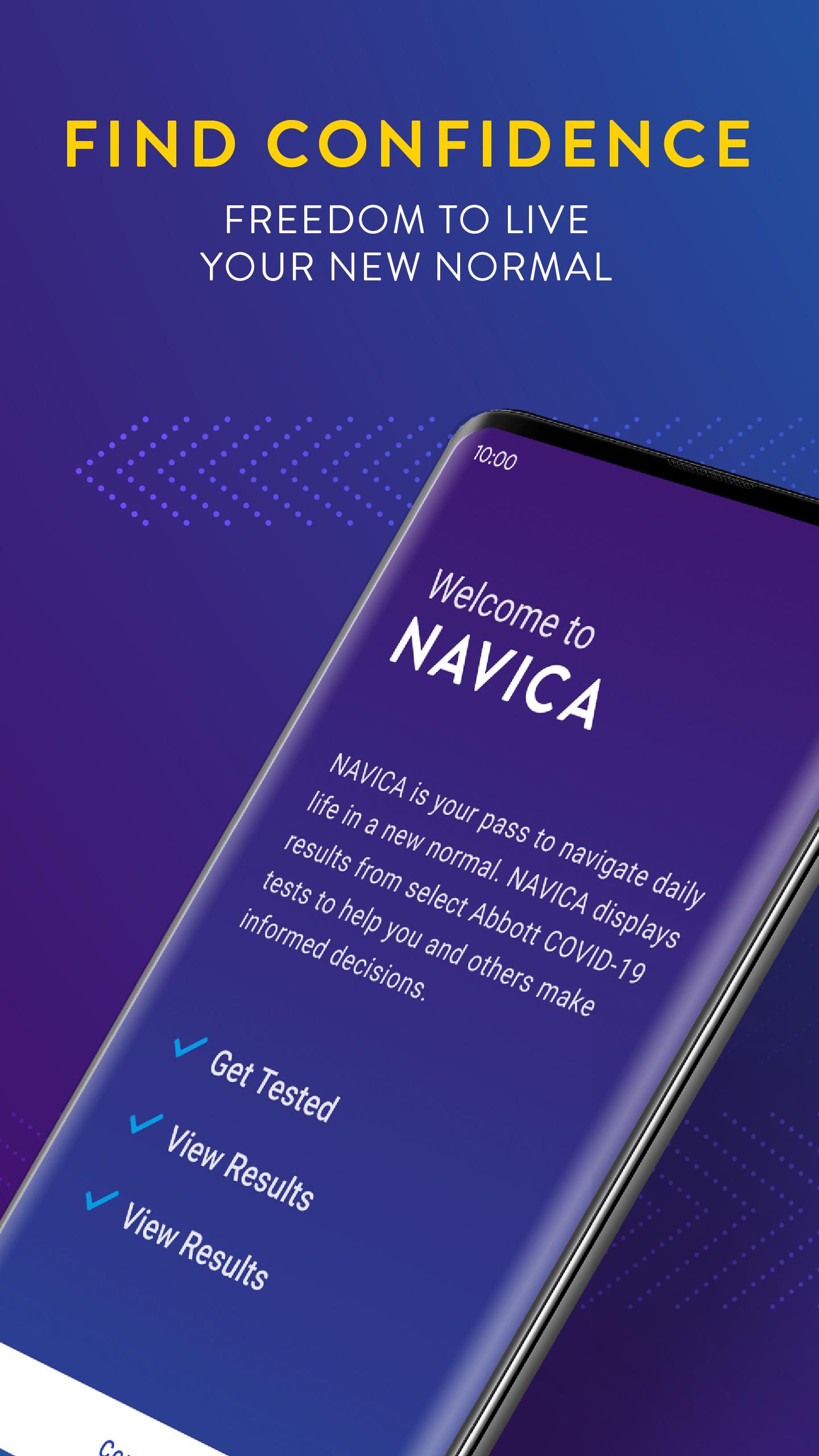
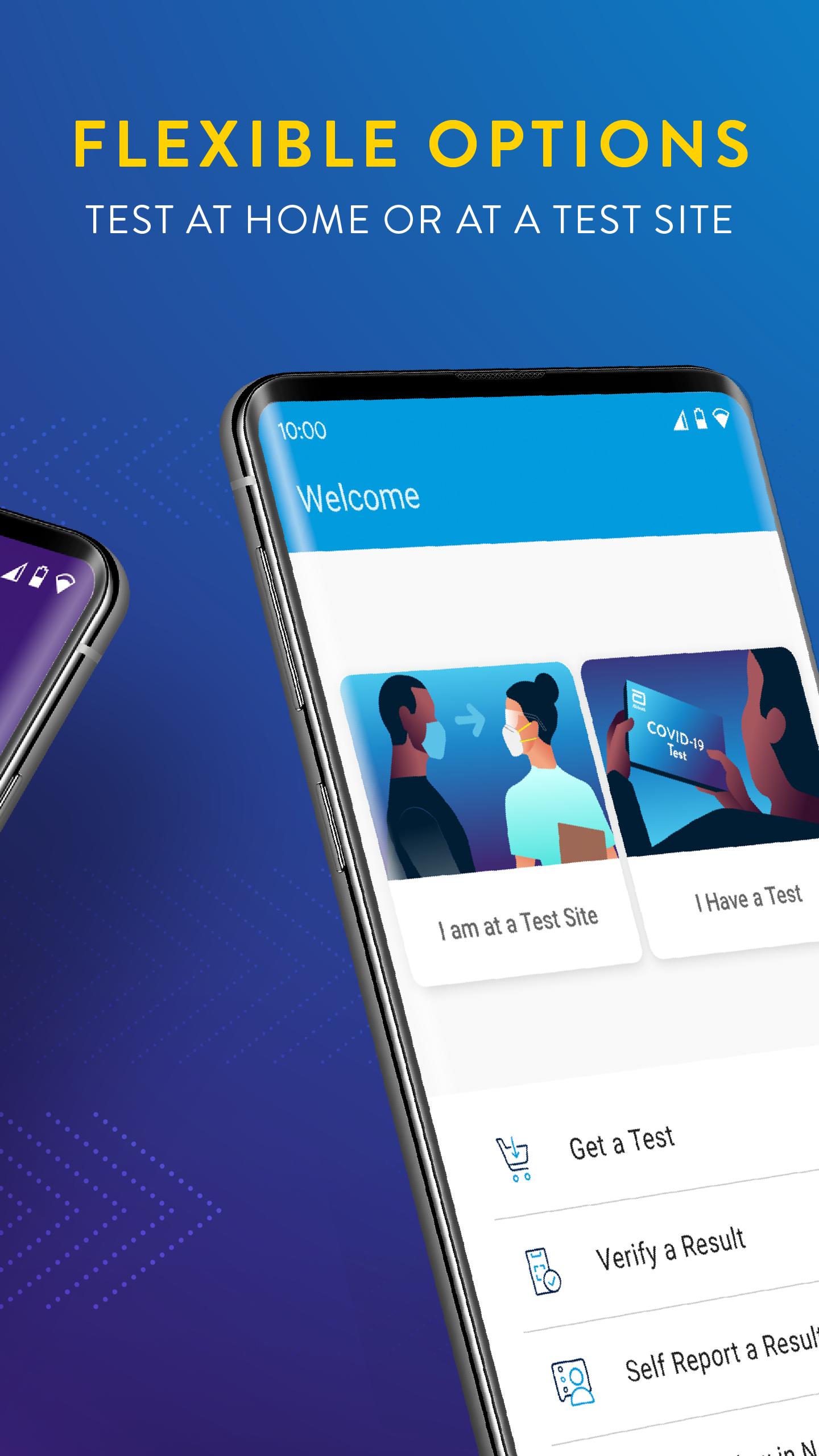
NAVICA allows you to receive and store your encrypted BinaxNOW antigen test results and manage your NAVICA Pass. The NAVICA app will display a digital NAVICA Pass via a QR code, similar to an airline boarding pass, for anyone who has received a negative result using the BinaxNOW antigen test. Sharing your pass with NAVICA-enabled organizations such as employers and schools verifies authenticity of your negative test results.
Features:
- Show your NAVICA ID at a NAVICA-enabled test center
- View current and historical test results at any time
- Receive a NAVICA Pass once the test site submits a negative test result
- Validator to scan other individuals’ NAVICA Entry Passes to confirm their status and authenticity
預覽
標籤
醫療訊息
開發商
Abbott
最新版本
1.36.0-prod
更新時間
2023-02-14
類別
醫療
同時可用
Google Play
更多
如何在電腦上用 GameLoop 玩 NAVICA
1. 從官網下載GameLoop,然後運行exe文件安裝GameLoop
2. 打開GameLoop,搜索“NAVICA”,在搜索結果中找到NAVICA,點擊“安裝”
3. 享受在 GameLoop 上玩 NAVICA 的樂趣
Minimum requirements
OS
Windows 8.1 64-bit or Windows 10 64-bit
GPU
GTX 1050
CPU
i3-8300
Memory
8GB RAM
Storage
1GB available space
Recommended requirements
OS
Windows 8.1 64-bit or Windows 10 64-bit
GPU
GTX 1050
CPU
i3-9320
Memory
16GB RAM
Storage
1GB available space