ACR Guidance 電腦版
American College of Radiology
用GameLoop模拟器在電腦上玩ACR Guidance
ACR Guidance 電腦版
來自發行商 American College of Radiology 的 ACR Guidance 能夠在安卓系統上運行。
現在,您可以在電腦上使用 GameLoop 模擬器流暢地玩 ACR Guidance。
在 GameLoop 遊戲庫或搜索結果中下載。 不需要再暢玩遊戲時盯著電池電量或被令人懊惱的來電打斷。
只需在電腦大屏幕上免費下載暢玩ACR Guidance 電腦版!
ACR Guidance 簡介
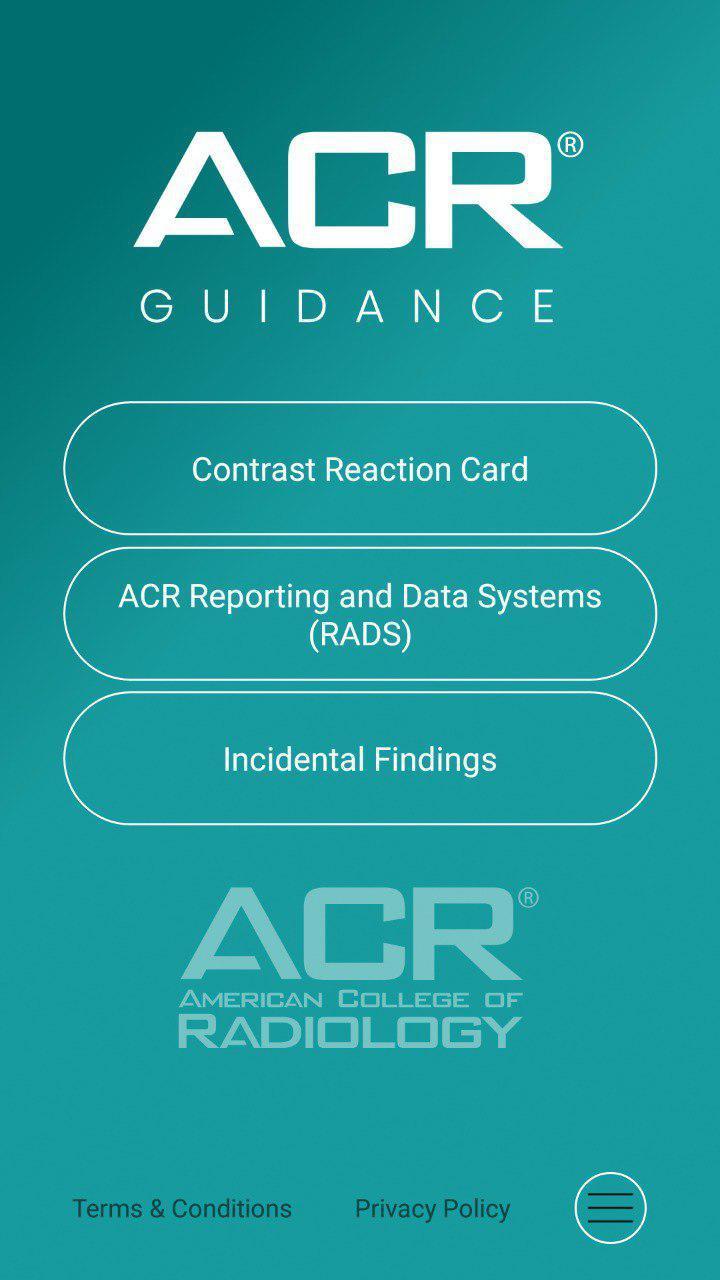
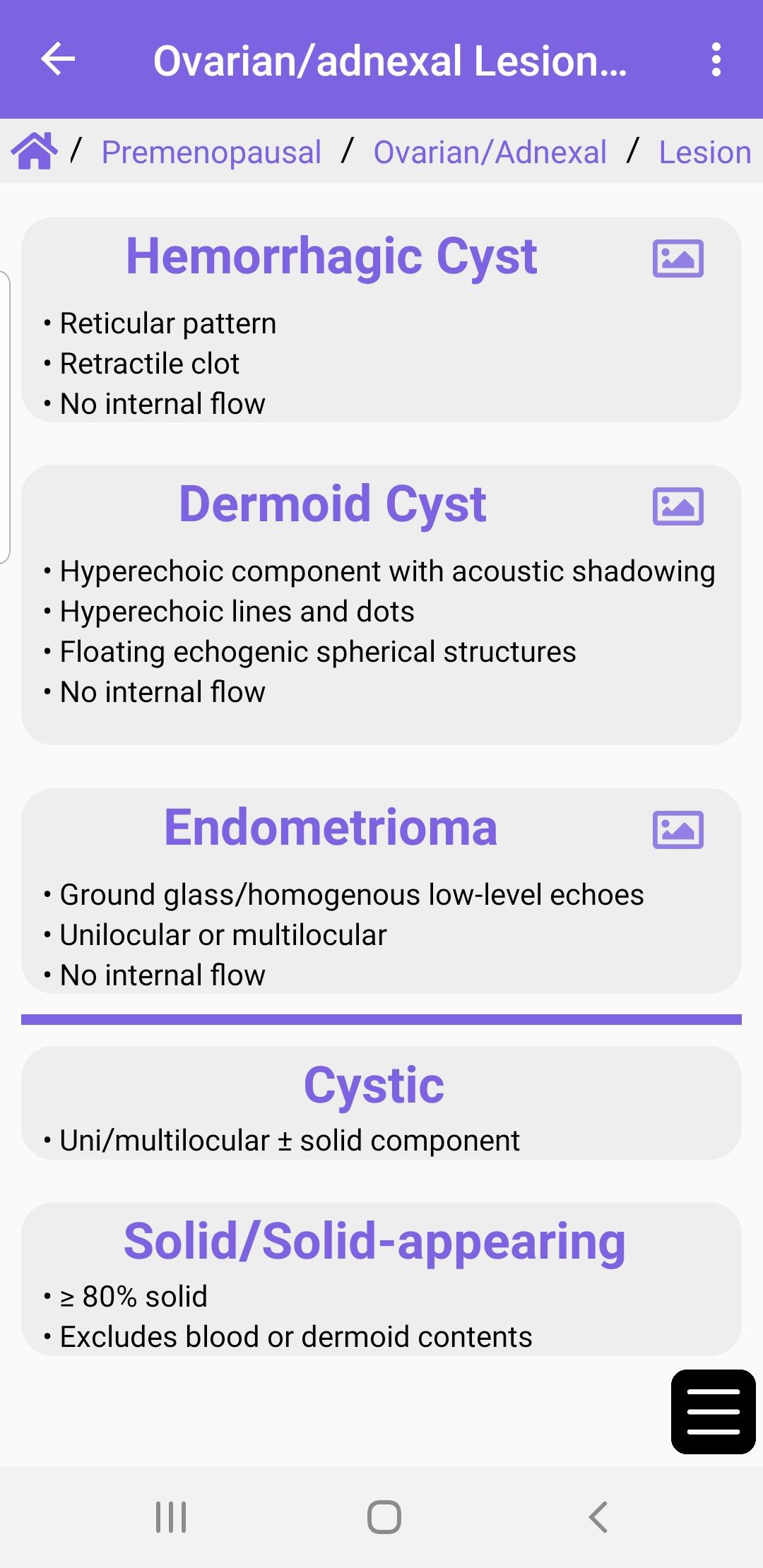
The ACR® Guidance App provides interactive mobile access to select clinical guidance content from the ACR website. Download to access the ACR Contrast Reaction Cards, Reporting and Data Systems (RADS), and Incidental Findings (IF) content.
This app is intended for healthcare professionals such as radiologists, oncologists, referring physicians, and medical students who desire on the go reference materials from ACR. This app is not a medical device and should not be considered as one.
ACR provides this mobile app for reference purposes only. It is not intended to substitute for the independent clinical judgment of a physician or other health care professional user. A physician or other user is solely responsible for verifying the currency and applicability of app content to a particular clinical situation and thus assumes all risk of use. As allowable under applicable law, ACR and ACR’s employees, officers, directors, agents, contractors and volunteers will not be liable for any damages arising out of the use or misuse of the app, its content, or calculations. This includes but is not limited to a user’s inability to access the app or any loss or corruption of a user’s data.
預覽
標籤
醫療訊息
開發商
American College of Radiology
最新版本
1.4.2
更新時間
2024-09-19
類別
醫療
同時可用
Google Play
更多
如何在電腦上用 GameLoop 玩 ACR Guidance
1. 從官網下載GameLoop,然後運行exe文件安裝GameLoop
2. 打開GameLoop,搜索“ACR Guidance”,在搜索結果中找到ACR Guidance,點擊“安裝”
3. 享受在 GameLoop 上玩 ACR Guidance 的樂趣
Minimum requirements
OS
Windows 8.1 64-bit or Windows 10 64-bit
GPU
GTX 1050
CPU
i3-8300
Memory
8GB RAM
Storage
1GB available space
Recommended requirements
OS
Windows 8.1 64-bit or Windows 10 64-bit
GPU
GTX 1050
CPU
i3-9320
Memory
16GB RAM
Storage
1GB available space