M365 Dash Pro for Samsung Watc 電腦版
DiF Aktuna
用GameLoop模拟器在電腦上玩M365 Dash Pro for Samsung Watc
M365 Dash Pro for Samsung Watc 電腦版
來自發行商 DiF Aktuna 的 M365 Dash Pro for Samsung Watc 能夠在安卓系統上運行。
現在,您可以在電腦上使用 GameLoop 模擬器流暢地玩 M365 Dash Pro for Samsung Watc。
在 GameLoop 遊戲庫或搜索結果中下載。 不需要再暢玩遊戲時盯著電池電量或被令人懊惱的來電打斷。
只需在電腦大屏幕上免費下載暢玩M365 Dash Pro for Samsung Watc 電腦版!
M365 Dash Pro for Samsung Watc 簡介
Warning - This is for the paid version of the Samsung Watch application.
This is the companion app for M365 WatchDash on Samsung Watch.
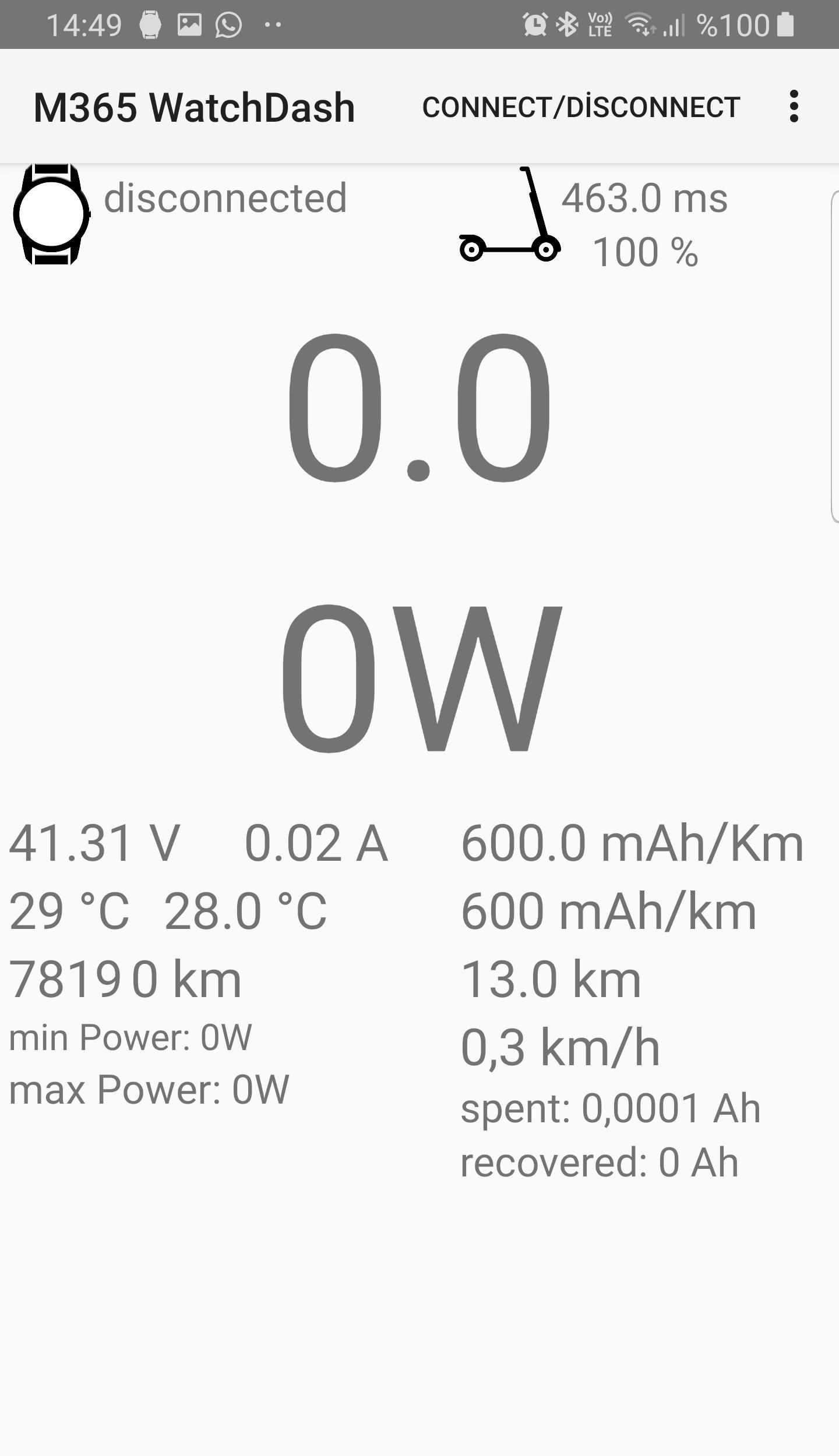
M365 WatchDash is a dashboard application which displays data from Xiaomi Mijia Mi M365 Electric Scooter.
You can download and install the watch application from Samsung Galaxy Apps Store.
Please turn on your scooter before starting the app on your watch.
When you run the app on your watch, your watch should be connected to your Android phone through bluetooth connection.
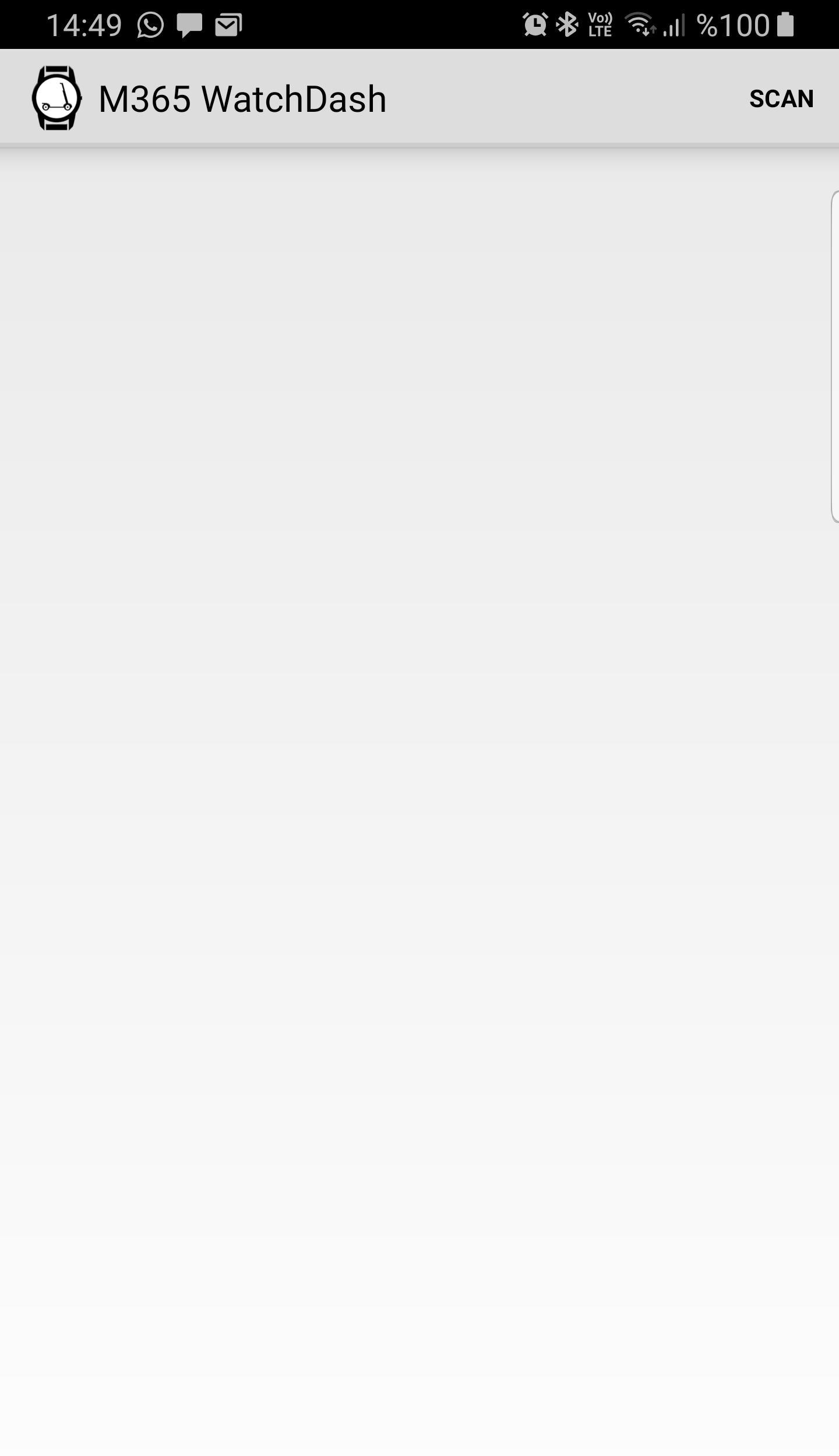
In your first use of the app, please first run the phone application (this app) once and start a bluetooth scan with the "SCAN" button. Then please select your scooter from the bluetooth devices list.
Your phone should have bluetooth turned on and it should be near your scooter.
Also, you should allow location permission to the app.
Once you select the scooter, you can start the app on your watch.
Your watch should be connected to your phone while using the app. And the app GUI will be displayed on your phone. You may turn of the display of your phone.
This app can also work without a watch but its main use is not standalone use. For this purpose, you can find better apps for M365.
Available data on watch:
- Realtime speed
- Battery remaining capacity
- Average speed
- Spent battery power
- Recovered battery power
- Remaining distance
- Time
IMPORTANT NOTE:
This application is tested with BLE firmware 72 and it works. It may not work with BLE 81 or older. While we are still working on this, if your phone/watch does not show values from scooter, you can downgrade BLE to 72 and use the app. This is not related to main firmware of the scooter. You can use BLE 72 with newer firmware. You can downgrade BLE with Android app "m365 DownG" and the BLE firmware can be found with name "ESC_BLE_V0.7.2.zip"
預覽
標籤
生活品味訊息
開發商
DiF Aktuna
最新版本
3.6
更新時間
2023-09-04
類別
生活品味
同時可用
Google Play
更多
如何在電腦上用 GameLoop 玩 M365 Dash Pro for Samsung Watc
1. 從官網下載GameLoop,然後運行exe文件安裝GameLoop
2. 打開GameLoop,搜索“M365 Dash Pro for Samsung Watc”,在搜索結果中找到M365 Dash Pro for Samsung Watc,點擊“安裝”
3. 享受在 GameLoop 上玩 M365 Dash Pro for Samsung Watc 的樂趣
Minimum requirements
OS
Windows 8.1 64-bit or Windows 10 64-bit
GPU
GTX 1050
CPU
i3-8300
Memory
8GB RAM
Storage
1GB available space
Recommended requirements
OS
Windows 8.1 64-bit or Windows 10 64-bit
GPU
GTX 1050
CPU
i3-9320
Memory
16GB RAM
Storage
1GB available space