
Lucid Dream Journal & Recorder 電腦版
Sam Ruston
用GameLoop模拟器在電腦上玩Lucid Dream Journal & Recorder
Lucid Dream Journal & Recorder 電腦版
來自發行商 Sam Ruston 的 Lucid Dream Journal & Recorder 能夠在安卓系統上運行。
現在,您可以在電腦上使用 GameLoop 模擬器流暢地玩 Lucid Dream Journal & Recorder。
在 GameLoop 遊戲庫或搜索結果中下載。 不需要再暢玩遊戲時盯著電池電量或被令人懊惱的來電打斷。
只需在電腦大屏幕上免費下載暢玩Lucid Dream Journal & Recorder 電腦版!
Lucid Dream Journal & Recorder 簡介
Luci is your intelligent dream journal and lucid dreaming helper.
Lucid dreaming is when you become aware that you're in a dream; this awareness allows you to take control over your dreams, whether that be to make yourself fly, time travel or become a movie star! If you can imagine it, you can do it. The possibilities are limitless. It has a sleek and intuitive interface to help you record your dreams & progress. Luci comes with tools and a guide to help you on your journey. Here's a few highlights:
• Record your dreams and lucid activity with automatic progress tracking
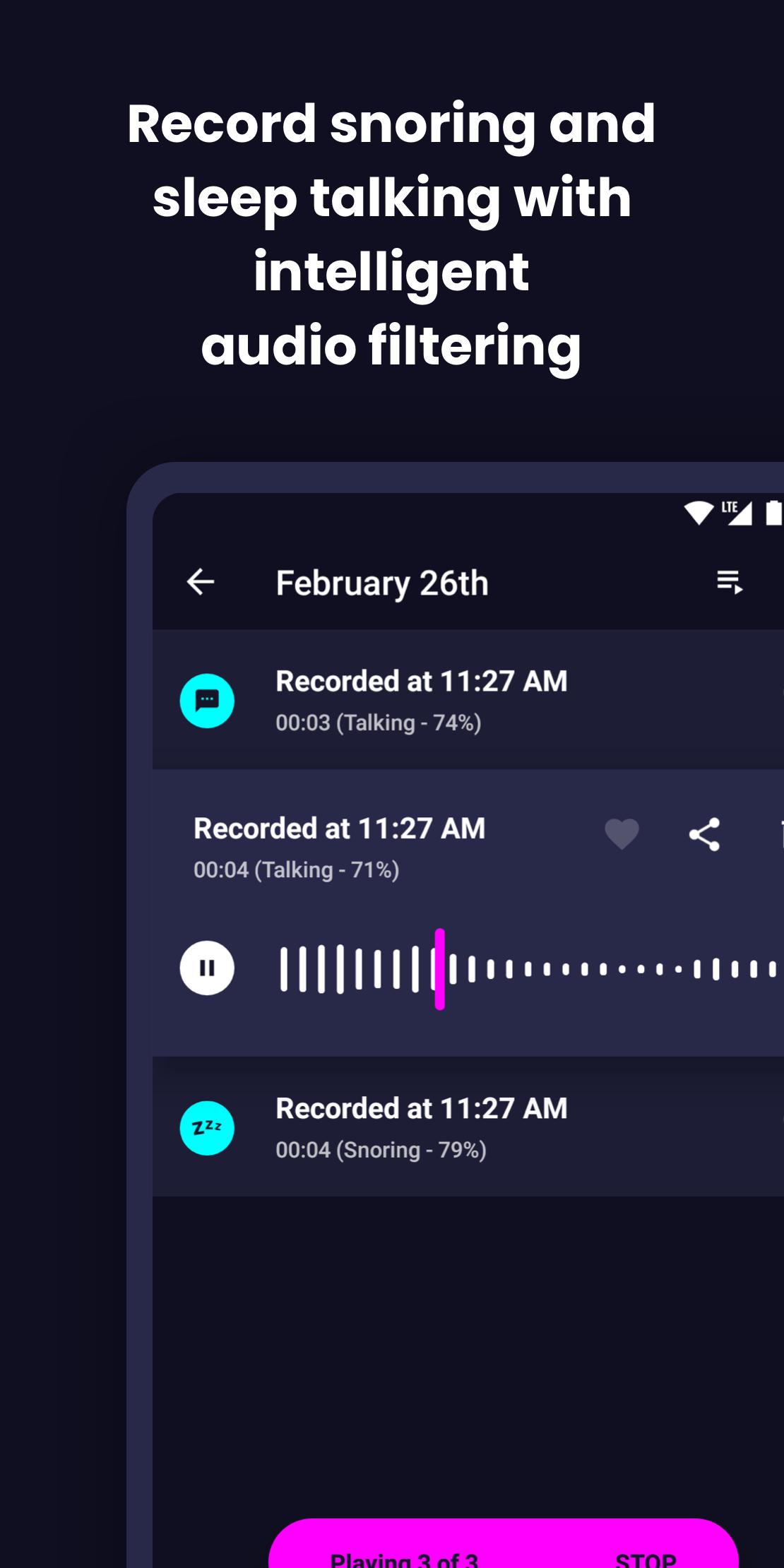
• Noise activated sleep recorder that uses machine learning to only record snoring or talking
• Pick out your most significant dream signs
• Sketch your dreams in the app or add photos
• Sync & backup your dreams between devices
• Quickly search your dreams
• No ads, no in app purchases and no selling of user data. Your privacy matters.
• Customisable reminders for reality checks
• Passcode mode to prevent people from reading your journal
• Animated guide to help you on your journey
Each person is different and not every method will work for you. Most people take about a month to have their first lucid dream after practice and commitment, but you might get one earlier or later. You probably won't be able to lucid dream every night, but can hopefully do it a few times a week with enough practice and patience.
預覽

標籤
生活品味訊息
開發商
Sam Ruston
最新版本
4.2.0
更新時間
2023-05-13
類別
生活品味
同時可用
Google Play
更多
如何在電腦上用 GameLoop 玩 Lucid Dream Journal & Recorder
1. 從官網下載GameLoop,然後運行exe文件安裝GameLoop
2. 打開GameLoop,搜索“Lucid Dream Journal & Recorder”,在搜索結果中找到Lucid Dream Journal & Recorder,點擊“安裝”
3. 享受在 GameLoop 上玩 Lucid Dream Journal & Recorder 的樂趣
Minimum requirements
OS
Windows 8.1 64-bit or Windows 10 64-bit
GPU
GTX 1050
CPU
i3-8300
Memory
8GB RAM
Storage
1GB available space
Recommended requirements
OS
Windows 8.1 64-bit or Windows 10 64-bit
GPU
GTX 1050
CPU
i3-9320
Memory
16GB RAM
Storage
1GB available space