Kaspersky Device Care 電腦版
Servify
用GameLoop模拟器在電腦上玩Kaspersky Device Care
Kaspersky Device Care 電腦版
來自發行商 Servify 的 Kaspersky Device Care 能夠在安卓系統上運行。
現在,您可以在電腦上使用 GameLoop 模擬器流暢地玩 Kaspersky Device Care。
在 GameLoop 遊戲庫或搜索結果中下載。 不需要再暢玩遊戲時盯著電池電量或被令人懊惱的來電打斷。
只需在電腦大屏幕上免費下載暢玩Kaspersky Device Care 電腦版!
Kaspersky Device Care 簡介
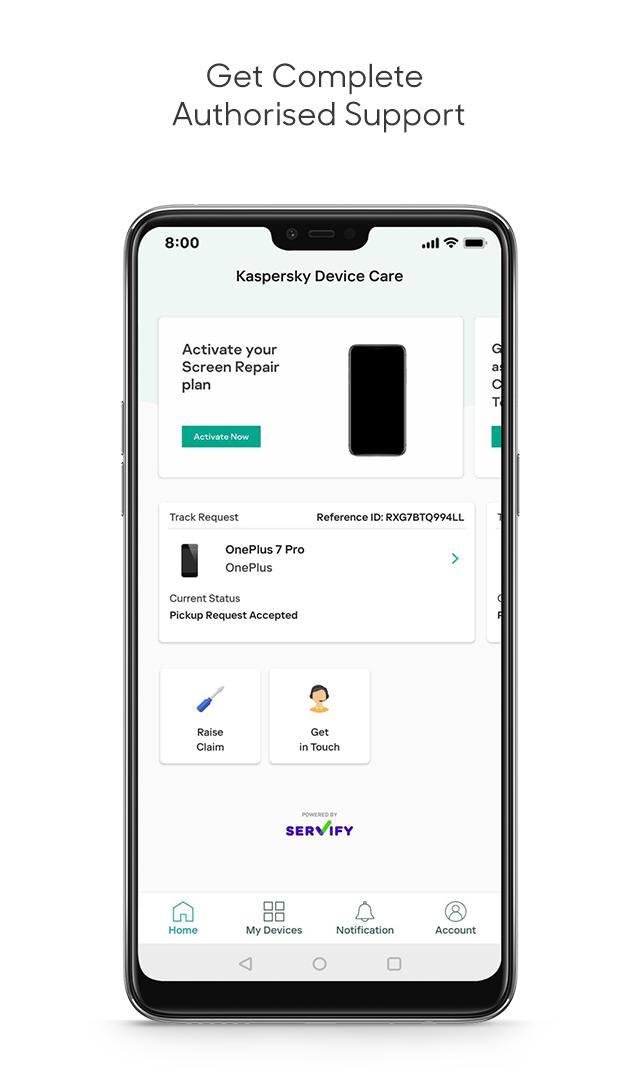
Introducing Kaspersky’s innovative Device Care plan, created to look after the smartphone you rely on every day. The plan is powered by Servify, who work with original equipment manufacturers (OEMs) to provide after-sales device protection, device exchange, and buyback programs. Kaspersky Device Care provides quick and convenient screen repair and cover – allowing you to easily request a claim straight from your app – for the following smartphone brands: Samsung, Xiaomi, Oppo, Realme, Nokia, Motorola, LG, Lenovo, Vivo and OnePlus. It’s valid with an active Kaspersky Security license, covers accidental screen damage up to 10,000 INR, with 50% payable to the customer, and covers one screen repair only per yearly subscription. To be eligible for the plan, your smartphone should not be older than 2 years from date of purchase. Terms & Conditions apply.
How does Kaspersky Screen Repair work?
1) Download Kaspersky Security, and buy the subscription containing Screen Repair
You can buy this subscription directly inside your Kaspersky Security app. Then activate Kaspersky Security with Screen Repair, and start your trial.
2) Download Kaspersky Device Care app
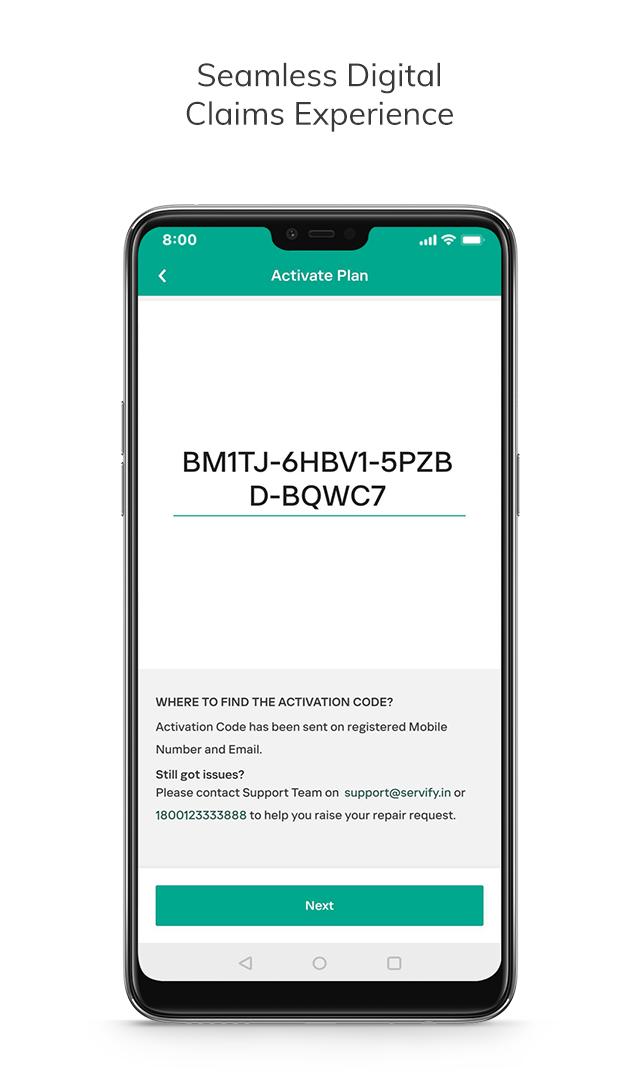
You will be given a link to download our separate Kaspersky Device Care app on the smartphone you want to cover with Screen Repair. You will also be given an activation code, which you’ll need in order to confirm your eligibility for Screen Repair.
3) Register your phone and follow our device verification steps
Before you can activate Screen Repair in your Device Care plan, you will need to provide information about your smartphone and share a photo of your screen to show it’s intact.
4) Get confirmation Screen Repair has been activated in your plan
You will be notified about your Screen Repair activation date and conditions, as well as receive tips and advice on how to take care of your device.
5) Raise a Screen Repair claim
You can raise a claim simply by entering basic info in your Kaspersky Device Care app such as claim details, pick-up and delivery address, date and time, and payment details, so we can reimburse you.
6) Monitor resolution steps until your claim is complete
Check your Kaspersky Device Care app to view what stage of the repair process your smartphone has reached, and how your claim is progressing.
預覽
標籤
生活品味訊息
開發商
Servify
最新版本
1.0.4
更新時間
2023-08-28
類別
生活品味
同時可用
Google Play
更多
如何在電腦上用 GameLoop 玩 Kaspersky Device Care
1. 從官網下載GameLoop,然後運行exe文件安裝GameLoop
2. 打開GameLoop,搜索“Kaspersky Device Care”,在搜索結果中找到Kaspersky Device Care,點擊“安裝”
3. 享受在 GameLoop 上玩 Kaspersky Device Care 的樂趣
Minimum requirements
OS
Windows 8.1 64-bit or Windows 10 64-bit
GPU
GTX 1050
CPU
i3-8300
Memory
8GB RAM
Storage
1GB available space
Recommended requirements
OS
Windows 8.1 64-bit or Windows 10 64-bit
GPU
GTX 1050
CPU
i3-9320
Memory
16GB RAM
Storage
1GB available space