
DreamKit - Dream Journal 電腦版
Sung Woo Chang
用GameLoop模拟器在電腦上玩DreamKit - Dream Journal
DreamKit - Dream Journal 電腦版
來自發行商 Sung Woo Chang 的 DreamKit - Dream Journal 能夠在安卓系統上運行。
現在,您可以在電腦上使用 GameLoop 模擬器流暢地玩 DreamKit - Dream Journal。
在 GameLoop 遊戲庫或搜索結果中下載。 不需要再暢玩遊戲時盯著電池電量或被令人懊惱的來電打斷。
只需在電腦大屏幕上免費下載暢玩DreamKit - Dream Journal 電腦版!
DreamKit - Dream Journal 簡介
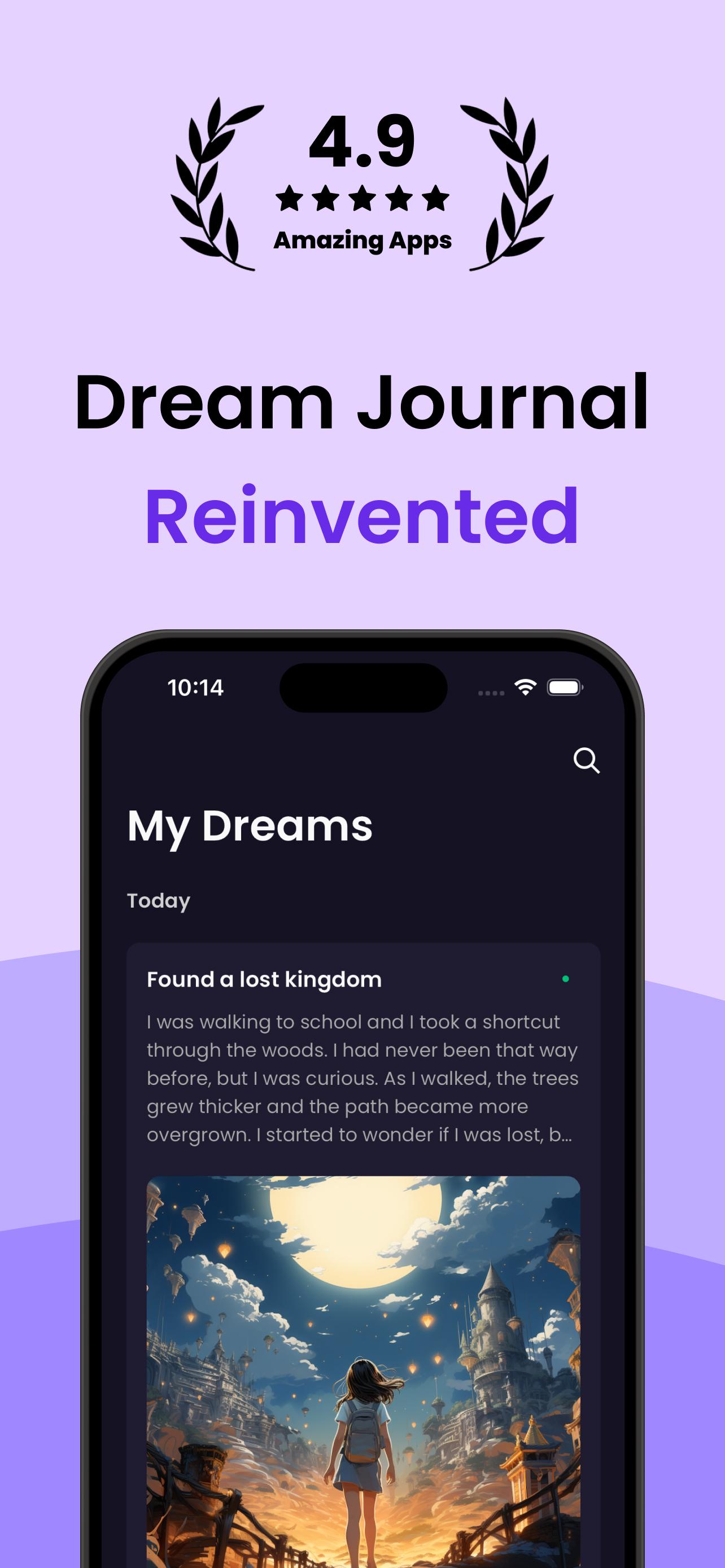
DreamKit will help you get the full benefits of your dreams. Keep your dreams, get interpretation, and start lucid dreaming!
DreamKit features:
- Dream Journal
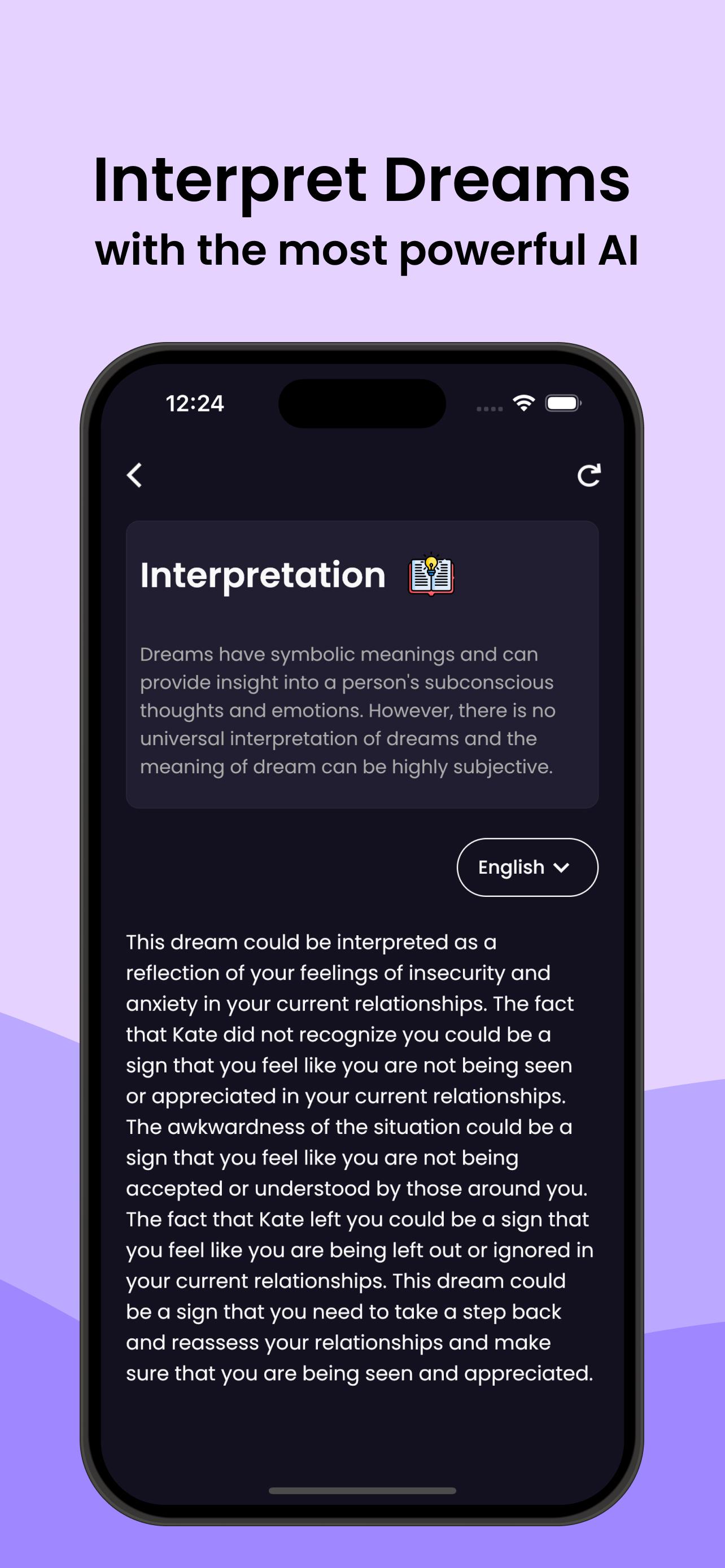
- Dream Interpretation based on your dream journal
- AI Art for your dream journal
- Dream Analysis based on your dream journals
- Passcode / Biometric app lock for your privacy
- Dream Journal Export to PDF
- Dream Journal Cloud Backup
- Reality Check Reminder
- Curated Dream Articles
- A lot of app customizations
A dream journal is a diary that you use to record your dream. Writing dream journals is known as one of the most important habits to remember dreams. Even if you successfully have a lucid dream, it's not very meaningful if you cannot remember that. You can also read your dreams and find out some patterns.
Researches show that our ability to remember our dreams is heavily influenced by whether we think about them immediately after waking up. So if you want to remember your dreams, make sure to write them down right away before doing anything else.
When you wake up, whether in the morning or the middle of the night, immediately think about your dream. Write down every detail, even things that seem insignificant. If you don't remember anything, keep thinking about it for a few minutes anyway. If you still can't remember any dreams at all, think about how you feel instead. Are you happy? angry? sad? Sometimes we have dreams that elicit feelings that stay with us after we wake up. You can also try letting your mind wander, and see what pops into your head. It might be related to that dream you were trying to remember.
Writing a dream journal or diary is sometimes an exhausting task. However, remember this is the most powerful tool to learn about yourself. It is also pretty fun to read them and analyze your unconscious world.
In our waking life, it’s quite hard to listen to our deep minds. Instead, dreams are mirrors of our subconscious mind and can be used to learn about ourselves. If you notice patterns and anomalies in your dreams, you can start applying the insights to your waking life.
Dream fuels creativity. Dreams are an authentic source of inspiration because that’s the only time of day when our brains can let go of rational processing. There are no restraints in the subconscious. Much of Edgar Allen Poe’s poetry, Stephen King’s books, Mary Shelley’s Frankenstein, and the melody of the Beatle’s “Yesterday” by Paul McCartney, they were all inspired by their dreams.
Most people dream 3~5 times a day. However, most of us cannot recall all our dreams because we are not trained to remember them. Without practice, dreams evaporate within minutes after we wake up. So writing a dream journal is the way to keep dreams permanently.
Also, when you spend time physically noting and writing down your dreams, you’re making both your conscious and subconscious mind aware that your dreams are important to you. So writing a dream journal increases your ability to recognize and remember dreams.
Keeping a dream journal has some of the same benefits as a regular journal, but it goes a step further in helping you discover the innermost depths of your mind.
Start writing dream journals every day. Start finding dream meanings. Generate AI Images to visualize your dream. DreamKit will help you to record your dreams and give you the interpretation of the dreams to help you realize what you worry about, fear, and enjoy in your life.
預覽
標籤
生活品味訊息
開發商
Sung Woo Chang
最新版本
2023.11.28
更新時間
2023-11-19
類別
生活品味
同時可用
Google Play
更多
如何在電腦上用 GameLoop 玩 DreamKit - Dream Journal
1. 從官網下載GameLoop,然後運行exe文件安裝GameLoop
2. 打開GameLoop,搜索“DreamKit - Dream Journal”,在搜索結果中找到DreamKit - Dream Journal,點擊“安裝”
3. 享受在 GameLoop 上玩 DreamKit - Dream Journal 的樂趣
Minimum requirements
OS
Windows 8.1 64-bit or Windows 10 64-bit
GPU
GTX 1050
CPU
i3-8300
Memory
8GB RAM
Storage
1GB available space
Recommended requirements
OS
Windows 8.1 64-bit or Windows 10 64-bit
GPU
GTX 1050
CPU
i3-9320
Memory
16GB RAM
Storage
1GB available space