Design Studio: DIY Craft Space 電腦版
Label Maker
用GameLoop模拟器在電腦上玩Design Studio: DIY Craft Space
Design Studio: DIY Craft Space 電腦版
來自發行商 Label Maker 的 Design Studio: DIY Craft Space 能夠在安卓系統上運行。
現在,您可以在電腦上使用 GameLoop 模擬器流暢地玩 Design Studio: DIY Craft Space。
在 GameLoop 遊戲庫或搜索結果中下載。 不需要再暢玩遊戲時盯著電池電量或被令人懊惱的來電打斷。
只需在電腦大屏幕上免費下載暢玩Design Studio: DIY Craft Space 電腦版!
Design Studio: DIY Craft Space 簡介
DIY Crafts Design Studio is a powerful and user-friendly app that allows users to create and edit a wide range of designs for use with cutting machines. With this app, users can easily create custom SVG designs for cutting machine, cut files for craft printers, monograms for cut machine, and stickers for machines.
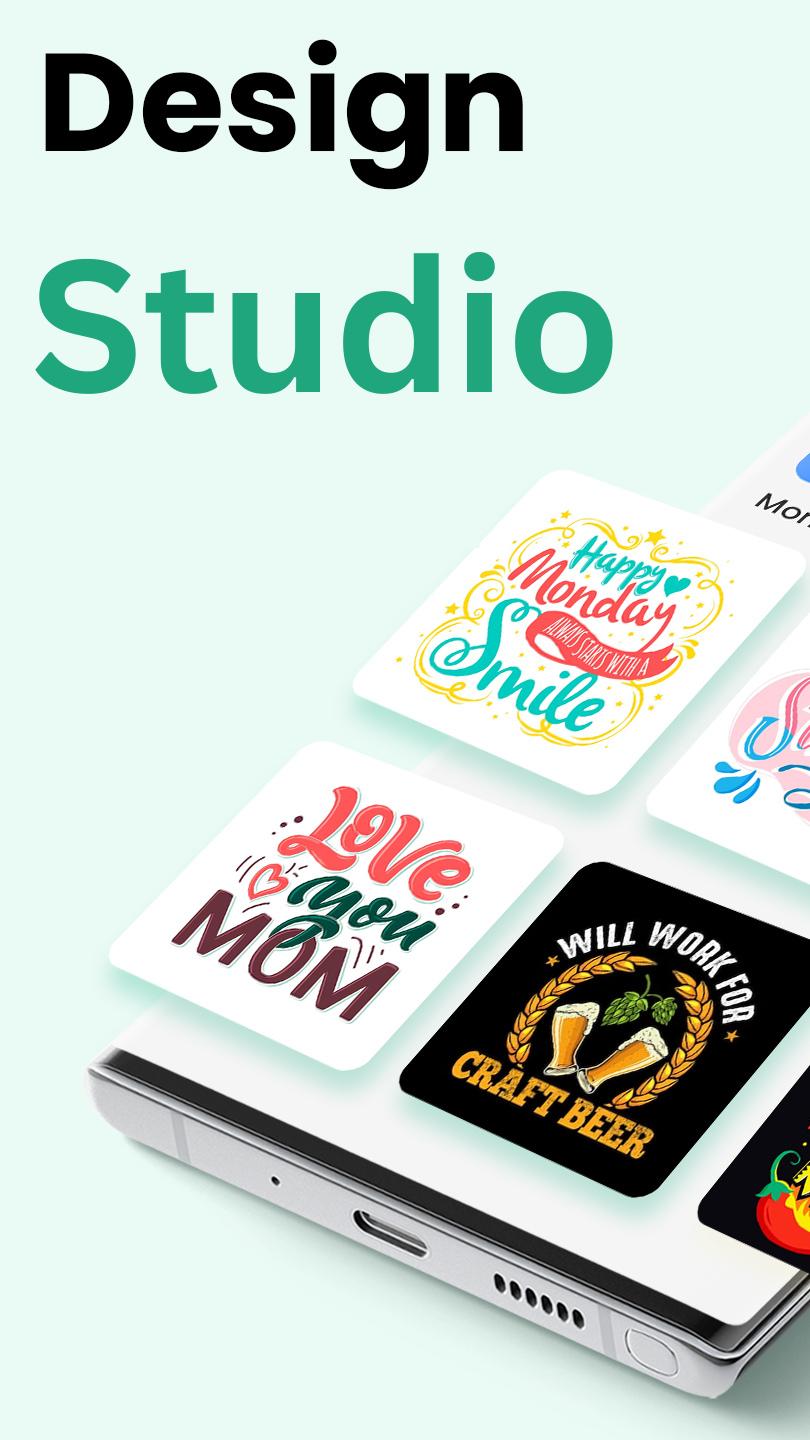
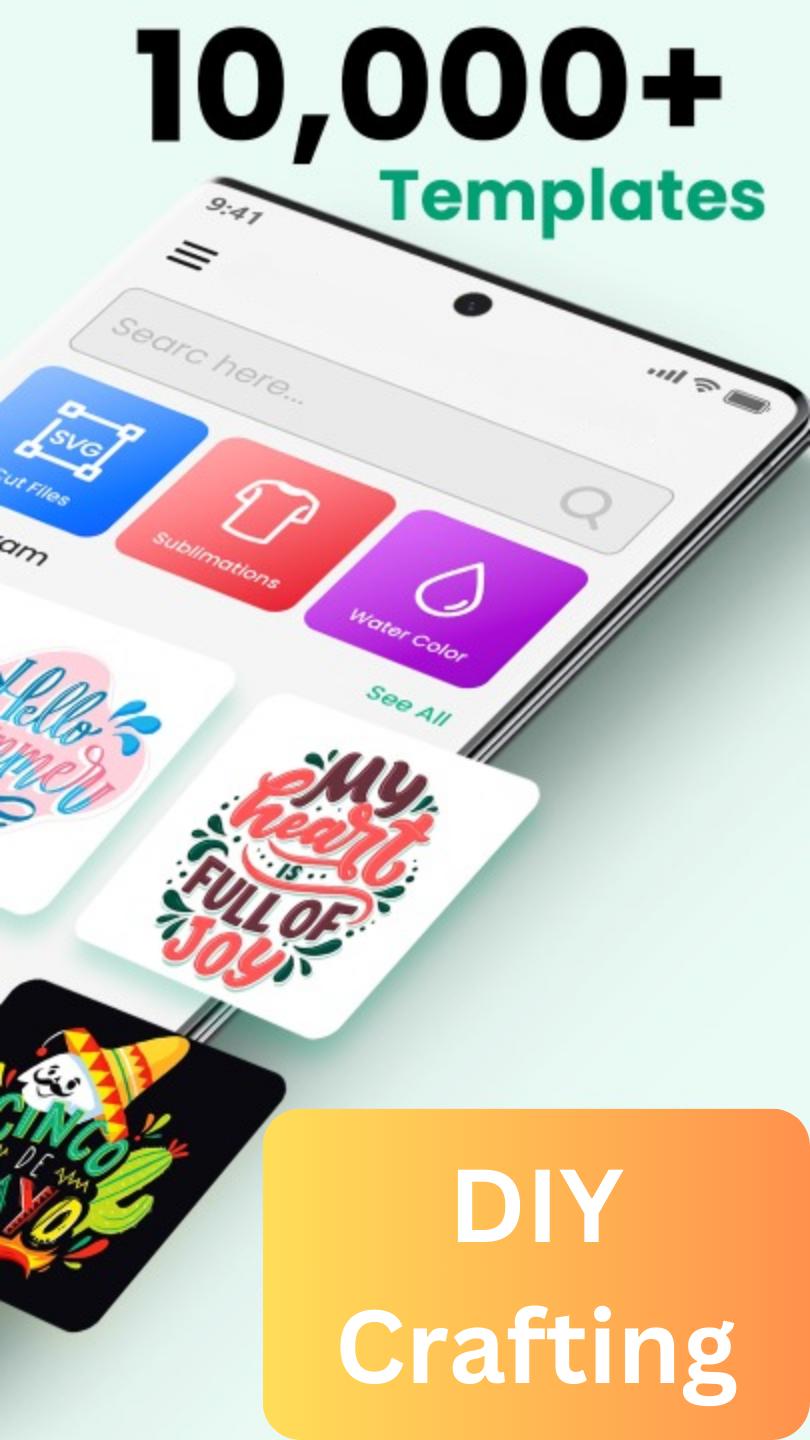
One of the standout features of Designer Space Studio is its extensive library of pre-made SVG designs, which can be easily customized to suit the user's specific needs. These designs include everything from intricate patterns and shapes to cute and playful graphics, making it easy for users to create professional-looking designs in just a few minutes.
In addition to the pre-made designs, Design Space Studio also offers a range of advanced design tools that allow users to create their own SVG designs from scratch. This includes a range of drawing and editing tools, as well as support for importing SVG files from other design programs. With these tools, users can create custom designs that are perfectly tailored to their needs.
Once a design is complete, Designer Space Studio makes it easy to send the design to a cutting machine for precision cutting. This allows users to easily create custom-cut files, monograms, and stickers that are perfect for a wide range of applications, from home decor to personal crafts and gifts.
In short, Designing Space Studio is a must-have app for anyone looking to create professional-quality designs for use with their cutting machine. With its extensive library of pre-made designs, powerful design tools, and seamless integration with cutting machines, this app makes it easy for users to create custom SVG designs, cut files, monograms, and stickers that are perfect for any project.
Features of the Design Space Studio App:
• More than 5,000 FREE images, fonts & projects
• More than 1000+ watercolor images
• More than 200+ watercolor overlays
• Upload & edit image files and monograms (.jpg, .bmp, .png, .gif, .svg, and .dxf)
• Browse more than 5000+ fonts or use Monogram Fonts
• Cut readymade SVG cut files to make projects quickly & easily
• Make cards, DIY projects, brochures, 3D designs & more
• Design home & party decor, DIY crafts, jewelry, and fashion accessories
• Acquire wonderful cut settings for your material type
• Imagine & draw artwork on scrap material
• Access images, monograms & projects on Design Studio
• Setup & activate the machine easily from the Joy app
• Easily position, resize & rotate text and monograms with font kerning
• Step-by-step project guidelines
• DIY mug designs
• Auto-save projects
• Cut files, fonts, monogram fonts, and stickers are fully compatible with Design Studio.
You have complete creative control over your upcoming DIY project with Design Studio. Create anything from scratch or choose from thousands of SVG Cut files, monograms, fonts, and monogram fonts in our Image Library. Create entertaining or useful DIY projects for your crafting needs using the amazing app. Additionally, DIY Design Studio offers 200+ watercolor overlays in addition to 1000+ watercolor stickers. You may even use this app as a Design editor or a Watercolor logo maker to design watercolor logos for your upcoming craft project.
With the help of the DIY Graphic Designer Studio application, getting started on your own do-it-yourself project is much less of a hassle than it ever was. It doesn't matter if you're just curious about your own artistic potential or you want to give your wildest ideas a visual form, this graphic design tool is always there for you.
Disclaimer: This application is not affiliated with any of the Cricut products e.g,
Cricut Joy
Cricut Joy Xtra
Cricut Explore
Cricut Maker
Cricut Venture
Cricut Heat
& Cricut Design Space in any way. Moreover, it does not possess the functionality to connect with Cricut machines, including but not limited to the Explore Air 2, Joy, Heat, Venture, or Explore 3.
預覽
標籤
生活品味訊息
開發商
Label Maker
最新版本
16.0
更新時間
2024-10-01
類別
生活品味
同時可用
Google Play
更多
如何在電腦上用 GameLoop 玩 Design Studio: DIY Craft Space
1. 從官網下載GameLoop,然後運行exe文件安裝GameLoop
2. 打開GameLoop,搜索“Design Studio: DIY Craft Space”,在搜索結果中找到Design Studio: DIY Craft Space,點擊“安裝”
3. 享受在 GameLoop 上玩 Design Studio: DIY Craft Space 的樂趣
Minimum requirements
OS
Windows 8.1 64-bit or Windows 10 64-bit
GPU
GTX 1050
CPU
i3-8300
Memory
8GB RAM
Storage
1GB available space
Recommended requirements
OS
Windows 8.1 64-bit or Windows 10 64-bit
GPU
GTX 1050
CPU
i3-9320
Memory
16GB RAM
Storage
1GB available space