Energizer Connect 電腦版
Energizer Connect
用GameLoop模拟器在電腦上玩Energizer Connect
Energizer Connect 電腦版
來自發行商 Energizer Connect 的 Energizer Connect 能夠在安卓系統上運行。
現在,您可以在電腦上使用 GameLoop 模擬器流暢地玩 Energizer Connect。
在 GameLoop 遊戲庫或搜索結果中下載。 不需要再暢玩遊戲時盯著電池電量或被令人懊惱的來電打斷。
只需在電腦大屏幕上免費下載暢玩Energizer Connect 電腦版!
Energizer Connect 簡介
The Energizer Connect family of home automation products offers plug-and-play, easy to use devices--all controllable from your smartphone. The power of Energizer keeps you connected and in control!
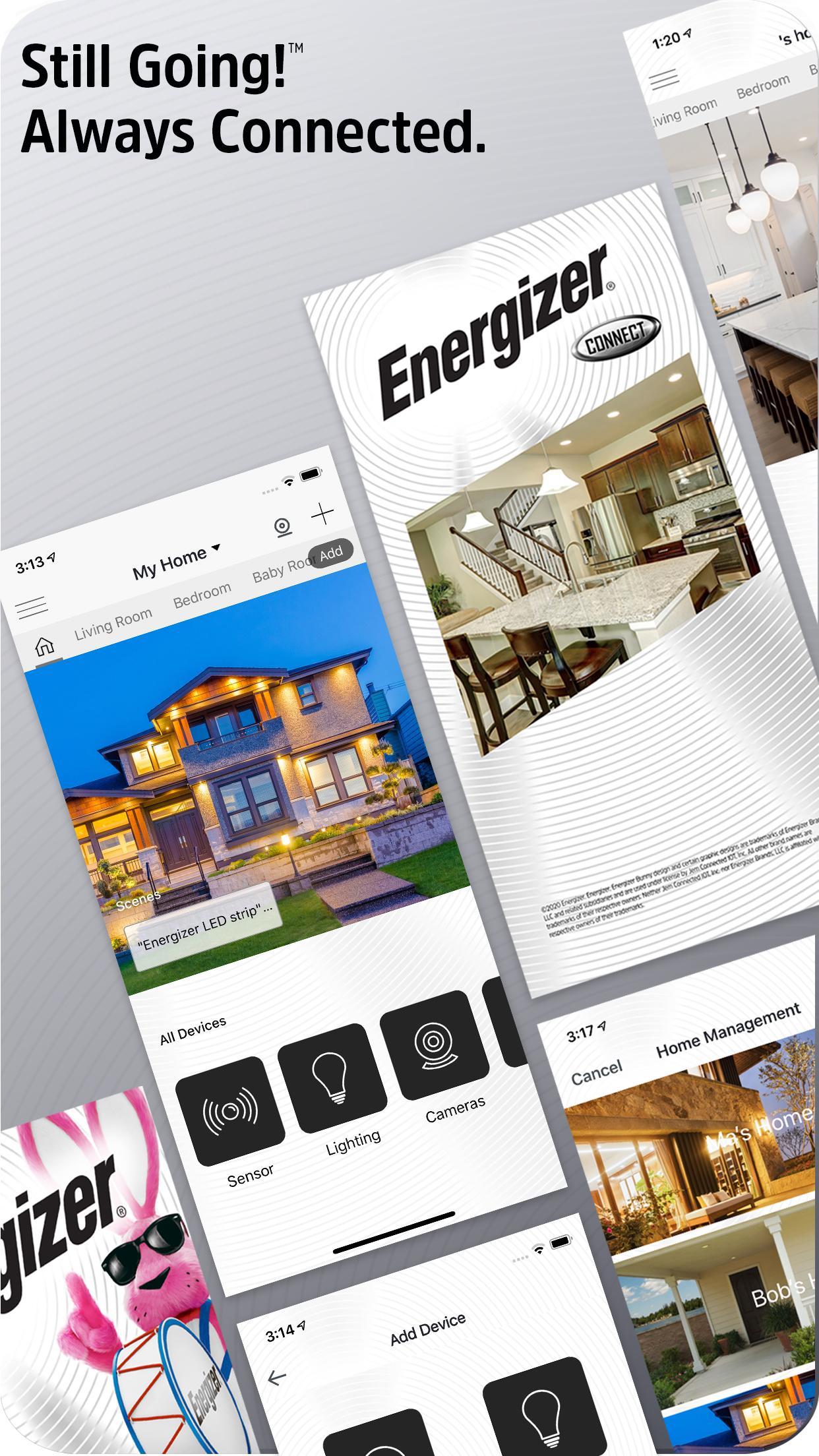
The easiest device pairing you've ever experienced lets you add multiple devices in seconds
Elegant navigation lets you create profiles for multiple homes
Add rooms within your homes to customize your experience
View all of your devices per-room or per-home and control them all
Intuitive device control screens let you control and set preferences on each device
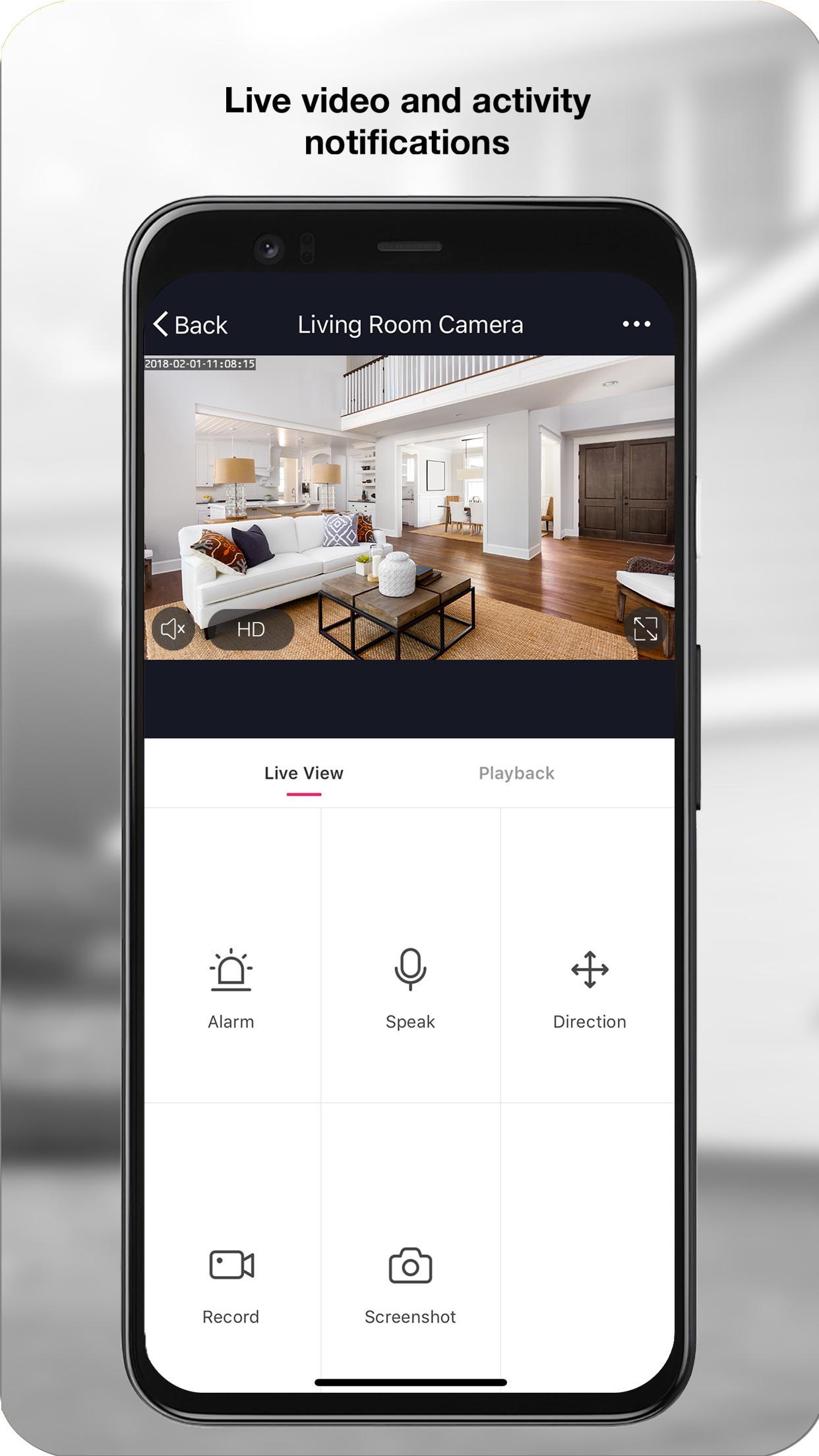
Alerts keep you informed of activity around your home
Full history and activity data logging lets you look back in time
Set alarms and schedules for convenience and security
Scenes and triggers let you define rules to truly automate your home
Share your device with other family members, let them control their own rooms or the whole home
In-app live chat support experience, quick help for when you need it the most
Experience our complete product lineup including:
Indoor and Outdoor Cameras
Smart Lighting
Power Products
Smart Sensors
and much more coming soon!
預覽
標籤
生活品味訊息
開發商
Energizer Connect
最新版本
5.5.0
更新時間
2024-10-31
類別
生活品味
同時可用
Google Play
更多
如何在電腦上用 GameLoop 玩 Energizer Connect
1. 從官網下載GameLoop,然後運行exe文件安裝GameLoop
2. 打開GameLoop,搜索“Energizer Connect”,在搜索結果中找到Energizer Connect,點擊“安裝”
3. 享受在 GameLoop 上玩 Energizer Connect 的樂趣
Minimum requirements
OS
Windows 8.1 64-bit or Windows 10 64-bit
GPU
GTX 1050
CPU
i3-8300
Memory
8GB RAM
Storage
1GB available space
Recommended requirements
OS
Windows 8.1 64-bit or Windows 10 64-bit
GPU
GTX 1050
CPU
i3-9320
Memory
16GB RAM
Storage
1GB available space