
ASUS ZenEye 電腦版
ASUSTeK Computer inc.
用GameLoop模拟器在電腦上玩ASUS ZenEye
ASUS ZenEye 電腦版
來自發行商 ASUSTeK Computer inc. 的 ASUS ZenEye 能夠在安卓系統上運行。
現在,您可以在電腦上使用 GameLoop 模擬器流暢地玩 ASUS ZenEye。
在 GameLoop 遊戲庫或搜索結果中下載。 不需要再暢玩遊戲時盯著電池電量或被令人懊惱的來電打斷。
只需在電腦大屏幕上免費下載暢玩ASUS ZenEye 電腦版!
ASUS ZenEye 簡介
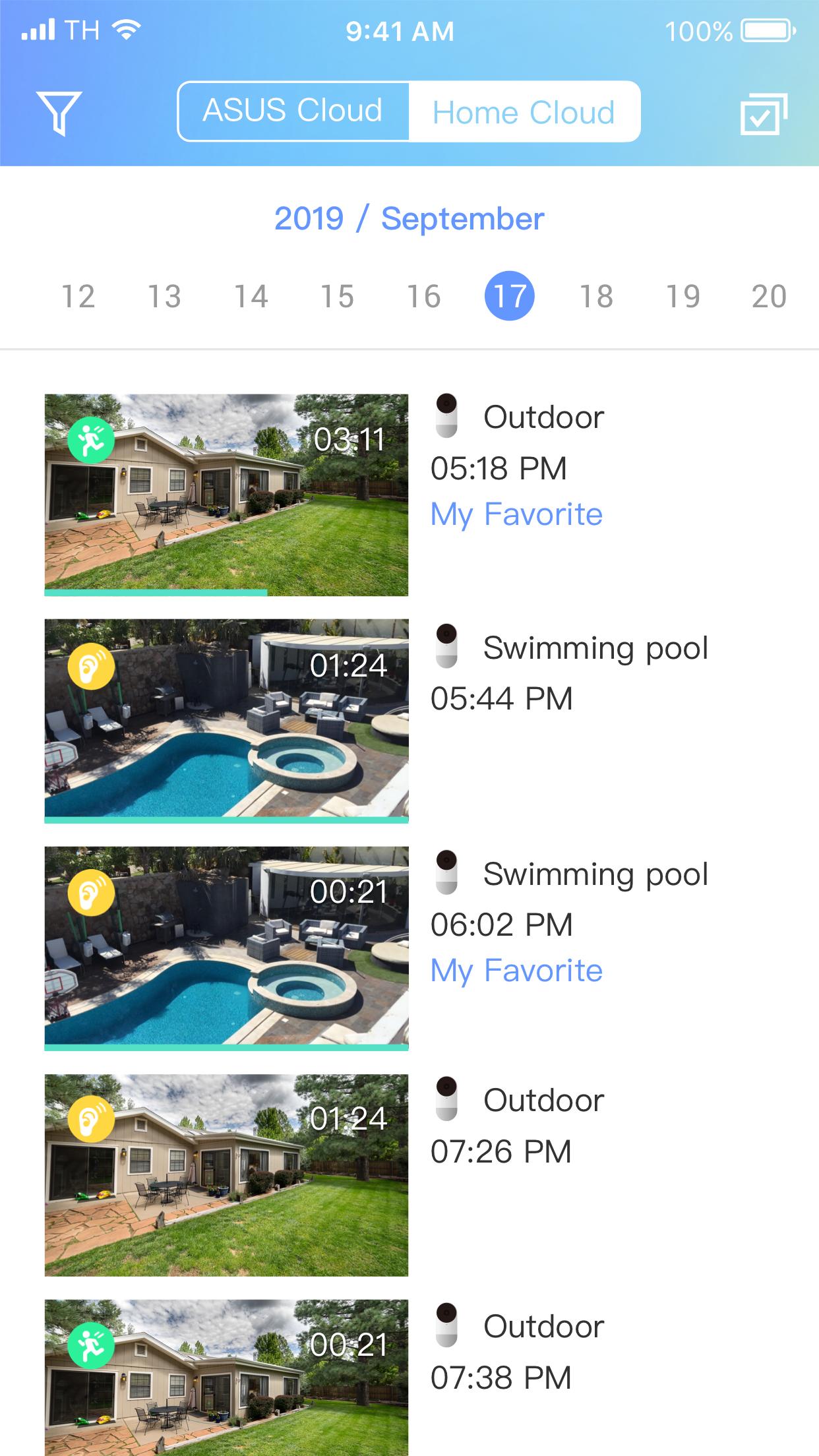
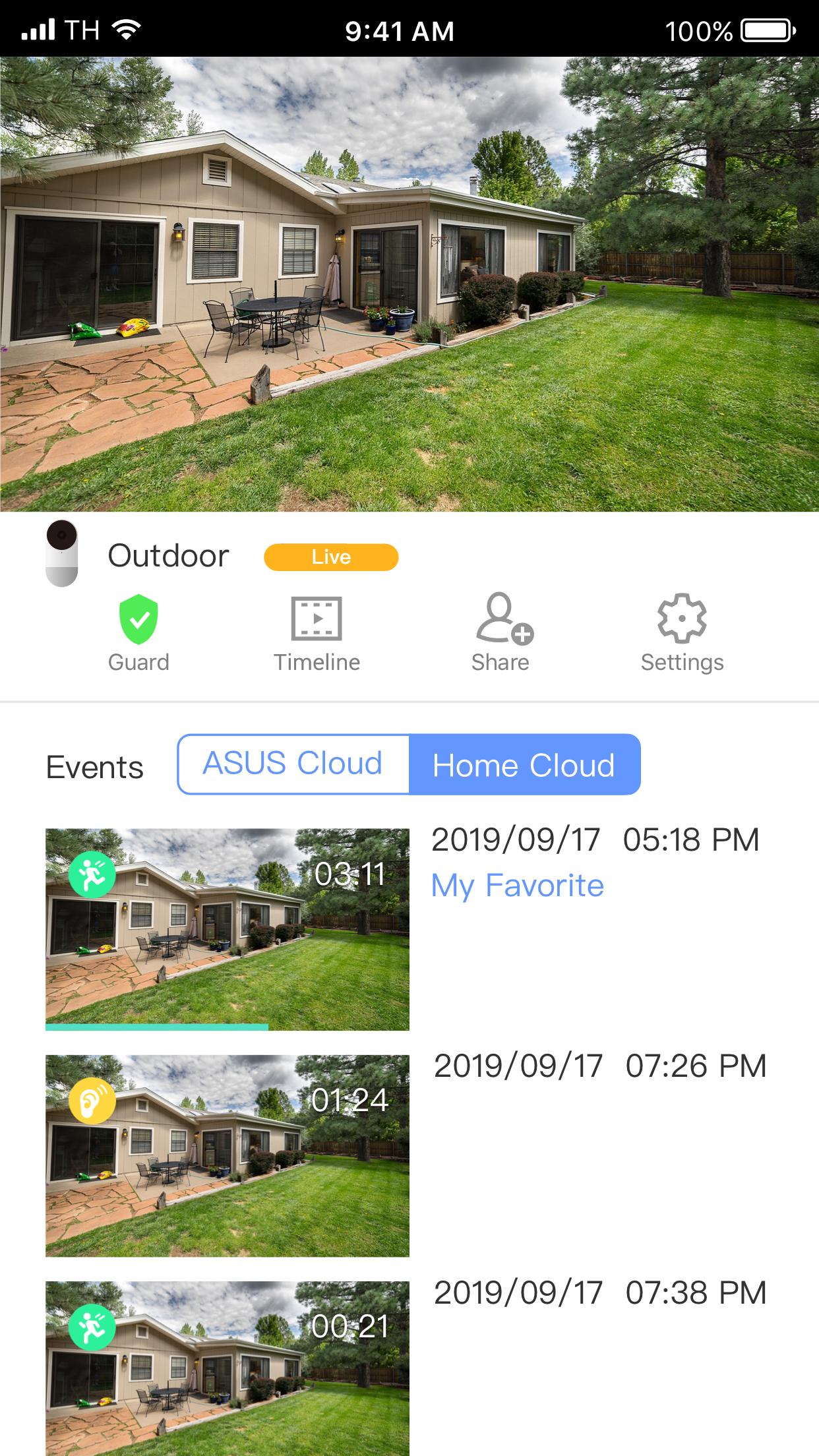
Use ZenEye to protect your home with ASUS 24-hours security guardian devices.
You can fully access and configure the security system at your fingertips anywhere, anytime.
Product features include:
-Real-time monitoring and live-view streaming
-Free local storage, allow you to record and access anytime anywhere.
-Optional ASUS Cloud-based video recording and storage service
-Intrusion detection and notification
-Talk and listen via built-in camera speaker and microphone
-Timeline and central video library
-Live-view access log
Terms of Use: https://www.asus.com/Terms_of_Use_Notice_Privacy_Policy/Official-Site
Privacy Policy: https://www.asus.com/Terms_of_Use_Notice_Privacy_Policy/Privacy_Policy/
預覽
標籤
生活品味訊息
開發商
ASUSTeK Computer inc.
最新版本
1.0.156.0
更新時間
2023-11-02
類別
生活品味
同時可用
Google Play
更多
如何在電腦上用 GameLoop 玩 ASUS ZenEye
1. 從官網下載GameLoop,然後運行exe文件安裝GameLoop
2. 打開GameLoop,搜索“ASUS ZenEye”,在搜索結果中找到ASUS ZenEye,點擊“安裝”
3. 享受在 GameLoop 上玩 ASUS ZenEye 的樂趣
Minimum requirements
OS
Windows 8.1 64-bit or Windows 10 64-bit
GPU
GTX 1050
CPU
i3-8300
Memory
8GB RAM
Storage
1GB available space
Recommended requirements
OS
Windows 8.1 64-bit or Windows 10 64-bit
GPU
GTX 1050
CPU
i3-9320
Memory
16GB RAM
Storage
1GB available space