
Philips TV Remote 電腦版
Mobile Tools Shop
用GameLoop模拟器在電腦上玩Philips TV Remote
Philips TV Remote 電腦版
來自發行商 Mobile Tools Shop 的 Philips TV Remote 能夠在安卓系統上運行。
現在,您可以在電腦上使用 GameLoop 模擬器流暢地玩 Philips TV Remote。
在 GameLoop 遊戲庫或搜索結果中下載。 不需要再暢玩遊戲時盯著電池電量或被令人懊惱的來電打斷。
只需在電腦大屏幕上免費下載暢玩Philips TV Remote 電腦版!
Philips TV Remote 簡介
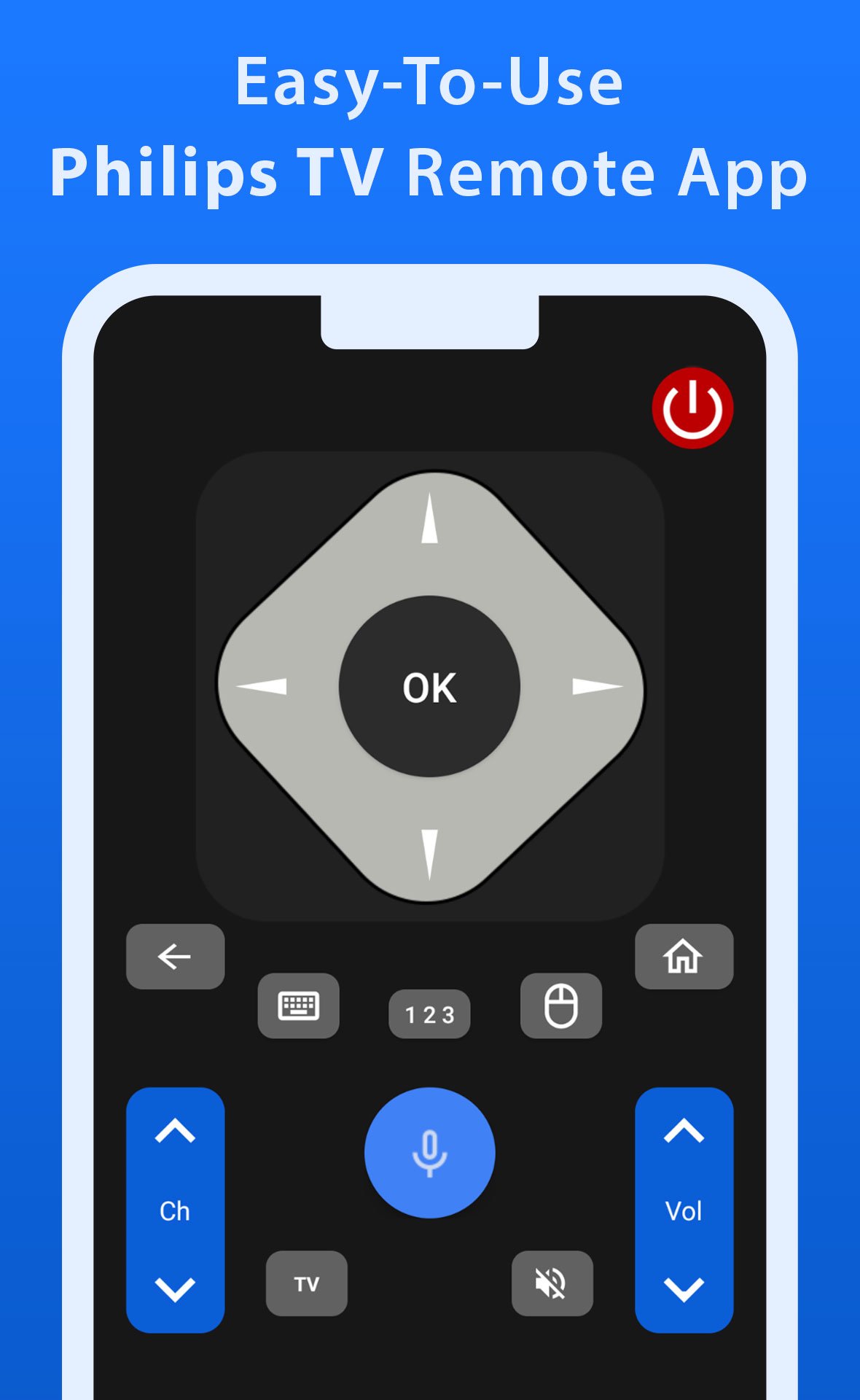
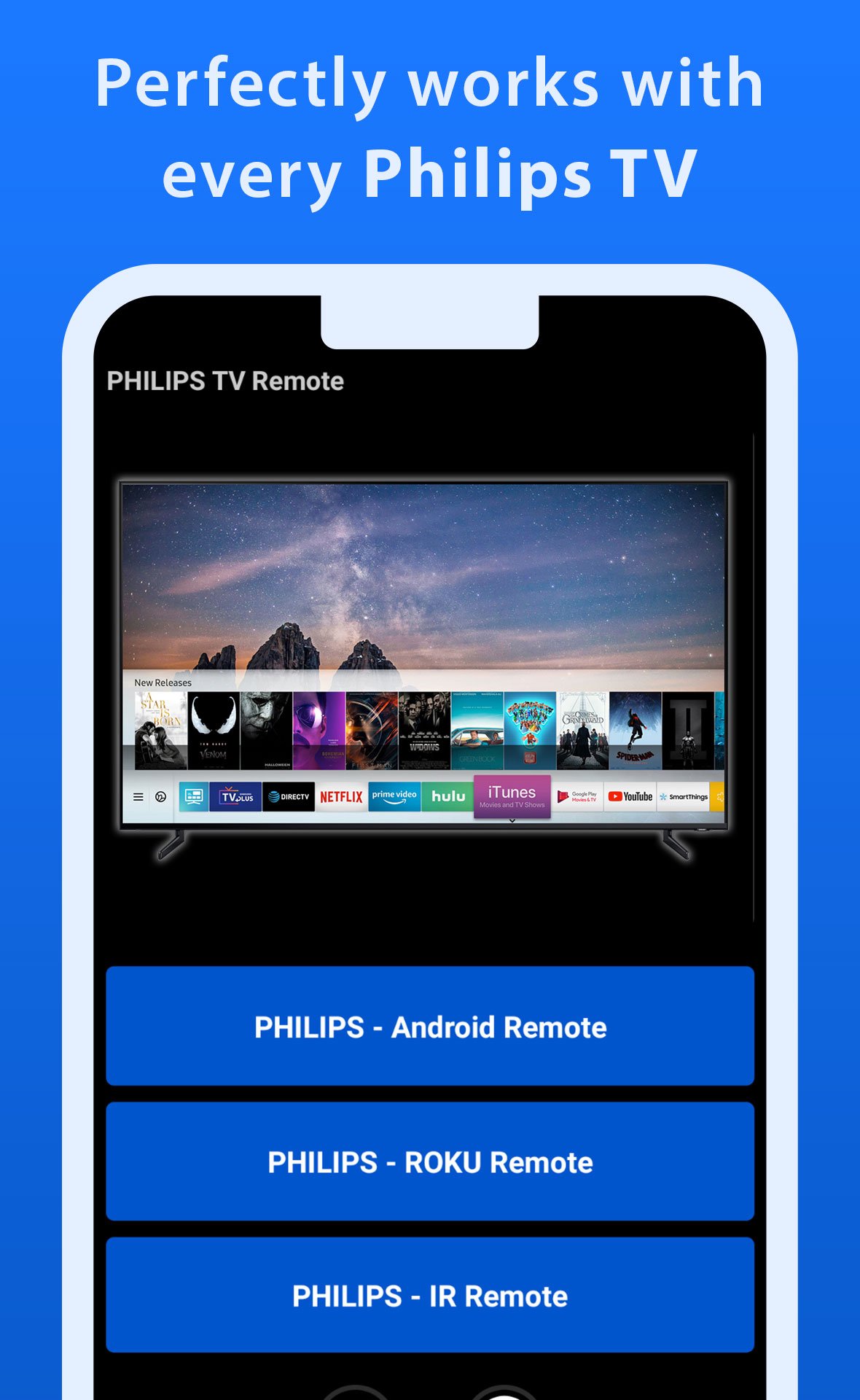
Take full control of your Philips TV with this all-in-one remote control app, designed to work seamlessly with all Philips TVs, including Android, Roku, and IR-enabled models. This app provides all the functionalities you need to operate your TV, from changing channels and adjusting the volume to accessing apps and navigating menus. With its user-friendly interface, it’s incredibly easy to use, making it the preferred choice for everyday TV viewing among many users.
What sets this app apart are its advanced features, such as the fast and responsive trackpad for smooth navigation and the powerful voice control function that lets you command your TV effortlessly. Whether you’re searching for your favorite shows or adjusting settings, this app ensures that controlling your TV is a hassle-free and enjoyable experience every time.
Download this app now and start using your mobile phone as a Philips TV remote control.
Disclaimer: This app is independently developed by Mobile Tools Shop for Philips TV users and has no official connection with Philips.
預覽
標籤
House-&訊息
開發商
Mobile Tools Shop
最新版本
1.0.19
更新時間
2026-04-13
類別
House-home
同時可用
Google Play
更多
如何在電腦上用 GameLoop 玩 Philips TV Remote
1. 從官網下載GameLoop,然後運行exe文件安裝GameLoop
2. 打開GameLoop,搜索“Philips TV Remote”,在搜索結果中找到Philips TV Remote,點擊“安裝”
3. 享受在 GameLoop 上玩 Philips TV Remote 的樂趣
Minimum requirements
OS
Windows 8.1 64-bit or Windows 10 64-bit
GPU
GTX 1050
CPU
i3-8300
Memory
8GB RAM
Storage
1GB available space
Recommended requirements
OS
Windows 8.1 64-bit or Windows 10 64-bit
GPU
GTX 1050
CPU
i3-9320
Memory
16GB RAM
Storage
1GB available space