Philips HomeRun Robot App 電腦版
Philips Domestic Appliances Netherland B.V
用GameLoop模拟器在電腦上玩Philips HomeRun Robot App
Philips HomeRun Robot App 電腦版
來自發行商 Philips Domestic Appliances Netherland B.V 的 Philips HomeRun Robot App 能夠在安卓系統上運行。
現在,您可以在電腦上使用 GameLoop 模擬器流暢地玩 Philips HomeRun Robot App。
在 GameLoop 遊戲庫或搜索結果中下載。 不需要再暢玩遊戲時盯著電池電量或被令人懊惱的來電打斷。
只需在電腦大屏幕上免費下載暢玩Philips HomeRun Robot App 電腦版!
Philips HomeRun Robot App 簡介
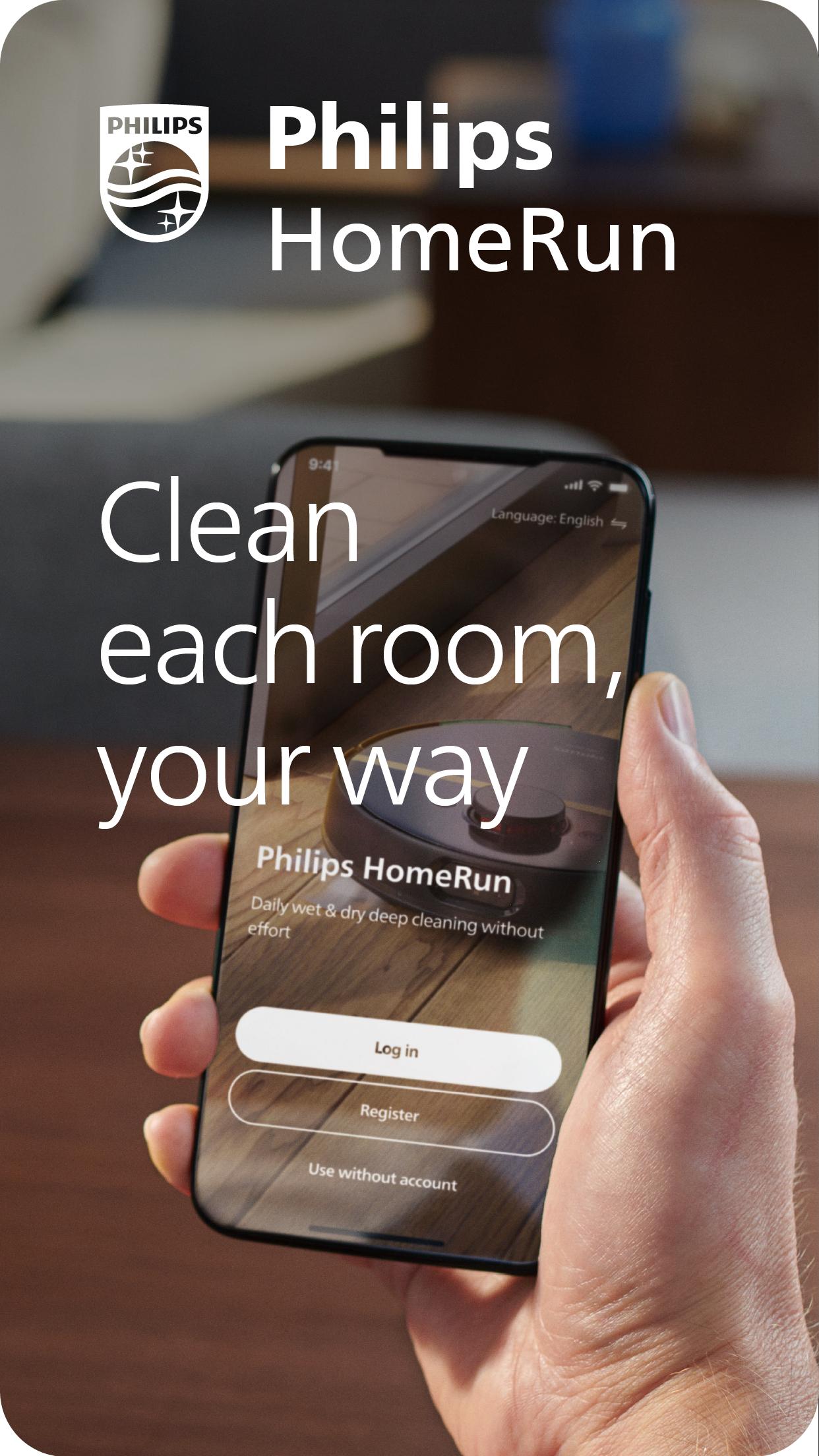
Unlock the full potential of your Philips HomeRun robot with the app. Tell it exactly how and when to clean each room. Then, relax.
With the Philips HomeRun Robot app you can:
● Start, pause or stop cleaning remotely
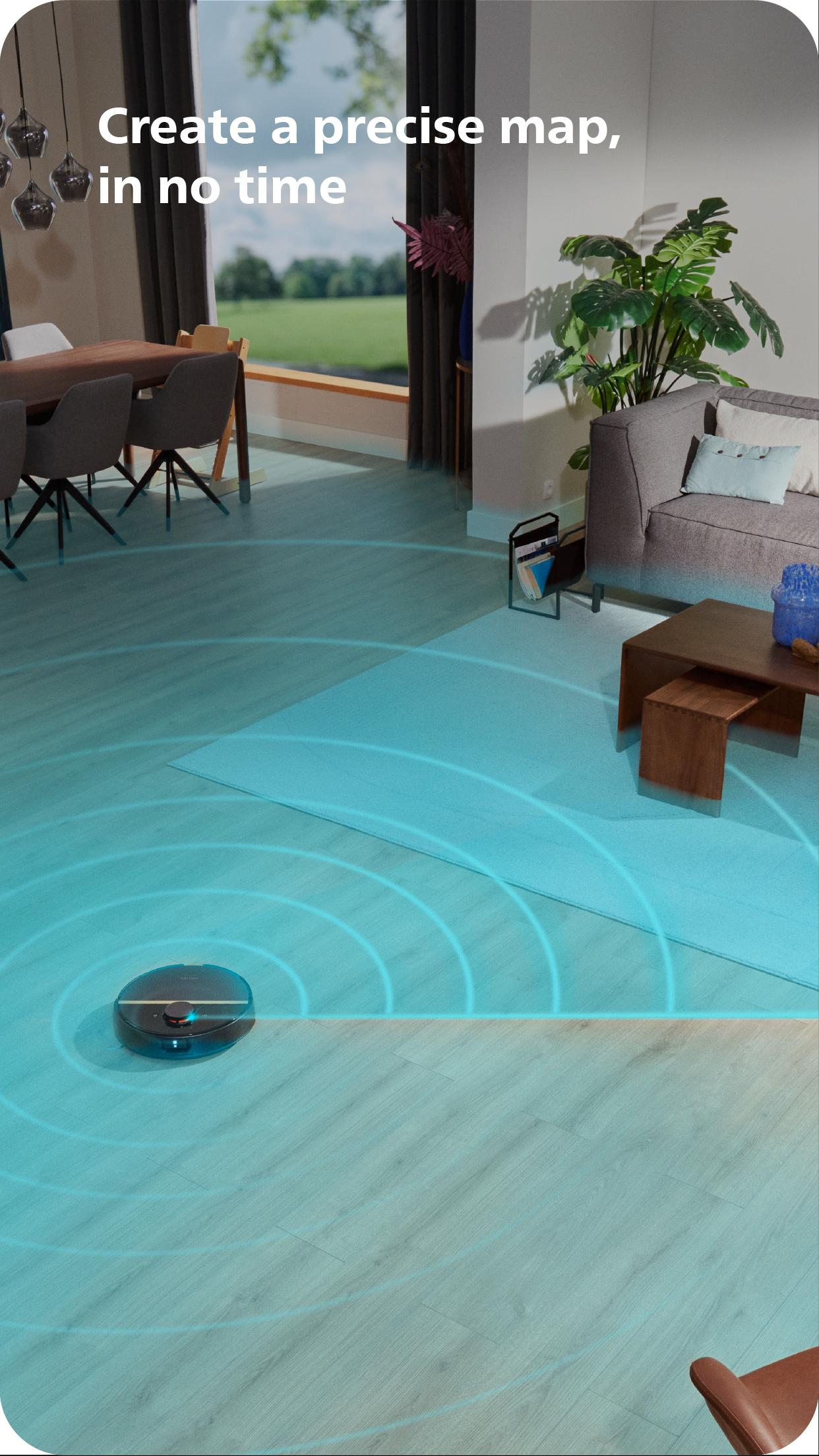
● Make a precise map of your home in no time
● Control where your robot cleans
● Choose a cleaning mode per room
● Set up once, enjoy spotless floors daily
● Custom clean for specific situations
● Get step-by-step guidance to set up easily
● Access our support team, if need be
● Receive progress updates on each clean
● Keep your data secure
Start, pause or stop your robot remotely
Come home to clean floors every day by using your Philips HomeRun vacuum and mop robot in combination with the app. Set it up once—to clean each room just the way you like it—touch ‘Start’, anytime, anywhere, and let your robot do the rest.
Make a precise map of your home in no time
During its first run, your robot will create a map of your floor plan. Now you have an interactive map that you can use to tell your robot how and when to clean each room. You can store up to five maps.
Control where your robot cleans
Only want your robot to clean the kitchen, bathroom and living room? With the app, you can tell your robot which rooms you want cleaned, and in what order. If there are areas or things you’d like it to avoid—like precious items or a rug in an area you want to mop—you can tell it where not to go, or not to mop, as well.
Choose a cleaning mode for each room
Give each room unique attention with one of five cleaning modes. Use Dry mode to vacuum the bedroom and Wet & Dry mode to vacuum and mop hard floors. Put your robot on Quiet mode if, say, you have a meeting, or give the kitchen an extra thorough clean by using Intensive mode.
Set up once. Enjoy spotless floors every day
Once you’ve created a cleaning plan, clean floors are always a tap away. Tap ‘Start’ when you want your robot to begin and know you’ll be coming home to clean—every day if you like, and at a time that suits your schedule.
Custom clean for specific situations
Had friends over and need an extra thorough clean? Or maybe the dog left paw prints in your hallway. Again. Schedule a custom clean that targets specific rooms or areas.
Get step-by-step guidance to setup easily
From connecting to Wi-Fi to the first clean, we’ll guide you through every step of getting started. You’ll find easy-to-follow instructions and how-to-videos as well.
Always have support at your fingertips
Have extra questions about the HomeRun app and robot? You’ll find a user manual in the app, answers to FAQs and easy access to Customer Care if need be.
Receive progress updates
As your robot cleans, you’ll receive in-app updates. See where your robot currently is, check on its battery levels and, most importantly, get notified as soon as the cleaning run is done.
Maintain high performance
Get the best performance from your robot by replacing parts on time. Our app lets you know when it’s time to replace parts like filters and mops, and makes it easy to order them.
Keep your data secure
Philips adheres to a strict privacy policy. We recommend creating an account to ensure you can save your preferences. If you prefer, you can use the app as a guest.
Compatibility
The HomeRun app works with:
• 7000 Series Aqua: XU7100 and XU7000 models
• 3000 Series Aqua: XU3110, XU3100 and XU3000 models
WiFi
Philips HomeRun robots have dual band Wi-Fi so it’s easy to connect to your home Wi-Fi, whether it's to 2.4 or 5.0GHz.
Need help?
Visit www.Philips.com/HomeRun to find answers to our most frequently asked questions, or get in touch with our Consumer Care team.
預覽
標籤
House-&訊息
開發商
Philips Domestic Appliances Netherland B.V
最新版本
1.3.0
更新時間
2023-11-27
類別
House-home
同時可用
Google Play
更多
如何在電腦上用 GameLoop 玩 Philips HomeRun Robot App
1. 從官網下載GameLoop,然後運行exe文件安裝GameLoop
2. 打開GameLoop,搜索“Philips HomeRun Robot App”,在搜索結果中找到Philips HomeRun Robot App,點擊“安裝”
3. 享受在 GameLoop 上玩 Philips HomeRun Robot App 的樂趣
Minimum requirements
OS
Windows 8.1 64-bit or Windows 10 64-bit
GPU
GTX 1050
CPU
i3-8300
Memory
8GB RAM
Storage
1GB available space
Recommended requirements
OS
Windows 8.1 64-bit or Windows 10 64-bit
GPU
GTX 1050
CPU
i3-9320
Memory
16GB RAM
Storage
1GB available space