
iTOUCH Home Automation 電腦版
Connected Switchgear
用GameLoop模拟器在電腦上玩iTOUCH Home Automation
iTOUCH Home Automation 電腦版
來自發行商 Connected Switchgear 的 iTOUCH Home Automation 能夠在安卓系統上運行。
現在,您可以在電腦上使用 GameLoop 模擬器流暢地玩 iTOUCH Home Automation。
在 GameLoop 遊戲庫或搜索結果中下載。 不需要再暢玩遊戲時盯著電池電量或被令人懊惱的來電打斷。
只需在電腦大屏幕上免費下載暢玩iTOUCH Home Automation 電腦版!
iTOUCH Home Automation 簡介
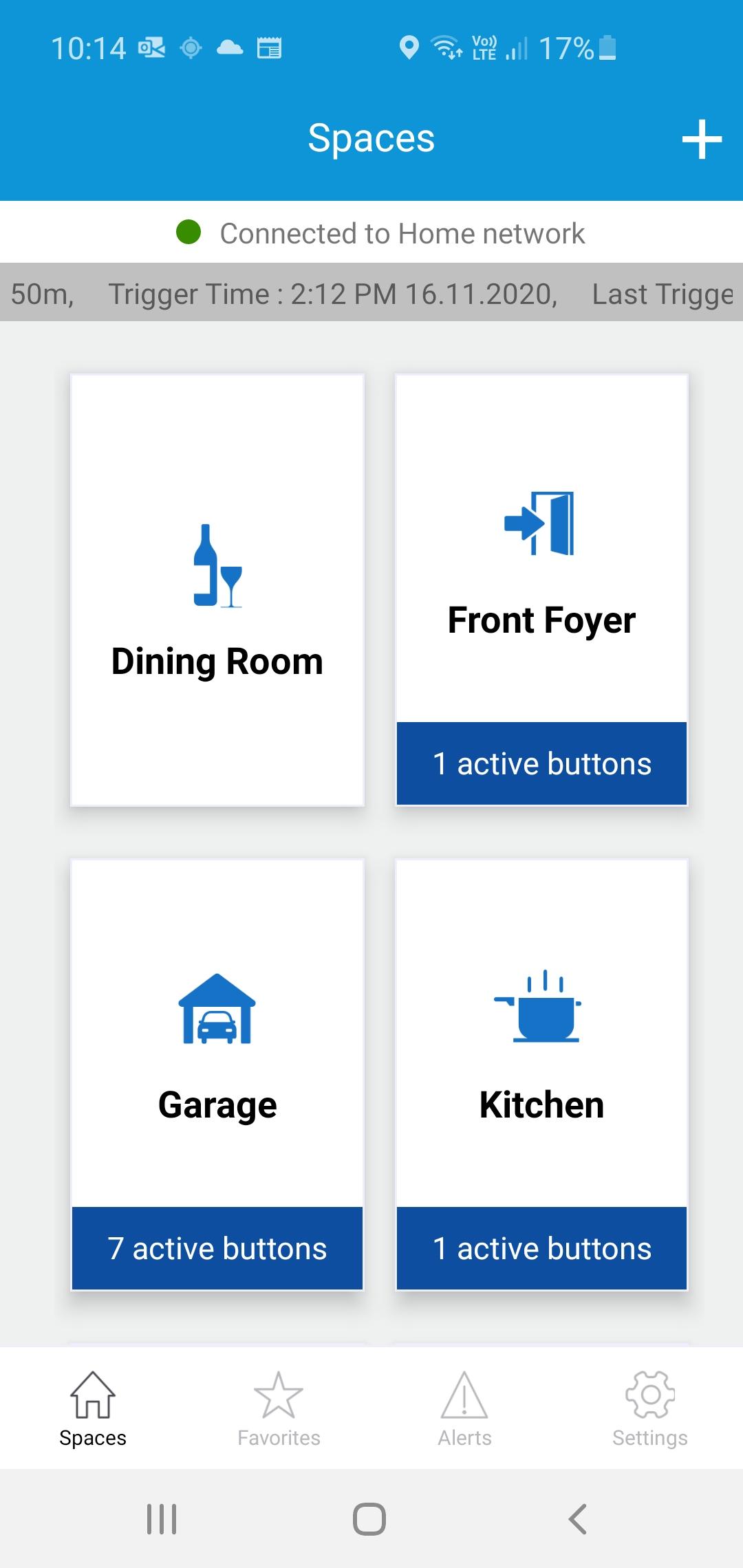
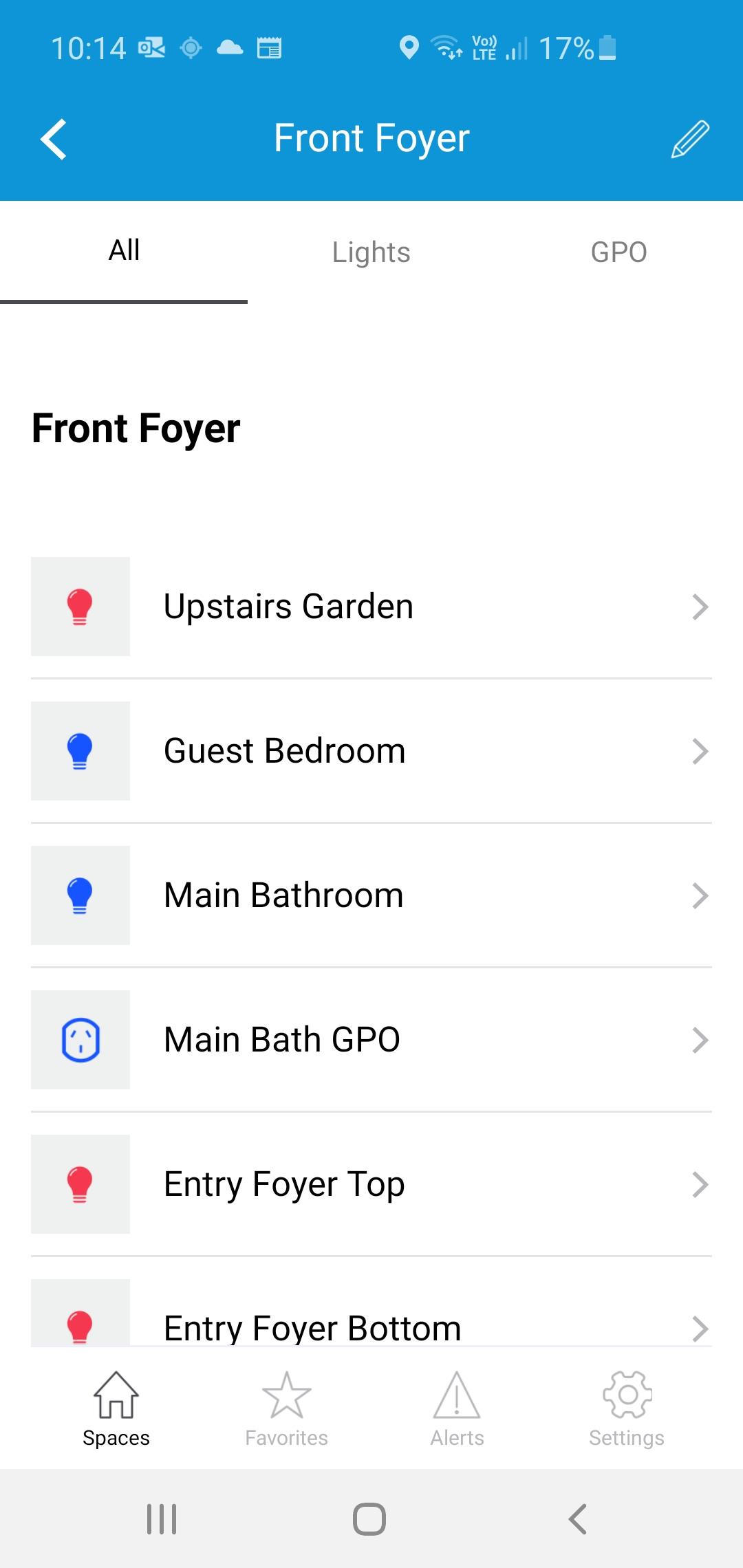
The iTOUCH Home Automation App places configuration and control of your iTOUCH Home Automation System onto your mobile device. Personalize your system by creating spaces and naming individual panels and buttons. Set up timers, ambient light triggers and group control multiple buttons using a buttons double tap feature. Issue global commands such as Home, Away, Goodnight or Good Morning. Check the state of your whole home. Assign users, access levels and passwords. Turn on or off global timers and synchronize time across the whole system. Set up Geo-Fence feature to trigger global commands using the devices GPS proximately to the installation.
預覽
標籤
House-&訊息
開發商
Connected Switchgear
最新版本
2.0.1
更新時間
2021-11-19
類別
House-home
同時可用
Google Play
更多
如何在電腦上用 GameLoop 玩 iTOUCH Home Automation
1. 從官網下載GameLoop,然後運行exe文件安裝GameLoop
2. 打開GameLoop,搜索“iTOUCH Home Automation”,在搜索結果中找到iTOUCH Home Automation,點擊“安裝”
3. 享受在 GameLoop 上玩 iTOUCH Home Automation 的樂趣
Minimum requirements
OS
Windows 8.1 64-bit or Windows 10 64-bit
GPU
GTX 1050
CPU
i3-8300
Memory
8GB RAM
Storage
1GB available space
Recommended requirements
OS
Windows 8.1 64-bit or Windows 10 64-bit
GPU
GTX 1050
CPU
i3-9320
Memory
16GB RAM
Storage
1GB available space