Eurotronic Smart Living 2.0 電腦版
EUROtronic Technology GmbH
用GameLoop模拟器在電腦上玩Eurotronic Smart Living 2.0
Eurotronic Smart Living 2.0 電腦版
來自發行商 EUROtronic Technology GmbH 的 Eurotronic Smart Living 2.0 能夠在安卓系統上運行。
現在,您可以在電腦上使用 GameLoop 模擬器流暢地玩 Eurotronic Smart Living 2.0。
在 GameLoop 遊戲庫或搜索結果中下載。 不需要再暢玩遊戲時盯著電池電量或被令人懊惱的來電打斷。
只需在電腦大屏幕上免費下載暢玩Eurotronic Smart Living 2.0 電腦版!
Eurotronic Smart Living 2.0 簡介
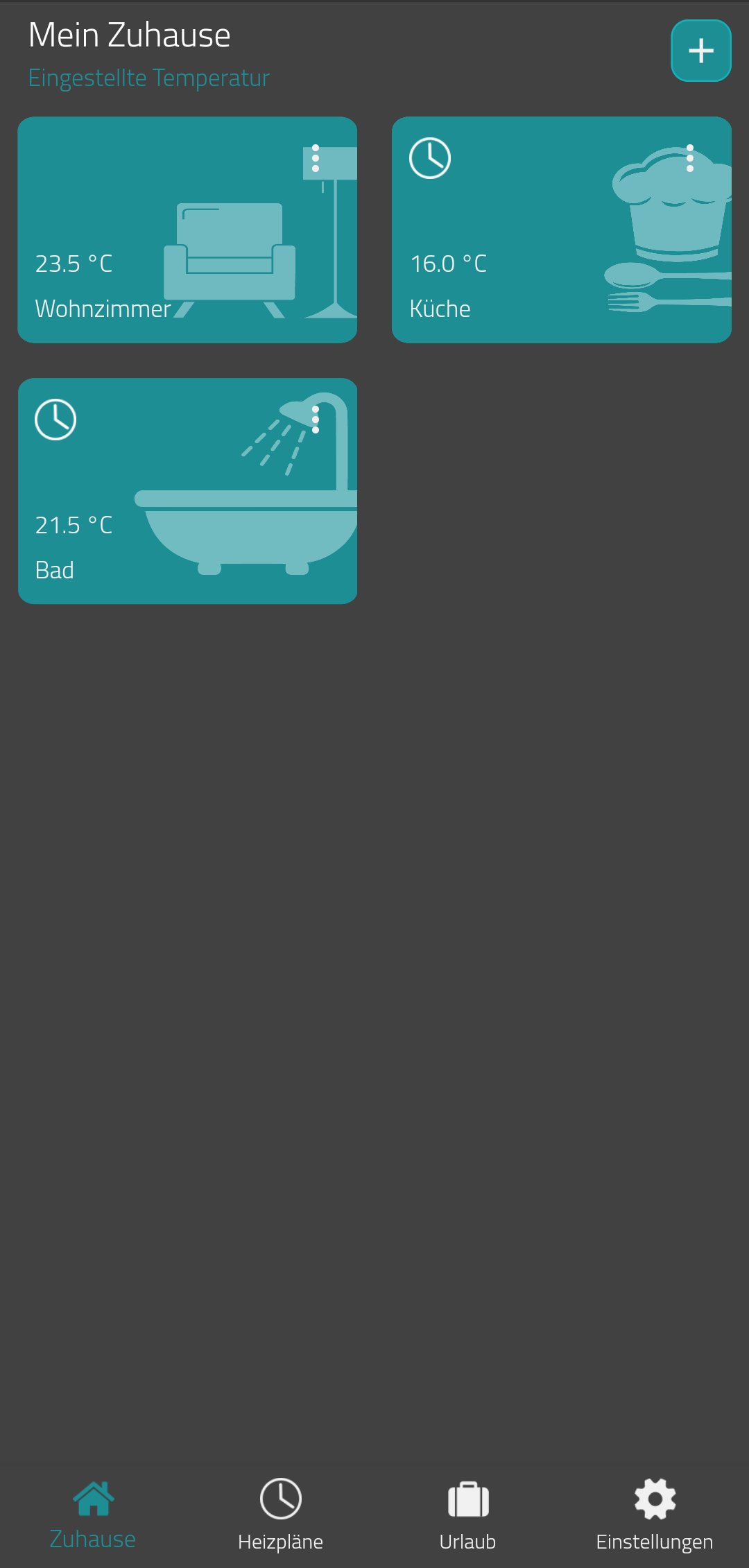
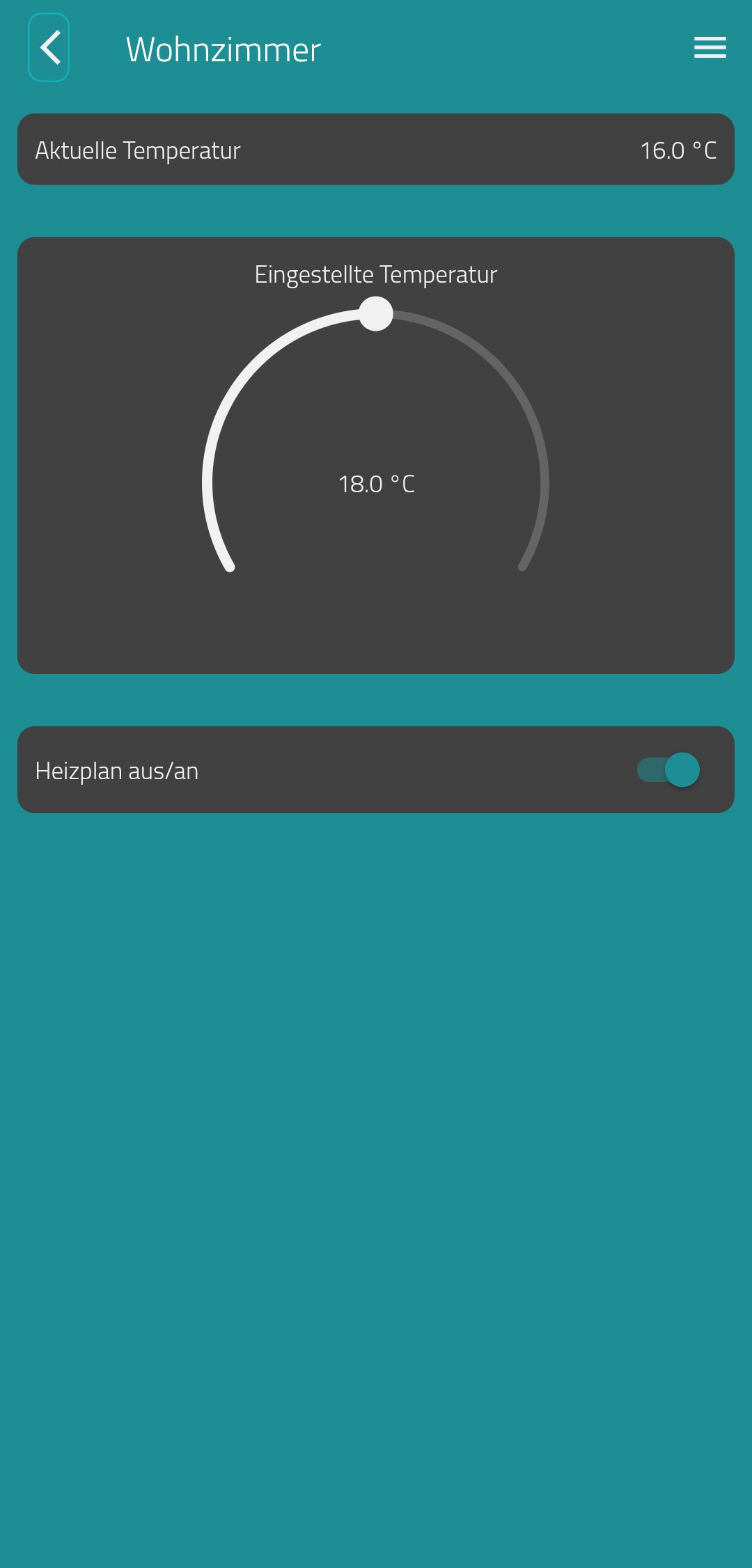
With the Eurotronic Smart Living App, you can now conveniently control and manage your Eurotronic WiFi devices.
Our new database allows you to manage your devices across smartphones and tablets.
By integrating your devices into your WiFi network, you can also control your WiFi devices at any time while on the go.
With programmable weekly and daily time programs for your Comet WiFi thermostat, you save up to 30% on your heating costs!
The WiFi app offers you the following options:
- Integration of your Comet WiFi into your WiFi network (without additional
gateway)
- Remote control of your Comet WiFi thermostats
- Easy configuration and storage of heating schedules (e.g. Monday
to Sunday, Monday to Friday & Saturday and Sunday)
- Activate/deactivate the key lock
- Set up vacation plans
Please note that the functions of the app described are only available in connection with a programmable Comet WiFi radiator thermostat from Eurotronic Technology GmbH.
Visit www.eurotronic.org for more information.
預覽
標籤
House-&訊息
開發商
EUROtronic Technology GmbH
最新版本
1.5.1
更新時間
2024-10-30
類別
House-home
同時可用
Google Play
更多
如何在電腦上用 GameLoop 玩 Eurotronic Smart Living 2.0
1. 從官網下載GameLoop,然後運行exe文件安裝GameLoop
2. 打開GameLoop,搜索“Eurotronic Smart Living 2.0”,在搜索結果中找到Eurotronic Smart Living 2.0,點擊“安裝”
3. 享受在 GameLoop 上玩 Eurotronic Smart Living 2.0 的樂趣
Minimum requirements
OS
Windows 8.1 64-bit or Windows 10 64-bit
GPU
GTX 1050
CPU
i3-8300
Memory
8GB RAM
Storage
1GB available space
Recommended requirements
OS
Windows 8.1 64-bit or Windows 10 64-bit
GPU
GTX 1050
CPU
i3-9320
Memory
16GB RAM
Storage
1GB available space