Ziggo GO TV 電腦版
Liberty Global
用GameLoop模拟器在電腦上玩Ziggo GO TV
Ziggo GO TV 電腦版
來自發行商 Liberty Global 的 Ziggo GO TV 能夠在安卓系統上運行。
現在,您可以在電腦上使用 GameLoop 模擬器流暢地玩 Ziggo GO TV。
在 GameLoop 遊戲庫或搜索結果中下載。 不需要再暢玩遊戲時盯著電池電量或被令人懊惱的來電打斷。
只需在電腦大屏幕上免費下載暢玩Ziggo GO TV 電腦版!
Ziggo GO TV 簡介
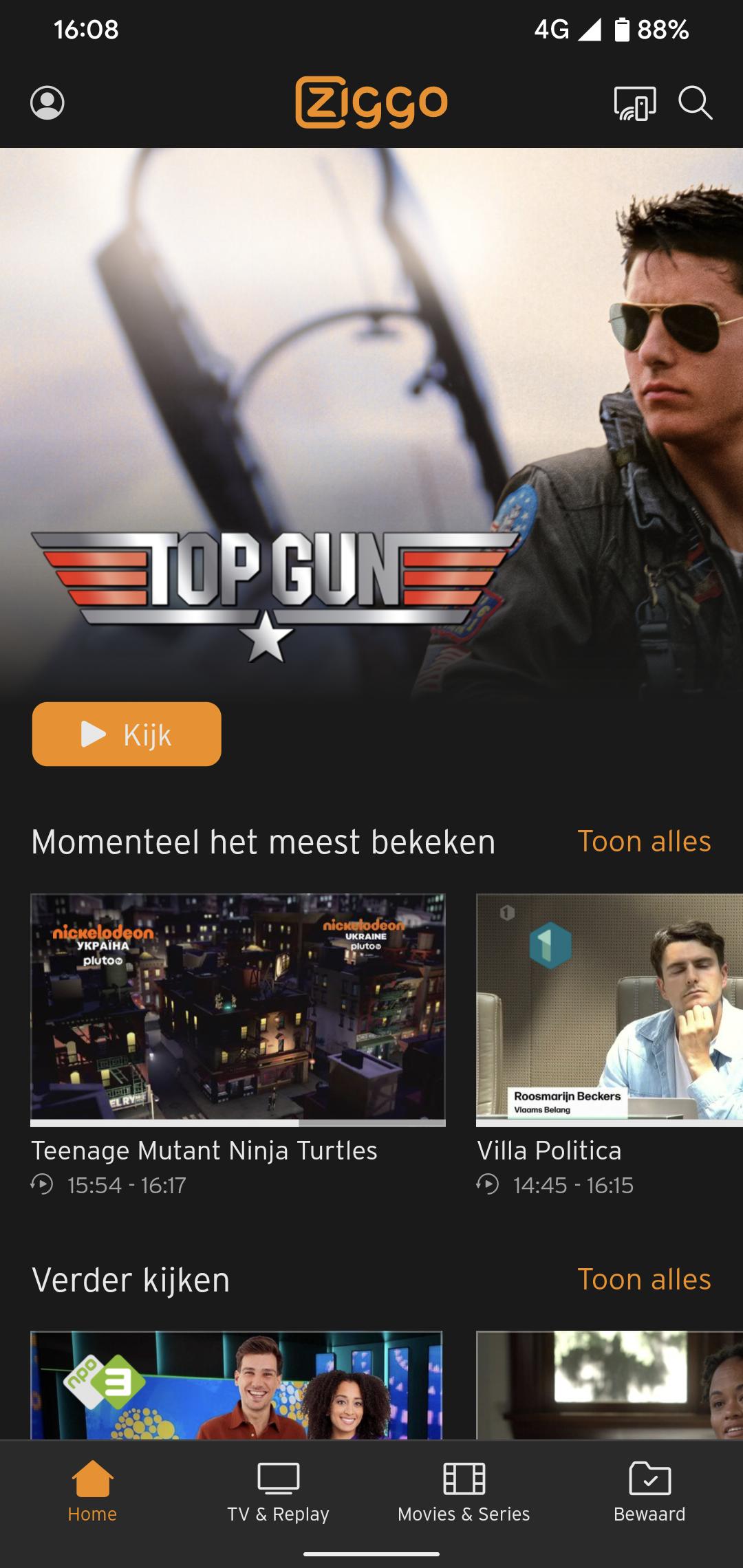
Watch anywhere in your home with Ziggo GO.
Watch your favourite programmes, films, series and sports wherever and whenever you want. With Ziggo GO you can turn any screen in your home into your TV.
Download the Ziggo GO app on your smartphone, tablet, smart TV or media player. Or watch via your laptop on ziggogo.tv
Do you have a Ziggo TV subscription?
Then you will receive Ziggo GO as standard with your subscription, at no extra cost. All you need is a My Ziggo account and Ziggo internet (wifi).
You can do all this with Ziggo GO:
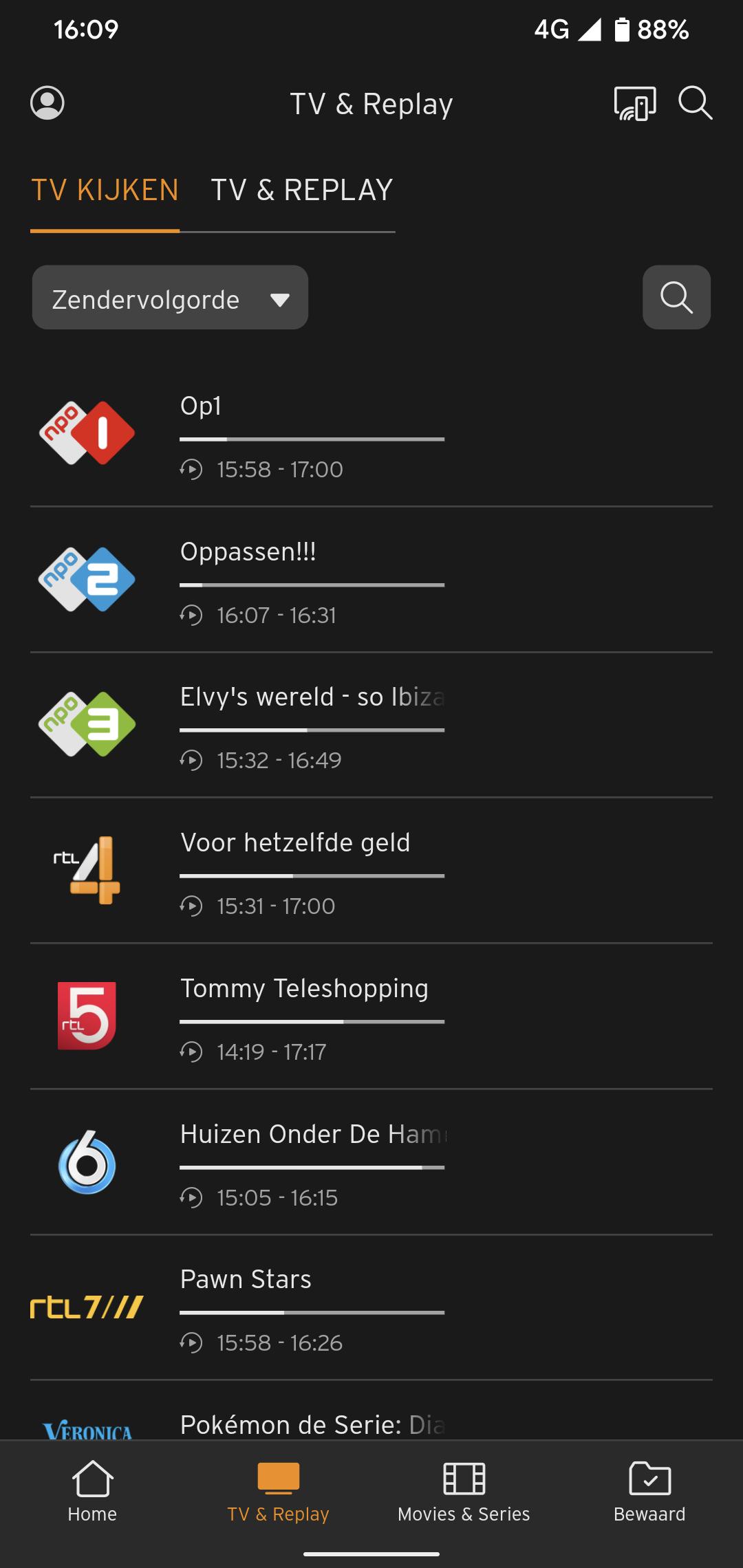
- Watch live TV on 70+ TV channels. Missed the beginning? Then start again from the beginning.
- Watch up to 7 days back. Watch a programme whenever you want and have time.
- Record programmes. No time for a film? Record it. Easy with the app. Also remotely. Stream to your TV
- Watch on multiple screens at the same time. With Ziggo GO you can watch TV, films and series on 3 devices at the same time.
Are you a football fan and don't have Ziggo?
Stream the European matches of Dutch clubs and the finals of the UEFA Champions League, UEFA Europa League and UEFA Conference League for free with Ziggo GO. You don't need an account in the Netherlands: on match days you use the app via a special entrance on the login screen. Do you want to watch in the entire EU? Then create a Ziggo Sport Free account via ziggo.nl/free
Want to watch UEFA European football on a big screen?
Open the App store on your smart TV and install the Ziggo GO app. Or easily stream with Ziggo GO from your mobile or tablet to your TV via Chromecast or AirPlay. In the European Union (EU) and per account on a maximum of 3 screens at the same time!
Please note:
- Always use the latest version of the Ziggo GO TV app
- If you are a Ziggo customer, log in with your My Ziggo details and enjoy the complete range of Ziggo TV. If you are not a customer but are a UEFA viewer, log in with your Ziggo Sport Free details or watch on match days by clicking on the banner on the login screen.
Minimum requirements and conditions
- Required: a smart TV or media player running on Android TV 5.1 or higher
- The use of the boxes on your TV set and apps on smart TVs do not fall under the 'Content Portability legislation' for online services and is therefore not an open internet service. We must therefore adhere to the agreements made with the various content parties. The Apple TV, Android TV, Amazon Fire TV app from Ziggo is therefore an 'in-house solution' for a second and third TV in the house. It is a replacement for an extra TV receiver and, as agreed with content parties, we only offer some channels via our own network. In order to use this channel, you also need an internet connection from Ziggo.
預覽
標籤
娛樂訊息
開發商
Liberty Global
最新版本
5.11.9508
更新時間
2025-09-10
類別
娛樂
同時可用
Google Play
更多
如何在電腦上用 GameLoop 玩 Ziggo GO TV
1. 從官網下載GameLoop,然後運行exe文件安裝GameLoop
2. 打開GameLoop,搜索“Ziggo GO TV”,在搜索結果中找到Ziggo GO TV,點擊“安裝”
3. 享受在 GameLoop 上玩 Ziggo GO TV 的樂趣
Minimum requirements
OS
Windows 8.1 64-bit or Windows 10 64-bit
GPU
GTX 1050
CPU
i3-8300
Memory
8GB RAM
Storage
1GB available space
Recommended requirements
OS
Windows 8.1 64-bit or Windows 10 64-bit
GPU
GTX 1050
CPU
i3-9320
Memory
16GB RAM
Storage
1GB available space