
TOYOTA SmartDeviceLink for DH 電腦版
TOYOTA MOTOR CORP.
用GameLoop模拟器在電腦上玩TOYOTA SmartDeviceLink for DH
TOYOTA SmartDeviceLink for DH 電腦版
來自發行商 TOYOTA MOTOR CORP. 的 TOYOTA SmartDeviceLink for DH 能夠在安卓系統上運行。
現在,您可以在電腦上使用 GameLoop 模擬器流暢地玩 TOYOTA SmartDeviceLink for DH。
在 GameLoop 遊戲庫或搜索結果中下載。 不需要再暢玩遊戲時盯著電池電量或被令人懊惱的來電打斷。
只需在電腦大屏幕上免費下載暢玩TOYOTA SmartDeviceLink for DH 電腦版!
TOYOTA SmartDeviceLink for DH 簡介
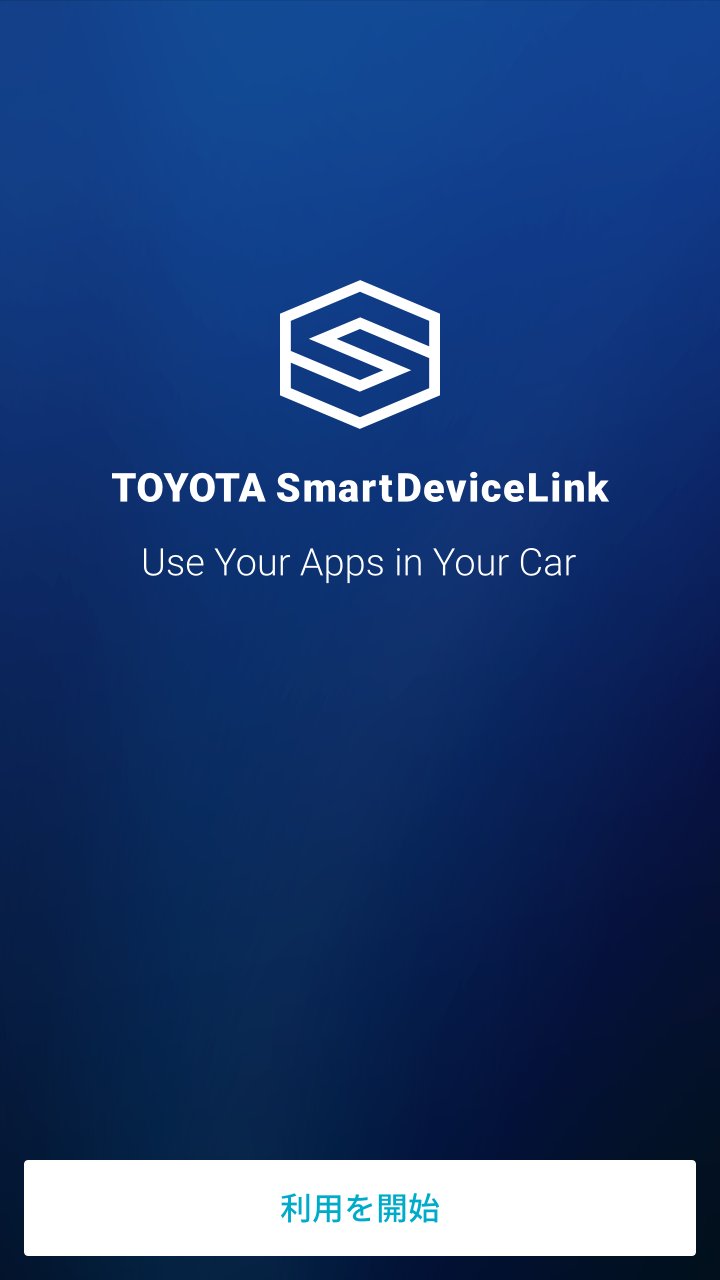
TOYOTA SmartDeviceLink for DH is a dedicated app required to use SDL (SmartDeviceLink) in the RAIZE and Roomy models equipped with the manufacturer-option navigation system.
*Customers using a dealer-installed optional navigation system in a RAIZE, Roomy, or other Toyota vehicle with an SDL-compatible in-car device (in-car display or in-car navigation system) should use "TOYOTA SmartDeviceLink."
■What is SDL (SmartDeviceLink)?
Connects your car and smartphone via Bluetooth.
Displays SDL-compatible apps installed on your smartphone on the in-car display.
You can safely and comfortably use your usual convenient and fun smartphone apps on the in-car display without touching your smartphone.
【Main Functions】
(1) Linking the in-car display and SDL-compatible smartphone apps
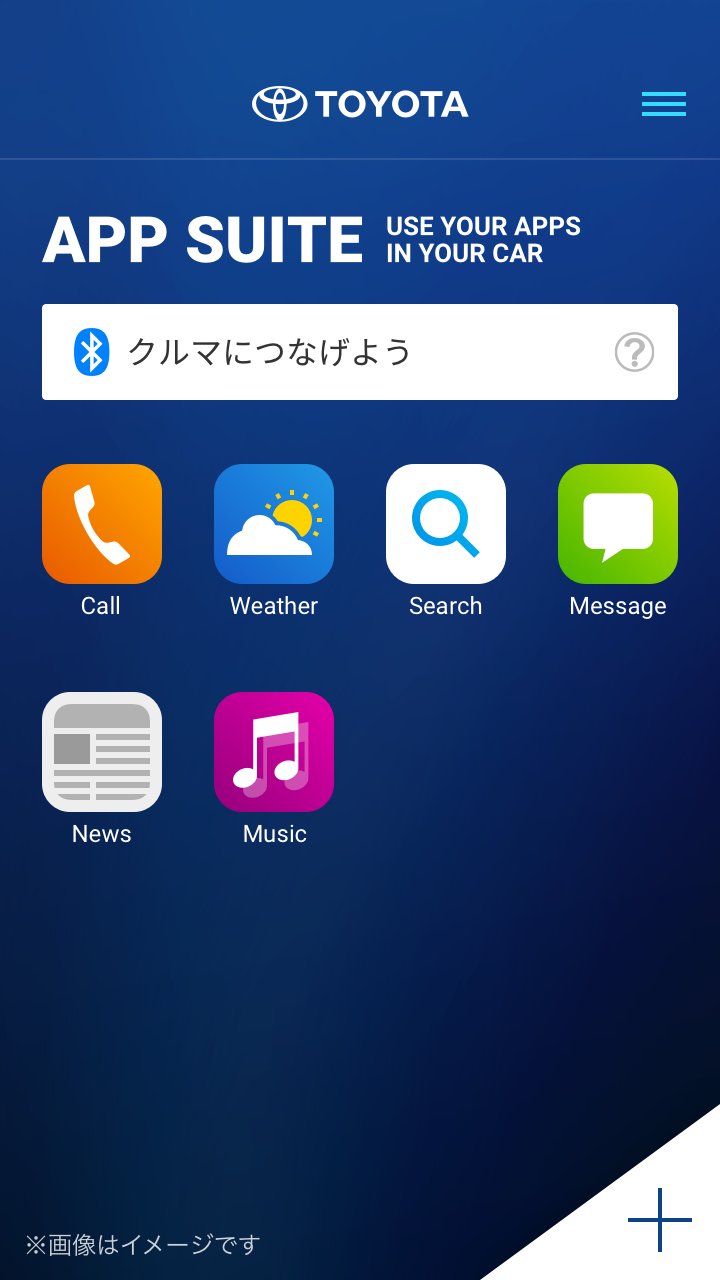
By connecting the car and smartphone via Bluetooth, SDL-compatible smartphone apps are displayed on the in-car display via TOYOTA SmartDeviceLink for DH.
(2) App List
Displays a list of SDL-compatible smartphone apps installed on your smartphone. You can also configure app display/hide settings and change the order of icons.
(3) Adding Apps
Displays a list of SDL-compatible smartphone apps that are not installed on your smartphone.
You can go to the "Google Play" installation screen for each app with one click.
*When using SDL, operation restrictions may be imposed on the smartphone for security reasons.
[Tested OS]
Android 13 or later
[Tested Devices]
Smartphones only (excluding tablets)
*Operation has been confirmed under certain conditions, and it may not work properly on some models. Please be aware of this in advance.
[Notes on Use]
・Regarding the installation and use of compatible smartphone apps, please follow the terms of service of each app.
・A vehicle equipped with a Toyota in-car navigation system that supports SDL is required.
・Your smartphone must be compatible with the in-car navigation system.
・Depending on the smartphone app you use, you may need to connect a USB cable.
預覽
標籤
娛樂訊息
開發商
TOYOTA MOTOR CORP.
最新版本
1.1.10
更新時間
2026-09-10
類別
娛樂
同時可用
Google Play
更多
如何在電腦上用 GameLoop 玩 TOYOTA SmartDeviceLink for DH
1. 從官網下載GameLoop,然後運行exe文件安裝GameLoop
2. 打開GameLoop,搜索“TOYOTA SmartDeviceLink for DH”,在搜索結果中找到TOYOTA SmartDeviceLink for DH,點擊“安裝”
3. 享受在 GameLoop 上玩 TOYOTA SmartDeviceLink for DH 的樂趣
Minimum requirements
OS
Windows 8.1 64-bit or Windows 10 64-bit
GPU
GTX 1050
CPU
i3-8300
Memory
8GB RAM
Storage
1GB available space
Recommended requirements
OS
Windows 8.1 64-bit or Windows 10 64-bit
GPU
GTX 1050
CPU
i3-9320
Memory
16GB RAM
Storage
1GB available space