
The O 電腦版
Mona Tasmania
用GameLoop模拟器在電腦上玩The O
The O 電腦版
來自發行商 Mona Tasmania 的 The O 能夠在安卓系統上運行。
現在,您可以在電腦上使用 GameLoop 模擬器流暢地玩 The O。
在 GameLoop 遊戲庫或搜索結果中下載。 不需要再暢玩遊戲時盯著電池電量或被令人懊惱的來電打斷。
只需在電腦大屏幕上免費下載暢玩The O 電腦版!
The O 簡介
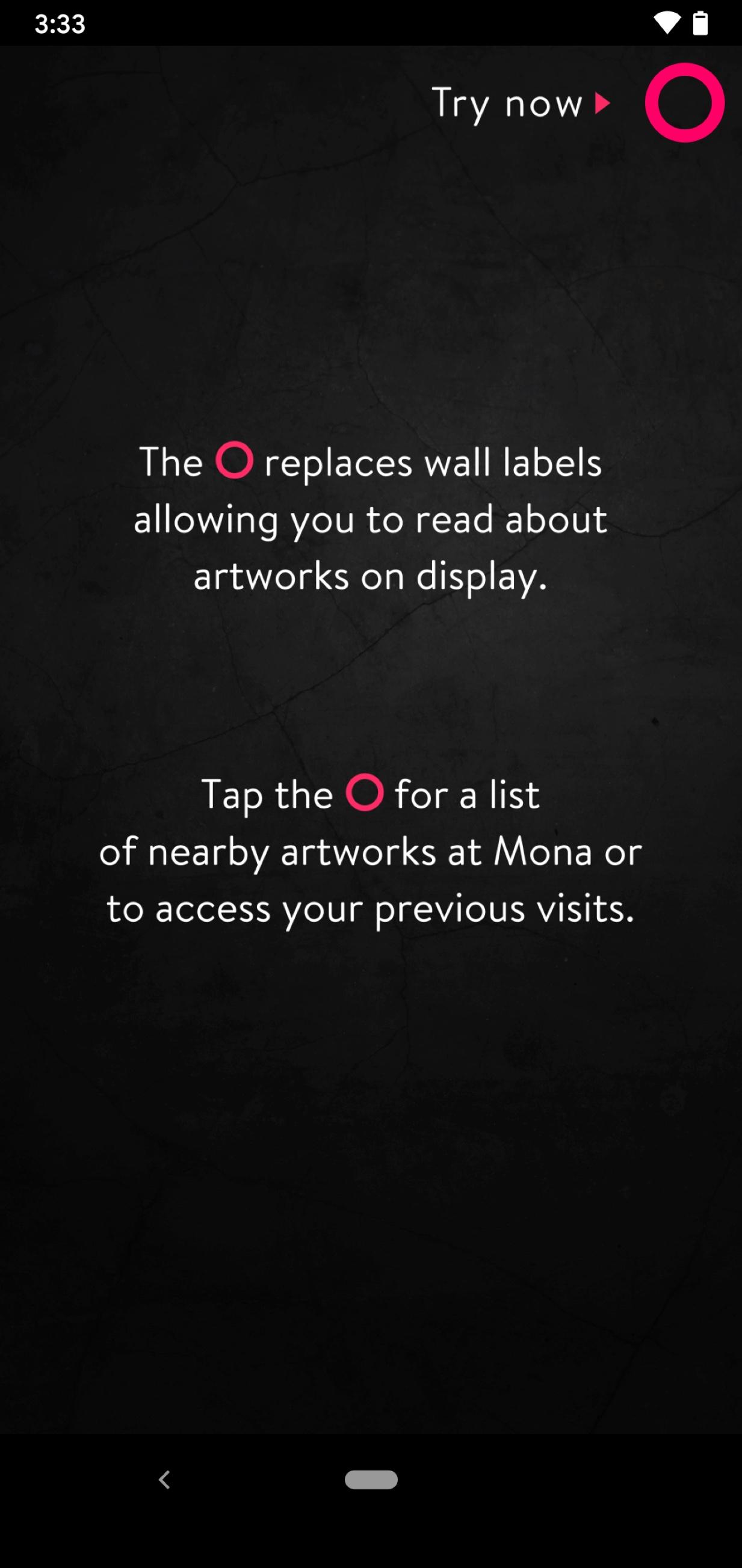
At Mona we don't have wall labels, we have The O.
The O uses location awareness to locate you in and around the Mona museum and tells you about the work on display. You can choose from ‘Artwank’—a short and pithy, but otherwise traditional, essay; ‘Gonzo’—ramblings from David Walsh and some of his buddies about what the stuff on show means on a more personal level; as well as bite-sized nuggets of info, and interviews with artists. The O allows you to ‘Love’ and ‘Hate’ Mona artworks or you can leave comments to really vent your spleen.
Recent features
* Audio and video. Bring earphones and so you can listen, but not the person next to you
* Map of the museum with a pink dot to show how far you are from the toilets
* Supports voiceover and screen reader functionality for people with low vision or dyslexia
* Suggestions what to eat and how much to drink during your visit
* Push notifications for helping you raise your child and so forth.
預覽

標籤
娛樂訊息
開發商
Mona Tasmania
最新版本
1.8.14
更新時間
2025-04-23
類別
娛樂
同時可用
Google Play
更多
如何在電腦上用 GameLoop 玩 The O
1. 從官網下載GameLoop,然後運行exe文件安裝GameLoop
2. 打開GameLoop,搜索“The O”,在搜索結果中找到The O,點擊“安裝”
3. 享受在 GameLoop 上玩 The O 的樂趣
Minimum requirements
OS
Windows 8.1 64-bit or Windows 10 64-bit
GPU
GTX 1050
CPU
i3-8300
Memory
8GB RAM
Storage
1GB available space
Recommended requirements
OS
Windows 8.1 64-bit or Windows 10 64-bit
GPU
GTX 1050
CPU
i3-9320
Memory
16GB RAM
Storage
1GB available space