
Roulette Solveder - spin bottl 電腦版
Kraist
用GameLoop模拟器在電腦上玩Roulette Solveder - spin bottl
Roulette Solveder - spin bottl 電腦版
來自發行商 Kraist 的 Roulette Solveder - spin bottl 能夠在安卓系統上運行。
現在,您可以在電腦上使用 GameLoop 模擬器流暢地玩 Roulette Solveder - spin bottl。
在 GameLoop 遊戲庫或搜索結果中下載。 不需要再暢玩遊戲時盯著電池電量或被令人懊惱的來電打斷。
只需在電腦大屏幕上免費下載暢玩Roulette Solveder - spin bottl 電腦版!
Roulette Solveder - spin bottl 簡介
Do not want to make a decision yourself or decided to trust the fate?
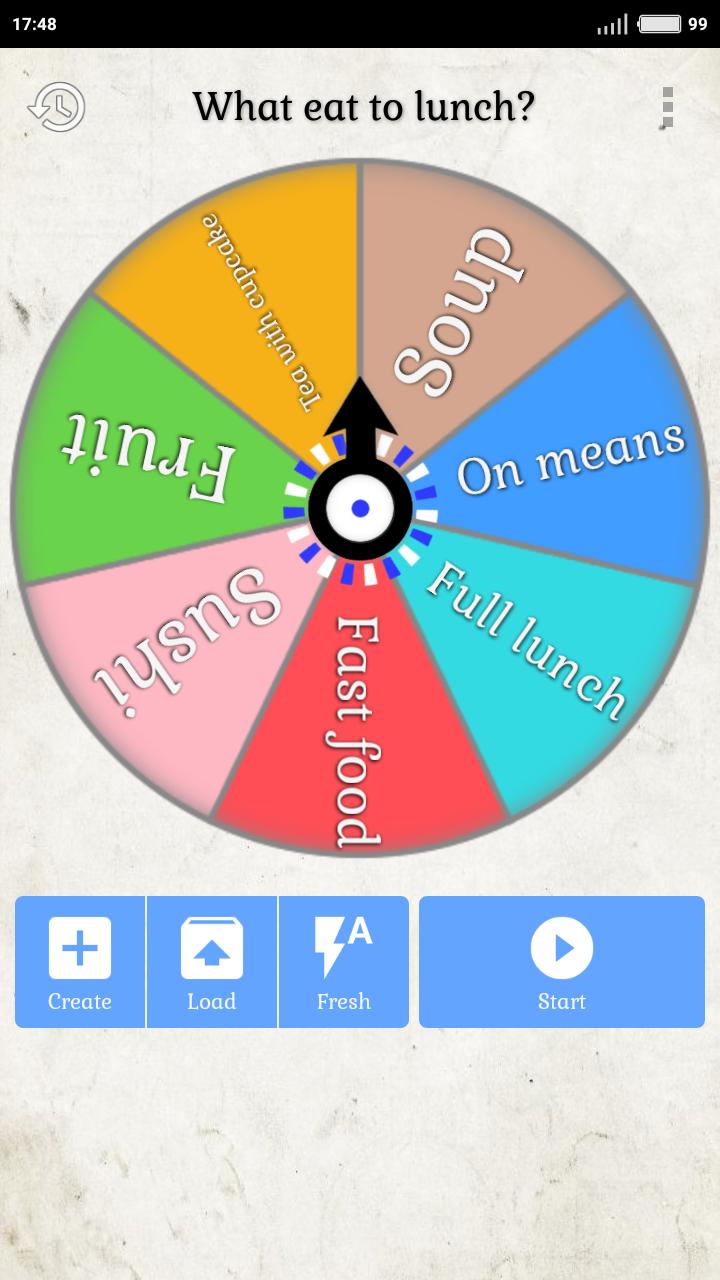
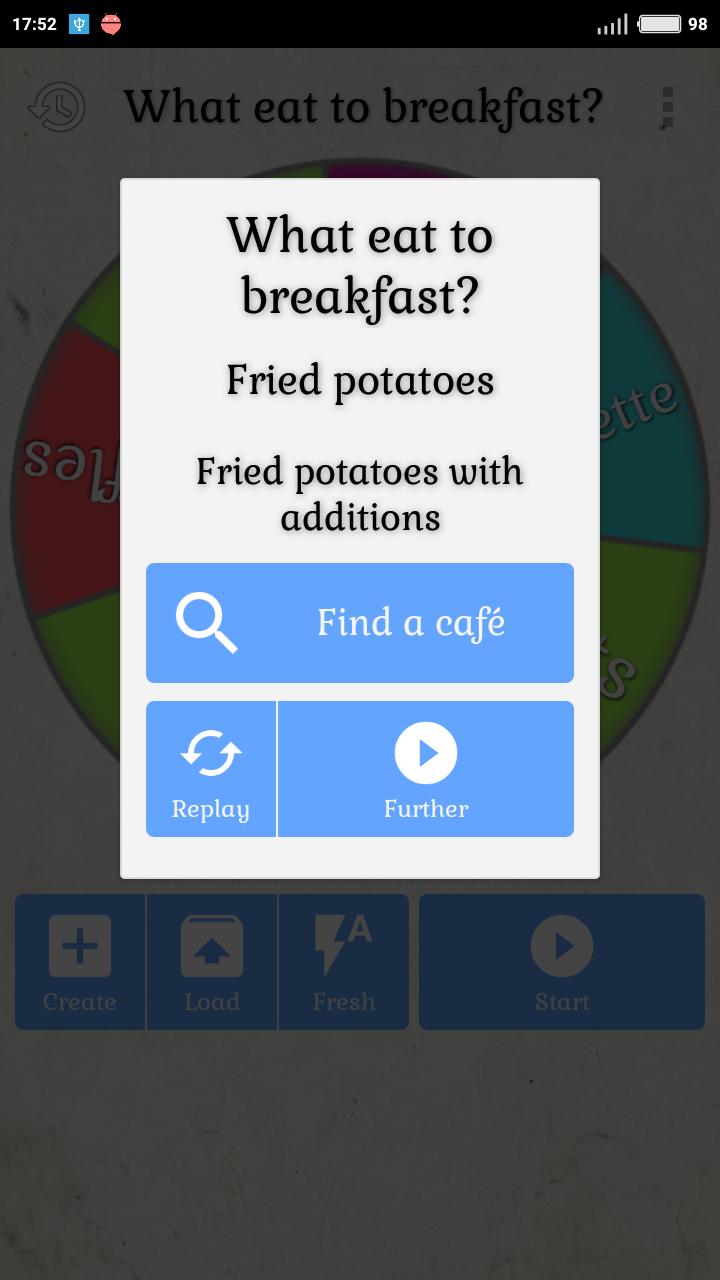
Solveder will help, you can create a roulette yourself with your answer choices.
Games:
- Twister (with automatic mode and voice acting moves)
- Slime Challenge (to select slime ingredients)
- Spin the bottle
Roulettes:
- Daily "How will the day go?"
- Actual "What to see in cinema?"
- What to do?
- What eat to breakfast?
- What eat to lunch?
- Choose tv series?
- What to cook?
- What to gift?
- Choose color?
- Man's name?
- Woman name?
Choose the item “Not enough roulette” in the menu and write what options or whole roulette you add.
And also:
- 4 pointer options (2 bottles, 2 arrows);
- Create roulette manually;
- Save the last fallen options;
- Ability to share with friends.
This free application will help answer any question, quickly and completely by accident!
預覽
標籤
娛樂訊息
開發商
Kraist
最新版本
1.0
更新時間
2022-10-12
類別
娛樂
同時可用
Google Play
更多
如何在電腦上用 GameLoop 玩 Roulette Solveder - spin bottl
1. 從官網下載GameLoop,然後運行exe文件安裝GameLoop
2. 打開GameLoop,搜索“Roulette Solveder - spin bottl”,在搜索結果中找到Roulette Solveder - spin bottl,點擊“安裝”
3. 享受在 GameLoop 上玩 Roulette Solveder - spin bottl 的樂趣
Minimum requirements
OS
Windows 8.1 64-bit or Windows 10 64-bit
GPU
GTX 1050
CPU
i3-8300
Memory
8GB RAM
Storage
1GB available space
Recommended requirements
OS
Windows 8.1 64-bit or Windows 10 64-bit
GPU
GTX 1050
CPU
i3-9320
Memory
16GB RAM
Storage
1GB available space