
Play Lite for Youtube 電腦版
VuviGame
用GameLoop模拟器在電腦上玩Play Lite for Youtube
Play Lite for Youtube 電腦版
來自發行商 VuviGame 的 Play Lite for Youtube 能夠在安卓系統上運行。
現在,您可以在電腦上使用 GameLoop 模擬器流暢地玩 Play Lite for Youtube。
在 GameLoop 遊戲庫或搜索結果中下載。 不需要再暢玩遊戲時盯著電池電量或被令人懊惱的來電打斷。
只需在電腦大屏幕上免費下載暢玩Play Lite for Youtube 電腦版!
Play Lite for Youtube 簡介
Wellcome to Play Lite for Youtube
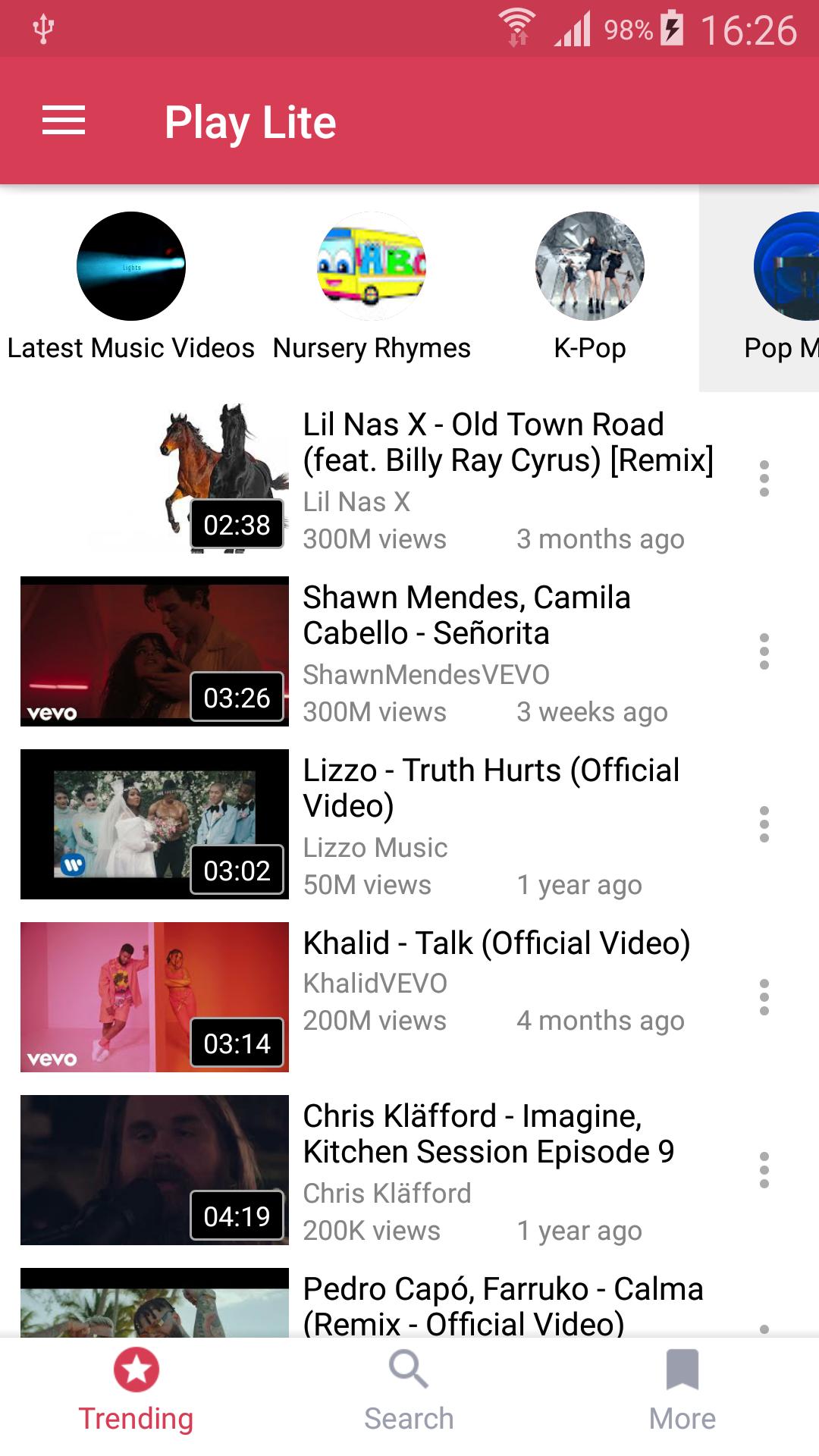
Watch youtube videos in floating mode so that can you can play youtube videos as well as youtube playlist out side the app in floating mode.
No need to download songs anymore: You can watch and listen to millions Music and Video.
Play Lite provides multitasking experience: always on top popup player helps you to use your apps while playing non-stop YouTube free music.
Note: playing music when the screen is off or on the lock screen is not allowed by YouTube terms of use.
In addition, you will be able to import your own playlists from YouTube.
☆ Enjoy free music with Play Lite.
• Search and listen to millions of free songs on YouTube
• Always on top floating player for multitasking. You can change its size and position.
• Songs, playlists, albums quick search with suggestions
• High-Quality video mode (wifi recommended)
• Discover free music with tons of predefined genres: Popular Music, Hip Hop, Rock, Classical, R&B, Jazz, Disco, Country and more
☆ Playlists
• Import playlists from YouTube including Liked Videos
• Favorites playlist
• Share playlists and tracks
☆ Music player
• Shuffle , Repeat, Next, Back ... modes
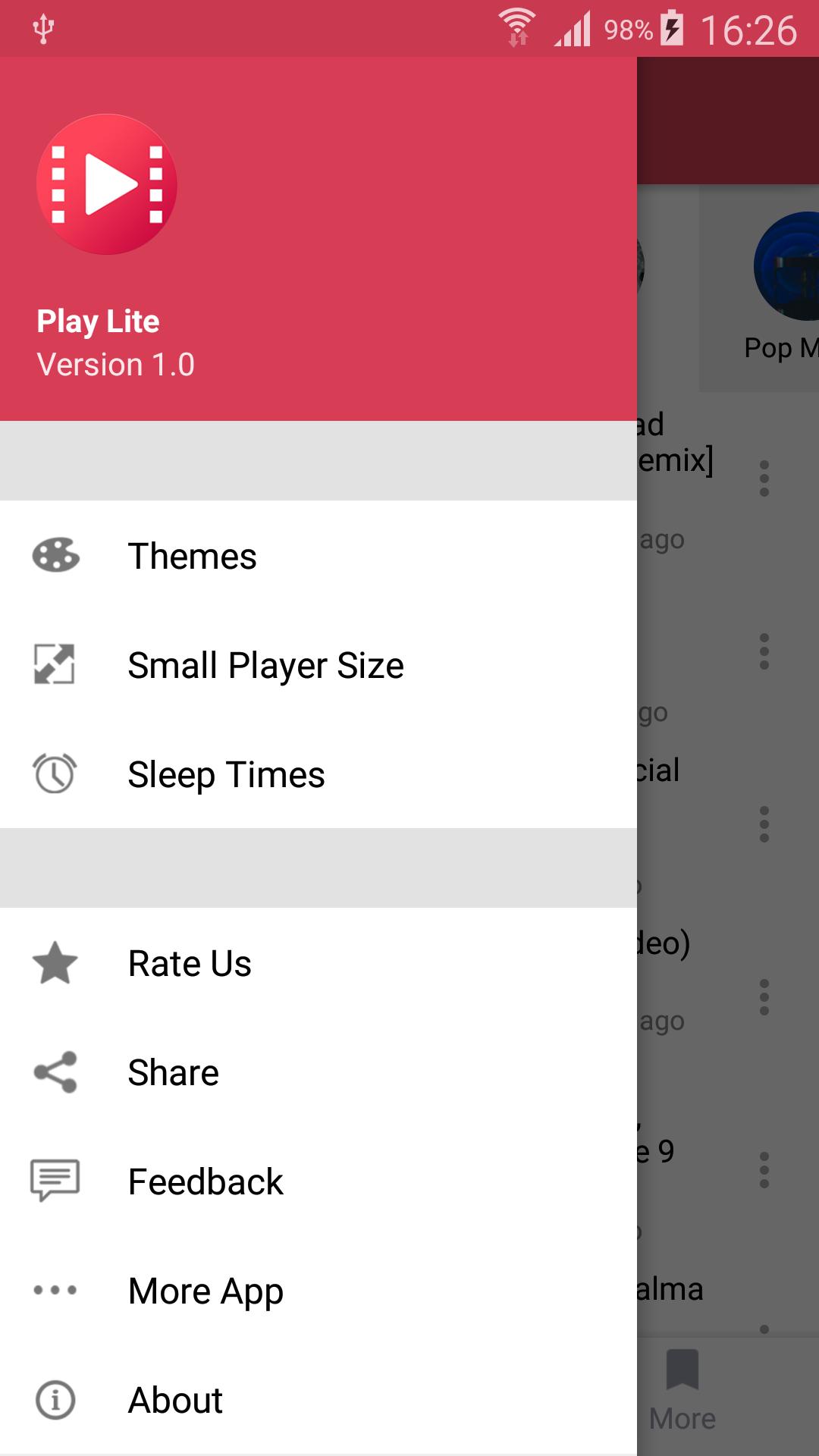
• Sleep timer , resize small player
☆ Bookmarks and history
• Easy to use bookmarks useful for music ,videos , etc
• History for search and playback
☆ PLEASE NOTE
Stream is a third party music streaming player app, not a downloader.
All the content is provided by YouTube services.
"Please use the following link to report any content that may infrige copyrights: https://www.youtube.com/yt/copyright/
Stream is not a App downloader."
An internet connection is required (wifi or cellular data).
According to YouTube's Terms of Use, we are not allowed to display videos when in lockscreen, nor to let you download songs.
預覽
訊息
開發商
VuviGame
最新版本
1.0
更新時間
2019-07-18
類別
娛樂
同時可用
Google Play
更多
如何在電腦上用 GameLoop 玩 Play Lite for Youtube
1. 從官網下載GameLoop,然後運行exe文件安裝GameLoop
2. 打開GameLoop,搜索“Play Lite for Youtube”,在搜索結果中找到Play Lite for Youtube,點擊“安裝”
3. 享受在 GameLoop 上玩 Play Lite for Youtube 的樂趣
Minimum requirements
OS
Windows 8.1 64-bit or Windows 10 64-bit
GPU
GTX 1050
CPU
i3-8300
Memory
8GB RAM
Storage
1GB available space
Recommended requirements
OS
Windows 8.1 64-bit or Windows 10 64-bit
GPU
GTX 1050
CPU
i3-9320
Memory
16GB RAM
Storage
1GB available space