
Para-cam 電腦版
gara-paranormal
用GameLoop模拟器在電腦上玩Para-cam
Para-cam 電腦版
來自發行商 gara-paranormal 的 Para-cam 能夠在安卓系統上運行。
現在,您可以在電腦上使用 GameLoop 模擬器流暢地玩 Para-cam。
在 GameLoop 遊戲庫或搜索結果中下載。 不需要再暢玩遊戲時盯著電池電量或被令人懊惱的來電打斷。
只需在電腦大屏幕上免費下載暢玩Para-cam 電腦版!
Para-cam 簡介
this is controlled by the magnetic readings picked up by the device magnetic sensor.
IMPORTANT!!! THE DEVICE MUST HAVE AN MAGNETIC SENSOR!!!
once started you the user can leave the device alone or walk around with it while on an investigation or a quick session.
this was made to enhance any paranormal investigators experience better hopefully giving them the shot and capture worthy of their efforts.
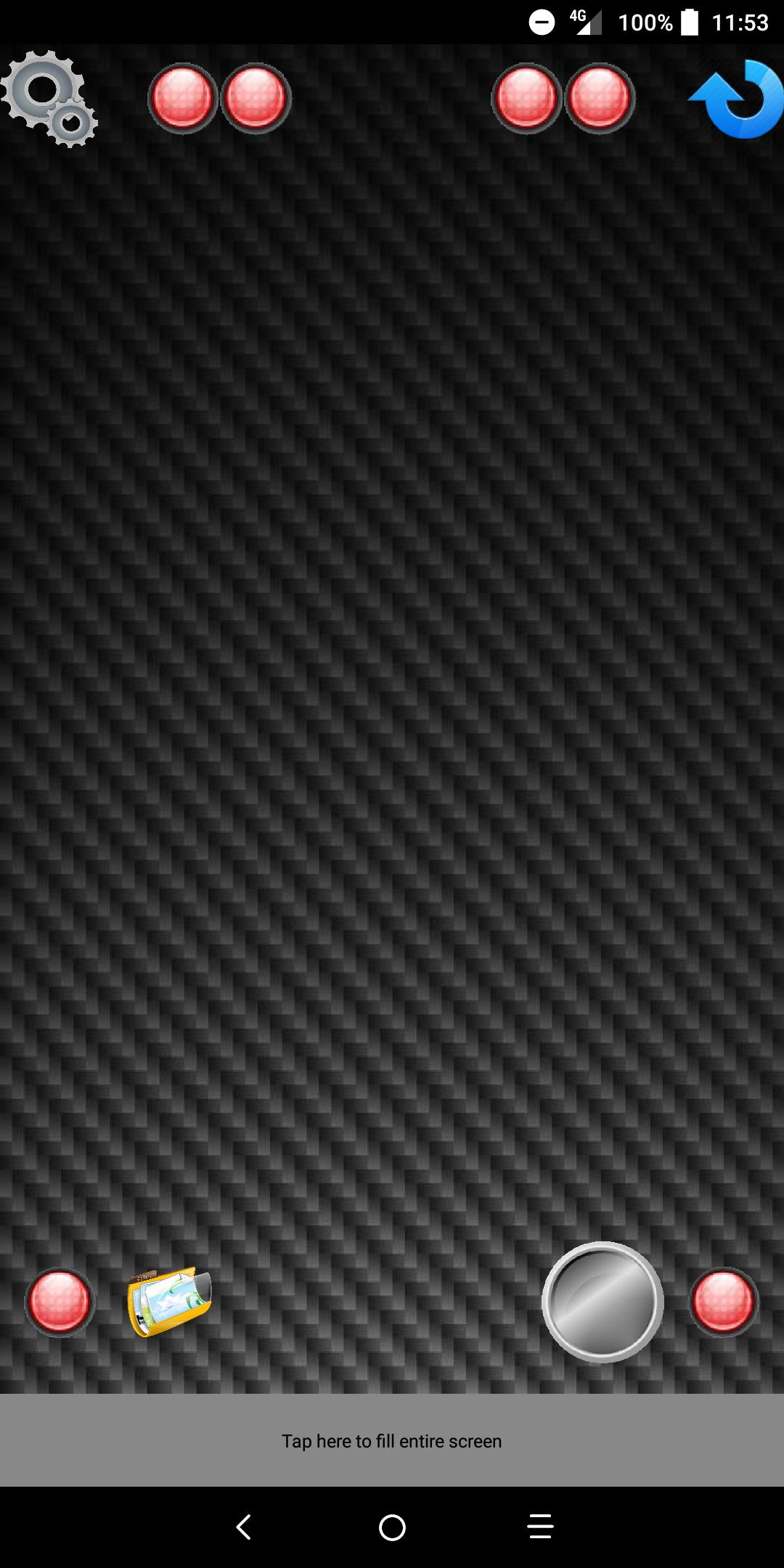
ok to the app you will see at the bottom their are four buttons starting from left to right,
the gears will open the camera settings and you will see the following.
use front camera-- change between front and rear cameras
display log for bugging--- shows the log file of the camera
quality-------slider---------set the quality of the image 0-100 (100 better quality)
set picture size---- change the size of the picture (best left on default)
set focus mode---- from auto to manual
set white balance---change the white balance of the camera
exposure-------slider--------set the camera to show brighter or darker
display available camera parameters---shows what the camera can do.
second button is the folder this takes you to the stored images or gallery and look for Camera.
note if your device does not have a native file manger it will open the third party file
manger then look for (file)-(DCIM)-(Camera) under camera you find your images.
third button is the on/off button
fourth button is rotate.
this allows you to rotate the image by 90 degrees.
!!!IMPORTANT!!! IMAGES WILL SHOW 90 DEGREES TO THE LEFT!!!
on some devices you will not be allowed to rotate stored images.
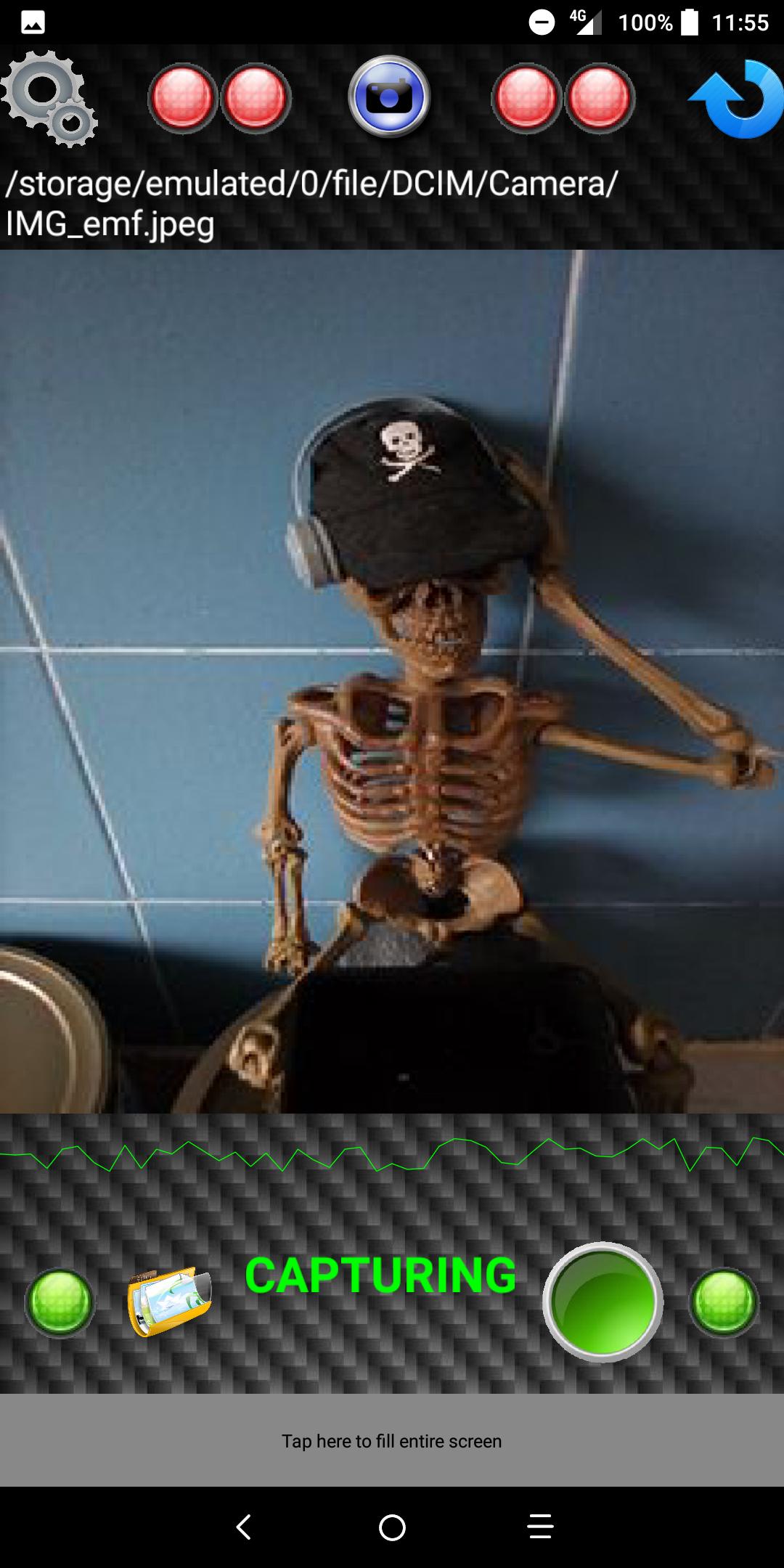
above the buttons is a pulsing blue light this is the emf level detected and will move to the right as it detects the emf level higher.
at the top the furthest left and right led's will turn green to show the app is running
the middle four are also the emf level detection and will turn green the higher it goes.
the blank area is camera activation alert and your see a camera icon appear and below a message stating taking picture once the picture is taken a message will show stating saving picture.
thank you for buying EMF Camera and i hope this will enhance your investigations.
GARA-paranormal
預覽
標籤
娛樂訊息
開發商
gara-paranormal
最新版本
6.0
更新時間
2018-09-26
類別
娛樂
同時可用
Google Play
更多
如何在電腦上用 GameLoop 玩 Para-cam
1. 從官網下載GameLoop,然後運行exe文件安裝GameLoop
2. 打開GameLoop,搜索“Para-cam”,在搜索結果中找到Para-cam,點擊“安裝”
3. 享受在 GameLoop 上玩 Para-cam 的樂趣
Minimum requirements
OS
Windows 8.1 64-bit or Windows 10 64-bit
GPU
GTX 1050
CPU
i3-8300
Memory
8GB RAM
Storage
1GB available space
Recommended requirements
OS
Windows 8.1 64-bit or Windows 10 64-bit
GPU
GTX 1050
CPU
i3-9320
Memory
16GB RAM
Storage
1GB available space