Panasonic TV Remote Control 電腦版
Peel Technologies Inc.
用GameLoop模拟器在電腦上玩Panasonic TV Remote Control
Panasonic TV Remote Control 電腦版
來自發行商 Peel Technologies Inc. 的 Panasonic TV Remote Control 能夠在安卓系統上運行。
現在,您可以在電腦上使用 GameLoop 模擬器流暢地玩 Panasonic TV Remote Control。
在 GameLoop 遊戲庫或搜索結果中下載。 不需要再暢玩遊戲時盯著電池電量或被令人懊惱的來電打斷。
只需在電腦大屏幕上免費下載暢玩Panasonic TV Remote Control 電腦版!
Panasonic TV Remote Control 簡介
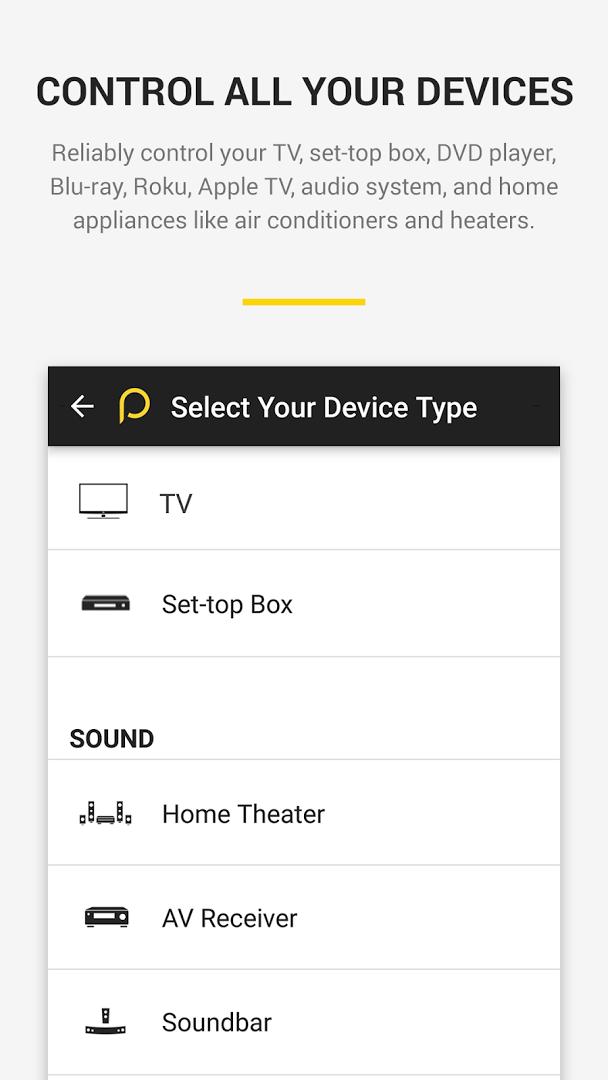
Use your smartphone to control your TV, Cable / Satellite box and many more devices! This remote app can control all popular brands of :
TVs - Panasonic, Samsung, LG, Sony, Vizio, Toshiba etc.,
Cable/Satellite box - Comcast, Dish, DirecTV, , DirectTV etc.
Streaming Media players - Apple TV, Roku, XBox, Chromecast
Home appliances ( AC and Heaters) - Samsung, LG, Panasonic . etc.
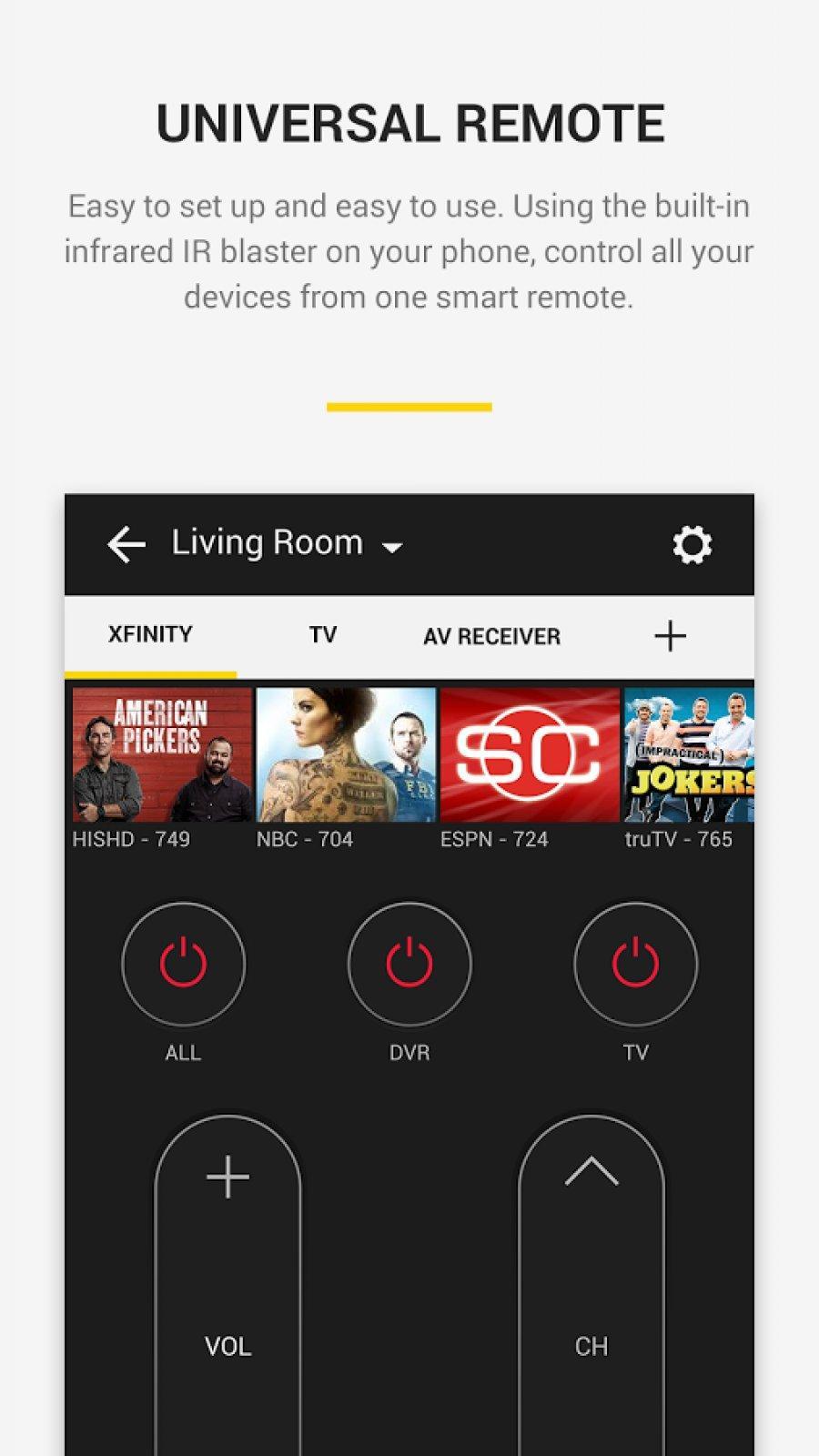
This remote uses built-in IR hardware on phone models such as LG G2/G4/G5, Huawei Honor 7 / 8, Xiaomi Mi 4 / 5 / Redmi and many more. For phones without the IR hardware such as Samsung S8 and S7, it uses WiFi to discover and control devices.
Easy to setup
• This app automatically sets up all the devices in your Wi-Fi network which can be controlled through IR
o Else, you can setup Remotes for your TV and cable / Satellite box and use your phone to control your TV and DTH / Cable box.
This app enables You to
• Use the remote widget on the lock screen to do basic control of TV and Satellite box
• Use the full remote on tapping the yellow bubble
• Tune into your favorite shows / movies by tapping on the show images
• Get a list of shows, games and movies which are 'Trending Now' and you 'Recently Watched Channels' , just tune into those shows by tapping on shows
• Get ribbons of shows of each genre
• Set up reminders to watch your favorite shows /Games / Movies
• Search your favorite shows /sport teams /channels
• Get Notifications on popular sports games, Movie premieres and Show premieres, on tapping them, you will into those shows
• Browse the channel guide and see the schedules of your favorite channels.
• See trailers, highlights, short clips of your favorite shows in the 'Videos' section.
預覽
訊息
開發商
Peel Technologies Inc.
最新版本
10.7.7.0
更新時間
2019-05-10
類別
娛樂
同時可用
Google Play
更多
如何在電腦上用 GameLoop 玩 Panasonic TV Remote Control
1. 從官網下載GameLoop,然後運行exe文件安裝GameLoop
2. 打開GameLoop,搜索“Panasonic TV Remote Control”,在搜索結果中找到Panasonic TV Remote Control,點擊“安裝”
3. 享受在 GameLoop 上玩 Panasonic TV Remote Control 的樂趣
Minimum requirements
OS
Windows 8.1 64-bit or Windows 10 64-bit
GPU
GTX 1050
CPU
i3-8300
Memory
8GB RAM
Storage
1GB available space
Recommended requirements
OS
Windows 8.1 64-bit or Windows 10 64-bit
GPU
GTX 1050
CPU
i3-9320
Memory
16GB RAM
Storage
1GB available space