
Ocarina 電腦版
Leugim Starwind
用GameLoop模拟器在電腦上玩Ocarina
Ocarina 電腦版
來自發行商 Leugim Starwind 的 Ocarina 能夠在安卓系統上運行。
現在,您可以在電腦上使用 GameLoop 模擬器流暢地玩 Ocarina。
在 GameLoop 遊戲庫或搜索結果中下載。 不需要再暢玩遊戲時盯著電池電量或被令人懊惱的來電打斷。
只需在電腦大屏幕上免費下載暢玩Ocarina 電腦版!
Ocarina 簡介
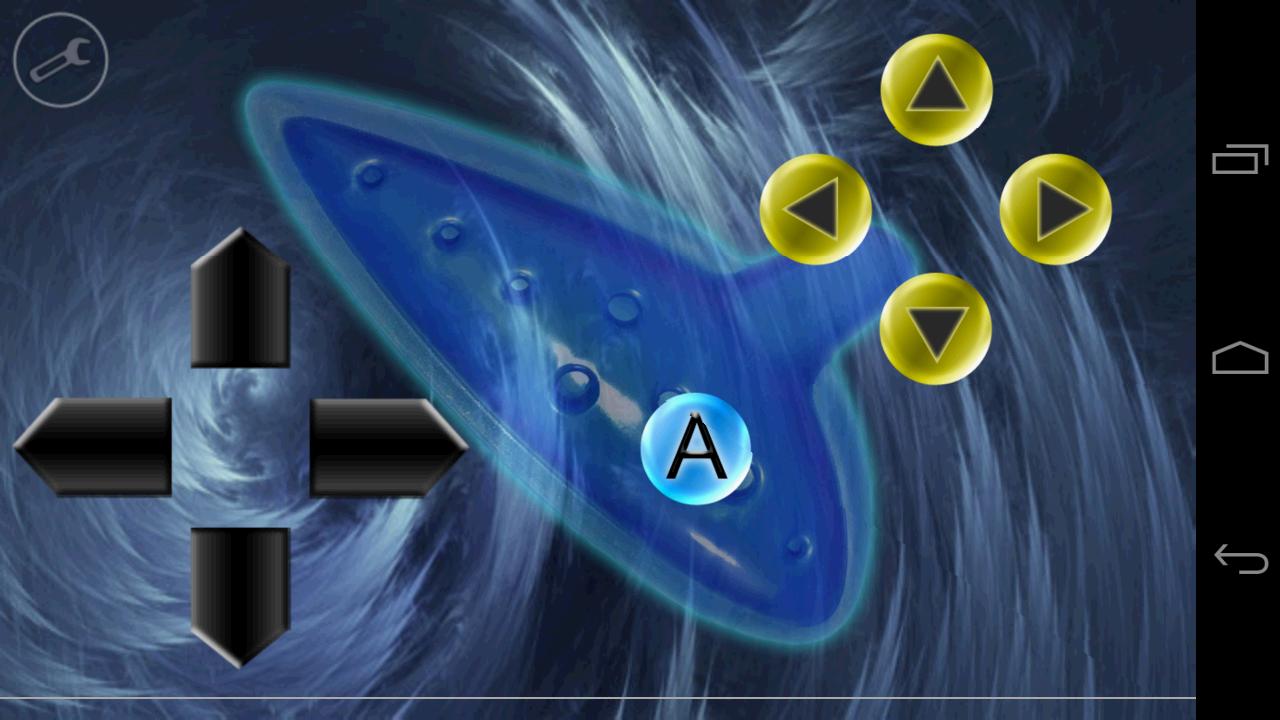
Play the ocarina, drums, guitar or even trumpets with this app. They are all integrated!
The sound system of this app allows you to set the pitch of a note on the go (Android 3.0+).
More features:
• You can enable or disable song recognition (so you can play freely).
• In this app, sounds can be held for about 5 seconds and have a soft decay.
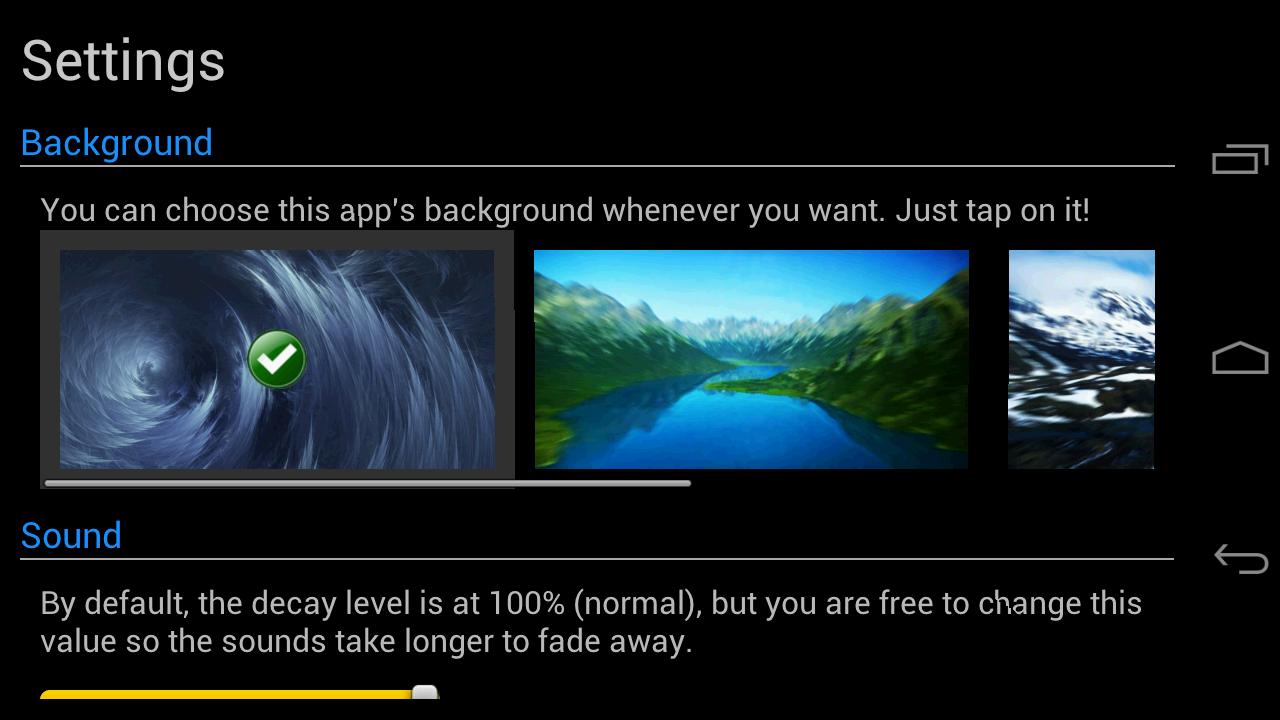
• You can change the background of the app anytime (or choose a custom one!)
• You can set the decay level of the sounds.
• You can keep a note pressed and change its pitch on the go as long as the sound lasts.
• Immersive mode (hiding the navigation bar) available for Android 4.4+ users.
Available instruments:
• Ocarina
• Pipes (trumpets)
• Drums
• Guitar
• Harp (BETA, some songs available).
Languages in the app:
• English
• Spanish
• French (Cynthia Soukhavong)
• Italian (Leonardo Zorzi)
• Japanese (Vincent)
Disclaimer:
As stated before, users with an Android version older than 3.0 may not be able to change the pitch (they can't press 2 buttons at the same time since their devices don't support it), but they will be able to play the common notes of an ocarina.
Also, users who have a device with cheap audio hardware may experiment little sound glitches (nothing I can fix), I can only recommend to lower the volume and not to play notes too fast.
預覽
標籤
娛樂訊息
開發商
Leugim Starwind
最新版本
2.2
更新時間
2017-06-28
類別
娛樂
同時可用
Google Play
更多
如何在電腦上用 GameLoop 玩 Ocarina
1. 從官網下載GameLoop,然後運行exe文件安裝GameLoop
2. 打開GameLoop,搜索“Ocarina”,在搜索結果中找到Ocarina,點擊“安裝”
3. 享受在 GameLoop 上玩 Ocarina 的樂趣
Minimum requirements
OS
Windows 8.1 64-bit or Windows 10 64-bit
GPU
GTX 1050
CPU
i3-8300
Memory
8GB RAM
Storage
1GB available space
Recommended requirements
OS
Windows 8.1 64-bit or Windows 10 64-bit
GPU
GTX 1050
CPU
i3-9320
Memory
16GB RAM
Storage
1GB available space