
MTG Card Creator 電腦版
Ender's Apps
用GameLoop模拟器在電腦上玩MTG Card Creator
MTG Card Creator 電腦版
來自發行商 Ender's Apps 的 MTG Card Creator 能夠在安卓系統上運行。
現在,您可以在電腦上使用 GameLoop 模擬器流暢地玩 MTG Card Creator。
在 GameLoop 遊戲庫或搜索結果中下載。 不需要再暢玩遊戲時盯著電池電量或被令人懊惱的來電打斷。
只需在電腦大屏幕上免費下載暢玩MTG Card Creator 電腦版!
MTG Card Creator 簡介
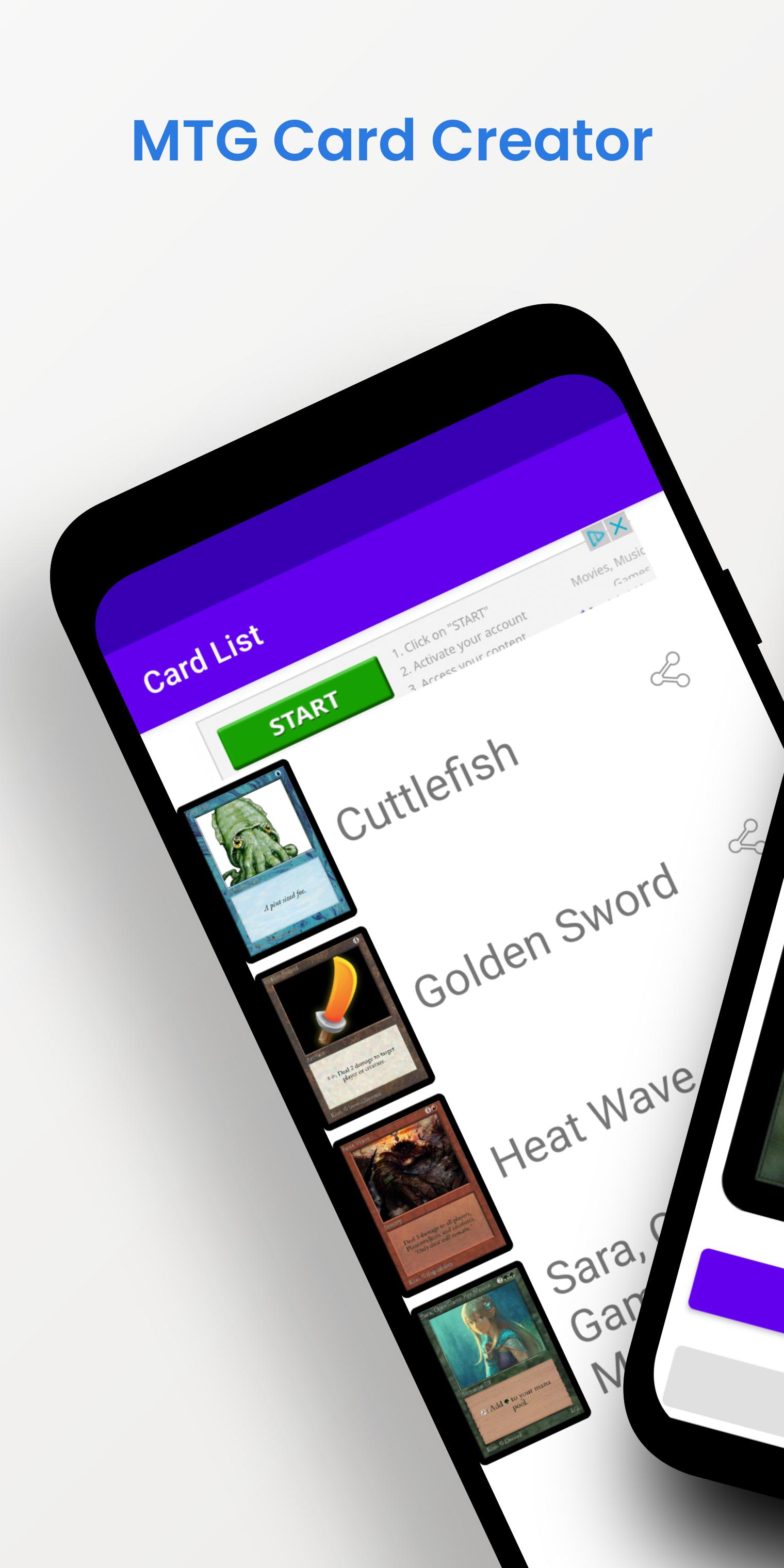
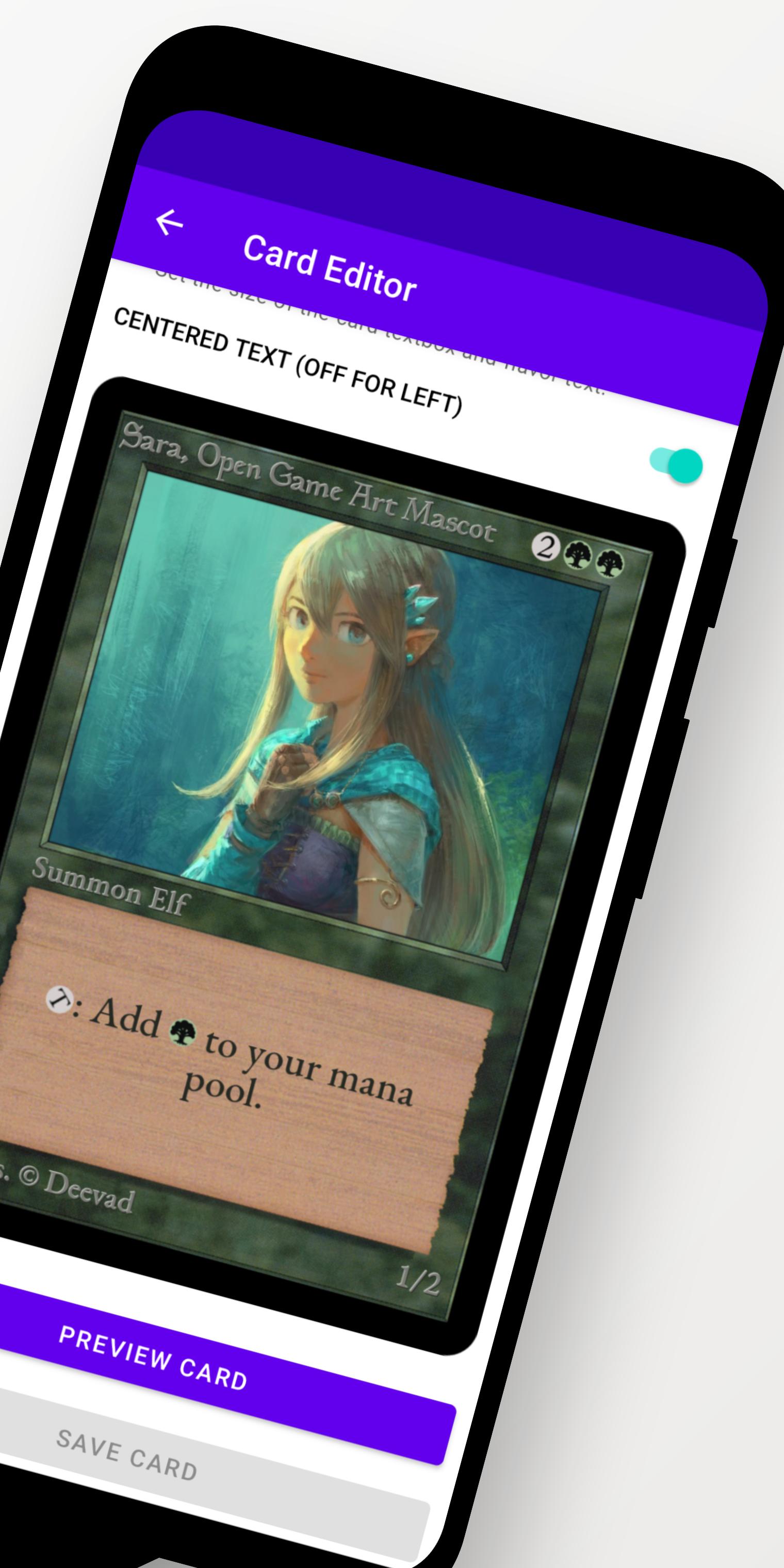
Design, create, and make your own Vintage Styled Magic: the Gathering™ cards.
This app is only focused on vintage MTG card frames.
- Create vintage card designs with the five colors, multicolor, artifact, land, and dual land frames.
- Enter Card Name, Type, Cost, Artist Name, Power/Toughness, Rules and Flavor Text
- Save and Share your custom made cards
Swipe a card left to delete the card.
Save a card by clicking on the share button and sharing it to your file manager.
MTG Card Creator is unofficial Fan Content permitted under the Fan Content Policy. Not approved/endorsed by Wizards. Portions of the materials used are property of Wizards of the Coast. ©Wizards of the Coast LLC.
Magic Card Maker Designer Generator Generation
預覽
標籤
娛樂訊息
開發商
Ender's Apps
最新版本
1.2c
更新時間
2024-11-03
類別
娛樂
同時可用
Google Play
更多
如何在電腦上用 GameLoop 玩 MTG Card Creator
1. 從官網下載GameLoop,然後運行exe文件安裝GameLoop
2. 打開GameLoop,搜索“MTG Card Creator”,在搜索結果中找到MTG Card Creator,點擊“安裝”
3. 享受在 GameLoop 上玩 MTG Card Creator 的樂趣
Minimum requirements
OS
Windows 8.1 64-bit or Windows 10 64-bit
GPU
GTX 1050
CPU
i3-8300
Memory
8GB RAM
Storage
1GB available space
Recommended requirements
OS
Windows 8.1 64-bit or Windows 10 64-bit
GPU
GTX 1050
CPU
i3-9320
Memory
16GB RAM
Storage
1GB available space