Find the button for mcpe 電腦版
TaperStudio
用GameLoop模拟器在電腦上玩Find the button for mcpe
Find the button for mcpe 電腦版
來自發行商 TaperStudio 的 Find the button for mcpe 能夠在安卓系統上運行。
現在,您可以在電腦上使用 GameLoop 模擬器流暢地玩 Find the button for mcpe。
在 GameLoop 遊戲庫或搜索結果中下載。 不需要再暢玩遊戲時盯著電池電量或被令人懊惱的來電打斷。
只需在電腦大屏幕上免費下載暢玩Find the button for mcpe 電腦版!
Find the button for mcpe 簡介
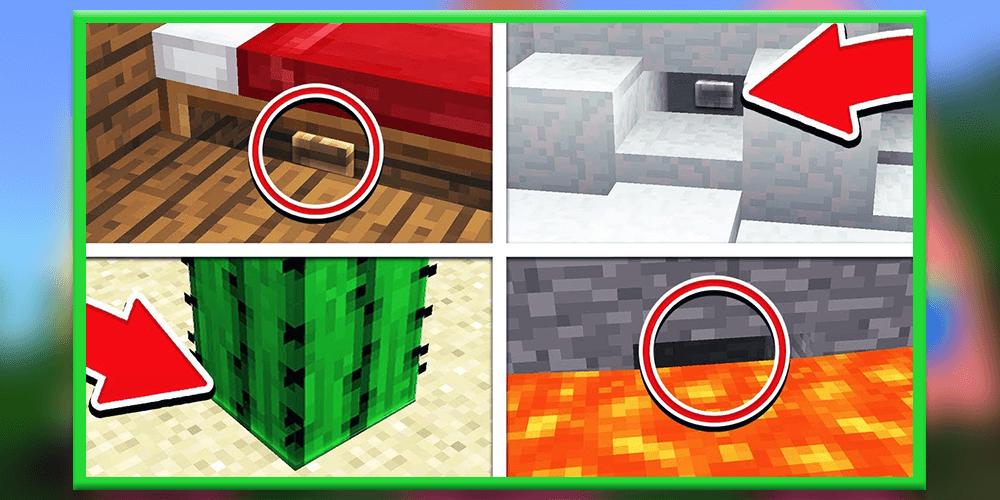
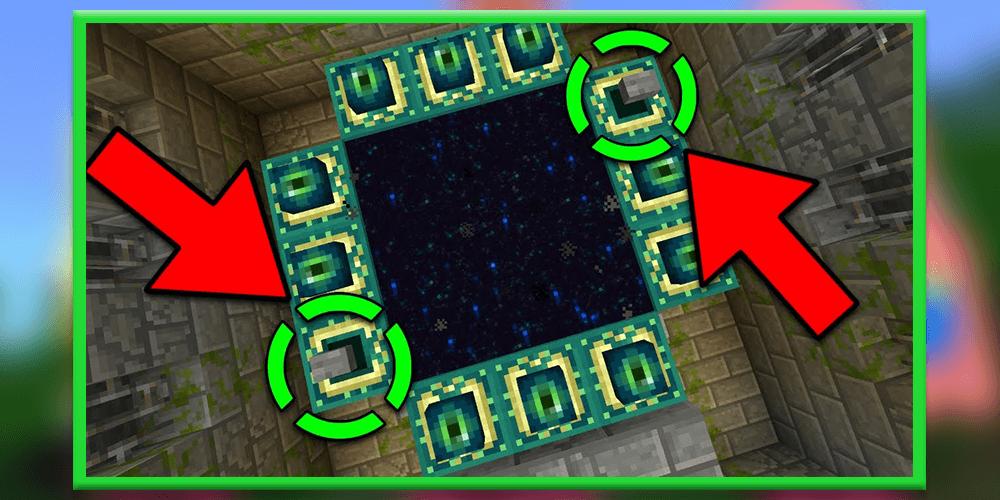
Find The Button [Map] Find The Button is probably the most self-explanatory Map in Minecraft. This map consists of a different levels and in each one there is a button which you need to find. One thing that really makes this particular map stand out is that all of the levels are very well designed. For example, in one level you’ll be at a nice cottage by a lake and in another level you’ll find yourself on the beach. How to play? The main objective is to search for a button which is hidden somewhere unknown in each level and then press the button to teleport to the next level. These challenges will continue until you’ve completed all levels.
Play through a series of challenging levels to find hidden buttons and levers. This minigames is multiplayer compatible but you can also play it alone by yourself. It’s a really simple game where you must search and find something to press or toggle in order to move onto the next level. Each level includes a different building style (e.g. medieval, modern and so on).
How to play?
Find The Button is a type of minigame where you (and your friends) need to find a hidden button or lever. You then need to press or toggle it in order to access the next level.
Disclaimer: Find The Button is not endorsed by or affiliated with Mojang AB, its name, commercial brand and other aspects of the application are registered brands and the property of their respective owners. This application adheres to the conditions set by Mojang. All items, names, places, and other aspects of the game described in this application are trademarks and belong to their respective owners. We do not claim and do not have any rights to any of the above.
預覽
標籤
娛樂訊息
開發商
TaperStudio
最新版本
4.0
更新時間
2021-02-05
類別
娛樂
同時可用
Google Play
更多
如何在電腦上用 GameLoop 玩 Find the button for mcpe
1. 從官網下載GameLoop,然後運行exe文件安裝GameLoop
2. 打開GameLoop,搜索“Find the button for mcpe”,在搜索結果中找到Find the button for mcpe,點擊“安裝”
3. 享受在 GameLoop 上玩 Find the button for mcpe 的樂趣
Minimum requirements
OS
Windows 8.1 64-bit or Windows 10 64-bit
GPU
GTX 1050
CPU
i3-8300
Memory
8GB RAM
Storage
1GB available space
Recommended requirements
OS
Windows 8.1 64-bit or Windows 10 64-bit
GPU
GTX 1050
CPU
i3-9320
Memory
16GB RAM
Storage
1GB available space