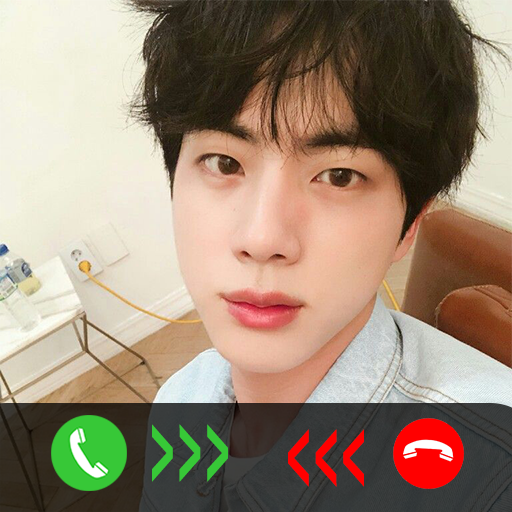
BTS Jin Fake Video Call 電腦版
DALGON
用GameLoop模拟器在電腦上玩BTS Jin Fake Video Call
BTS Jin Fake Video Call 電腦版
來自發行商 DALGON 的 BTS Jin Fake Video Call 能夠在安卓系統上運行。
現在,您可以在電腦上使用 GameLoop 模擬器流暢地玩 BTS Jin Fake Video Call。
在 GameLoop 遊戲庫或搜索結果中下載。 不需要再暢玩遊戲時盯著電池電量或被令人懊惱的來電打斷。
只需在電腦大屏幕上免費下載暢玩BTS Jin Fake Video Call 電腦版!
BTS Jin Fake Video Call 簡介
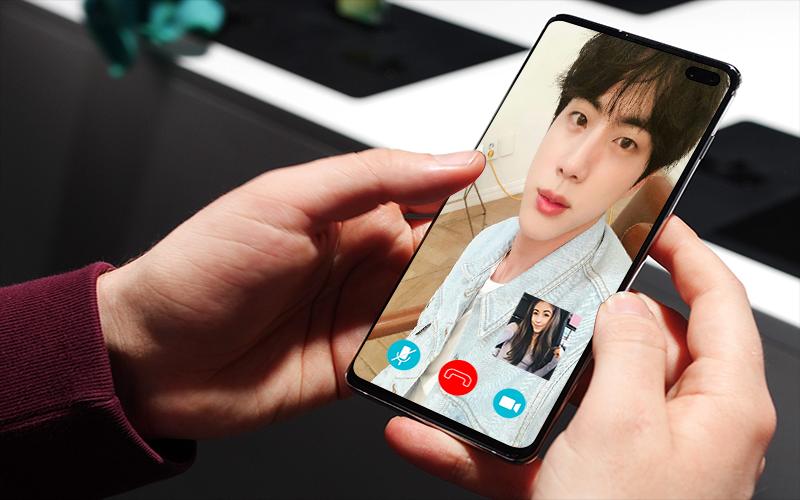
Jin BTS Fake Video Call is simulate a fake video calling from Jin BTS members to prank or impress your friends and family
Kim Seok-jin (Korean: 김석진; born December 4, 1992), also known by his stage name Jin, is a South Korean singer, songwriter, and member of the South Korean boy band BTS since June 2013. Kim was scouted for the group while in university and joined Big Hit Entertainment as an actor, eventually transitioning to a Korean idol.
How To Use The App
1. Select first option Jin fake video call prank
2. In action section choose Video Call or Voice Call
3. In template section you can choose call from WhatsApp, Telegram or Facebook
4. Set timer you want
5. Close app
6. Wait for phone to ring and answer
7. Enjoy Jin Fake Video Call Prank App
Features:
- Full of video calls from Jin members of BTS
- Easy to use
- Update video regurarly
- Real Interface, Army feels real to talk to Jin BTS
For XIAOMI Users
If this app is doesn't work, please go to xiaomi setting and checklist all.
This app is made by fans for fans just for entertainment and fun purpose.
預覽

標籤
娛樂訊息
開發商
DALGON
最新版本
3.0
更新時間
2023-12-03
類別
娛樂
同時可用
Google Play
更多
如何在電腦上用 GameLoop 玩 BTS Jin Fake Video Call
1. 從官網下載GameLoop,然後運行exe文件安裝GameLoop
2. 打開GameLoop,搜索“BTS Jin Fake Video Call”,在搜索結果中找到BTS Jin Fake Video Call,點擊“安裝”
3. 享受在 GameLoop 上玩 BTS Jin Fake Video Call 的樂趣
Minimum requirements
OS
Windows 8.1 64-bit or Windows 10 64-bit
GPU
GTX 1050
CPU
i3-8300
Memory
8GB RAM
Storage
1GB available space
Recommended requirements
OS
Windows 8.1 64-bit or Windows 10 64-bit
GPU
GTX 1050
CPU
i3-9320
Memory
16GB RAM
Storage
1GB available space