
DiXiM Play for レコーダーリンク 電腦版
DigiOn, Inc.
用GameLoop模拟器在電腦上玩DiXiM Play for レコーダーリンク
DiXiM Play for レコーダーリンク 電腦版
來自發行商 DigiOn, Inc. 的 DiXiM Play for レコーダーリンク 能夠在安卓系統上運行。
現在,您可以在電腦上使用 GameLoop 模擬器流暢地玩 DiXiM Play for レコーダーリンク。
在 GameLoop 遊戲庫或搜索結果中下載。 不需要再暢玩遊戲時盯著電池電量或被令人懊惱的來電打斷。
只需在電腦大屏幕上免費下載暢玩DiXiM Play for レコーダーリンク 電腦版!
DiXiM Play for レコーダーリンク 簡介
Enjoy recorded programs and TV programs on your car navigation system!
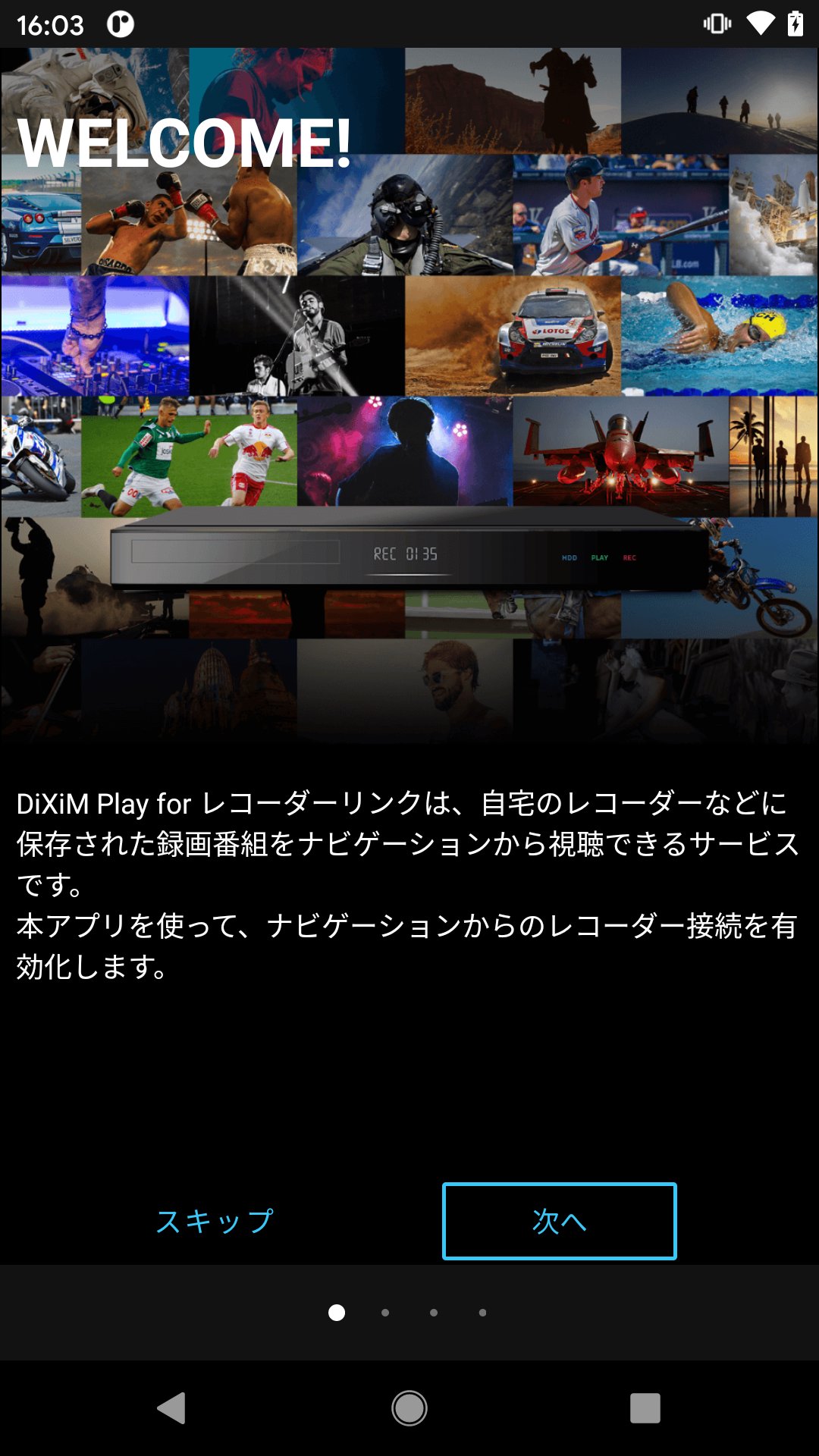
Using DiXiM Play for Recorder Link, you can play programs recorded on your home recorder or programs currently being broadcast from the target car navigation system.
★This app relays the pairing of the recorder and car navigation.
[Usage procedure]
1. Register the recorder in the app
Connect the recorder to your home network and set it up to use the home network function.
Connect your smartphone to your home Wi-Fi and register the recorder in the app.
The model name of your recorder will be displayed on the app's recorder registration screen, so you can proceed with the registration process.
2. Register car navigation on your smartphone
In the car, enable the BLUETOOTH connection on your smartphone and connect it to the car navigation system.
Also, turn on Wi-Fi tethering on your smartphone and connect it to the car navigation system via Wi-Fi.
3. Connect the app and car navigation
In the car, start the app, register the car navigation, enable it, and the connection with the recorder will begin.
Use the navigation screen to operate your home recorder and play the program.
For detailed usage instructions, please see the URL below.
https://www.digion.com/sites/recorder-link/
[Compatible recorders]
Compatible with the following recorder devices and NAS.
(Additional changes may be made to compatible products in the future.)
・Panasonic: “Home Cloud Diga” “Diga”
・Sharp: "AQUOS 4K Recorder" "AQUOS Blu-ray"
・TVS REGZA: “REGZA Time Shift Machine” “REGZA Blu-ray”
・IO Data Equipment: NAS products “HVL-RS series” and “HVL-DR series”
・Buffalo: NAS product “LS411DX series”
For more information, please see the list of compatible devices below.
https://www.digion.com/sites/recorder-link/device/
[Compatible environment of this application]
・Supported OS: Android OS 5.0 or later
・CPU ARM v7 architecture or higher
・Clock 1.2GHz or more
・RAM 1GB or more
・BLUETOOTH required
Notices regarding apps and products are posted below.
https://support.digion.com/cs/recorder-link/
*Personal information, personal data, and user information are not used within this app.
預覽
標籤
娛樂訊息
開發商
DigiOn, Inc.
最新版本
1.2.0 (2004)
更新時間
2024-10-11
類別
娛樂
同時可用
Google Play
更多
如何在電腦上用 GameLoop 玩 DiXiM Play for レコーダーリンク
1. 從官網下載GameLoop,然後運行exe文件安裝GameLoop
2. 打開GameLoop,搜索“DiXiM Play for レコーダーリンク”,在搜索結果中找到DiXiM Play for レコーダーリンク,點擊“安裝”
3. 享受在 GameLoop 上玩 DiXiM Play for レコーダーリンク 的樂趣
Minimum requirements
OS
Windows 8.1 64-bit or Windows 10 64-bit
GPU
GTX 1050
CPU
i3-8300
Memory
8GB RAM
Storage
1GB available space
Recommended requirements
OS
Windows 8.1 64-bit or Windows 10 64-bit
GPU
GTX 1050
CPU
i3-9320
Memory
16GB RAM
Storage
1GB available space