
Pikchar 電腦版
Good Game Dynamix
用GameLoop模拟器在電腦上玩Pikchar
Pikchar 電腦版
來自發行商 Good Game Dynamix 的 Pikchar 能夠在安卓系統上運行。
現在,您可以在電腦上使用 GameLoop 模擬器流暢地玩 Pikchar。
在 GameLoop 遊戲庫或搜索結果中下載。 不需要再暢玩遊戲時盯著電池電量或被令人懊惱的來電打斷。
只需在電腦大屏幕上免費下載暢玩Pikchar 電腦版!
Pikchar 簡介
Download our app today to enjoy new features!
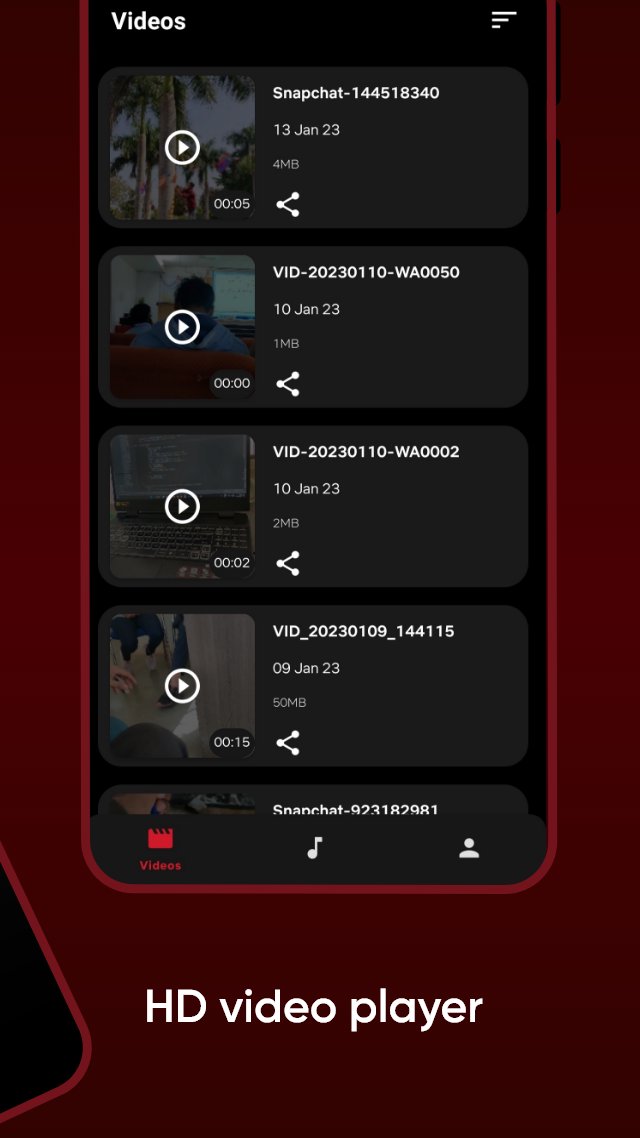
Video player supporters all formats to play media files.
🍿All format videos supported
HD sax video player for all format: 4k videos, 1080p videos, MKV videos, FLV videos, 3GP videos, M4V videos, TS videos, MPG videos
🔍Auto-detect and manage local media files
Auto-detect all video files on Android device and SD card, All format video downloaded and analyzed by HD video remain high-definition.
Pikchar Features :
✔️ Smooth User Interface.
✔️ Fast content loading.
✔️ Quality caption
✔️ Get notifications of newly uploaded free content
Disclaimer :
All Content provided in this app is available in the public domain. We do not show any modified content. All the data in this app is publicly available on different public platforms. We neither own this data nor reuse it.
預覽

標籤
娛樂訊息
開發商
Good Game Dynamix
最新版本
31.4
更新時間
2026-03-10
類別
娛樂
同時可用
Google Play
更多
如何在電腦上用 GameLoop 玩 Pikchar
1. 從官網下載GameLoop,然後運行exe文件安裝GameLoop
2. 打開GameLoop,搜索“Pikchar”,在搜索結果中找到Pikchar,點擊“安裝”
3. 享受在 GameLoop 上玩 Pikchar 的樂趣
Minimum requirements
OS
Windows 8.1 64-bit or Windows 10 64-bit
GPU
GTX 1050
CPU
i3-8300
Memory
8GB RAM
Storage
1GB available space
Recommended requirements
OS
Windows 8.1 64-bit or Windows 10 64-bit
GPU
GTX 1050
CPU
i3-9320
Memory
16GB RAM
Storage
1GB available space