Airflow Remote 電腦版
InMethod s.r.o.
用GameLoop模拟器在電腦上玩Airflow Remote
Airflow Remote 電腦版
來自發行商 InMethod s.r.o. 的 Airflow Remote 能夠在安卓系統上運行。
現在,您可以在電腦上使用 GameLoop 模擬器流暢地玩 Airflow Remote。
在 GameLoop 遊戲庫或搜索結果中下載。 不需要再暢玩遊戲時盯著電池電量或被令人懊惱的來電打斷。
只需在電腦大屏幕上免費下載暢玩Airflow Remote 電腦版!
Airflow Remote 簡介
You can now control everything from your phone, without having to leave the couch.
Important: Make sure you have latest Airflow beta version in order to use the remote control app.
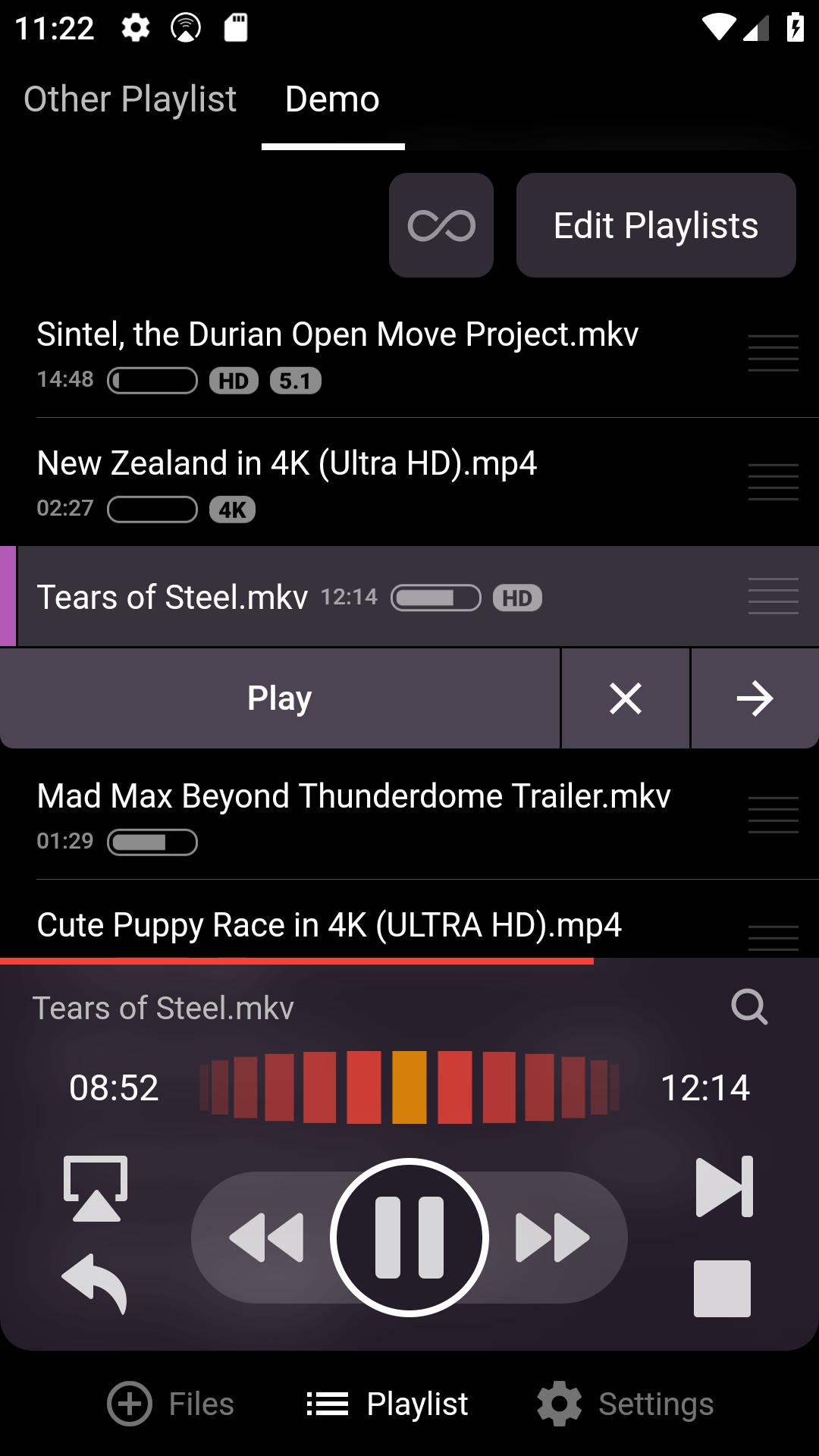
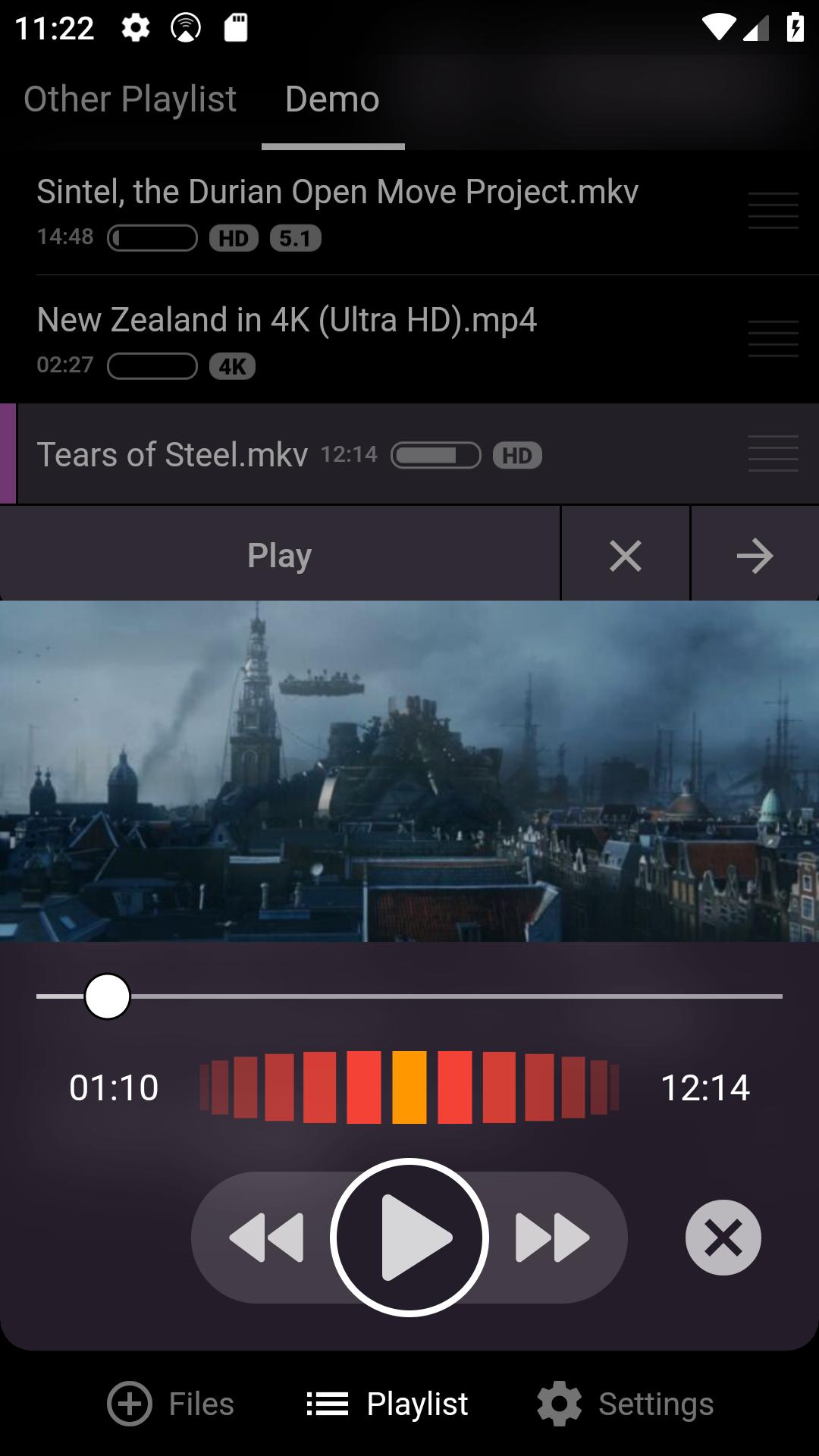
Every feature of Airflow (and yes, there's lot of them) is accessible from the remote. You can
* Control the playback
- play, pause, scrub (with live preview!)
- skip to next item
- switch between output devices, adjust Chromecast volume, even invoke the speed test
* Manage playlists and files
- Add and remove files
- Move files between playlists
- Create and delete playlists
- Toggle playlist looping
* All playback settings are adjustable from phone
- Switch between and subtitle tracks
- Search for subtitles online
- Adjust adaptive volume boost
- Adjust audio and subtitle delay
- Override aspect ratio
* Customize app theme and accent color and hide tabs at bottom of the app (useful for small devices).
* And a lot more...
預覽
標籤
娛樂訊息
開發商
InMethod s.r.o.
最新版本
1.1.7
更新時間
2023-08-15
類別
娛樂
同時可用
Google Play
更多
如何在電腦上用 GameLoop 玩 Airflow Remote
1. 從官網下載GameLoop,然後運行exe文件安裝GameLoop
2. 打開GameLoop,搜索“Airflow Remote”,在搜索結果中找到Airflow Remote,點擊“安裝”
3. 享受在 GameLoop 上玩 Airflow Remote 的樂趣
Minimum requirements
OS
Windows 8.1 64-bit or Windows 10 64-bit
GPU
GTX 1050
CPU
i3-8300
Memory
8GB RAM
Storage
1GB available space
Recommended requirements
OS
Windows 8.1 64-bit or Windows 10 64-bit
GPU
GTX 1050
CPU
i3-9320
Memory
16GB RAM
Storage
1GB available space