
RPLAY 電腦版
PLAX Inc.
用GameLoop模拟器在電腦上玩RPLAY
RPLAY 電腦版
來自發行商 PLAX Inc. 的 RPLAY 能夠在安卓系統上運行。
現在,您可以在電腦上使用 GameLoop 模擬器流暢地玩 RPLAY。
在 GameLoop 遊戲庫或搜索結果中下載。 不需要再暢玩遊戲時盯著電池電量或被令人懊惱的來電打斷。
只需在電腦大屏幕上免費下載暢玩RPLAY 電腦版!
RPLAY 簡介
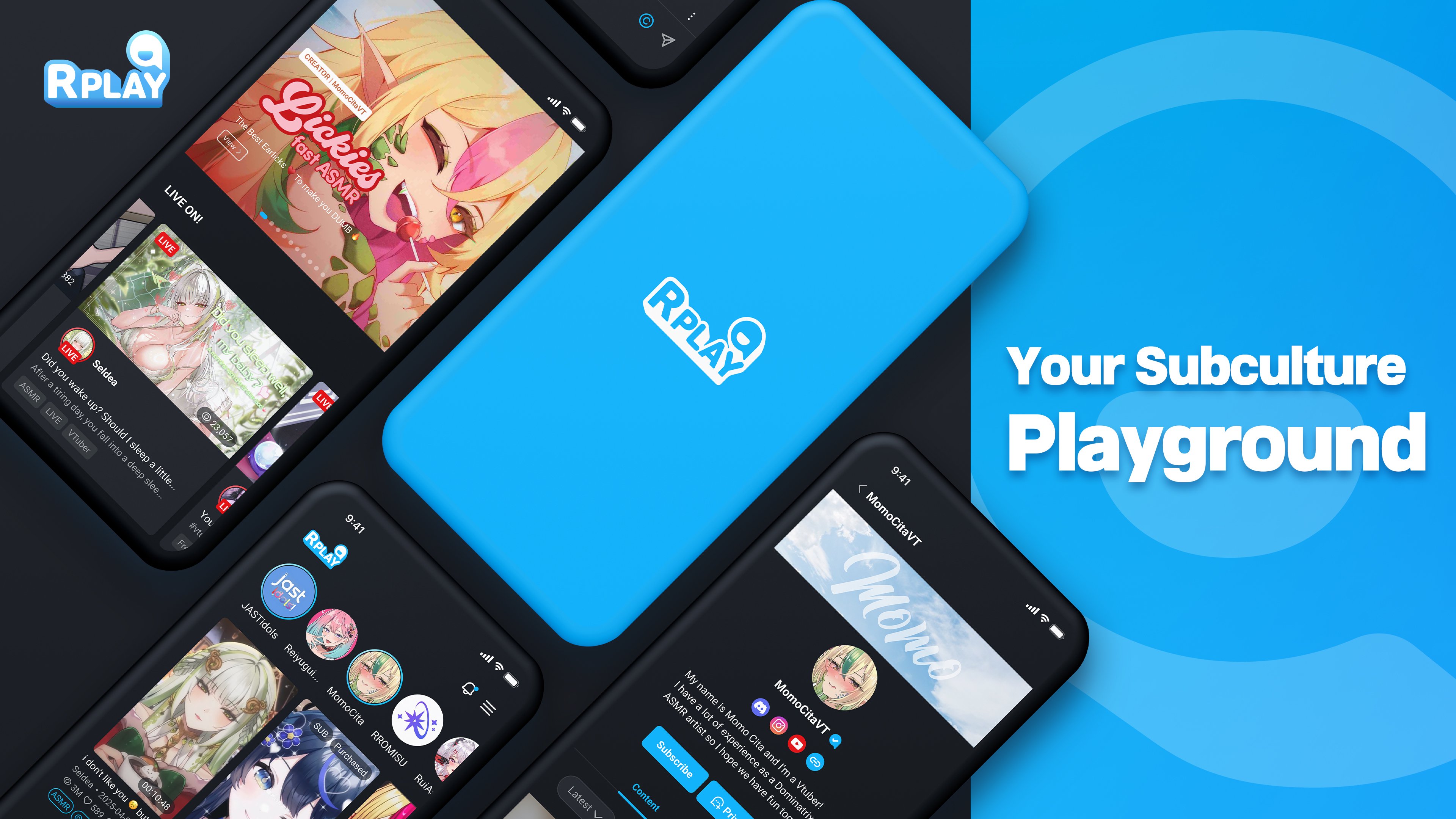
From mainstream hits to hidden gems, RPLAY connects you with the content you love — or lets you create it yourself.
[Diverse Content]
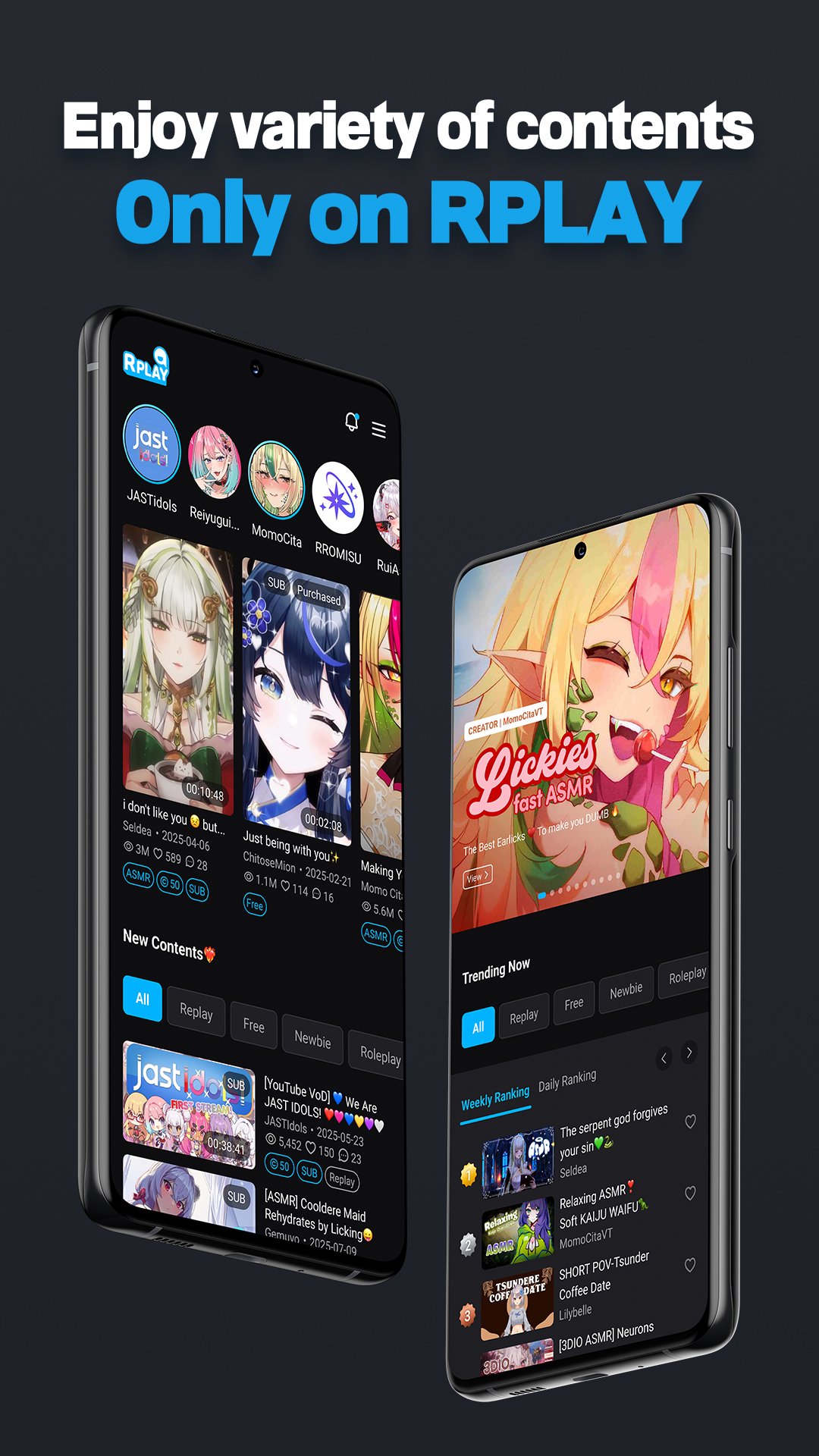
From videos and ASMR to doujin audio, images, and even live streaming — you can enjoy a wide variety of content from creators all in one place.
[Creative Freedom]
No genre limits. No creative boundaries.
Make the content you want, how you want.
[User-Friendly Interface]
A personalized home screen that gathers only the live streams and content from your subscribed channels.
Quick and easy access to your purchases, playlists, and liked content.
[Connect Deeply]
Live chat, comments, channel-specific communities, supporter options, and a messenger service coming soon —
creators and fans can communicate closely through various means.
[Safe & Secure]
To protect creators’ valuable works and users’ personal data,
we use a proprietary security system to keep everything safe.
[Optimized Monetization]
Sell paid content, offer memberships, and unlock live monetization tools like:
Super Chat
TTS (Text-to-Speech)
Roulette & Mission Gimmicks
Make your premium supporters stand out with exclusive features.
RPLAY requests the following access permissions:
[Optional Permissions] Photos, Camera, Files: For uploading profile images and content, including attaching or taking images/videos.
[Required Permissions] None
[Customer Support] Email: help@rplay.live
預覽
標籤
娛樂訊息
開發商
PLAX Inc.
最新版本
4.2.3
更新時間
2026-01-26
類別
娛樂
同時可用
Google Play
更多
如何在電腦上用 GameLoop 玩 RPLAY
1. 從官網下載GameLoop,然後運行exe文件安裝GameLoop
2. 打開GameLoop,搜索“RPLAY”,在搜索結果中找到RPLAY,點擊“安裝”
3. 享受在 GameLoop 上玩 RPLAY 的樂趣
Minimum requirements
OS
Windows 8.1 64-bit or Windows 10 64-bit
GPU
GTX 1050
CPU
i3-8300
Memory
8GB RAM
Storage
1GB available space
Recommended requirements
OS
Windows 8.1 64-bit or Windows 10 64-bit
GPU
GTX 1050
CPU
i3-9320
Memory
16GB RAM
Storage
1GB available space