
バスのボタン ~ 次は僕のうち前 ~ 電腦版
Junichi Ishii
用GameLoop模拟器在電腦上玩バスのボタン ~ 次は僕のうち前 ~
バスのボタン ~ 次は僕のうち前 ~ 電腦版
來自發行商 Junichi Ishii 的 バスのボタン ~ 次は僕のうち前 ~ 能夠在安卓系統上運行。
現在,您可以在電腦上使用 GameLoop 模擬器流暢地玩 バスのボタン ~ 次は僕のうち前 ~。
在 GameLoop 遊戲庫或搜索結果中下載。 不需要再暢玩遊戲時盯著電池電量或被令人懊惱的來電打斷。
只需在電腦大屏幕上免費下載暢玩バスのボタン ~ 次は僕のうち前 ~ 電腦版!
バスのボタン ~ 次は僕のうち前 ~ 簡介
【Features】
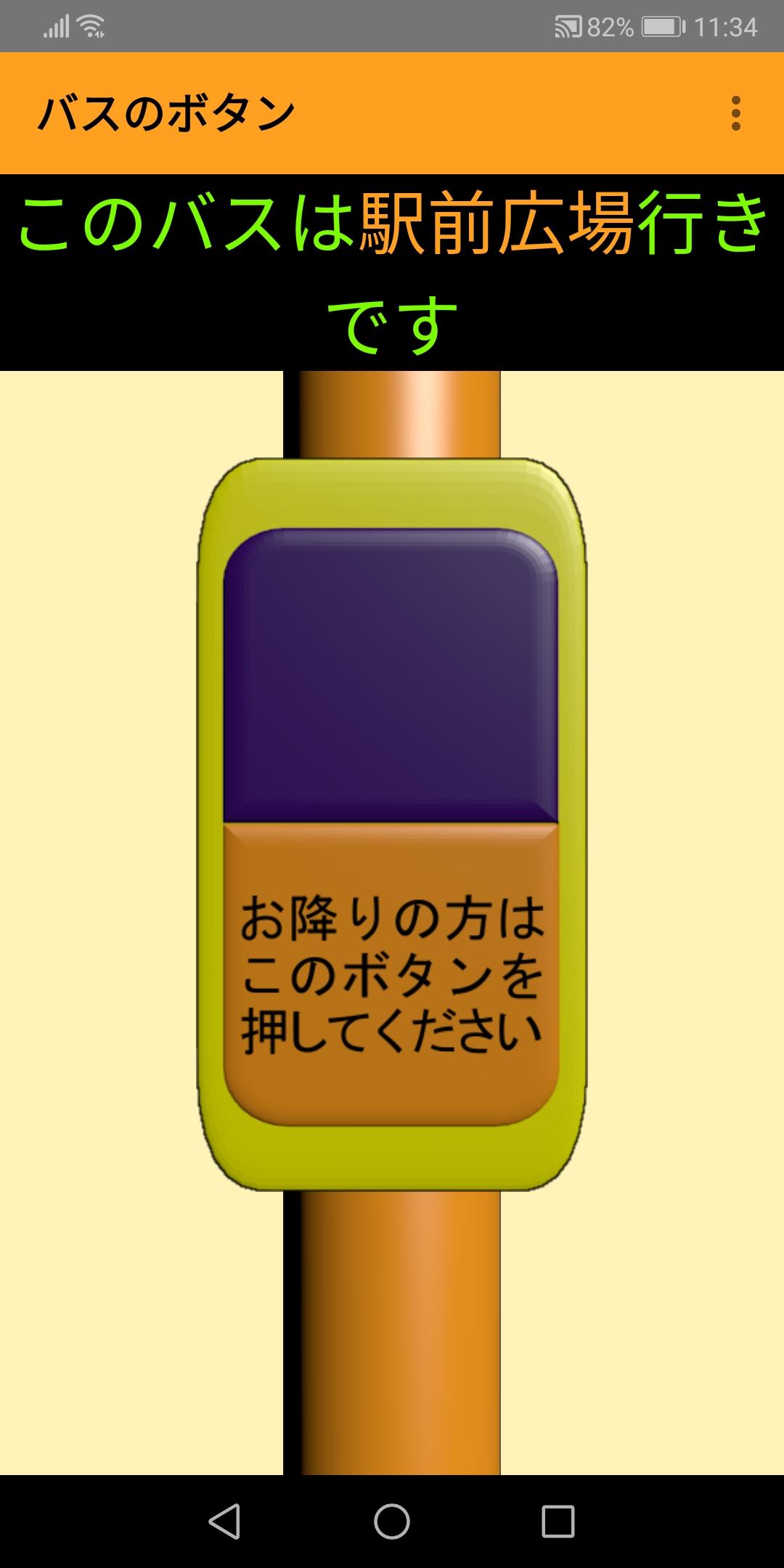
It is an application that makes you feel like you are on a bus with voice announcements and information display boards.
Voice announcements and information boards will inform you of the next stop.
When you press the bus button, you will hear a ping pong and the announcement "Next stop" will be heard.
There are also destination information and end point announcements.
[How to use]
You can change the name of the bus stop by selecting Settings from the menu at the top right of the screen.
Let's change to your favorite bus stop. (Up to 50 stops can be set)
Since the voice announcement uses the text-to-speech function of the terminal, if you misread the bus stop name, set "Reading" on the bus stop name setting screen.
Depending on the terminal you are using, the setting menu may not be displayed in the upper right corner of the screen, and you can set it by pressing the menu button on the terminal itself below the display.
On the main bus button screen, you can move to the previous or next bus stop by swiping (flicking) horizontally.
[You can use it like this]
・ For practice for children to get on the bus
・ Press the button on the bus as much as you like to relieve stress
・ Create your own original bus route
[Other]
-The audio file may be downloaded at the first startup.
Let's press a lot of fun bus buttons!
預覽

標籤
娛樂訊息
開發商
Junichi Ishii
最新版本
8
更新時間
2021-11-06
類別
娛樂
同時可用
Google Play
更多
如何在電腦上用 GameLoop 玩 バスのボタン ~ 次は僕のうち前 ~
1. 從官網下載GameLoop,然後運行exe文件安裝GameLoop
2. 打開GameLoop,搜索“バスのボタン ~ 次は僕のうち前 ~”,在搜索結果中找到バスのボタン ~ 次は僕のうち前 ~,點擊“安裝”
3. 享受在 GameLoop 上玩 バスのボタン ~ 次は僕のうち前 ~ 的樂趣
Minimum requirements
OS
Windows 8.1 64-bit or Windows 10 64-bit
GPU
GTX 1050
CPU
i3-8300
Memory
8GB RAM
Storage
1GB available space
Recommended requirements
OS
Windows 8.1 64-bit or Windows 10 64-bit
GPU
GTX 1050
CPU
i3-9320
Memory
16GB RAM
Storage
1GB available space