Time Machines 電腦版
Timex
用GameLoop模拟器在電腦上玩Time Machines
Time Machines 電腦版
來自發行商 Timex 的 Time Machines 能夠在安卓系統上運行。
現在,您可以在電腦上使用 GameLoop 模擬器流暢地玩 Time Machines。
在 GameLoop 遊戲庫或搜索結果中下載。 不需要再暢玩遊戲時盯著電池電量或被令人懊惱的來電打斷。
只需在電腦大屏幕上免費下載暢玩Time Machines 電腦版!
Time Machines 簡介
Travel in your Time Machine and reinforce key time-telling skills while embarking on an adventure through time and space in each level of the game.
Feature Overview:
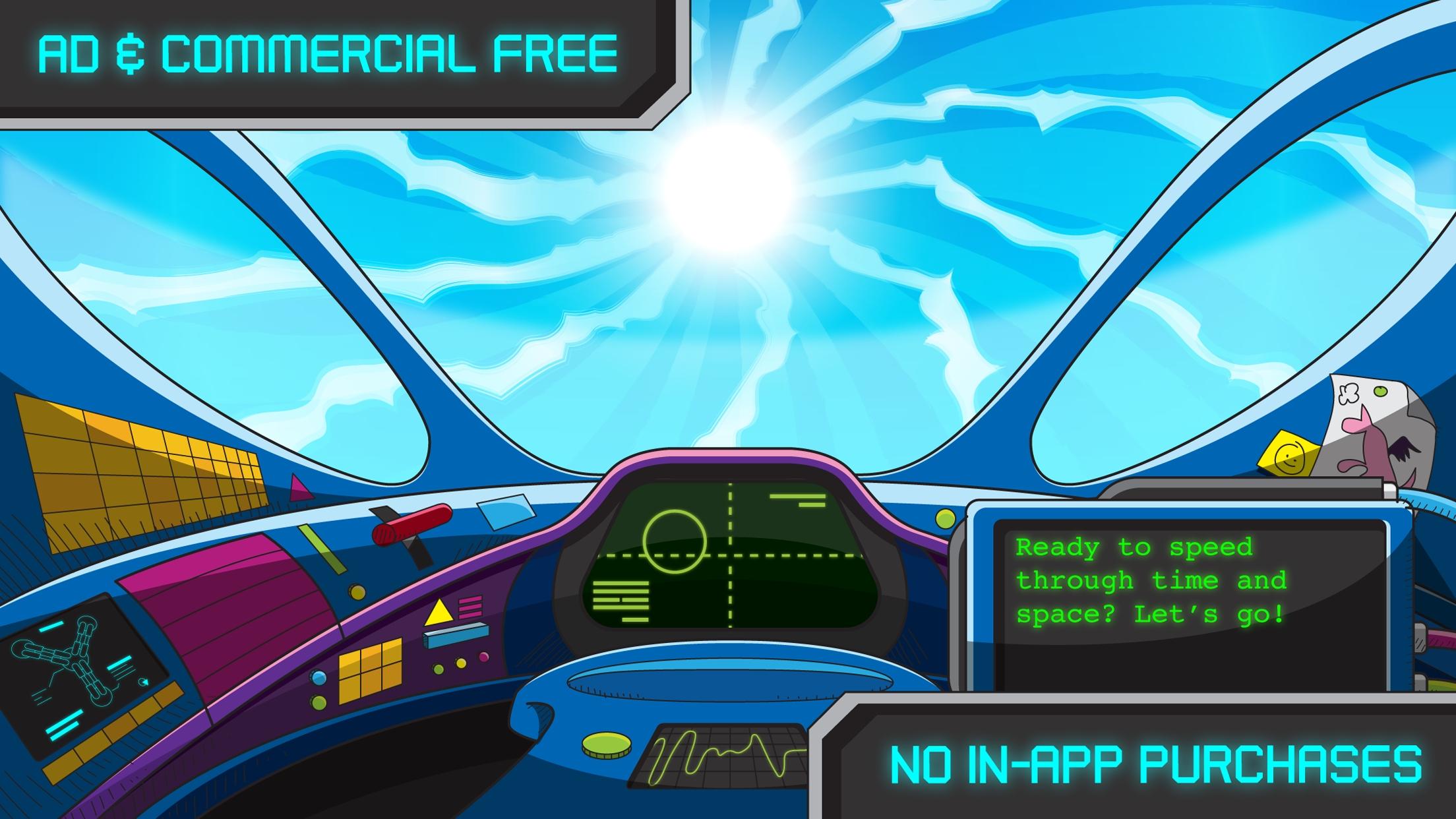
- Ad and commercial free
- Developed with Scholastic, the most trusted name in learning
- Free of charge
- No in-app purchases
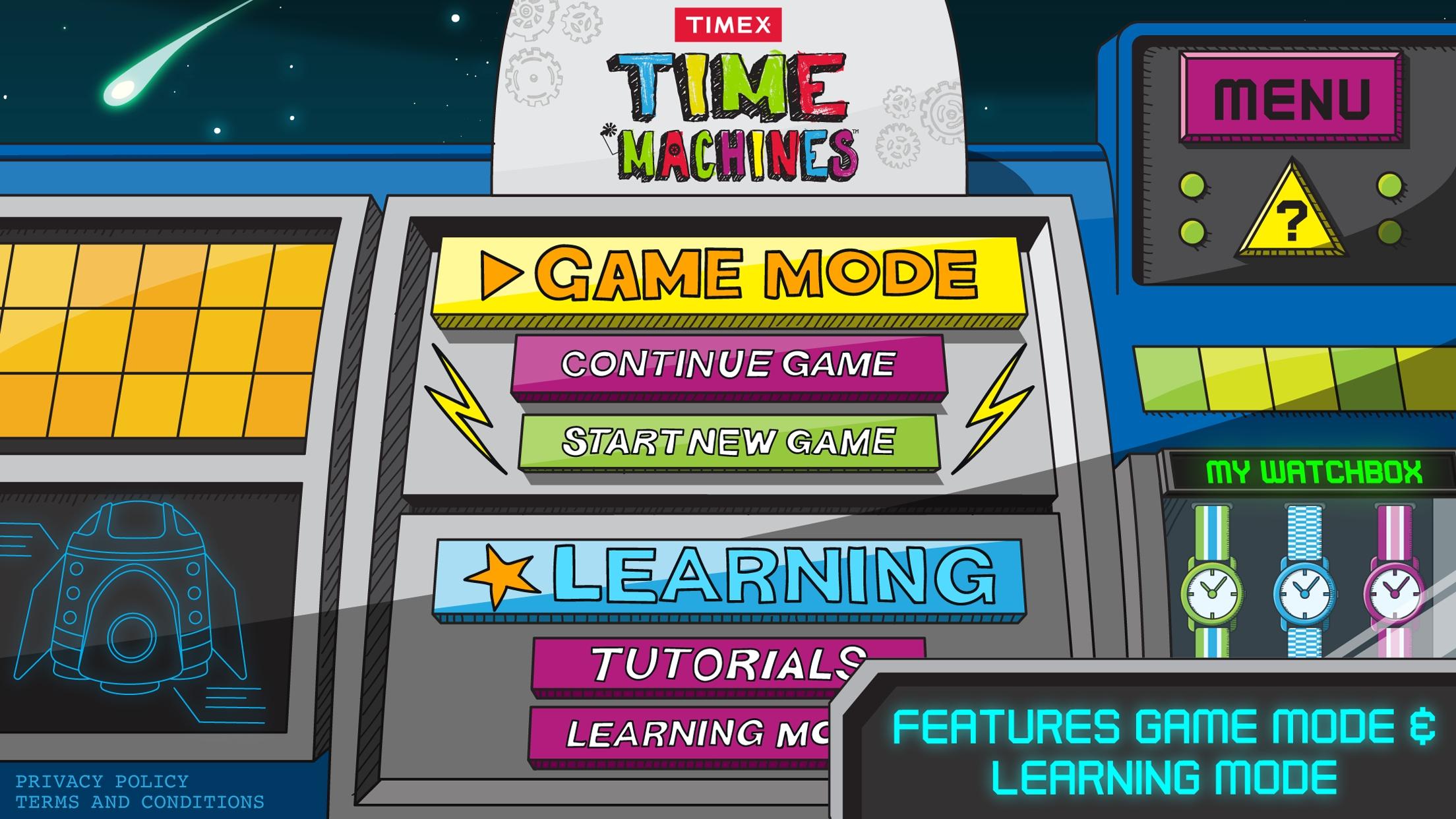
Developed with the experts from Scholastic, this app helps empower kids to have fun through learning by seamlessly blending digital free-play with a variety of interactive lessons tailored for kids age 6 through 9. Choose between Tutorial Mode and Game Mode to learn the basics of time telling:
Tutorial mode – learn to tell time with a tutorial that features general concepts such as clockwise, counter-clockwise, function of clock hands, telling time, A.M./P.M., and a simple game analog and digital matching game.
Game Mode LEVEL 1: Time Stopper - The clock is spinning and the player is given a time. The player must tap the clock at the specific point when its hands are at the indicated digital time in order to stop it.
Game Mode LEVEL 2: Counting Time - Players see a clock with a certain amount of time shaded in (for example, a quarter hour). Using their five-times table, they must tap minute buttons worth X minutes to equal the shaded amount without going over.
Game Mode LEVEL 3: Rocket Time - Time, in the form of clock faces, is falling from the top of the screen toward the player’s Time Machine. The player must tap the clock that matches the written time shown at the bottom of their screen.
預覽
標籤
數學休閒單人遊戲程式化單機遊戲訊息
開發商
Timex
最新版本
5.1.0
更新時間
2021-01-29
類別
教育
同時可用
Google Play
更多
如何在電腦上用 GameLoop 玩 Time Machines
1. 從官網下載GameLoop,然後運行exe文件安裝GameLoop
2. 打開GameLoop,搜索“Time Machines”,在搜索結果中找到Time Machines,點擊“安裝”
3. 享受在 GameLoop 上玩 Time Machines 的樂趣
Minimum requirements
OS
Windows 8.1 64-bit or Windows 10 64-bit
GPU
GTX 1050
CPU
i3-8300
Memory
8GB RAM
Storage
1GB available space
Recommended requirements
OS
Windows 8.1 64-bit or Windows 10 64-bit
GPU
GTX 1050
CPU
i3-9320
Memory
16GB RAM
Storage
1GB available space