
Programming for kids - Fun edu 電腦版
AMGAMES Inc.
用GameLoop模拟器在電腦上玩Programming for kids - Fun edu
Programming for kids - Fun edu 電腦版
來自發行商 AMGAMES Inc. 的 Programming for kids - Fun edu 能夠在安卓系統上運行。
現在,您可以在電腦上使用 GameLoop 模擬器流暢地玩 Programming for kids - Fun edu。
在 GameLoop 遊戲庫或搜索結果中下載。 不需要再暢玩遊戲時盯著電池電量或被令人懊惱的來電打斷。
只需在電腦大屏幕上免費下載暢玩Programming for kids - Fun edu 電腦版!
Programming for kids - Fun edu 簡介
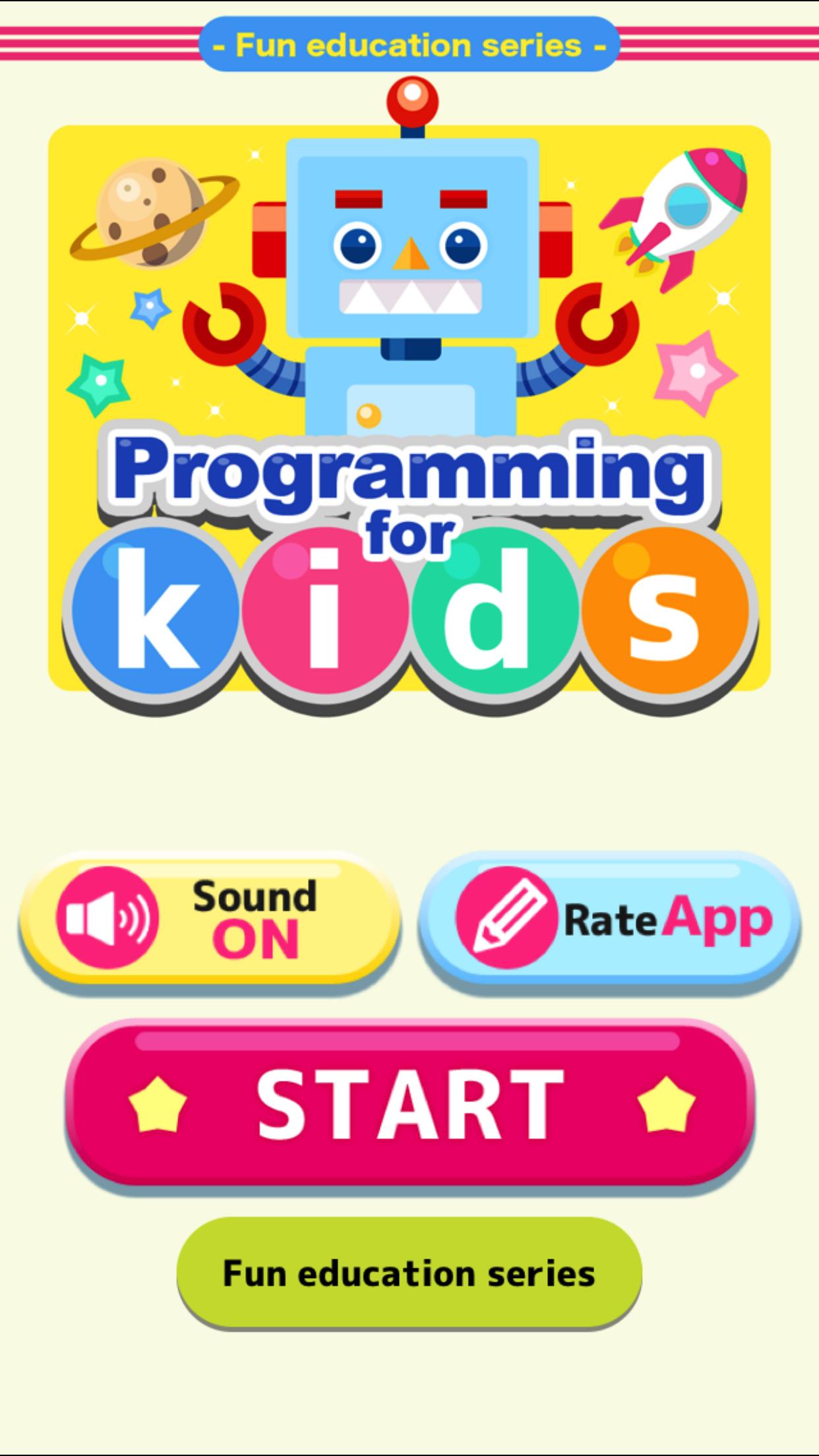
This is a learning application of coding.
But there is no programming code.
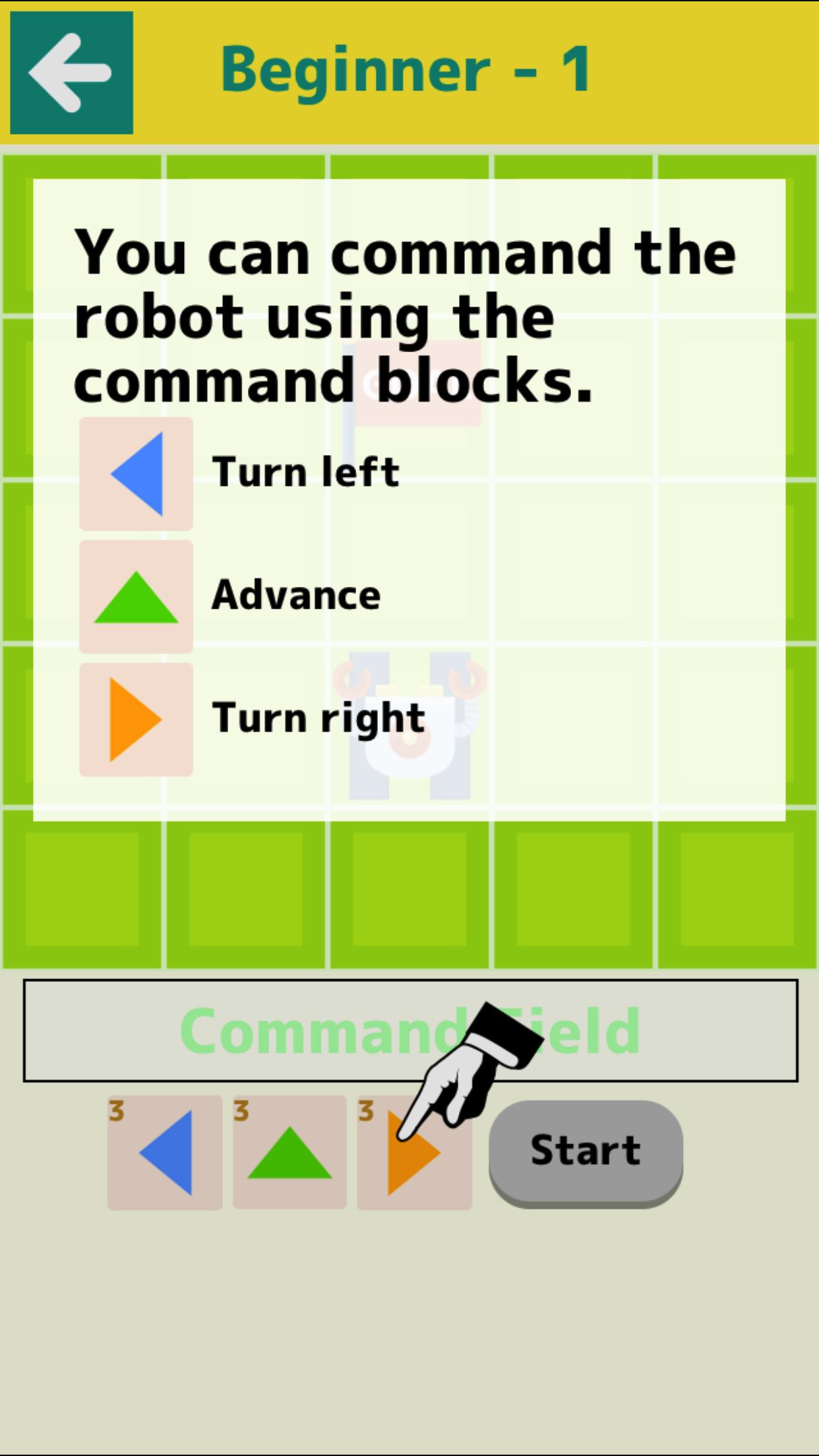
It is a game that operates the robot and leads to the goal.
By trial and error children can acquire logical thinking skills.
Please enjoy with parents and children.
【contents】
■Beginner
Introduction of basic operation.
▼Difficulty
There are Levels 1 to 3.
It has 24 stages each.
●Level 1
Map of 5*5. Operating a robot.
●Level 2
Map of 6*6. Operating a ship.
The difficulty level will rise.
●Level 3
Map of 7*7. Operating a space ship.
Use the Function command.
The difficulty level will rise further.
■Collect Stars
This is a game that collects as many stars as possible.
It is a test of applied skill.
* No banner advertisement on this app.
* Some contains in-app purchases.
預覽
標籤
單人遊戲單機遊戲訊息
開發商
AMGAMES Inc.
最新版本
1.7.2
更新時間
2021-01-28
類別
教育
同時可用
Google Play
更多
如何在電腦上用 GameLoop 玩 Programming for kids - Fun edu
1. 從官網下載GameLoop,然後運行exe文件安裝GameLoop
2. 打開GameLoop,搜索“Programming for kids - Fun edu”,在搜索結果中找到Programming for kids - Fun edu,點擊“安裝”
3. 享受在 GameLoop 上玩 Programming for kids - Fun edu 的樂趣
Minimum requirements
OS
Windows 8.1 64-bit or Windows 10 64-bit
GPU
GTX 1050
CPU
i3-8300
Memory
8GB RAM
Storage
1GB available space
Recommended requirements
OS
Windows 8.1 64-bit or Windows 10 64-bit
GPU
GTX 1050
CPU
i3-9320
Memory
16GB RAM
Storage
1GB available space