International Space Station To 電腦版
The House of Fables
用GameLoop模拟器在電腦上玩International Space Station To
International Space Station To 電腦版
來自發行商 The House of Fables 的 International Space Station To 能夠在安卓系統上運行。
現在,您可以在電腦上使用 GameLoop 模擬器流暢地玩 International Space Station To。
在 GameLoop 遊戲庫或搜索結果中下載。 不需要再暢玩遊戲時盯著電池電量或被令人懊惱的來電打斷。
只需在電腦大屏幕上免費下載暢玩International Space Station To 電腦版!
International Space Station To 簡介
Embark on a mind-blowing VR journey to one of the most advanced 'miracles' of modern technology to have ever been built by mankind.
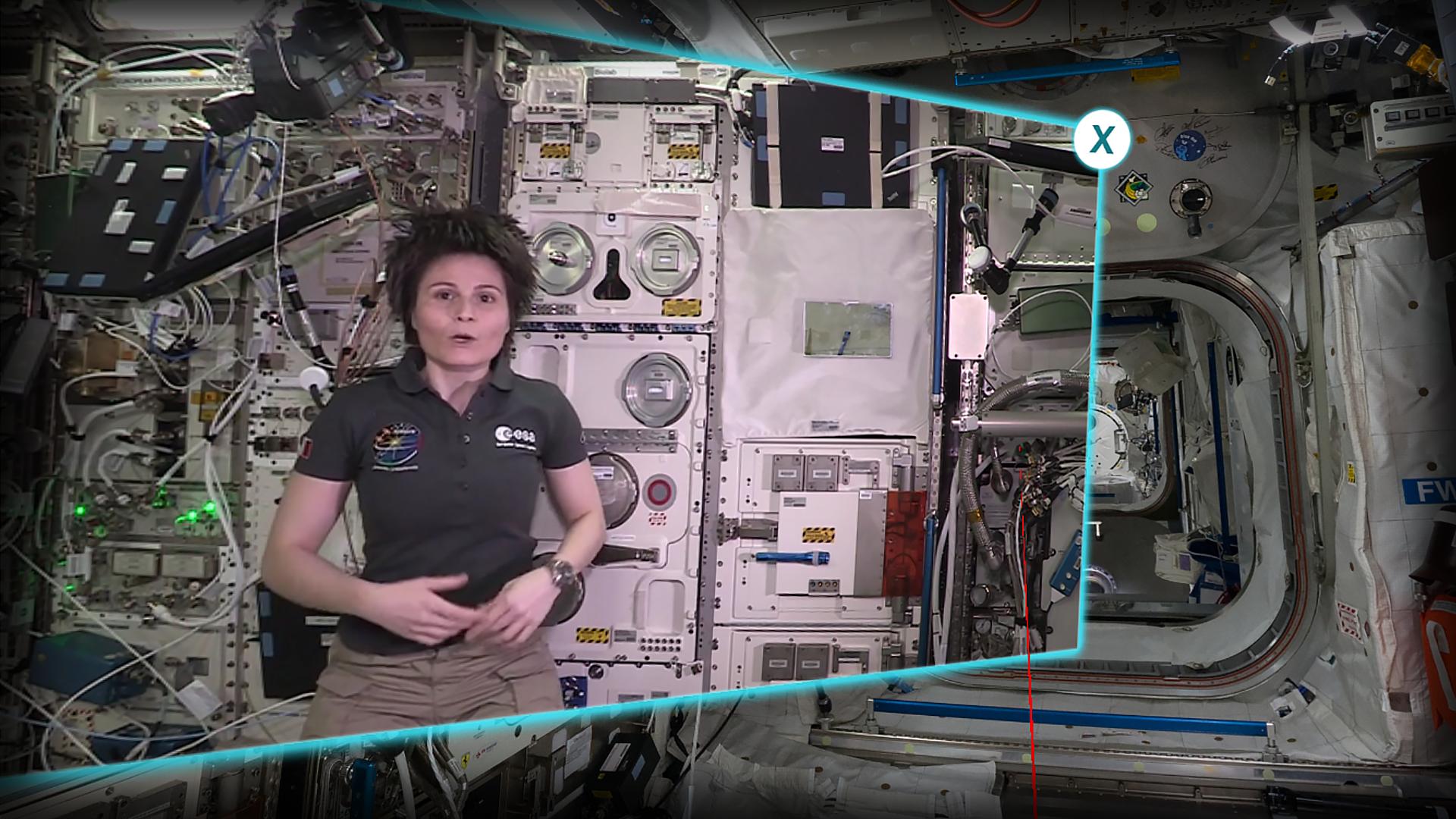
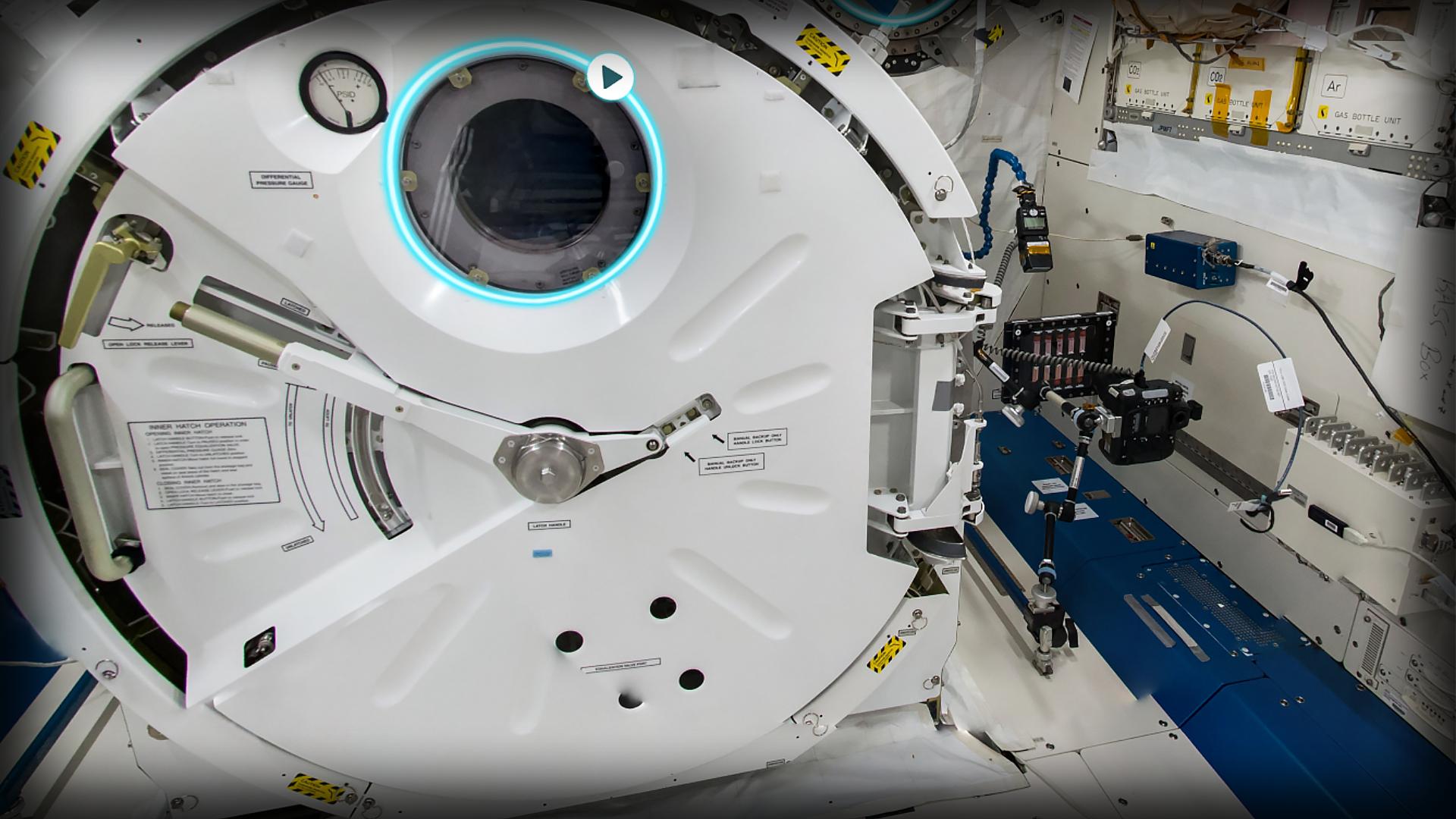
Join astronaut Samantha Cristoforetti from the European Space Agency (ESA) as you step aboard the International Space Station. Guided by the holder of the record for the longest uninterrupted spaceflight for a European astronaut you will learn about the inner-workings of the International Space Station. Moving between 8 modules you will uncover over 40 key areas of the space station that serve as the living quarters and science laboratory for an international crew of astronauts and cosmonauts. Gain an insiders view of what it is like to live and work onboard the longest, continually inhabited space station to orbit Earth.
This experience has been created by The House of Fables. ESA is not the author of this app and holds no liability for the experience. ESA holds all rights to the photos and videos used.
The software is available on the following platforms: Oculus, Steam, Windows Store, Google Play, Viveport.
預覽
標籤
教育訊息
開發商
The House of Fables
最新版本
1.01
更新時間
2019-07-29
類別
教育
同時可用
Google Play
更多
如何在電腦上用 GameLoop 玩 International Space Station To
1. 從官網下載GameLoop,然後運行exe文件安裝GameLoop
2. 打開GameLoop,搜索“International Space Station To”,在搜索結果中找到International Space Station To,點擊“安裝”
3. 享受在 GameLoop 上玩 International Space Station To 的樂趣
Minimum requirements
OS
Windows 8.1 64-bit or Windows 10 64-bit
GPU
GTX 1050
CPU
i3-8300
Memory
8GB RAM
Storage
1GB available space
Recommended requirements
OS
Windows 8.1 64-bit or Windows 10 64-bit
GPU
GTX 1050
CPU
i3-9320
Memory
16GB RAM
Storage
1GB available space