Fun Preschool Game EduBirthday 電腦版
Cubic Frog® Apps-Learning Games for Kids
用GameLoop模拟器在電腦上玩Fun Preschool Game EduBirthday
Fun Preschool Game EduBirthday 電腦版
來自發行商 Cubic Frog® Apps-Learning Games for Kids 的 Fun Preschool Game EduBirthday 能夠在安卓系統上運行。
現在,您可以在電腦上使用 GameLoop 模擬器流暢地玩 Fun Preschool Game EduBirthday。
在 GameLoop 遊戲庫或搜索結果中下載。 不需要再暢玩遊戲時盯著電池電量或被令人懊惱的來電打斷。
只需在電腦大屏幕上免費下載暢玩Fun Preschool Game EduBirthday 電腦版!
Fun Preschool Game EduBirthday 簡介
EduBirthday kindergarten learning app invites kindergartners and preschool learners to a fun birthday party and teaches them early childhood concepts through fun preschool learning games.
EduBirthday learning app features 18 colorful mini-games focusing on educational concepts which simulate kids' enthusiasm for learning and guides them for independent play. Kindergarten learners will enjoy playing every game and parents & teachers will enjoy watching them learn and grow. At the end of each game preschoolers will be rewarded with a surprise birthday gift!
-----------------------------------------------
Edubirthday Features Fun Kids Games:
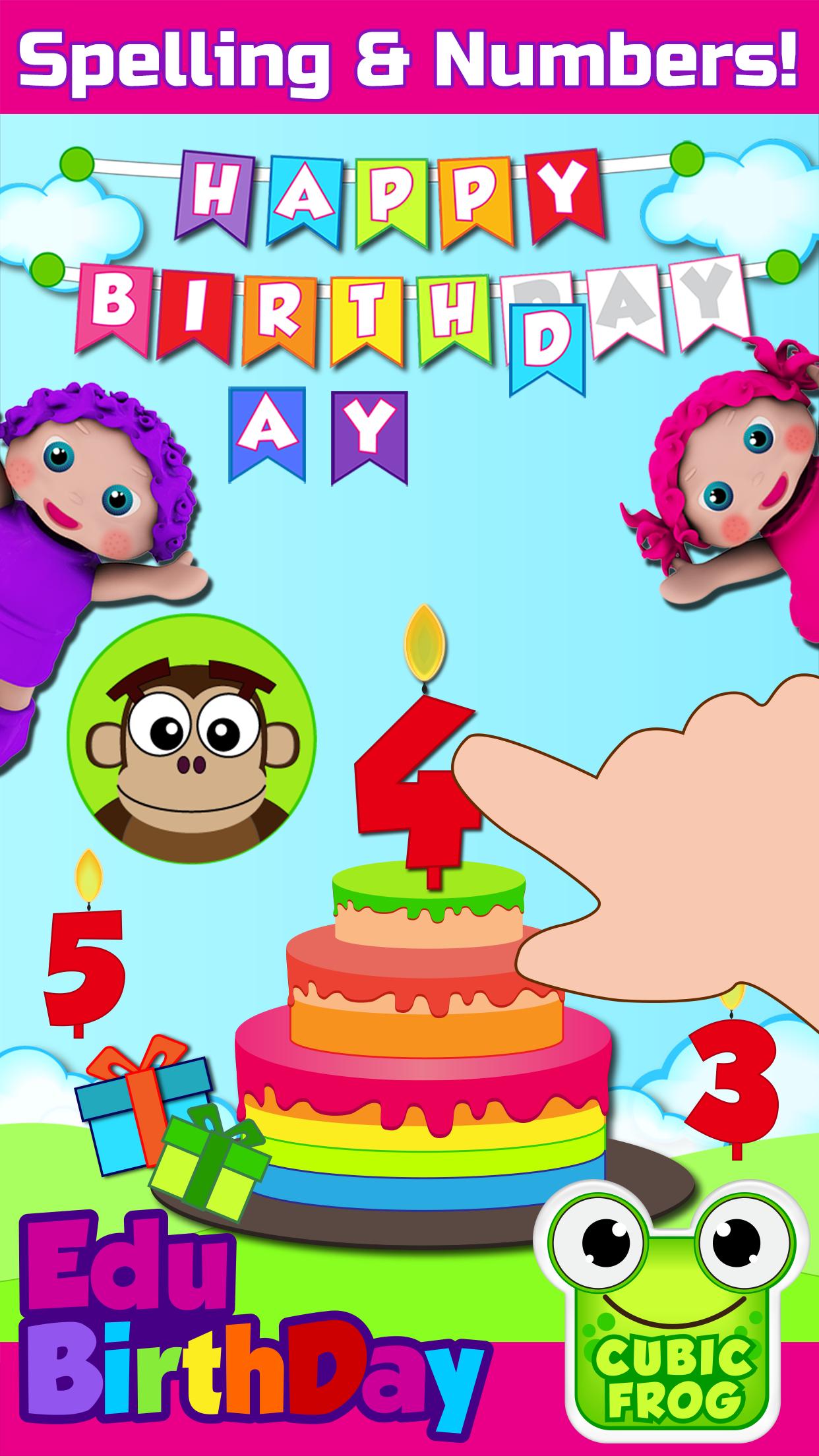
• Birthday Game - preschool learning game that teaches children to spell “Happy Birthday” and upon completion rewards them with a magical birthday song
• Photo Fun - preschoolers will learn left & right by taking fun birthday photos. Say cheese!
• Fruit Snacks - children will learn to sort fruits for the party guests and enhance their cognitive skills
• Birthday Ninja - in this kids learning game children will practice their fine motor skills by cutting the bouncing fruits
• Birthday Goodies - fun learning games for kindergartners that focuses on teaching them matching skills with colorful birthday goodies
• Colorful Balloons - kindergartners learn colors by blowing colorful balloons
• Birthday Gift - in this game kindergarten kids will learn about sizes while comparing birthday gifts
• Birthday Candles - preschool children will learn to count colorful hats and birthday candles
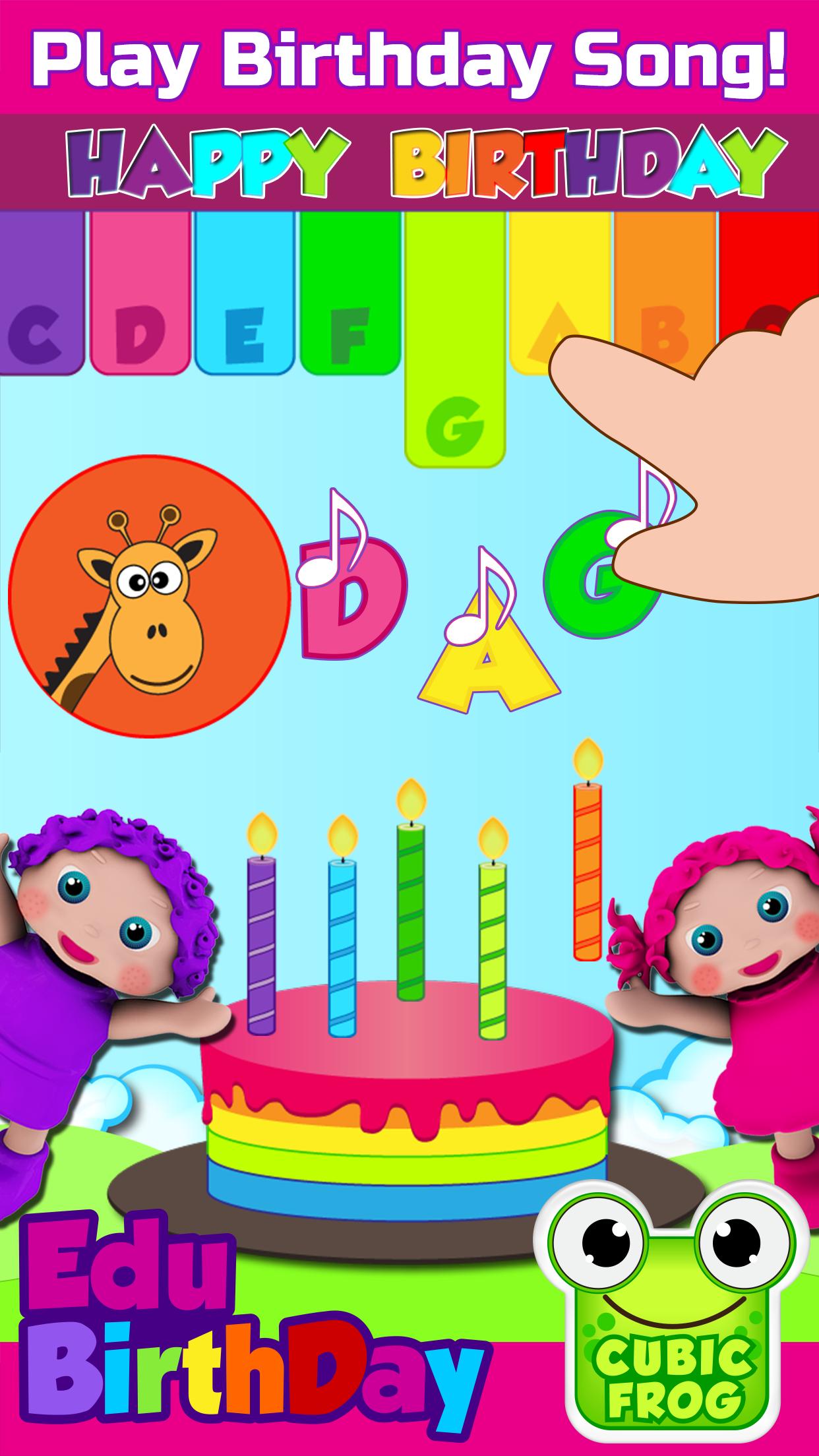
• Birthday Song - girls and boys will practice to play the birthday song on the Xylophone
• Find the Twins - Kindergarten learners have to identify twins while improving their matching skills
-----------------------------------------------
Edu Features:
• EduBirthday is a fun educational app that parents can use to teach their little learners early preschool concepts such as colors, numbers, alphabet letters, spelling and much more
• Kids games for girls and boys aged 3-5!
• Problem-solving
• Brain Development
• Fine Motor Skills
• Free of third party advertisement
• Autism spectrum and special needs children can also take educational benefits
• Prefect app for children with needs of speech therapy
• Preschool teachers can also use this educational app in their classrooms
• Unlimited access to a complete collection of birthday games in a toddler-friendly app
• Unlimited play and innovative rewards system
• Free without WiFi
• Customizable for parents to adjust settings based on children’s learning pace
----------------------------------------------
Purchasing, Rules & Regulations:
EduBirthday is a one-time purchase app and not a subscription-based app.
Rules & Regulations:
(Cubic Frog®) respects the privacy of all its users.
Privacy Policy: http://www.cubicfrog.com/privacy
Terms & Conditions :http://www.cubicfrog.com/terms
(Cubic Frog®) is proud to be a global and multilingual kids educational company with apps offering 12 different language options: English, Spanish, Arabic, Russian, Persian, French, German, Chinese, Korean, Japanese, Portuguese. Learn a new language or improve on another!
Toddler-friendly interface helps preschoolers in their early learning education. All Cubic Frog® toddler apps have voice commands which help little learners listen and follow instructions. EduBirthday is inspired by Montessori educational curriculum which is highly recommended for kids with autism and is a good option for speech therapy. Let’s celebrate together!
預覽
標籤
教育訊息
開發商
Cubic Frog® Apps-Learning Games for Kids
最新版本
9.2
更新時間
2022-06-04
類別
教育
同時可用
Google Play
更多
如何在電腦上用 GameLoop 玩 Fun Preschool Game EduBirthday
1. 從官網下載GameLoop,然後運行exe文件安裝GameLoop
2. 打開GameLoop,搜索“Fun Preschool Game EduBirthday”,在搜索結果中找到Fun Preschool Game EduBirthday,點擊“安裝”
3. 享受在 GameLoop 上玩 Fun Preschool Game EduBirthday 的樂趣
Minimum requirements
OS
Windows 8.1 64-bit or Windows 10 64-bit
GPU
GTX 1050
CPU
i3-8300
Memory
8GB RAM
Storage
1GB available space
Recommended requirements
OS
Windows 8.1 64-bit or Windows 10 64-bit
GPU
GTX 1050
CPU
i3-9320
Memory
16GB RAM
Storage
1GB available space