
Dr. Game Surgeon Trouble 電腦版
WeirdBeard
用GameLoop模拟器在電腦上玩Dr. Game Surgeon Trouble
Dr. Game Surgeon Trouble 電腦版
來自發行商 WeirdBeard 的 Dr. Game Surgeon Trouble 能夠在安卓系統上運行。
現在,您可以在電腦上使用 GameLoop 模擬器流暢地玩 Dr. Game Surgeon Trouble。
在 GameLoop 遊戲庫或搜索結果中下載。 不需要再暢玩遊戲時盯著電池電量或被令人懊惱的來電打斷。
只需在電腦大屏幕上免費下載暢玩Dr. Game Surgeon Trouble 電腦版!
Dr. Game Surgeon Trouble 簡介
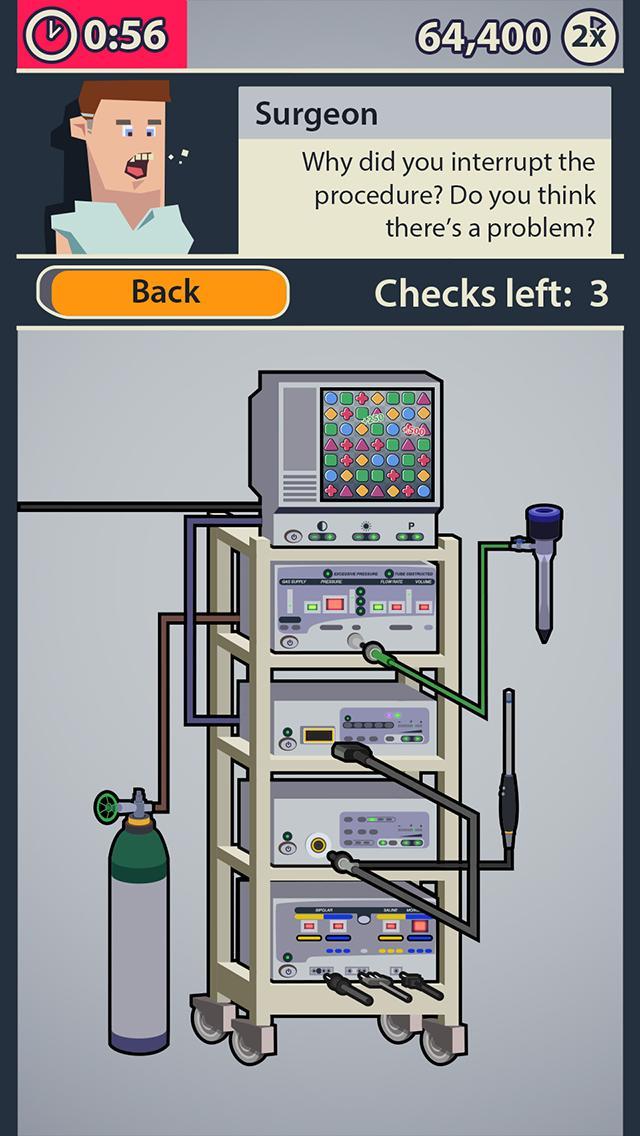
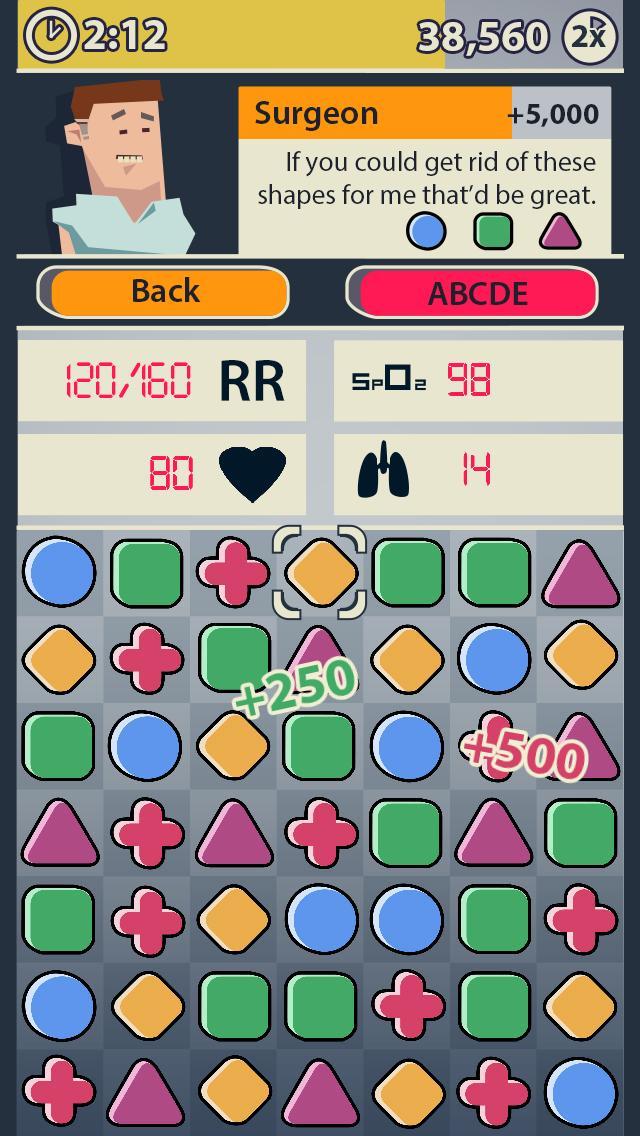
Dr. Game Surgeon Trouble is a fun way to train situational awareness and trouble shooting skills for surgical residents, surgeons and other operating room staff.
Are you up for the challenge? Can you quickly solve all equipment problems that may arise during a Laparoscopic Surgery? Do you know...
* how to cope with a blurry image?
* how to differentiate between an empty gas bottle and an obstruction in your gas supply?
* how to adjust your monitor when the screen turns green?
* how to troubleshoot your visual chain from Camera to Monitor?
* how to divide your attention between your patient, equipment and surgery?
Dr. Game will help you to solve these and over 50 other scenarios you may encounter in Surgeon Trouble!
Dr. Game Surgeon Trouble was developed as part of Project Patient Safety in collaboration with AMC, TNO, DGG, Taskforce Innovatie Utrecht and powered by CbusineZ.
Medical content created and validated by Academic Medical Center Amsterdam (AMC).
預覽
標籤
教育訊息
開發商
WeirdBeard
最新版本
1.1
更新時間
2015-07-01
類別
教育
同時可用
Google Play
更多
如何在電腦上用 GameLoop 玩 Dr. Game Surgeon Trouble
1. 從官網下載GameLoop,然後運行exe文件安裝GameLoop
2. 打開GameLoop,搜索“Dr. Game Surgeon Trouble”,在搜索結果中找到Dr. Game Surgeon Trouble,點擊“安裝”
3. 享受在 GameLoop 上玩 Dr. Game Surgeon Trouble 的樂趣
Minimum requirements
OS
Windows 8.1 64-bit or Windows 10 64-bit
GPU
GTX 1050
CPU
i3-8300
Memory
8GB RAM
Storage
1GB available space
Recommended requirements
OS
Windows 8.1 64-bit or Windows 10 64-bit
GPU
GTX 1050
CPU
i3-9320
Memory
16GB RAM
Storage
1GB available space