
Slime DIY Simulator: Super Fun 電腦版
Kid Kitchen Fun Media
用GameLoop模拟器在電腦上玩Slime DIY Simulator: Super Fun
Slime DIY Simulator: Super Fun 電腦版
來自發行商 Kid Kitchen Fun Media 的 Slime DIY Simulator: Super Fun 能夠在安卓系統上運行。
現在,您可以在電腦上使用 GameLoop 模擬器流暢地玩 Slime DIY Simulator: Super Fun。
在 GameLoop 遊戲庫或搜索結果中下載。 不需要再暢玩遊戲時盯著電池電量或被令人懊惱的來電打斷。
只需在電腦大屏幕上免費下載暢玩Slime DIY Simulator: Super Fun 電腦版!
Slime DIY Simulator: Super Fun 簡介
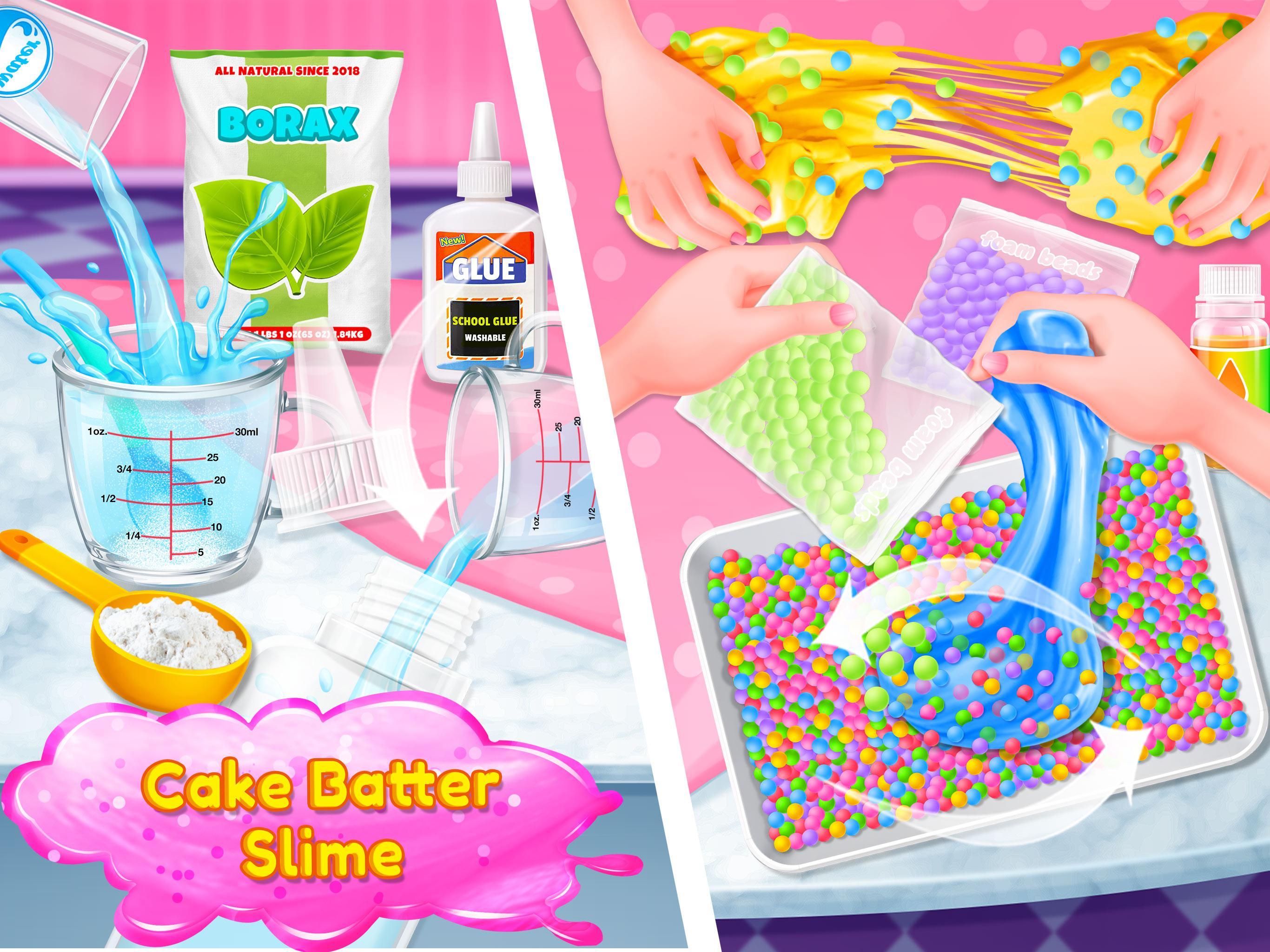
Like playing slime? Yep, slime is so popular among all the girls and boys. Have you ever made it by yourself? No matter yes or no. today, you can start being a super slime maker. DIY the slime not as others did. You are the most talented guy ever. Come on now, Let’s get started.
How to play:
- Add & Mix all the ingredients together. Borax, Water, Clear glue and food coloring. Of course, you can choose the color you like most.
- Combine them together. Add the borax with water little by little. Make your slime fluffy.
- Use your hand to make the slime more fluffy in the bowl.
- Add some foam beads. There are so many colors. You can pick the one you like most.
- Use your hand to make the foam beads and the slime together. Then you get the brand new fluffy slime.
- Time for fun. Play with your fluffy slime in any way you like.
- Invite your friends to play together. You two would have a slime fight.
- Enjoy the crazy fluffy slime fun.
預覽

標籤
模擬休閒單人遊戲程式化卡通訊息
開發商
Kid Kitchen Fun Media
最新版本
2.1.2
更新時間
2025-06-20
類別
教育
同時可用
Google Play
更多
如何在電腦上用 GameLoop 玩 Slime DIY Simulator: Super Fun
1. 從官網下載GameLoop,然後運行exe文件安裝GameLoop
2. 打開GameLoop,搜索“Slime DIY Simulator: Super Fun”,在搜索結果中找到Slime DIY Simulator: Super Fun,點擊“安裝”
3. 享受在 GameLoop 上玩 Slime DIY Simulator: Super Fun 的樂趣
Minimum requirements
OS
Windows 8.1 64-bit or Windows 10 64-bit
GPU
GTX 1050
CPU
i3-8300
Memory
8GB RAM
Storage
1GB available space
Recommended requirements
OS
Windows 8.1 64-bit or Windows 10 64-bit
GPU
GTX 1050
CPU
i3-9320
Memory
16GB RAM
Storage
1GB available space