
WordBit Hàn Quốc 電腦版
WordBit
用GameLoop模拟器在電腦上玩WordBit Hàn Quốc
WordBit Hàn Quốc 電腦版
來自發行商 WordBit 的 WordBit Hàn Quốc 能夠在安卓系統上運行。
現在,您可以在電腦上使用 GameLoop 模擬器流暢地玩 WordBit Hàn Quốc。
在 GameLoop 遊戲庫或搜索結果中下載。 不需要再暢玩遊戲時盯著電池電量或被令人懊惱的來電打斷。
只需在電腦大屏幕上免費下載暢玩WordBit Hàn Quốc 電腦版!
WordBit Hàn Quốc 簡介
🦅WordBit English👉👉 http://bit.ly/wordbitenvn
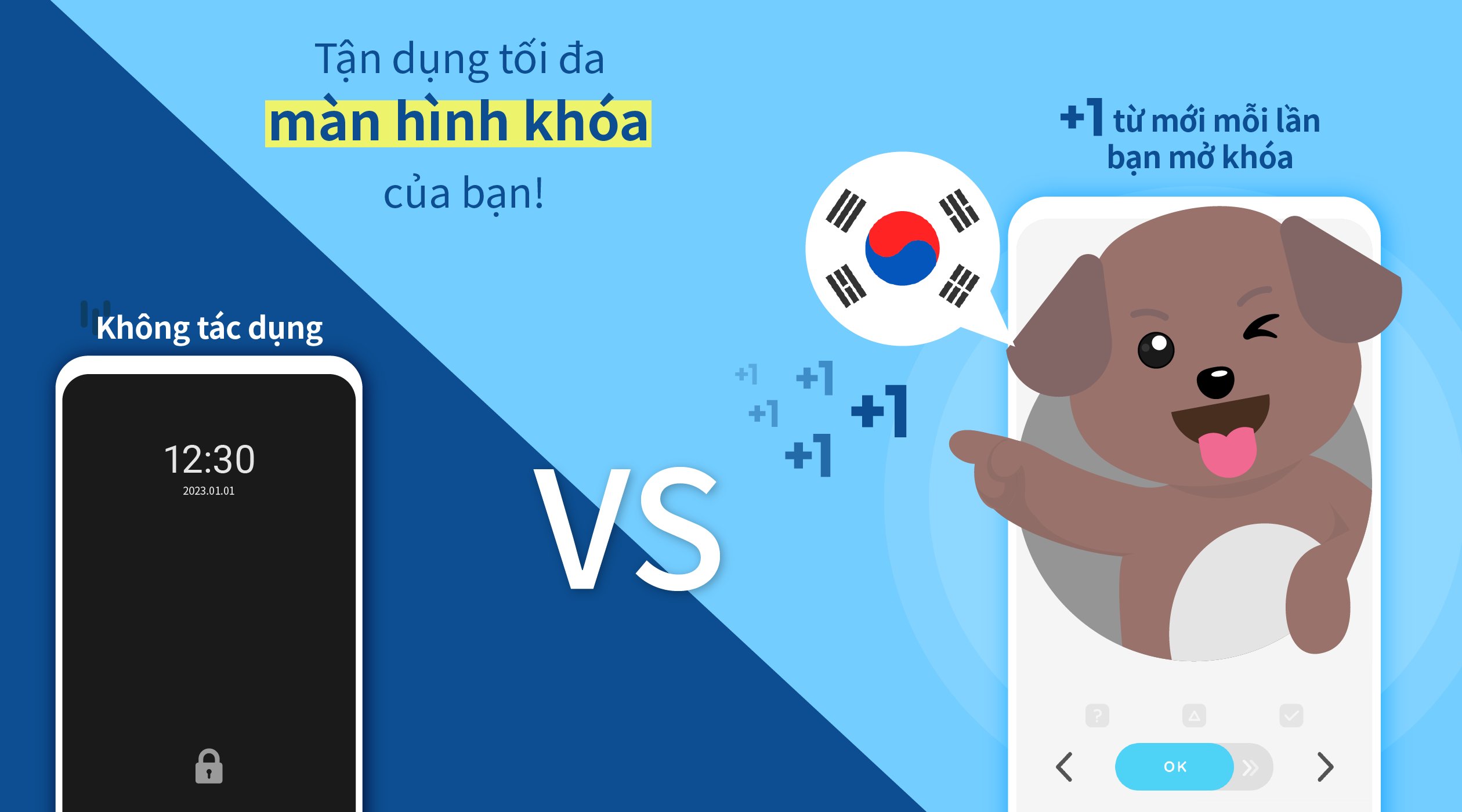
■ Do you often use your mobile phone? On average, we open our phones 100 times a day and lock them 50 times. With busy work and short time, do you think we can learn 3000 new words in a month? WordBit app with the function of displaying new words when you unlock the screen will help you learn Korean with just a simple daily habit. And of course, all functions of the app are Free!!!
■ The basic thing about learning a foreign language is remembering vocabulary. Looking at words regularly will make it easier to remember words. Looking at words regularly will help you remember longer, even for those who know a lot of vocabulary.
-------------------------------------------
■■ [Features of WordBit ] ■■
[Study Alarm]
You can receive many study alarms such as word matching, daily reports and review flashcards at the time you want
●1. Diverse functions and divided by each level.
- For each type of conversation (relationship, travel, beginner...)
- The app will provide you with 25,000 new vocabulary completely free
●2. Help you learn Korean more interestingly with learning programs such as flash cards and slide quiz.
●3. The word pronunciation function will help you listen and learn words correctly
●4. The app has functions such as: self-study, automatic pronunciation playback, sharing sentences, new words with images for friends, choosing colors for each topic as you like.
●5. Functions that can be adjusted automatically such as
- 1. Review
- 2. Hide known words
- 3. Automatically save wrong answers (the Quiz program will automatically save wrong answers)
----------------------------------------
■■ [vocabulary / Conversation] ■■
● Vocabulary (Introduction) - Pictures
Alphabet (Hangeul) [40]
Numbers-Time [107]
Flora and Flora [101]
Food [148]
Relationships [61]
Others [1,165]
● Vocabulary (Each Level)
Elementary [2,039]
Intermediate [3,703]
Advanced [7,191]
More [5,754]
● Vocabulary (By Topic)
Onomatopoeia [257]
Unit [152]
Auxiliary [114]
● Conversation - No Quiz Function Support
Kpop Conversation [500]
Youth Slang [250]
Basic Conversation [1,149]
Daily Conversation [503]
Travel Conversation [589]
------------------------------------------
※ Tips for Using the App Effectively
- 1. The app's pronunciation function is the default program, but you should install the TTS program to have get better pronunciation quality and can adjust the speed of pronunciation. The program does not need an internet connection.
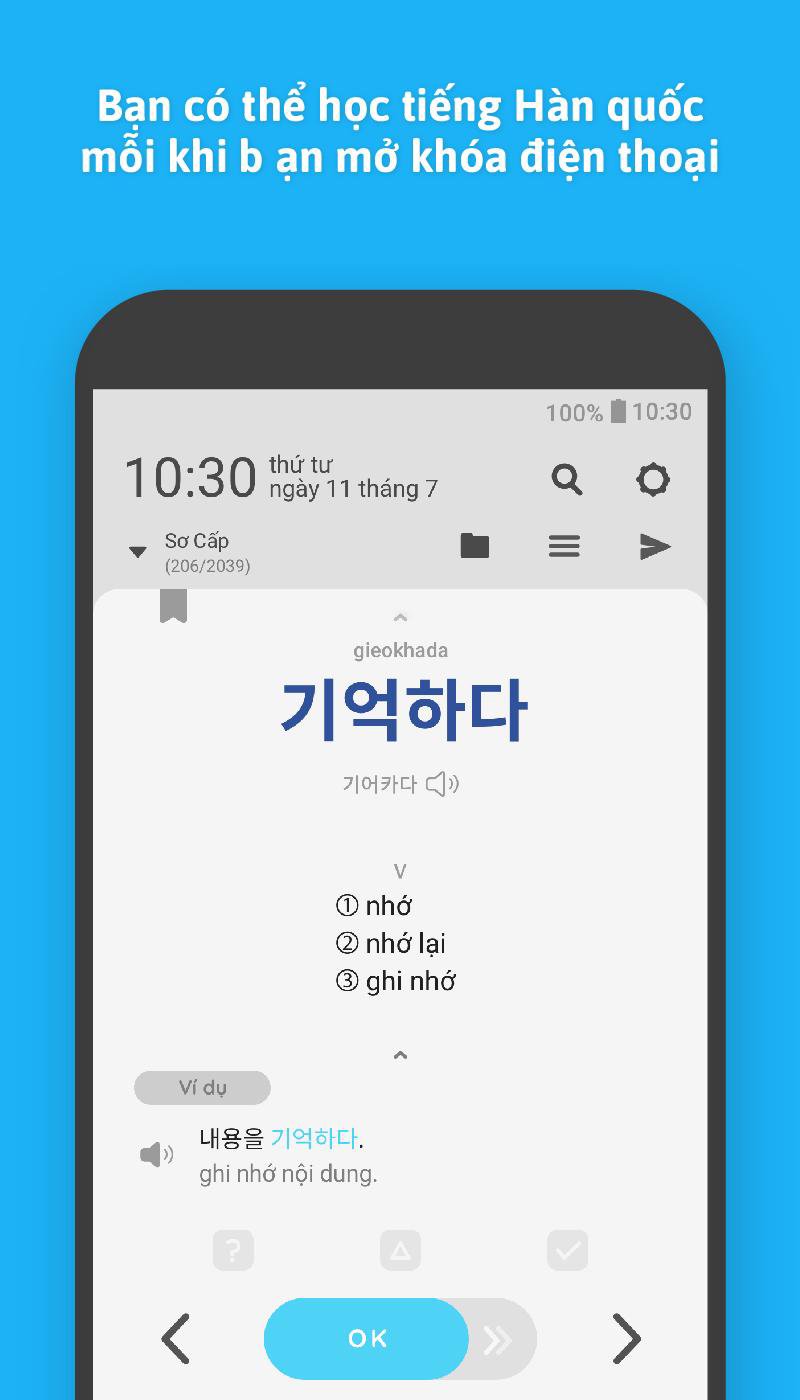
- 2. How to use the lock screen. After installing the app, the program that displays new words on the lock screen will be automatically installed. Every time you turn on the phone after you look at the word and press the OK button, the phone will be automatically unlocked
🌞[Function Introduction]
(1) After you download and start the app, the learning mode will be automatically activated. This app is designed to automatically learn English. So every time you turn on the phone, the app will be activated on the lock screen and help you learn English.
(2) If you want to temporarily disable the automatic learning function, you can go to the app's settings and adjust it yourself.
(3) With some phone operating systems (Huawei, Xiaomi, Oppo, etc.) the app may be automatically disabled. In this case, you can solve the problem by accessing your phone's settings and adjusting its settings (e.g. battery saving, power management). If you have any questions about how to use the app, please contact us. 👉👉👉 contact@wordbit.net
* Learn Korean (한국어 / Korean)
Learn Korean through daily habits!
Learn Korean from the lock screen!
預覽
標籤
教育訊息
開發商
WordBit
最新版本
1.7.2.9
更新時間
2026-02-27
類別
教育
同時可用
Google Play
更多
如何在電腦上用 GameLoop 玩 WordBit Hàn Quốc
1. 從官網下載GameLoop,然後運行exe文件安裝GameLoop
2. 打開GameLoop,搜索“WordBit Hàn Quốc”,在搜索結果中找到WordBit Hàn Quốc,點擊“安裝”
3. 享受在 GameLoop 上玩 WordBit Hàn Quốc 的樂趣
Minimum requirements
OS
Windows 8.1 64-bit or Windows 10 64-bit
GPU
GTX 1050
CPU
i3-8300
Memory
8GB RAM
Storage
1GB available space
Recommended requirements
OS
Windows 8.1 64-bit or Windows 10 64-bit
GPU
GTX 1050
CPU
i3-9320
Memory
16GB RAM
Storage
1GB available space