
VSmart Ebook Reader 電腦版
Vibal Group
用GameLoop模拟器在電腦上玩VSmart Ebook Reader
VSmart Ebook Reader 電腦版
來自發行商 Vibal Group 的 VSmart Ebook Reader 能夠在安卓系統上運行。
現在,您可以在電腦上使用 GameLoop 模擬器流暢地玩 VSmart Ebook Reader。
在 GameLoop 遊戲庫或搜索結果中下載。 不需要再暢玩遊戲時盯著電池電量或被令人懊惱的來電打斷。
只需在電腦大屏幕上免費下載暢玩VSmart Ebook Reader 電腦版!
VSmart Ebook Reader 簡介
V-Smart is an integrated learning management system for the mobile age, engineered by Filipinos. It has been developed in partnership with education experts to give teachers and school administrators all the tools they need to create a 21st-century digital classroom.
This app features an interactive e-textbook reader, gradebooks, social streams, a quiz creator, learning analytics tools, and gamified learning. When used in conjunction with the V-Smart School Server, it can connect devices even with low bandwidth or no internet access.
Students can:
• Read e-textbooks, measure lesson mastery performance, and win medals based on scores
• Answer quizzes deployed by the teacher in Test Guru
• Exchange ideas though Social Stream
• Be up to date with the latest school events and announcements through School Stream
Teachers can:
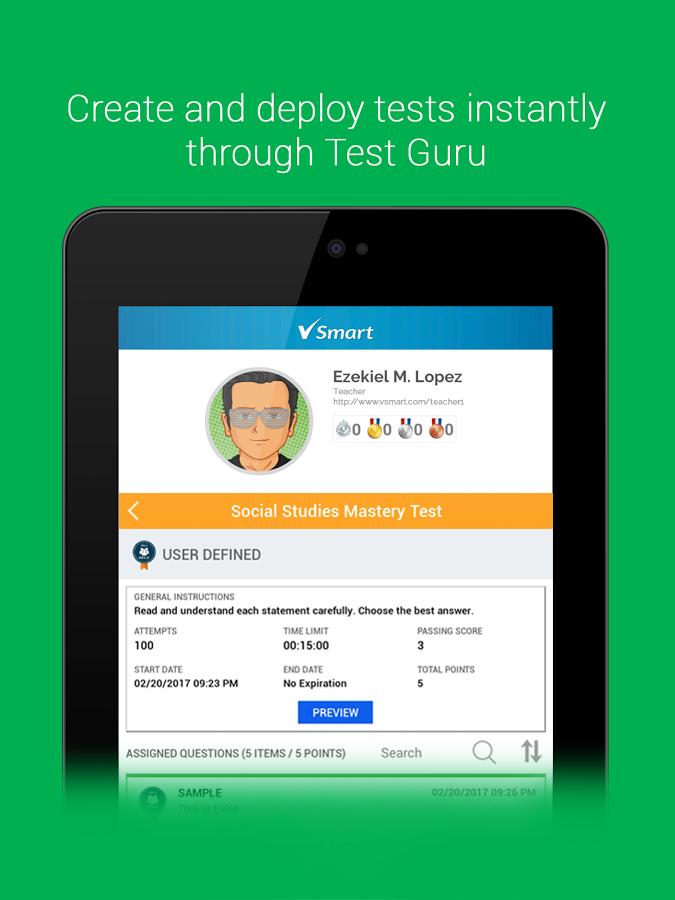
• Create and deploy tests instantly through Test Guru
• Record scores automatically in the Teacher's Gradebook
• Create their own lesson plan template
School admins can:
• Organize their school, classes, teachers, and students through the V-Smart Admin Panel
• Create their school's curriculum and map this to classes and teachers' lesson plans
• Be guided on the Philippine K to 12 Curriculum Standard through the Curriculum Guide
V-Smart also allows you to:
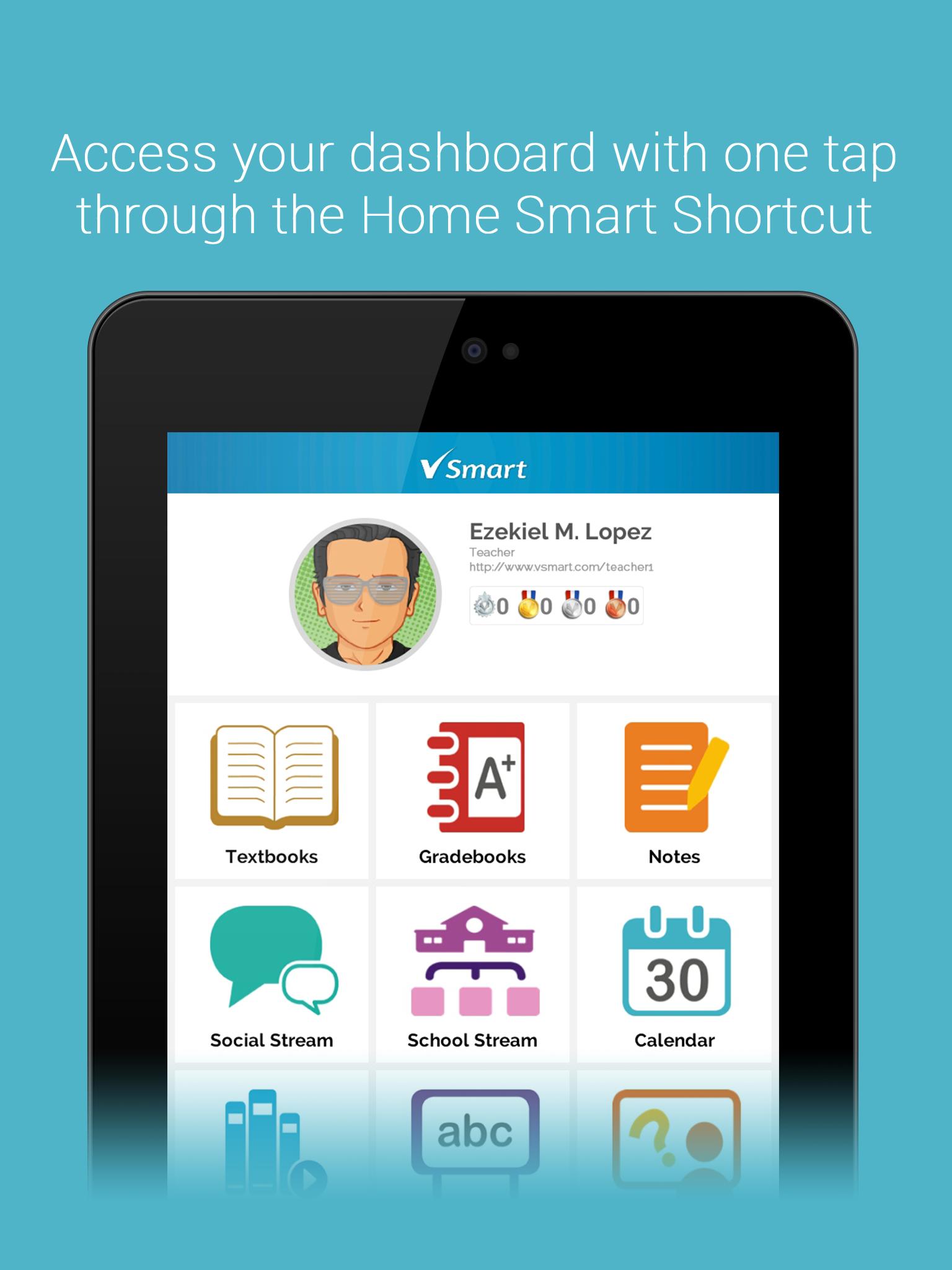
• Access your dashboard with one tap through the Home Smart Shortcut
• Instantly check your schedule with the Calendar Smart Shortcut
• Check out profiles through the People Smart Shortcut
• Record all important events in your own personalized Calendar
• Create and classify notes through Notes module
• Jot down ideas instantly with the Idea Pad
• Report issues through the Vibal Support site
• Download pre-purchased interactive e-textbooks via the V-Smart Storefront
預覽
標籤
教育訊息
開發商
Vibal Group
最新版本
4.2.0
更新時間
2020-10-22
類別
教育
同時可用
Google Play
更多
如何在電腦上用 GameLoop 玩 VSmart Ebook Reader
1. 從官網下載GameLoop,然後運行exe文件安裝GameLoop
2. 打開GameLoop,搜索“VSmart Ebook Reader”,在搜索結果中找到VSmart Ebook Reader,點擊“安裝”
3. 享受在 GameLoop 上玩 VSmart Ebook Reader 的樂趣
Minimum requirements
OS
Windows 8.1 64-bit or Windows 10 64-bit
GPU
GTX 1050
CPU
i3-8300
Memory
8GB RAM
Storage
1GB available space
Recommended requirements
OS
Windows 8.1 64-bit or Windows 10 64-bit
GPU
GTX 1050
CPU
i3-9320
Memory
16GB RAM
Storage
1GB available space