
TTRS Reporting 電腦版
Touch-type Read and Spell (TTRS)
用GameLoop模拟器在電腦上玩TTRS Reporting
TTRS Reporting 電腦版
來自發行商 Touch-type Read and Spell (TTRS) 的 TTRS Reporting 能夠在安卓系統上運行。
現在,您可以在電腦上使用 GameLoop 模擬器流暢地玩 TTRS Reporting。
在 GameLoop 遊戲庫或搜索結果中下載。 不需要再暢玩遊戲時盯著電池電量或被令人懊惱的來電打斷。
只需在電腦大屏幕上免費下載暢玩TTRS Reporting 電腦版!
TTRS Reporting 簡介
What is the TTRS Reporting app?
TTRS Reporting is a free app for which compliments your Online Subscription to Touch-type Read and Spell.
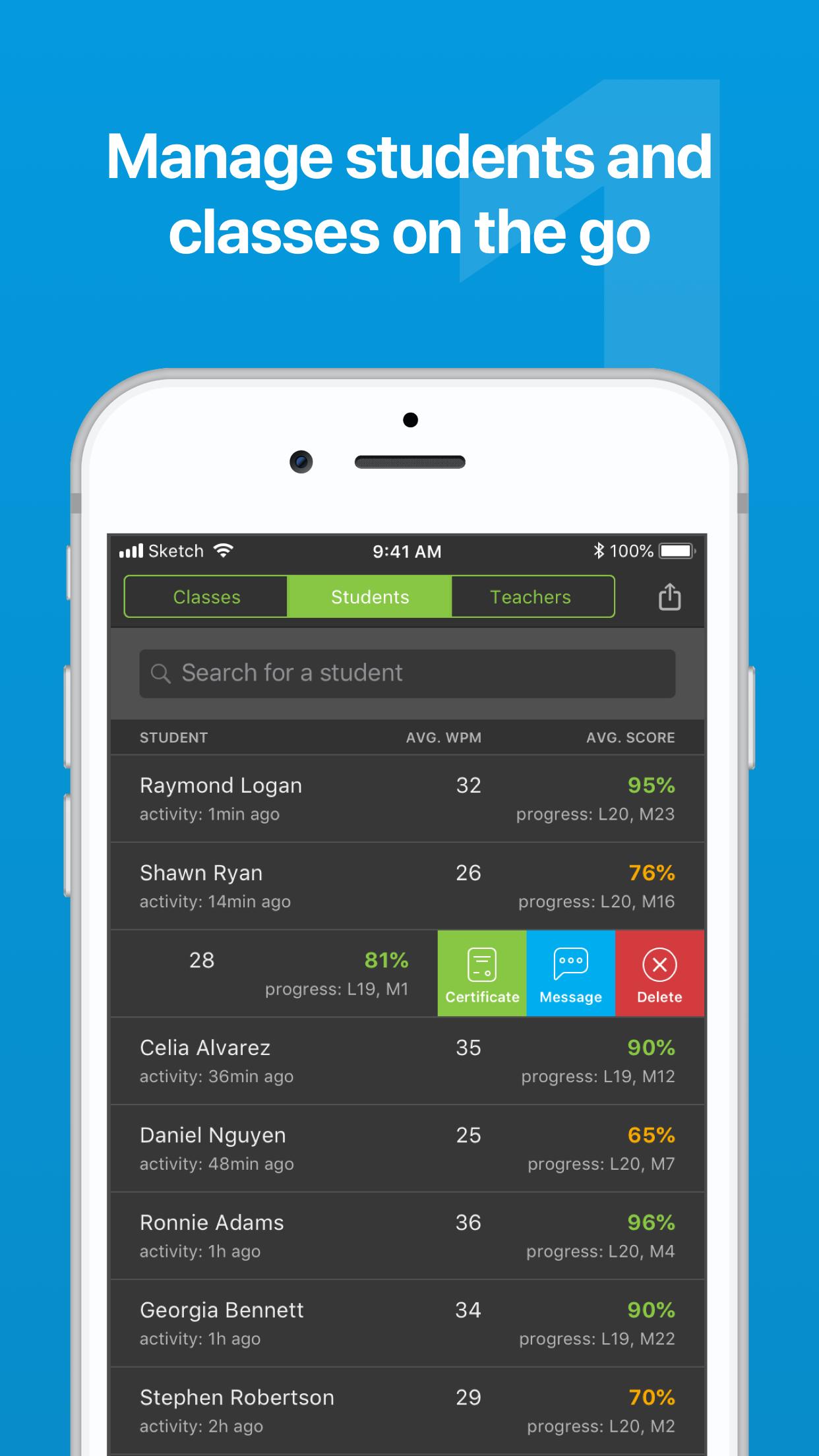
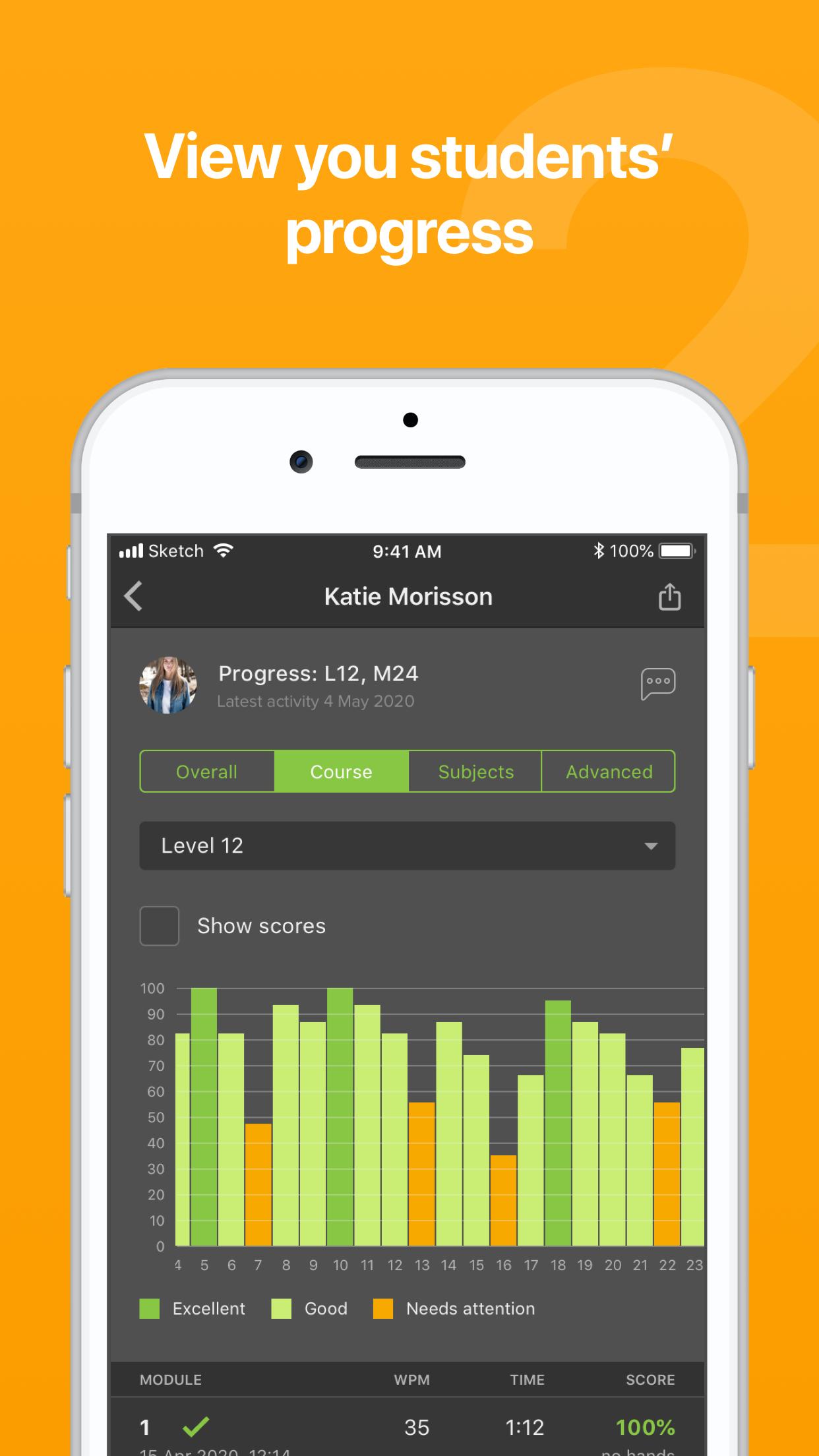
Save time with quick actions - view student progress, send messages, manage classes and email certificates
Receive notifications (coming soon) - Turn on specific alerts that matter to you - including when a student receives a trophy or a 100% in a module
Priority support - Send a message to our team through the app - and when we respond, you will be notified instantly on your phone
You only need to log in to the app once, so all of these actions are available from a few taps.
Can I use the TTRS course on the app?
TTRS Reporting is designed for parents, teachers and tutors as a reporting tool to view student progress at a glance and perform quick actions. To access the course, log in using a computer or iPad.
預覽
標籤
教育訊息
開發商
Touch-type Read and Spell (TTRS)
最新版本
1.1.19
更新時間
2023-07-06
類別
教育
同時可用
Google Play
更多
如何在電腦上用 GameLoop 玩 TTRS Reporting
1. 從官網下載GameLoop,然後運行exe文件安裝GameLoop
2. 打開GameLoop,搜索“TTRS Reporting”,在搜索結果中找到TTRS Reporting,點擊“安裝”
3. 享受在 GameLoop 上玩 TTRS Reporting 的樂趣
Minimum requirements
OS
Windows 8.1 64-bit or Windows 10 64-bit
GPU
GTX 1050
CPU
i3-8300
Memory
8GB RAM
Storage
1GB available space
Recommended requirements
OS
Windows 8.1 64-bit or Windows 10 64-bit
GPU
GTX 1050
CPU
i3-9320
Memory
16GB RAM
Storage
1GB available space