
Bnext Genz : Building next Gen 電腦版
Education Pen Media
用GameLoop模拟器在電腦上玩Bnext Genz : Building next Gen
Bnext Genz : Building next Gen 電腦版
來自發行商 Education Pen Media 的 Bnext Genz : Building next Gen 能夠在安卓系統上運行。
現在,您可以在電腦上使用 GameLoop 模擬器流暢地玩 Bnext Genz : Building next Gen。
在 GameLoop 遊戲庫或搜索結果中下載。 不需要再暢玩遊戲時盯著電池電量或被令人懊惱的來電打斷。
只需在電腦大屏幕上免費下載暢玩Bnext Genz : Building next Gen 電腦版!
Bnext Genz : Building next Gen 簡介
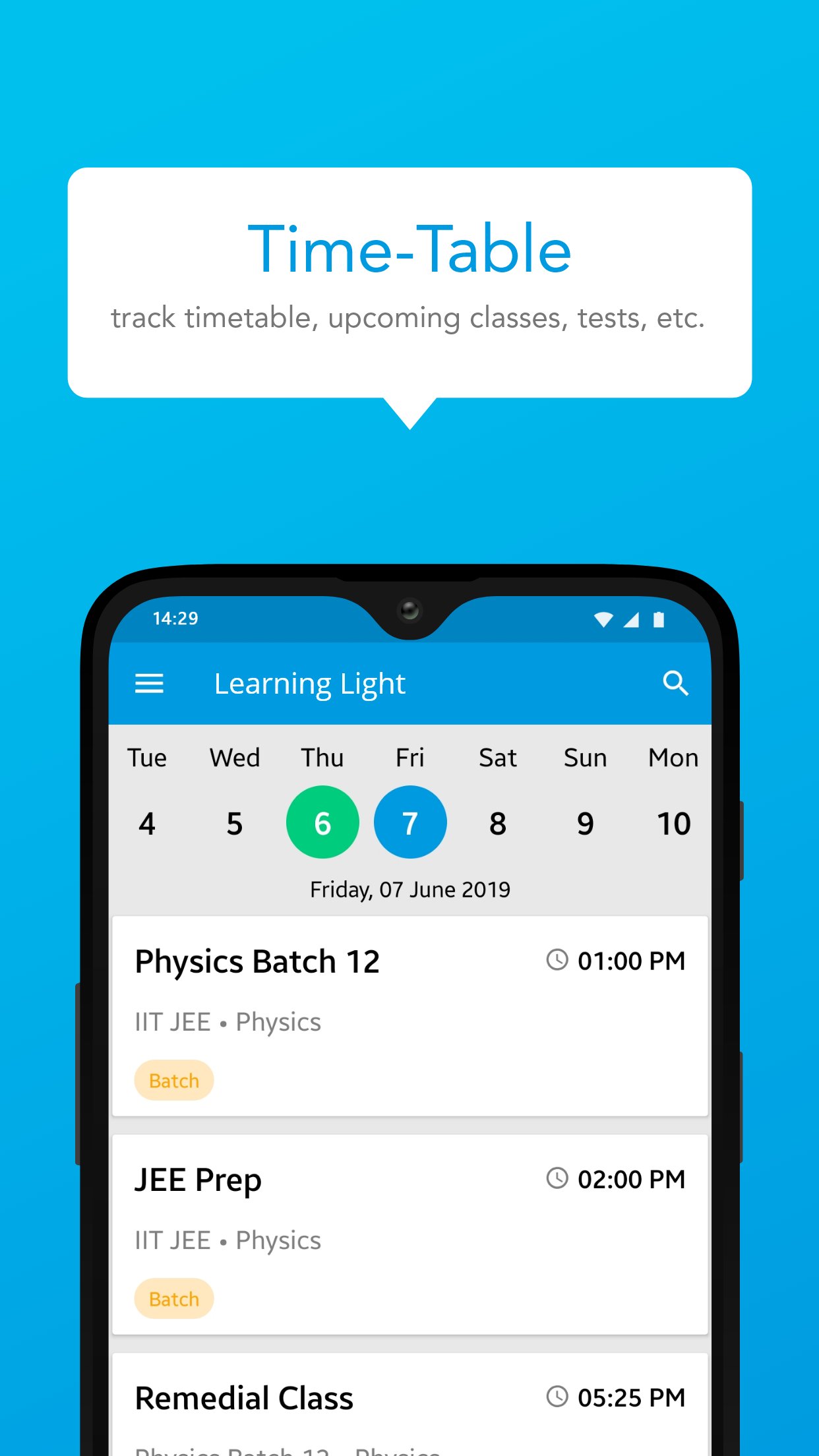
Bnext Genz: Building Next Gen is a dynamic learning platform crafted to empower students with the skills and knowledge they need to thrive in today’s fast-paced academic environment. The app offers a blend of structured learning content, interactive practice tools, and performance insights — all in one easy-to-use platform.
Designed to make learning efficient and enjoyable, Bnext Genz supports learners at various stages with expertly developed materials and self-paced progress tracking.
Key Features:
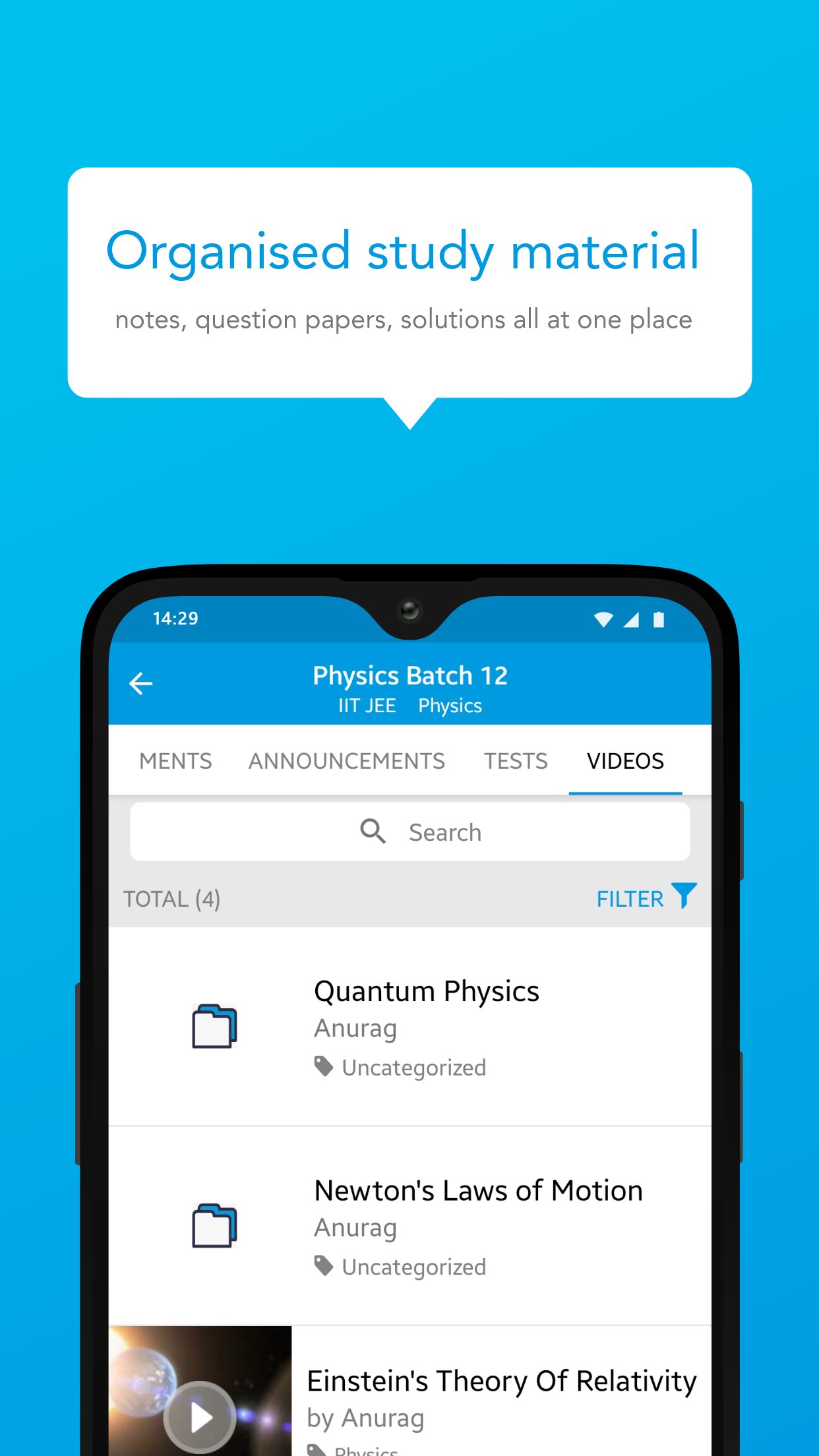
Concept-based video lessons and tutorials
Well-organized notes and reference materials
Interactive quizzes to reinforce learning
Personalized dashboards to monitor performance
Seamless learning experience across subjects and levels
Whether you're building foundational knowledge or aiming to enhance your skills, Bnext Genz helps you move forward with confidence and clarity.
預覽
標籤
教育訊息
開發商
Education Pen Media
最新版本
1.16.1.1
更新時間
2026-07-24
類別
教育
同時可用
Google Play
更多
如何在電腦上用 GameLoop 玩 Bnext Genz : Building next Gen
1. 從官網下載GameLoop,然後運行exe文件安裝GameLoop
2. 打開GameLoop,搜索“Bnext Genz : Building next Gen”,在搜索結果中找到Bnext Genz : Building next Gen,點擊“安裝”
3. 享受在 GameLoop 上玩 Bnext Genz : Building next Gen 的樂趣
Minimum requirements
OS
Windows 8.1 64-bit or Windows 10 64-bit
GPU
GTX 1050
CPU
i3-8300
Memory
8GB RAM
Storage
1GB available space
Recommended requirements
OS
Windows 8.1 64-bit or Windows 10 64-bit
GPU
GTX 1050
CPU
i3-9320
Memory
16GB RAM
Storage
1GB available space