Shapes and Colors 電腦版
Genius Games
用GameLoop模拟器在電腦上玩Shapes and Colors
Shapes and Colors 電腦版
來自發行商 Genius Games 的 Shapes and Colors 能夠在安卓系統上運行。
現在,您可以在電腦上使用 GameLoop 模擬器流暢地玩 Shapes and Colors。
在 GameLoop 遊戲庫或搜索結果中下載。 不需要再暢玩遊戲時盯著電池電量或被令人懊惱的來電打斷。
只需在電腦大屏幕上免費下載暢玩Shapes and Colors 電腦版!
Shapes and Colors 簡介
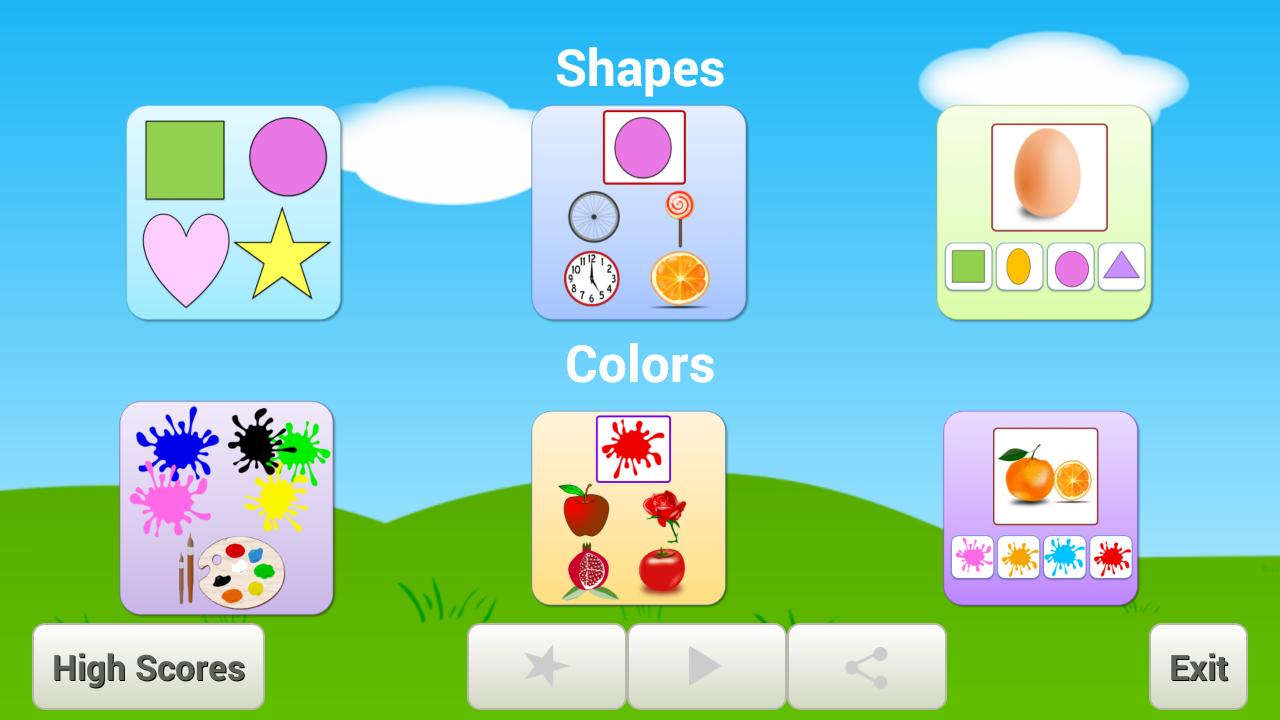
-App for kids to learn Shapes and Colors combined.
-Fun to learn Shapes & Color with audio.
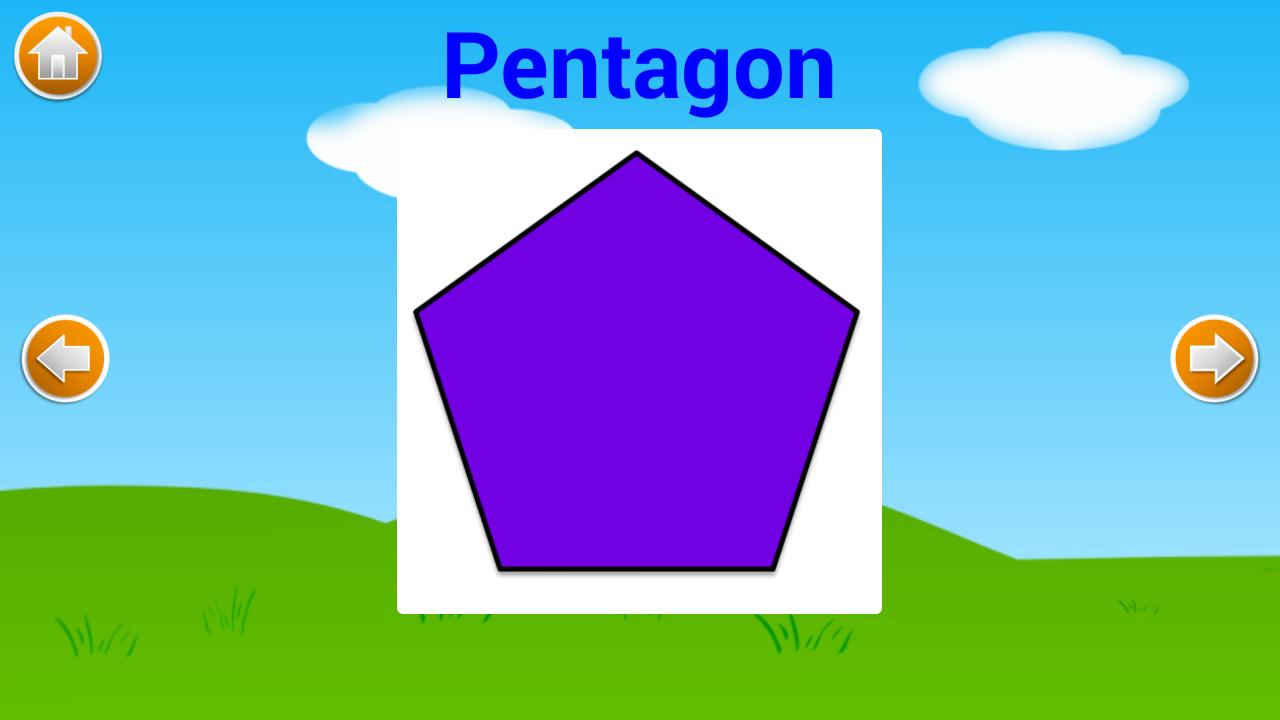
-Added shapes with good graphics and sound.
-Both 2D and 3D shapes are added with example.
-Helpful to understand colors.
Shapes Objects:
-Shown objects images for each shapes.
-Objects sounds are added for it.
Things with Color:
-Different items are displayed with their color.
-Individual color shown with their things and its name.
Games:
As to check their knowledge about shapes and color.
-Finding shape and color for shown objects.
-Question is provided with four options.
-For Correct answer, it pronounce sound and add to score.
Score:
-List the scores achieved by date played and top 10 scores.
預覽
標籤
教育訊息
開發商
Genius Games
最新版本
3.0
更新時間
2019-11-22
類別
教育
同時可用
Google Play
更多
如何在電腦上用 GameLoop 玩 Shapes and Colors
1. 從官網下載GameLoop,然後運行exe文件安裝GameLoop
2. 打開GameLoop,搜索“Shapes and Colors”,在搜索結果中找到Shapes and Colors,點擊“安裝”
3. 享受在 GameLoop 上玩 Shapes and Colors 的樂趣
Minimum requirements
OS
Windows 8.1 64-bit or Windows 10 64-bit
GPU
GTX 1050
CPU
i3-8300
Memory
8GB RAM
Storage
1GB available space
Recommended requirements
OS
Windows 8.1 64-bit or Windows 10 64-bit
GPU
GTX 1050
CPU
i3-9320
Memory
16GB RAM
Storage
1GB available space