
Rune writer 2 電腦版
PB Softworks
用GameLoop模拟器在電腦上玩Rune writer 2
Rune writer 2 電腦版
來自發行商 PB Softworks 的 Rune writer 2 能夠在安卓系統上運行。
現在,您可以在電腦上使用 GameLoop 模擬器流暢地玩 Rune writer 2。
在 GameLoop 遊戲庫或搜索結果中下載。 不需要再暢玩遊戲時盯著電池電量或被令人懊惱的來電打斷。
只需在電腦大屏幕上免費下載暢玩Rune writer 2 電腦版!
Rune writer 2 簡介
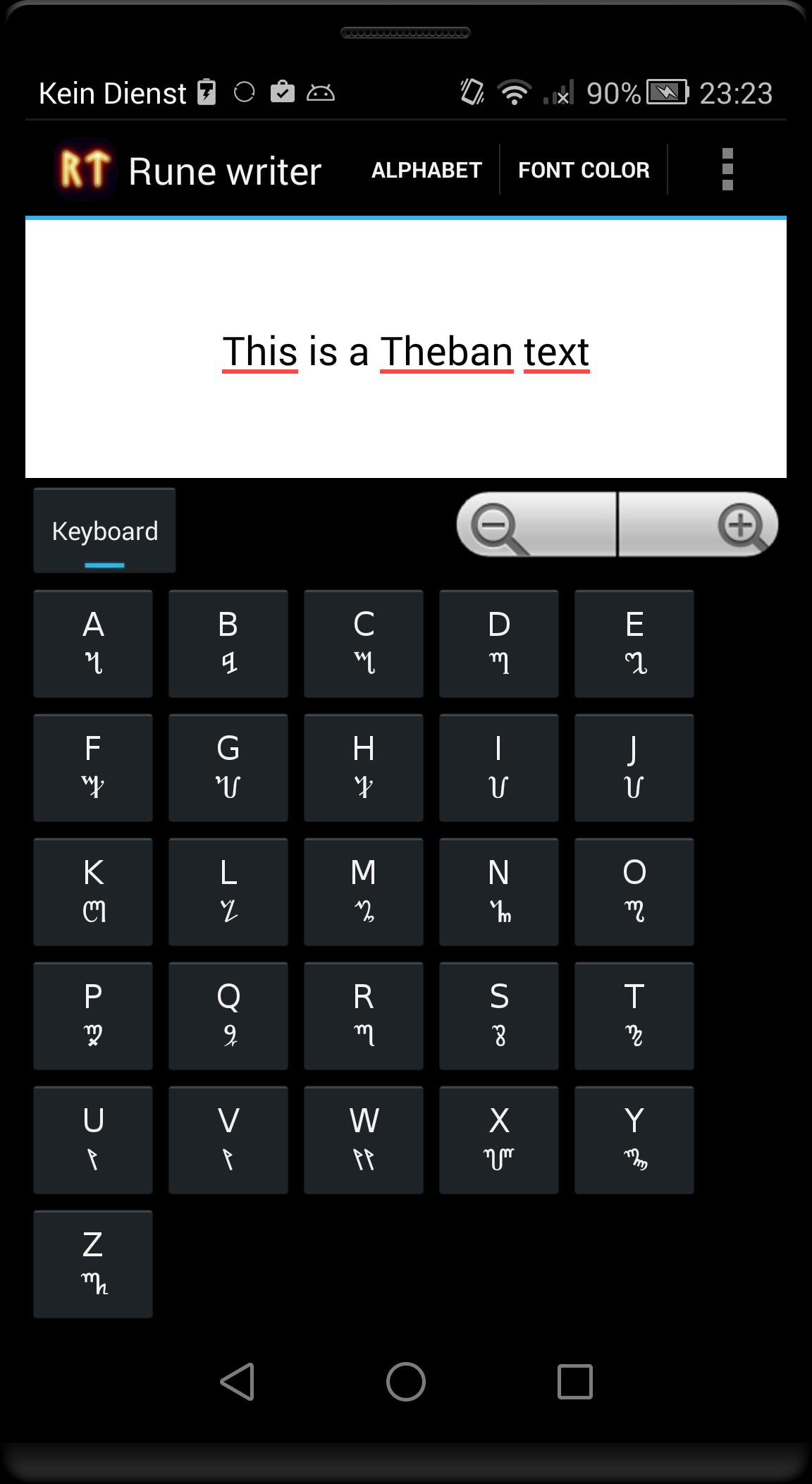
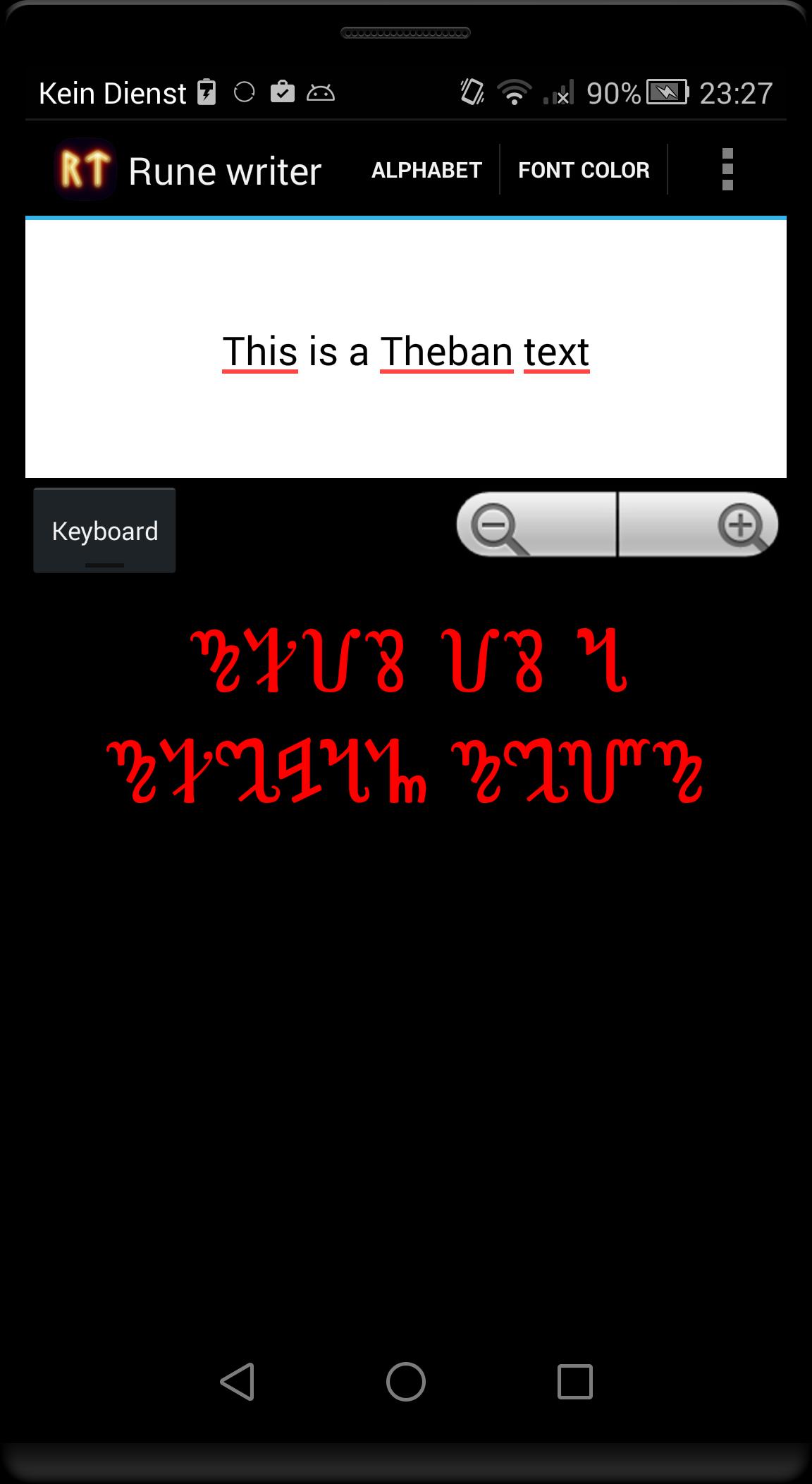
This program translates Latin letters in some ancient or fictional alphabets. Write and post runic messages as pictures directly on Facebook or Google+ or use the pictures as your logo or background for your home screen.
Alphabets included in the free version
- Elder Futhark Proto-Norse runes (1th–9th centuries AD).
- Gothic alphabet (4th–7th centuries AD).
In the full version these alphabets are available:
- Elder Futhark Proto-Norse runes (1th–9th centuries AD).
- Theban Witches' alphabet used in modern Wicca (from 16th century).
- Danish younger Futhark runes from viking age (9th-10th centuries AD).
- Swedish-Norwegian Rök runes from viking age (9th-10th centuries AD).
- Anglo-Saxon runes (4th–10th centuries AD).
- Medieval runes (1100-1500 AD).
- Aryan Armanic runes.
- Old Turkic script: also known as Göktürk script, Orkhon script, Orhun Yazıtları (8th-10th centuries AD).
- Gothic alphabet (4th–7th centuries AD).
- Celtic Ogham alphabet (4th–10th centuries AD).
- Klingon pIqaD (fictional from 'Star Trek').
- Etruscan alphabet (8th–1st centuries BC).
- Ugaritic cuneiform (from around 1400 BCE).
- Phoenician alphabet (from 1050 BCE).
- Slavic Glagolitic alphabet (from 863 AD)
Translated text can be exported as PNG image.
You can change the background color and font color and size.
Output text is UTF encoded. Please note that not all programs can display the translated text copied from 'Rune Writer', because not all apps have the needed fonts installed. You see then only question marks or empty squares.
Not all Latin characters can be translated directly into ancient alphabets, as appropriate characters are missing (eg all or some vowels in Ugaritic cuneiform and Phoenician alphabet). If you see a not translated characters, then it is no error - the target alphabet is missing the required letter.
Let me know if you needed some other translations or features.
預覽
標籤
教育訊息
開發商
PB Softworks
最新版本
3.1
更新時間
2015-09-19
類別
教育
同時可用
Google Play
更多
如何在電腦上用 GameLoop 玩 Rune writer 2
1. 從官網下載GameLoop,然後運行exe文件安裝GameLoop
2. 打開GameLoop,搜索“Rune writer 2”,在搜索結果中找到Rune writer 2,點擊“安裝”
3. 享受在 GameLoop 上玩 Rune writer 2 的樂趣
Minimum requirements
OS
Windows 8.1 64-bit or Windows 10 64-bit
GPU
GTX 1050
CPU
i3-8300
Memory
8GB RAM
Storage
1GB available space
Recommended requirements
OS
Windows 8.1 64-bit or Windows 10 64-bit
GPU
GTX 1050
CPU
i3-9320
Memory
16GB RAM
Storage
1GB available space