Preschool kids : Number & Math 電腦版
Genius Games
用GameLoop模拟器在電腦上玩Preschool kids : Number & Math
Preschool kids : Number & Math 電腦版
來自發行商 Genius Games 的 Preschool kids : Number & Math 能夠在安卓系統上運行。
現在,您可以在電腦上使用 GameLoop 模擬器流暢地玩 Preschool kids : Number & Math。
在 GameLoop 遊戲庫或搜索結果中下載。 不需要再暢玩遊戲時盯著電池電量或被令人懊惱的來電打斷。
只需在電腦大屏幕上免費下載暢玩Preschool kids : Number & Math 電腦版!
Preschool kids : Number & Math 簡介
Counting Numbers:
Learn Numbers with graphic images. Pictures are shown with objects for counting.
Exercise with Addition and Subtraction:
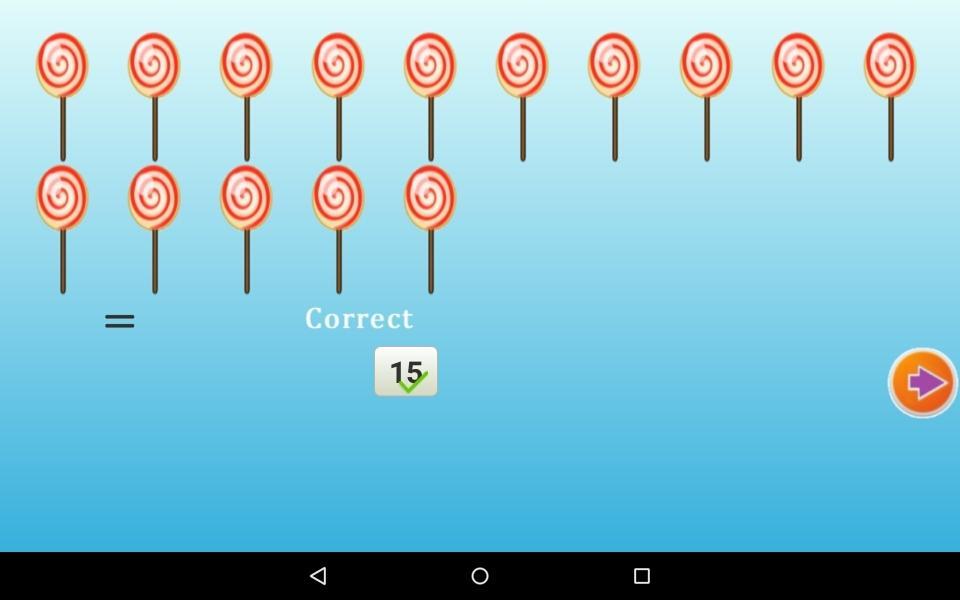
-There is simple addition and subtraction of picture images. Find the number of images, if plus(+) sign make addition,For minus(-) sign make subtraction. Add number in place ? mark,and click on 'Check' for answer. For correct answer it show 'Correct', if answer is wrong, it show 'Wrong'. Re-enter answer and again click on check.After correct answer 'Next Arrow' appears, click on next for next exercise.
Activities with numbers:
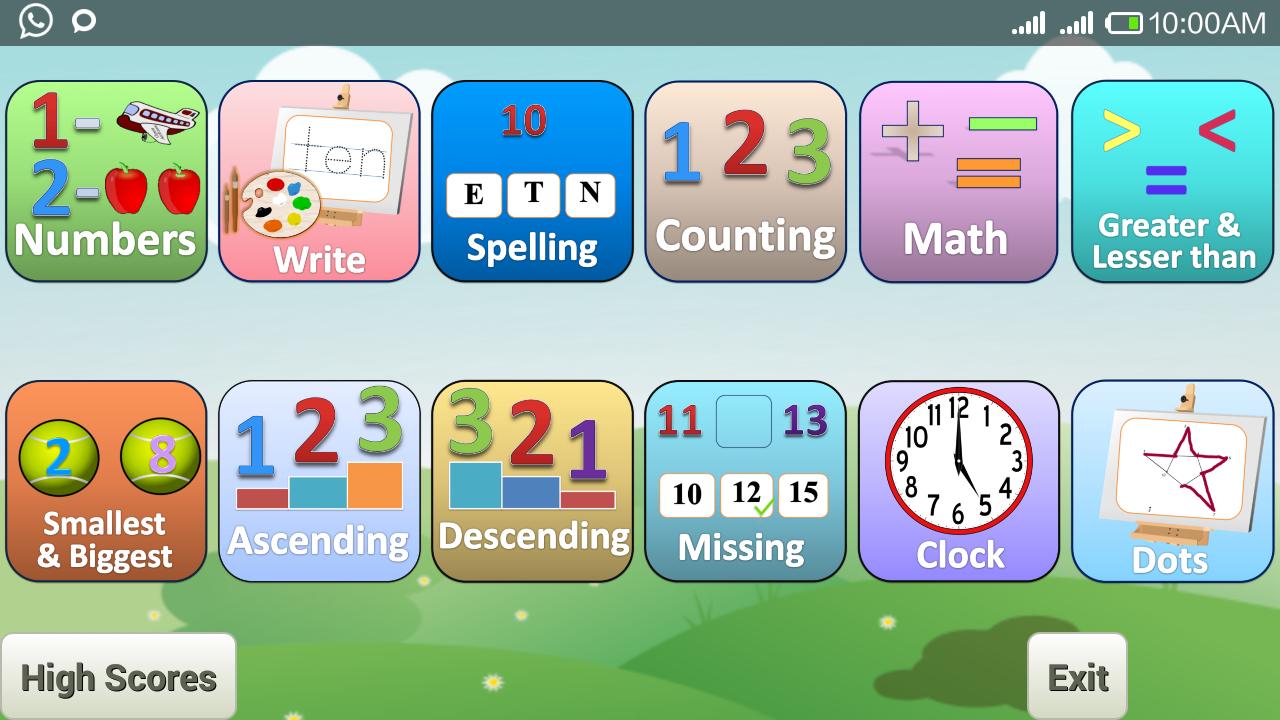
Additional activates added are ascending, descending, finding missing, greater, lesser, smallest and biggest. Clock learning also within it.
預覽
標籤
教育訊息
開發商
Genius Games
最新版本
3.0.3
更新時間
2019-12-02
類別
教育
同時可用
Google Play
更多
如何在電腦上用 GameLoop 玩 Preschool kids : Number & Math
1. 從官網下載GameLoop,然後運行exe文件安裝GameLoop
2. 打開GameLoop,搜索“Preschool kids : Number & Math”,在搜索結果中找到Preschool kids : Number & Math,點擊“安裝”
3. 享受在 GameLoop 上玩 Preschool kids : Number & Math 的樂趣
Minimum requirements
OS
Windows 8.1 64-bit or Windows 10 64-bit
GPU
GTX 1050
CPU
i3-8300
Memory
8GB RAM
Storage
1GB available space
Recommended requirements
OS
Windows 8.1 64-bit or Windows 10 64-bit
GPU
GTX 1050
CPU
i3-9320
Memory
16GB RAM
Storage
1GB available space