
php Code Play: Learn PHP 電腦版
Code Play
用GameLoop模拟器在電腦上玩php Code Play: Learn PHP
php Code Play: Learn PHP 電腦版
來自發行商 Code Play 的 php Code Play: Learn PHP 能夠在安卓系統上運行。
現在,您可以在電腦上使用 GameLoop 模擬器流暢地玩 php Code Play: Learn PHP。
在 GameLoop 遊戲庫或搜索結果中下載。 不需要再暢玩遊戲時盯著電池電量或被令人懊惱的來電打斷。
只需在電腦大屏幕上免費下載暢玩php Code Play: Learn PHP 電腦版!
php Code Play: Learn PHP 簡介
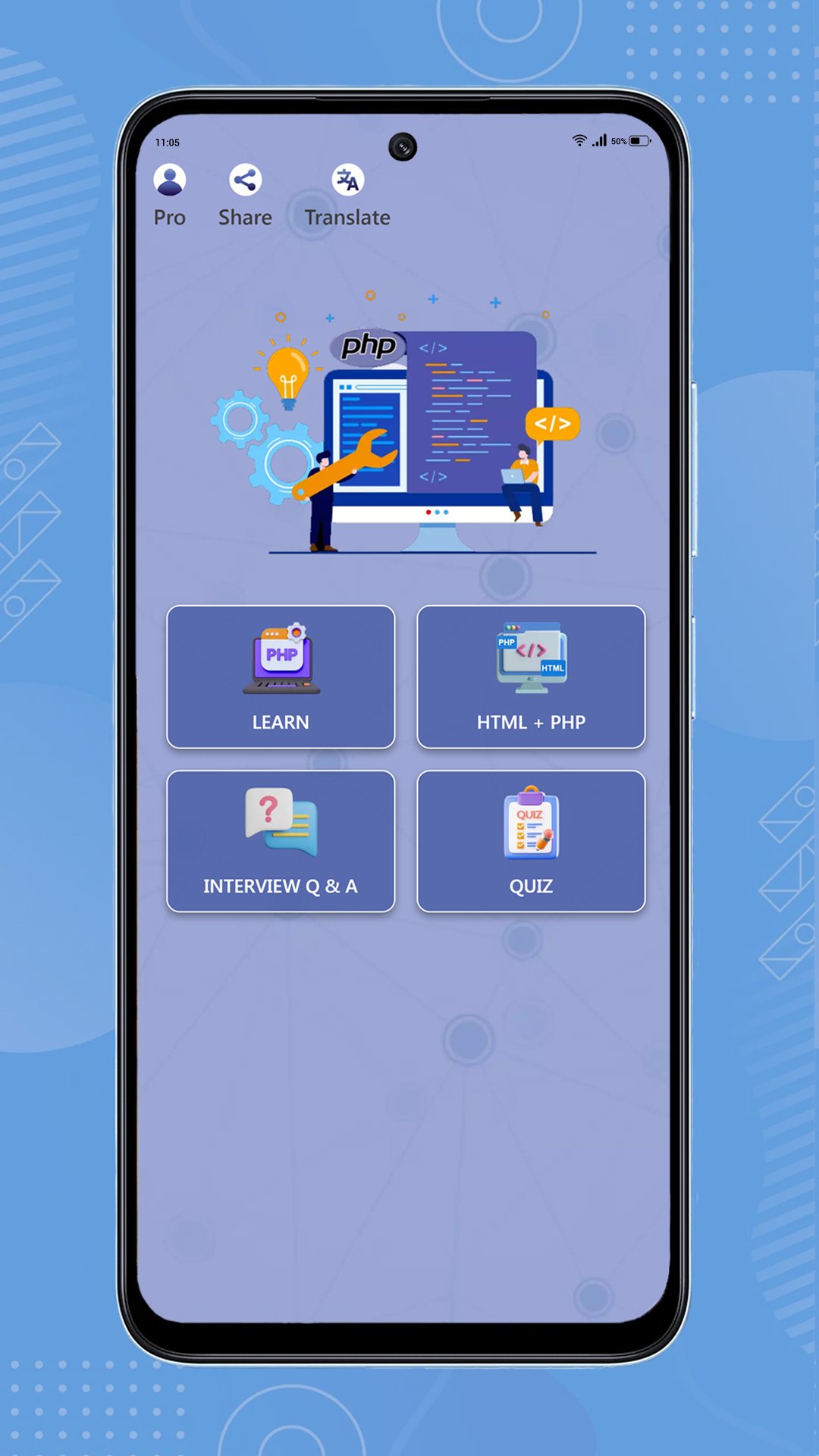
Build practical PHP skills in a focused learning studio for beginners and developing web programmers. Read guided lessons, practice code in the workspace, and track the progress that keeps you moving.
Learn and practice
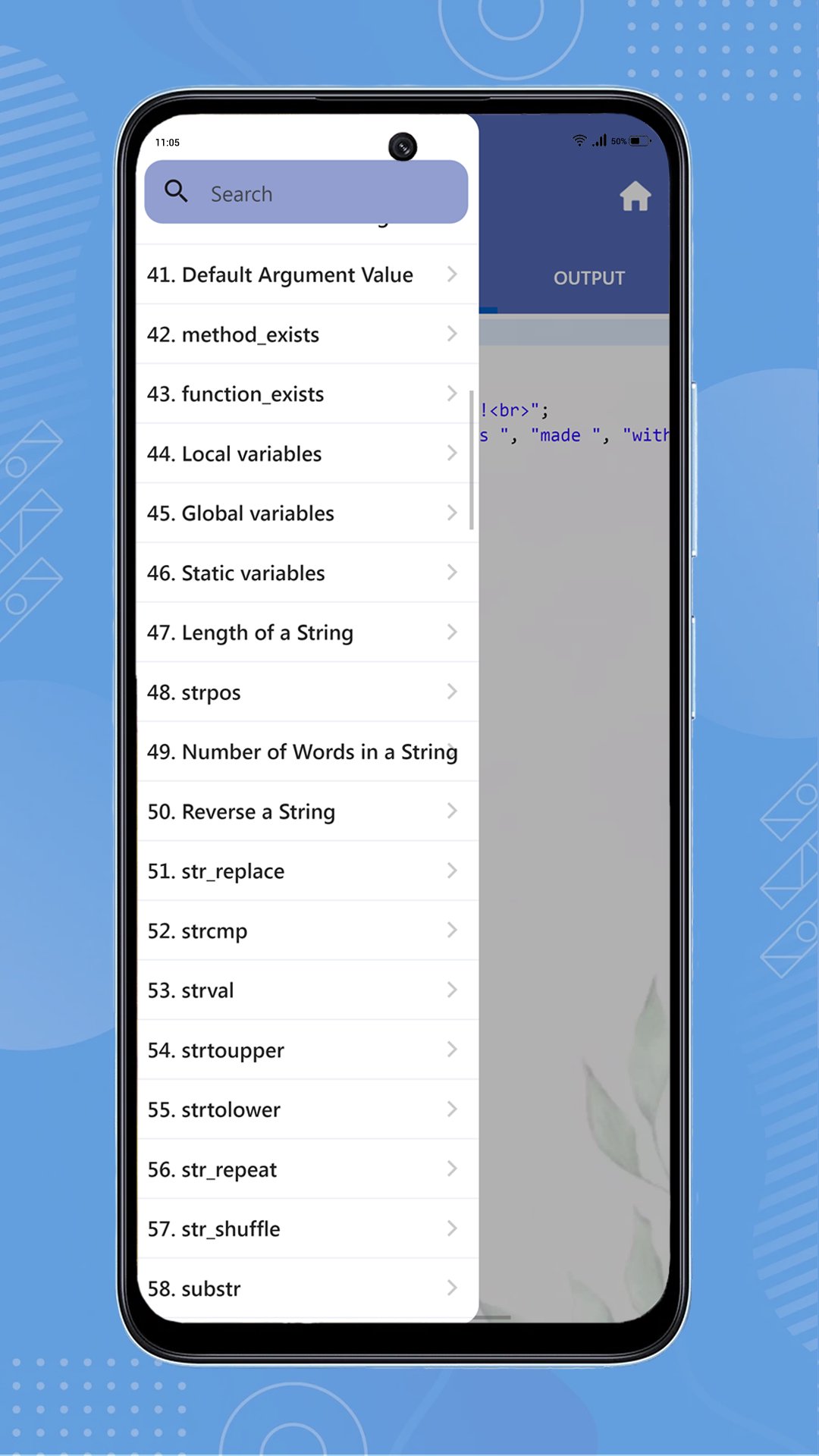
• Follow structured PHP lessons covering syntax, arrays, strings, functions, object-oriented programming, core utilities, and more.
• Write and run supported PHP examples in the in-app PHP 8.4 workspace.
• Use the HTML + PHP workbench to explore examples, edit code, preview results, and work with project files.
• Reset examples, find text, go to a line, and continue from your last workspace activity.
Prepare for real goals
• Browse PHP interview questions by topic and save questions for review.
• Run an interview mock session and review your results.
• Test your knowledge with PHP quizzes and certificate flows.
• Build guided PHP projects one step at a time, with beginner and intermediate paths.
Make practice consistent
• Complete a daily PHP challenge and revisit mistakes with Smart Review.
• Set a daily practice goal, view streaks, see activity across the last 30 days, and review lesson, quiz, project, and interview progress.
• Schedule learning reminders to return at a time that suits you.
You can also choose light, dark, or system themes, select the app language, share the app, and ask the online PHP Assistant for help with PHP questions. Remove passwords, API keys, and private data before sending questions.
Whether you are starting with PHP syntax, strengthening fundamentals, practicing code, or preparing for an interview, php Code Play gives you a clear place to learn by doing.
預覽
標籤
教育訊息
開發商
Code Play
最新版本
4.0
更新時間
Yesterday
類別
教育
同時可用
Google Play
更多
如何在電腦上用 GameLoop 玩 php Code Play: Learn PHP
1. 從官網下載GameLoop,然後運行exe文件安裝GameLoop
2. 打開GameLoop,搜索“php Code Play: Learn PHP”,在搜索結果中找到php Code Play: Learn PHP,點擊“安裝”
3. 享受在 GameLoop 上玩 php Code Play: Learn PHP 的樂趣
Minimum requirements
OS
Windows 8.1 64-bit or Windows 10 64-bit
GPU
GTX 1050
CPU
i3-8300
Memory
8GB RAM
Storage
1GB available space
Recommended requirements
OS
Windows 8.1 64-bit or Windows 10 64-bit
GPU
GTX 1050
CPU
i3-9320
Memory
16GB RAM
Storage
1GB available space